E-signature software for regulated industries has to prove two things: that a person meant to sign, and that the record they signed is the record your systems still hold. In healthcare, financial services, and insurance, that means checking what the signature protects, where the evidence lives, who holds the keys, and how an auditor verifies it later.
You capture a patient consent, a loan approval, or a policyholder disclosure inside your application. Then the signing step leaves. The data goes to a signing service, comes back as a PDF, and the PDF sits next to the record that drives billing, underwriting, or claims.
Months later someone asks a simple question: is this the decision the person signed? The answer depends on whether anything ties the signature to the data, and whether you can show that tie without asking a vendor.
The stakes are real. IBM’s 2025 Cost of a Data Breach Report found that healthcare breaches averaged $7.42 million, the most expensive of any industry, against a global average of $4.44 million. Every copy of sensitive data you send somewhere else to get signed is one more place to protect.
What is e-signature software?
E-signature software captures a person’s intent to sign an electronic record and keeps the evidence that they did. Most products also route documents to signers, authenticate them, and store an audit trail.
That covers a wide range of tools. Some send a PDF in an envelope. Some embed a signing step in your app through an API. Some sign the structured data itself with cryptographic keys. The legal concept is the same across all three. If you want the technical distinction between a legal e-signature and a cryptographic one, see digital signature vs electronic signature.
For regulated teams, the useful question is narrower: when a regulator or a court asks what was signed, which system answers?
What do regulations expect a signature to prove?
Regulations expect a signature to stay linked to the exact record it approved, for as long as you have to keep that record. The wording differs by regime, but the pattern repeats.
FDA’s electronic records rule says signatures “shall be linked to their respective electronic records to ensure that the signatures cannot be excised, copied, or otherwise transferred to falsify an electronic record by ordinary means” (21 CFR §11.70).
The federal ESIGN Act says a retained electronic record must accurately reflect the information in the contract or record and stay “capable of being accurately reproduced for later reference” (15 U.S.C. §7001). For a field-by-field view of what a signing workflow has to capture under ESIGN, see ESIGN Act requirements for signing workflows.
Read together, the rules ask for a signature that travels with the decision and can be checked against it years later.
Patient consent in healthcare
A HIPAA authorization needs the “signature of the individual and date” as a core element, and the covered entity “must document and retain any signed authorization” (45 CFR §164.508). The retention rule sets that at six years from creation or the date it was last in effect, whichever is later.
Patient consent rarely stands alone. It sits beside intake answers, disclosures, and the specific uses the patient agreed to. If the consent is a PDF and the uses live in your database, those two can drift. Teams building intake on Form.io can read more in HIPAA form builder evaluation for healthcare SaaS.
Policyholder consent in insurance
ESIGN applies directly to insurance: “It is the specific intent of the Congress that this subchapter and subchapter II apply to the business of insurance.” When a disclosure must be given in writing, delivering it electronically requires that the consumer “has affirmatively consented” (15 U.S.C. §7001(c), the same ESIGN section cited above).
So a policyholder’s consent to electronic delivery is itself a record you have to keep and prove. It belongs with the policy application, the disclosures shown, and the answers given. Carriers that run claims and applications through forms can see the wider workflow in claims management software for insurance carriers.
Approvals and disclosures in financial services
Loan terms, underwriting decisions, account-opening attestations, and internal sign-offs all carry a signature. Examiners care about what was approved, by whom, and whether the terms changed afterward. A signature that only proves a PDF was sealed leaves the second half of that question to your database logs. For onboarding flows, see KYC onboarding software for financial services.
Three ways to deploy e-signature software
Most products fall into one of three architectures, and the choice decides where your proof lives. Each one is a reasonable answer for some workflows.
PDF envelope service. You send a document to a hosted service. Signers sign there, and you get back a sealed PDF plus a certificate of completion. These services are mature, with strong signer experience, templates, identity options, and wide integrations.
Embedded signing API. Your application calls a hosted signing API, so the signer stays in your product. The evidence still lives with the provider, and the signed artifact is usually still a document.
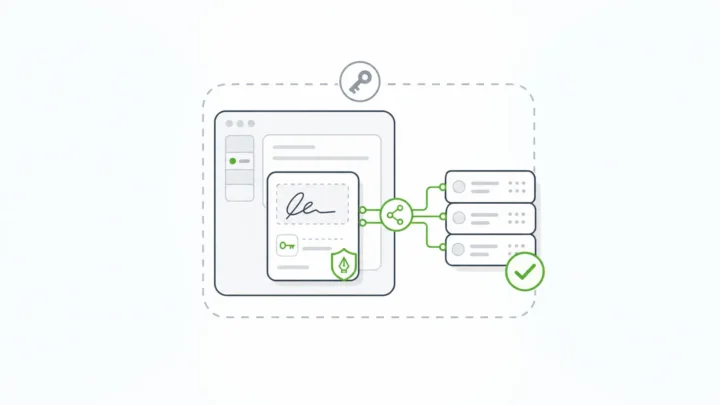
Data-bound signing in your own environment. The signature covers the structured submission data and its context, and verification runs inside your deployment. The signed record is the record your application already uses.
| Criteria | PDF envelope service | Embedded signing API | Data-bound signing in your environment |
|---|---|---|---|
| What the signature protects | A rendered document | Usually a rendered document | Selected fields, the whole submission, or submission properties |
| Where signed data travels | To the provider | To the provider | Stays in your deployment |
| Where the evidence lives | Provider account plus a PDF | Provider account plus a PDF | Your database, next to the record |
| Who holds the signing keys | The provider | The provider | You |
| How you verify later | Provider portal or the sealed PDF | Provider API or the sealed PDF | Your own APIs, by record ID |
| What happens if data changes after signing | The PDF stays sealed; the database can drift | Same as envelope | Signature no longer validates |
| Typical fit | Contracts and agreements with outside parties | Customer-facing signing inside a SaaS product | Consents, approvals, and attestations that drive downstream workflows |
If your shortlist starts with the envelope services, the comparison in DocuSign alternatives for self-hosted form workflows walks through when teams move away from that model.
How to evaluate e-signature software for regulated workflows
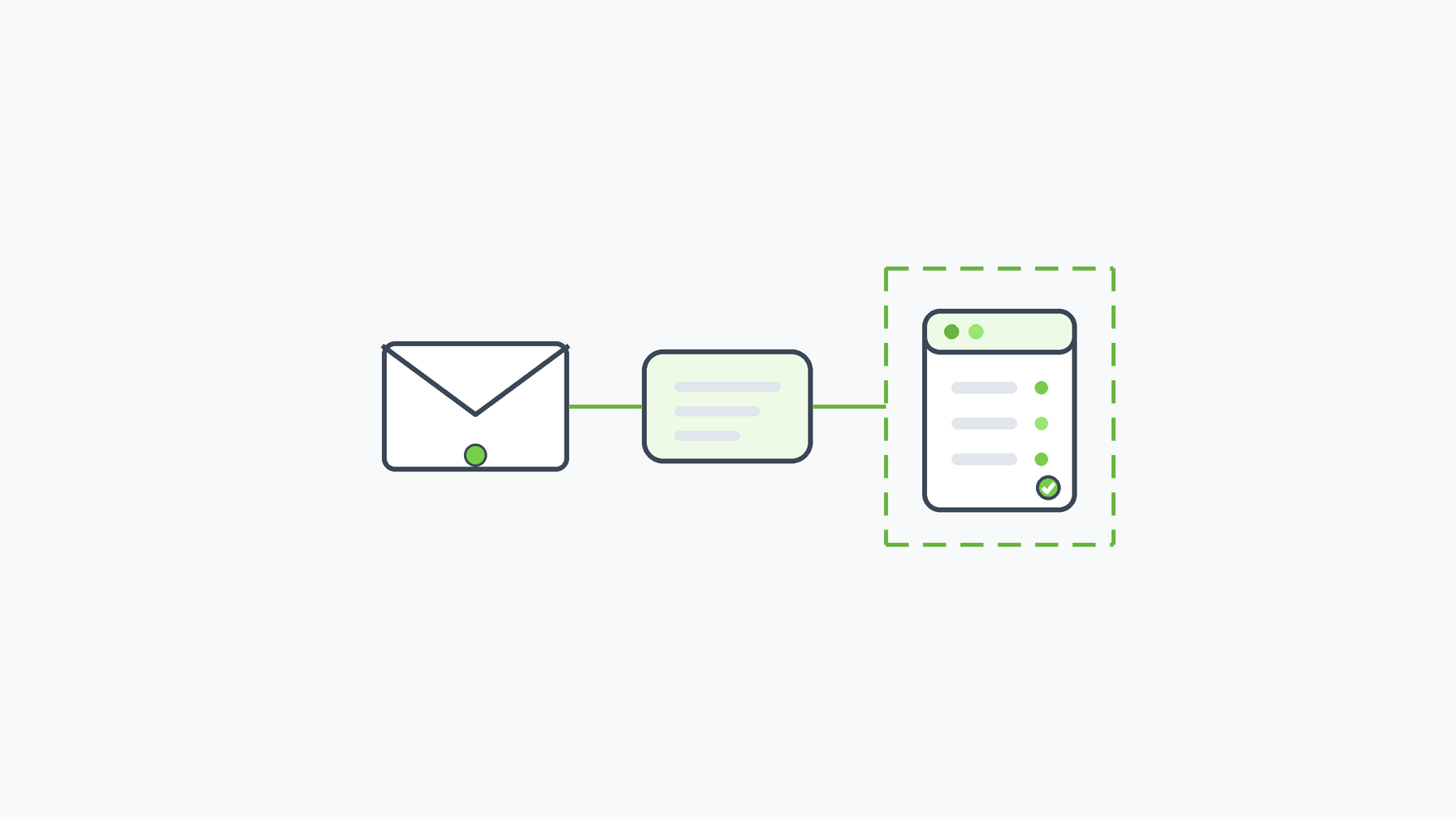
Judge each product by the evidence it produces. Use these eight criteria as RFP questions and as proof-of-concept tests.
- What the signature protects. Ask whether it covers a document, specific fields, or the full record. Then ask what happens when one protected value changes. The right answer is that verification fails.
- Record linking. Confirm the signature is bound to the record it approved, in a way that can’t be copied onto another record. That is the plain reading of 21 CFR §11.70.
- Audit trail. Part 11 asks for “secure, computer-generated, time-stamped audit trails” of actions that create, modify, or delete records (21 CFR §11.10). Check whether the trail covers the record’s whole life or only the signing ceremony. See how revision history and promotion work in audit trail software with native SDLC.
- Data residency. Map every copy of signed data that leaves your environment. Verizon’s 2025 DBIR found that third-party involvement in breaches doubled to 30%. Fewer copies with fewer parties means less to review.
- Key custody. Ask who holds the signing keys and whether you can bring your own, including through a key-management service you already run.
- Identity and authentication. Find out where signer identity comes from. Some products include identity verification; others rely on your login and identity provider. Match the method to your risk, and write down which system owns it.
- Retention and export. Check that you can keep and reproduce signed records for your full retention period, such as six years for HIPAA documentation, without depending on an active subscription.
- Pricing model. Compare per-envelope or per-document metering against licensing that doesn’t count signatures. High-volume consent and approval flows feel the difference. Form.io’s approach is on its configuration-based pricing page.
Run a proof of concept on the evidence
A short proof of concept tells you more than a questionnaire. Use real form fields and a test signer, and ask each vendor to show three things:
- A change test. Sign a record, change one protected value, and run verification. You should see it fail, and you should be able to say which value changed.
- An audit trail sample. Export the trail for one record from creation through signing to a later edit. Check timestamps, actors, and whether earlier entries stay readable.
- An exit export. Export a signed record with its evidence, then verify it without logging in to the vendor’s portal.
Bring your compliance reviewer to the test. They will know which of these answers your auditors ask for first.
Where Form.io E-Sign+ fits
Form.io E-Sign+ is a self-hosted digital-signature module that captures signatures and cryptographically verifies them directly against submission data, inside your own environment. It fits teams that already run, or plan to run, self-hosted Form.io for regulated workflows.
The signature is stored against the same schema as the decision. In Form.io’s words: “The signature attaches to the submission data itself. Change the data, and the signature breaks.” E-Sign+ verifies that the signed data and its context haven’t changed since signing.
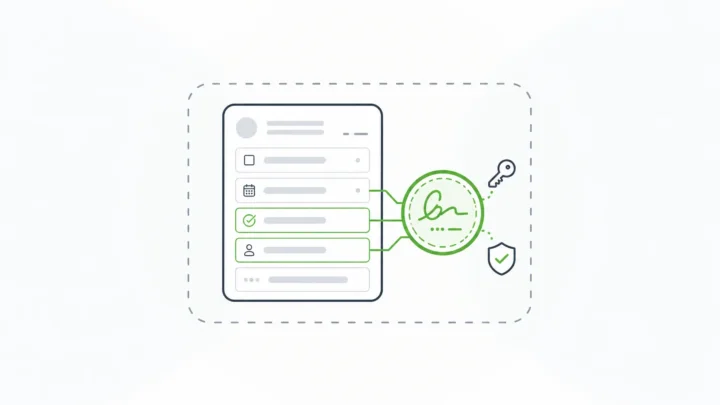
- Choose what it protects: specific fields, all form data, or selected submission properties.
- Sign with any compatible field: a text field, checkbox, date, email field, or a traditional signature component. Several signatures can sit on one record for multi-party approvals.
- Bring your own keys: a private key configured in the enterprise server deployment, or project-level integration with AWS KMS.
- Verify through your APIs: signed data stays reachable by the native Form.io submission ID, with a configurable signature stamp. PDF export is available when a workflow needs it.
- No per-envelope meter: E-Sign+ is licensed as part of the self-hosted Form.io environment.
E-Sign+ is an enterprise module for eligible self-hosted environments licensed for both the Security Compliance Module and E-Sign+, and it depends on submission and form revisions. Form.io built it to provide the mechanisms ESIGN and UETA look for: record, intent, consent, attribution, association, integrity, and retention. Your counsel decides legal sufficiency for each workflow, and your identity provider still handles signer authentication.
If your developers build with AI coding agents, the Form.io Agentic Coding Toolset lets an agent such as Claude Code build forms and resources against your real Form.io deployment at development time. A developer still reviews what it produces.
When Form.io is not the right fit
Form.io E-Sign+ is a poor fit in a few common cases, and a hosted e-signature service will serve you better:
- Your signing is mostly contracts with outside parties, and you need polished signer routing, templates, reminders, and document workflows more than record integrity.
- You need built-in identity proofing, notarization, or qualified signatures issued through a trust service provider.
- You run Form.io SaaS or don’t plan to self-host. E-Sign+ runs only in self-hosted deployments.
- You sign a few documents a month and have no application data the signature needs to stay tied to.
Key Takeaways
- In regulated workflows, e-signature software has to prove intent and that the signed record hasn’t changed.
- Part 11, ESIGN, and HIPAA all expect signatures that stay linked to their records for the full retention period.
- Choose an architecture first: PDF envelope, embedded API, or data-bound signing in your environment.
- Test vendors on artifacts: verification after a change, audit trail samples, and exports.
FAQ
What are e-signatures used for in regulated industries?
They capture consent, approvals, attestations, and disclosures, with evidence an auditor can check. In healthcare that includes patient authorizations; in insurance, policyholder consent and applications; in financial services, approvals and disclosures.
Do e-signatures carry legal weight in regulated industries?
Yes, e-signatures can carry legal effect under ESIGN and UETA when the workflow captures intent, consent, and a retained record. Whether a specific workflow is sufficient is a question for your counsel, based on the regime that applies.
What should a regulated company look for in e-signature software?
Look for signatures that are linked to the record they approve, verification that fails when signed data changes, a full-lifecycle audit trail, control over data residency and keys, and retention you can prove. Ask for artifacts that show each one.
Does HIPAA require self-hosted e-signatures?
No rule requires self-hosting. HIPAA expects signed authorizations to be documented and retained, and every vendor that touches protected health information adds a party to manage. Self-hosting keeps the signed data and evidence inside your own environment.
How does patient consent differ from a standard document signature?
Patient consent is tied to specific uses, disclosures, and intake answers that your systems act on. A HIPAA authorization needs the individual’s signature and date, and the signed record has to be retained for six years from creation or its last effective date.
What is the difference between signing a PDF and signing the data?
Signing a PDF seals a rendered file, so the file can’t change, but the database record behind it can. Signing the data seals the fields and context your application uses, so a change to protected values breaks verification.
Can a signature be verified through an API?
Some products verify through the provider’s API or portal. With E-Sign+, signed data stays reachable through the native Form.io submission ID and APIs inside your deployment.
Does Form.io E-Sign+ work on Form.io SaaS?
No. E-Sign+ is an enterprise module for eligible self-hosted environments licensed for both the Security Compliance Module and E-Sign+.
How are e-signature tools usually priced?
Many hosted products meter by envelope, document, or user. E-Sign+ has no per-envelope or per-document meter, because it is licensed as part of the self-hosted Form.io environment.
Schedule a Call