Form.io released E-Sign+ on July 7, 2026, and the timing matters for regulated teams. IBM’s 2026 Cost of a Data Breach Report found that just 34% of breached organizations have visibility into their cryptographic assets. Many digital signature solutions add to that blind spot, because the data, the evidence, and the keys sit with someone else. This guide compares three approaches and gives you six checks to run before you choose.
What Digital Signature Solutions Should Prove
Start with two definitions, because buyers often use the terms interchangeably. Under the ESIGN Act, an electronic signature is “an electronic sound, symbol, or process, attached to or logically associated with a contract or other record and executed or adopted by a person with the intent to sign the record.” That definition covers intent. It says nothing about whether the record changed afterward.
A digital signature adds that second job. NIST’s Digital Signature Standard (FIPS 186-5) puts it plainly: “Digital signatures are used to detect unauthorized modifications to data and to authenticate the identity of the signatory.”
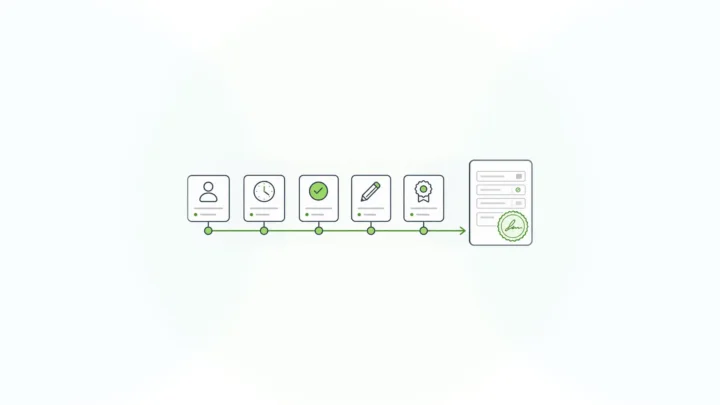
So digital signature solutions should answer two questions: who signed, and is this still exactly what they signed? Our guide to the difference between a digital signature and an electronic signature covers the definitions in depth. This post focuses on the buying decision: where the signature lives, and what that means for your proof. Those two answers are the core of non-repudiation, the evidence that stops a signer from credibly denying an approval.
Three Kinds of Digital Signature Solutions
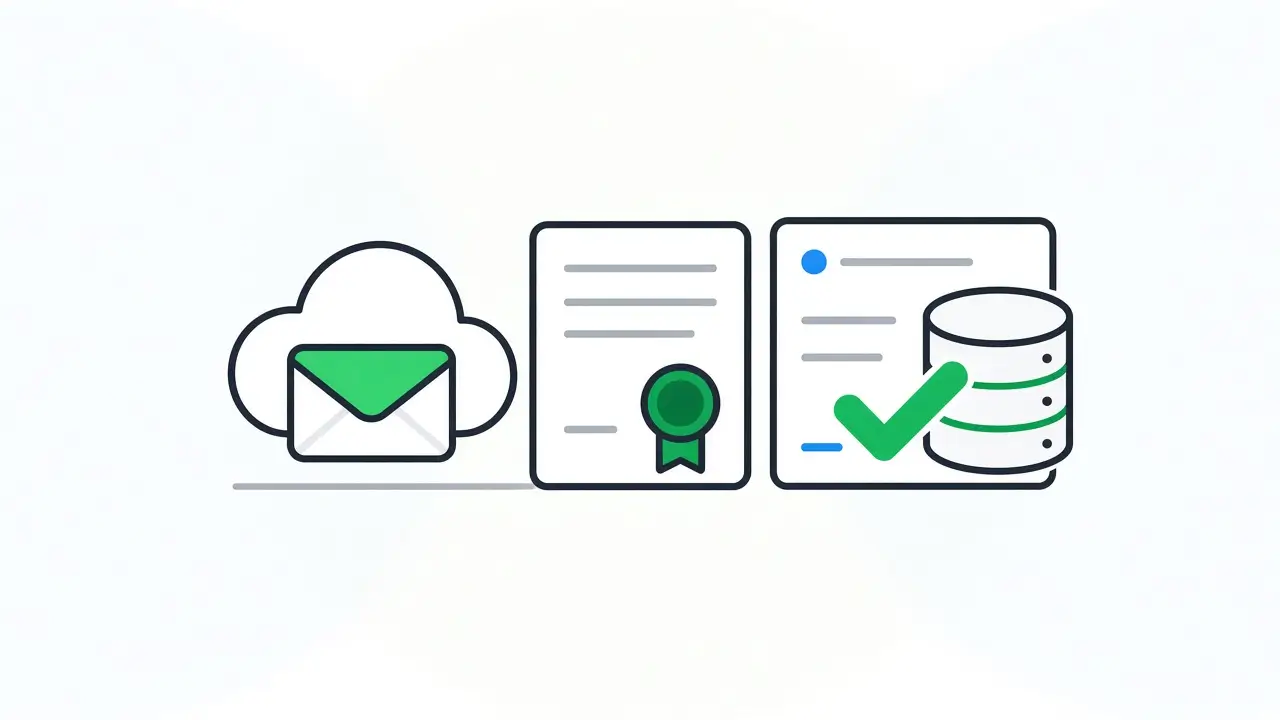
Most products in this category follow one of three approaches. They differ less in features than in where the signature, the signed content, and the keys end up.
| Approach | Where signing happens | What the signature covers | Who holds the keys | Best fit |
|---|---|---|---|---|
| Hosted envelope service | The vendor’s cloud; documents go out as envelopes | A rendered document, usually a PDF, plus the vendor’s activity log | The vendor | Contracts and agreements with outside parties, high-volume sending |
| Document certificate signing | Desktop or server tools that apply certificates to files | The document file | You or a certificate authority, depending on setup | Signed files that must be checked offline or exchanged between organizations |
| Signing on the data record | Inside your own application and environment | The submission data and its context | You | Regulated workflows where the record in your system is the evidence |
The names buyers search first, such as DocuSign and Adobe Acrobat Sign, are hosted envelope services. They do that job well: broad signer reach, polished sending, and mature integrations. If your workflow is a contract sent to a customer, they are a reasonable default.
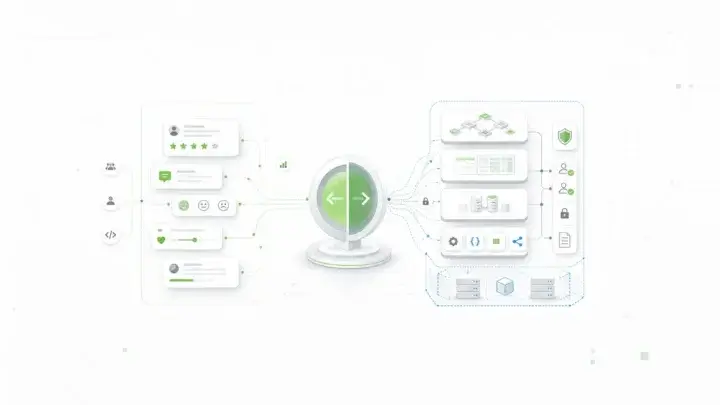
The third approach is newer and narrower. It fits when the thing being signed is structured data your application already owns: a patient consent, a loan approval, an inspection attestation, or a benefits application.
Why Regulated Teams Move the Signature Onto the Data Record
The signed copy drifts from the system of record
In a document-first workflow, your application collects the data, renders a PDF, sends it out for signature, and imports the signed file back. Now you have two versions of the truth. The database record can change after signing while the PDF stays the same, and nothing ties the two together cryptographically.
When an auditor asks whether the approved values are still the values in your system, the PDF can’t answer. Your audit trail software for enterprise forms can show who changed what. A signature on the record itself shows whether the signed values still hold.
Every hosted signing step adds a third party
Sending regulated data out for signature adds a vendor to the data path. Verizon’s 2026 Data Breach Investigations Report found that breaches involving a third party now account for 48% of all breaches, with third-party involvement up 60%. A signing vendor may run a tight operation. It is still another boundary your data crosses and another set of controls you have to assess.
Regulators already expect signatures bound to records
Some rules describe exactly the link this approach builds. The FDA’s electronic records rule, 21 CFR 11.70, says signatures “shall be linked to their respective electronic records to ensure that the signatures cannot be excised, copied, or otherwise transferred to falsify an electronic record by ordinary means.”
Whether a given system meets a given rule is a question for your quality, legal, and compliance teams. The text shows what reviewers look for: a signature that stays bound to the record it approves.
Six Checks for Choosing Digital Signature Solutions
Use these checks to compare vendors on the questions a regulated review will ask. Each one comes with a short test you can run in a demo. If you are also comparing vendors by industry, our guide to e-signature software for regulated industries covers healthcare, financial services, government, and insurance requirements.
- What exactly does the signature cover? Ask whether it protects a document file, specific fields, or the whole record and its context, such as the form version. A signature on a rendered copy proves less than a signature on the data you act on.
- Where does signing happen, and where does the evidence live? If signing runs in a vendor’s cloud, the signed content and its evidence live there too. For data that can’t leave your environment, ask whether the solution runs inside it.
- Who controls the keys? Ask whether you can bring your own keys or use a key management service you control. Cryptographic hygiene is a known gap: IBM’s 2026 research also found that only 37% of breached organizations encrypt sensitive data both at rest and in transit.
- Can you verify a signature later, by API? Months from now, a reviewer or another system should be able to check validity programmatically, by record ID, without exporting files.
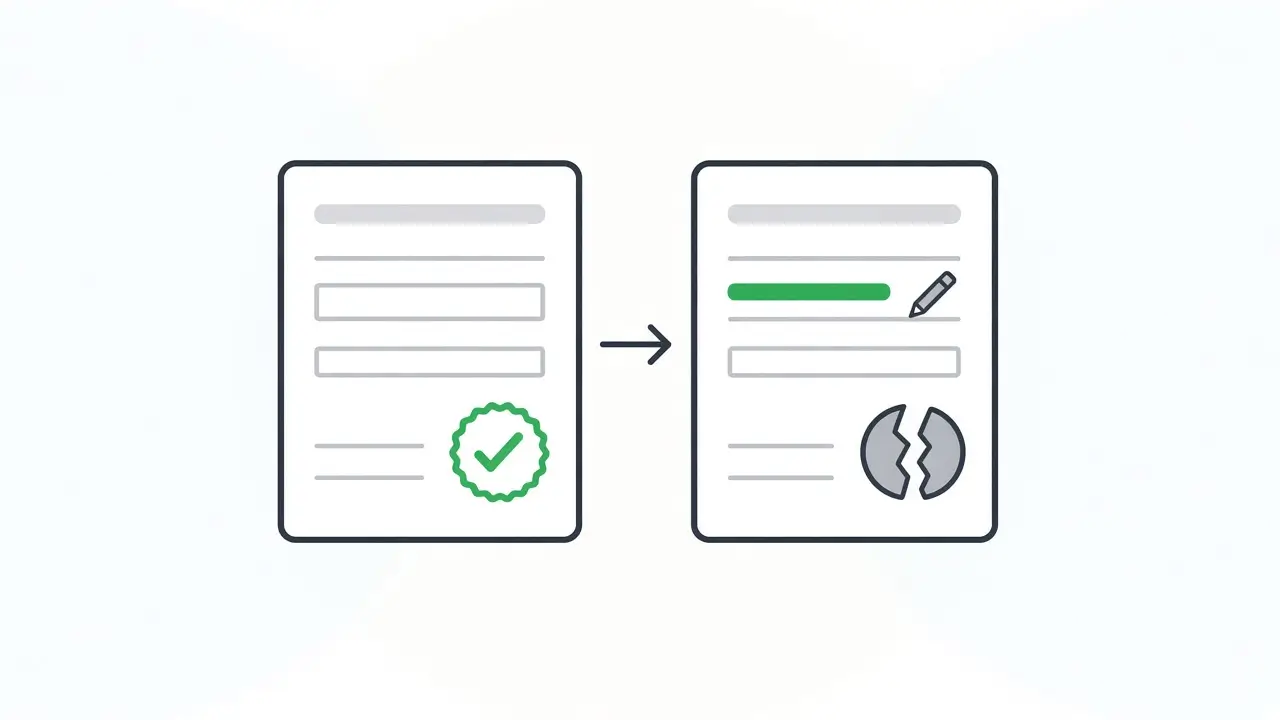
- What happens when signed data changes? Edit a signed value during the demo. The signature should stop validating, and the record should need a new signature. If nothing visible happens, tampering stays silent.
- Does it fit your workflow and identity setup? Check multi-party signing, internal and external signers, and how identity is established. Most solutions rely on your authentication provider, so know where identity proof comes from before you depend on it.
Pricing models matter too. Per-envelope pricing grows with signing volume, so model your expected volume before you compare quotes.
How Form.io E-Sign+ Signs the Data Record
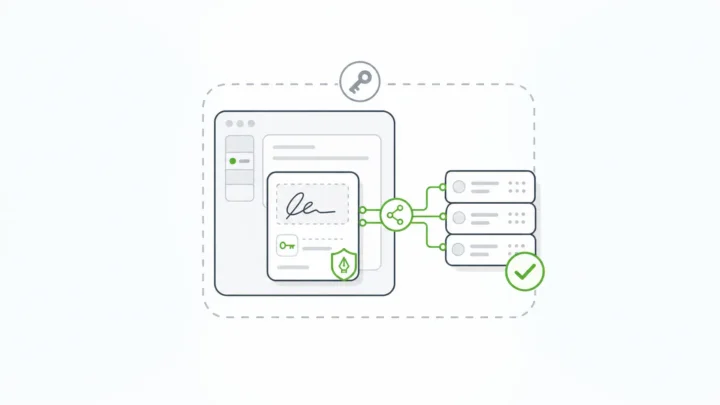
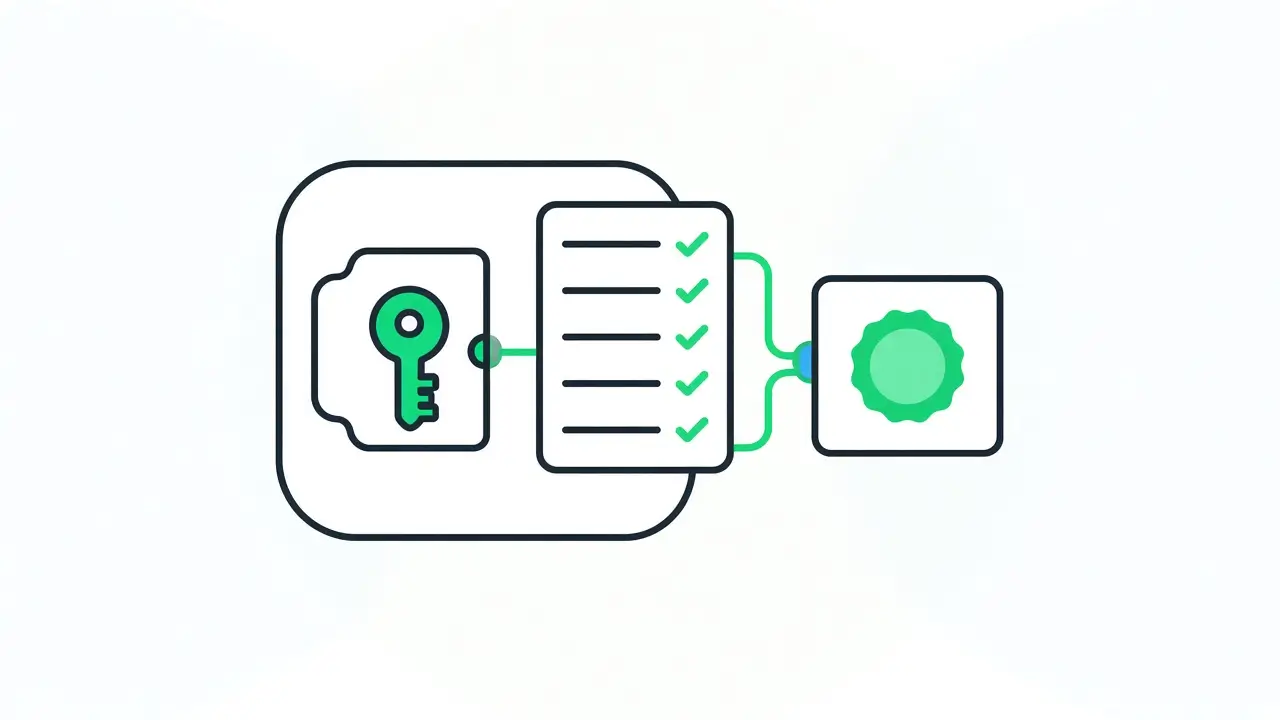
Form.io E-Sign+ is a self-hosted digital-signature module for Form.io. It captures signatures and cryptographically verifies them directly against submission data, inside your own environment. It is an optional licensed feature within the Form.io commercial platform, and E-Sign+ is available now.
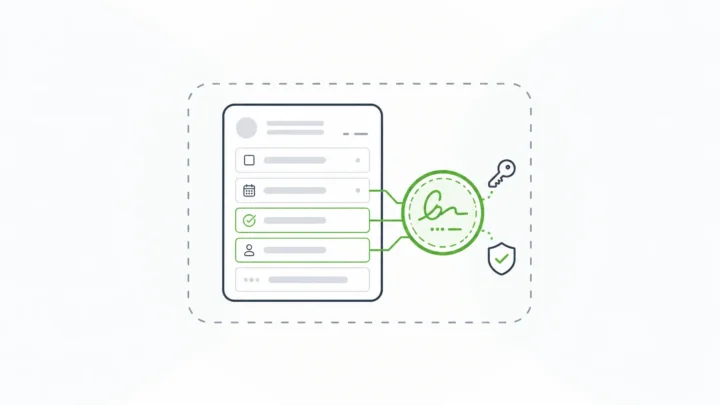
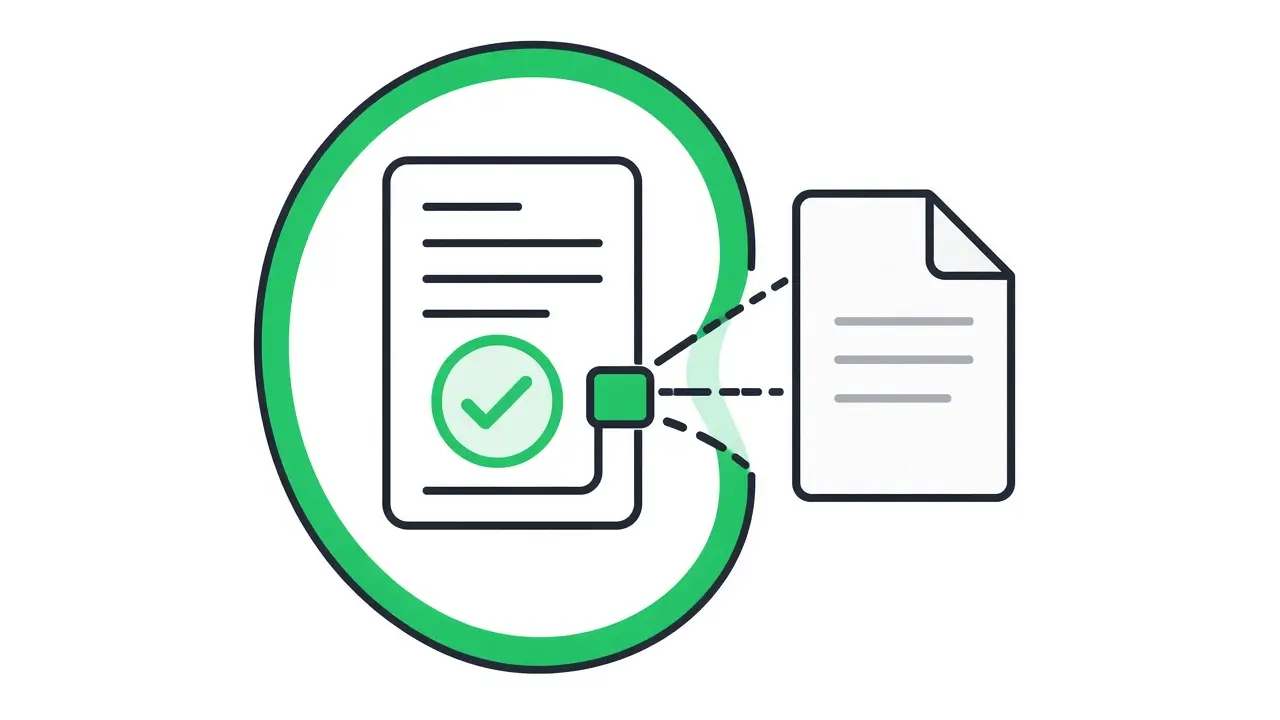
- It signs the submission data, not a rendered PDF. You choose whether a signature protects specific fields, all form data, or selected submission properties.
- Changes break the signature. “The signature attaches to the submission data itself. Change the data, and the signature breaks.” The changed data then has to be signed again.
- Any compatible field can be the signing component. Use text fields, checkboxes, dates, email fields, or a traditional signature component. Several signatures can sit on one record for multi-party workflows.
- You bring your own keys. Use a private key configured in your enterprise server deployment, or project-level integration with AWS KMS.
- Signed data stays in your APIs. Signed records stay reachable through the native Form.io submission ID and APIs, with a configurable signature stamp. PDF export is available when a workflow needs it.
E-Sign+ depends on submission revisions and form revisions, so the signature works alongside Form.io’s submission revisions and audit logging. The E-Sign+ setup documentation walks through the configuration. In a self-hosted Form.io deployment, the forms, the submissions, and the signature records stay inside your security boundary. A self-hosted deployment contacts Form.io only for license validation, which sends the license key, not form data. Agencies that need to keep signing keys and signed records in-house can start with our guide to on-premise electronic signature for government agencies.
Form.io built E-Sign+ to provide the mechanisms the ESIGN Act and UETA look for: record, intent, consent, attribution, association, integrity, and retention. Your counsel decides legal sufficiency for your workflows. On cost, there is no per-envelope or per-document meter; E-Sign+ is licensed as part of your self-hosted Form.io environment under configuration-based pricing.
Teams that build on the Form.io platform describe the same benefit of skipping infrastructure work. “Speed to market using Form.io worked fantastically well. We didn’t have to spend 80% of our time building our own solution and instead could focus our dev time on things proprietary to us,” says Cory Linton, CEO of Edify.ai, on the Form.io Enterprise Form Builder Module page.
When Form.io E-Sign+ Is Not the Right Fit
- You run Form.io SaaS or don’t plan to self-host. E-Sign+ is an enterprise module for eligible self-hosted environments licensed for both the Security Compliance Module and E-Sign+.
- Your main need is sending contracts to outside parties. If there is no application or data record behind the signature, a hosted envelope service does the job with less setup.
- Your workflow requires certificates from an accredited trust service provider. Confirm the required signature level with counsel and choose a provider built for it.
- You need built-in identity proofing. E-Sign+ takes identity from your authentication provider and integrations.
Key Takeaways
- Digital signature solutions differ most in where the signature lives: a vendor’s cloud, a document file, or the data record in your system.
- For regulated workflows, sign the data you act on, so a change to the record breaks the signature.
- Keep the keys under your control, and test verification by API before you buy.
- Treat every hosted signing step as one more third party in your data path.
- Form.io E-Sign+ signs submission data inside self-hosted Form.io, with your own keys or AWS KMS.
FAQ
What are digital signature solutions?
These tools let people sign records electronically and let you verify later that the signed content hasn’t changed. They use cryptography to bind a signature to specific content. Products differ in what they sign, where signing runs, and who controls the keys.
What is the difference between a digital signature and an electronic signature?
An electronic signature shows intent to sign a record. A digital signature also lets you detect whether the signed content changed and authenticate the signer, using cryptography. Many products combine both, so check what the signature actually covers.
Are hosted e-signature services a poor choice for regulated teams?
No. Hosted services work well for contracts sent to outside parties and for high signing volumes. The trade-off is that the signed content and its evidence live in the vendor’s environment. When data can’t leave your boundary, or the record in your system is the evidence, signing inside your own environment fits better.
What should a digital signature cover in a regulated workflow?
It should cover the data you act on: specific fields or the full record, plus context such as the form version. If the signature covers only a rendered PDF, the data in your system can change without anyone noticing.
Who should hold the signing keys?
In regulated environments, your organization should. Look for bring-your-own-key support or integration with a key management service you control, such as AWS KMS. Vendor-held keys mean you trust a third party with your cryptographic proof.
Does Form.io E-Sign+ work with Form.io SaaS?
No. E-Sign+ is an enterprise module for eligible self-hosted environments licensed for both the Security Compliance Module and E-Sign+. It also depends on submission revisions and form revisions.
Is E-Sign+ enough on its own to meet ESIGN and UETA requirements?
Form.io built E-Sign+ to provide the mechanisms ESIGN and UETA look for, such as record, intent, consent, attribution, association, integrity, and retention. Meeting legal requirements also depends on your full workflow, policies, and controls. Your counsel decides legal sufficiency.
Schedule a Call