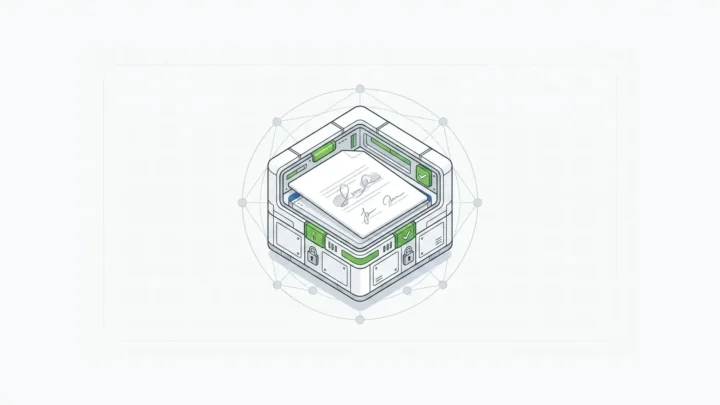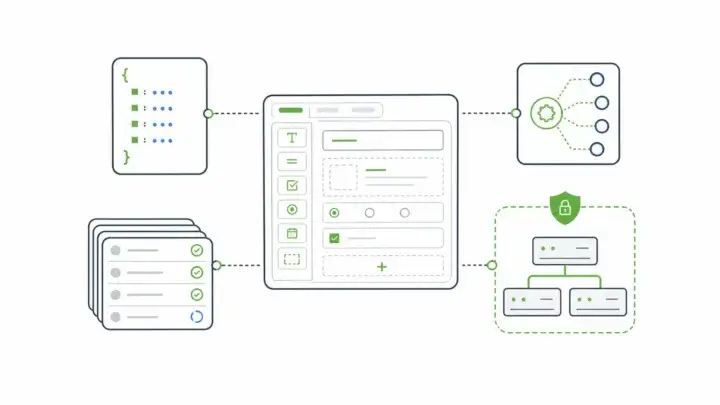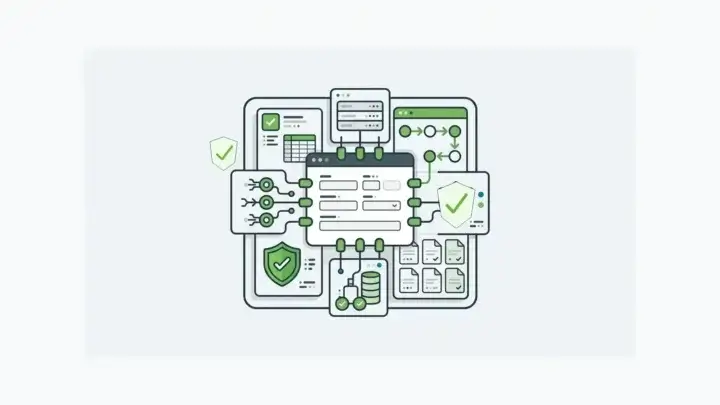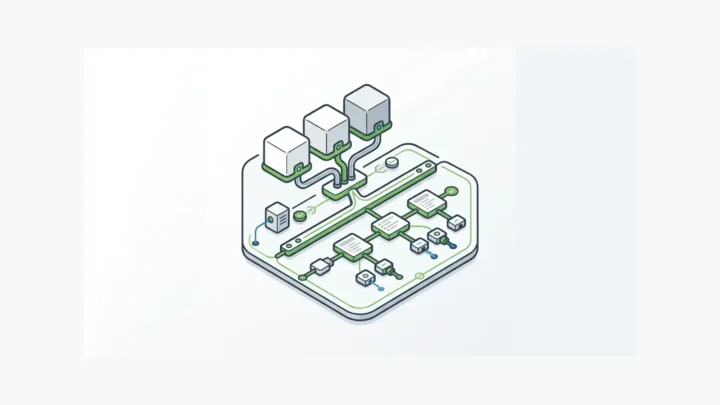
The digital signature vs electronic signature difference comes down to what each one proves. An electronic signature is a legal concept: any sound, symbol, or process a person adopts with intent to sign a record. A digital signature is a cryptographic method that proves the signed data hasn’t changed and links it to a key holder.
You collect a consent, an approval, or an attestation inside your application. Then the signing step happens somewhere else. The data goes out to a signing service, comes back as a PDF, and the PDF sits next to the record your systems use.
A year later an auditor asks a plain question: is the data in your database the data the person signed? The record may have changed since, and nothing ties it to the PDF.
That gap is why the digital signature vs electronic signature question matters to architects. One answers whether someone meant to sign. The other answers whether anything changed afterward. Regulated workflows need both answers, attached to the record.
What is an electronic signature?
An electronic signature is any electronic mark or process a person uses to show they intend to sign a record. It is a legal category, and the law doesn’t tie it to any technology.
The federal ESIGN Act defines it as “an electronic sound, symbol, or process, attached to or logically associated with a contract or other record and executed or adopted by a person with the intent to sign the record” (15 U.S.C. §7006(5)).
The definition covers far more than a drawn signature. It asks for two things: intent to sign and a link to the record.
State law follows the same pattern. A 2020 American Bar Association analysis notes that the Uniform Electronic Transactions Act (UETA) “is the law in all but a few United States jurisdictions” and that “every jurisdiction has substantially the same rules for the use of electronic signatures.”
On its own, an electronic signature says nothing about whether the record changed after signing.
What is a digital signature?
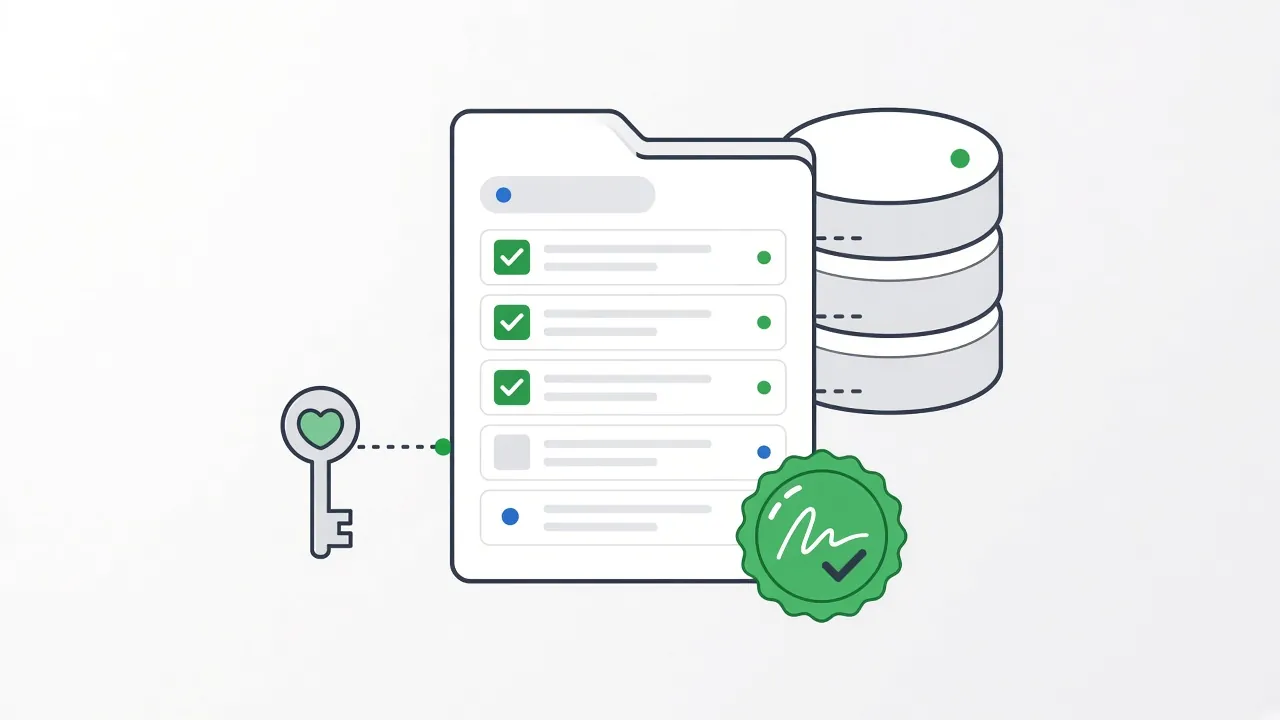
A digital signature is a cryptographic mechanism that binds a key to specific data, so anyone holding the matching public key can check that the data hasn’t changed. It is a technology, and it can serve as the method behind an electronic signature.
NIST’s Digital Signature Standard states the purpose directly: “Digital signatures are used to detect unauthorized modifications to data and to authenticate the identity of the signatory” (FIPS 186-5). The same standard describes non-repudiation: the recipient can use the signature as evidence that the claimed signatory generated it.
It works in three steps:
- The system computes a fingerprint (a hash) of the exact data being signed.
- The signer’s private key signs that fingerprint.
- A verifier recomputes the fingerprint and checks it with the public key. If even one character changed, verification fails.
“Identity” here means the holder of a key. How that person logged in, and where the key is stored, are design decisions in your system.
Digital signature vs electronic signature: what’s the difference?
An electronic signature records intent, and a digital signature proves integrity. For an architect, the more useful questions are what gets signed and where the proof lives. The table below frames it as a decision across three common approaches.
| Criteria | Electronic signature (no cryptography) | Digital signature on a document file | Digital signature on the data record |
|---|---|---|---|
| What it is | A sound, symbol, or process adopted with intent to sign | A cryptographic signature over a rendered file, usually a PDF | A cryptographic signature over the structured data: fields, values, and context |
| What it proves | Intent to sign | The file hasn’t changed since signing | The record your systems use hasn’t changed since signing |
| Tamper evidence | Depends on the platform’s audit log | Editing the file breaks verification | Editing signed fields breaks verification |
| Where proof lives | The signing platform or your app’s logs | The signing service, the file, or both | Your application and database |
| Who holds the keys | No keys involved | The signing service or a certificate provider, depending on the product | You, in a self-hosted deployment |
| Typical fit | Internal acknowledgments and low-risk agreements | Contracts and documents that circulate as files | Consents, approvals, and attestations that drive downstream workflows |
In practice, the digital signature vs electronic signature choice is rarely either-or. A digital signature can act as the method behind an electronic signature, and serious workflows combine intent capture with integrity proof.
Do you need a digital signature for ESIGN and UETA?
Not for the signature itself. The ESIGN definition doesn’t name any technology, so cryptography isn’t part of the legal test. Record keeping is where integrity starts to matter.
ESIGN says a signature or record “may not be denied legal effect, validity, or enforceability solely because it is in electronic form” (15 U.S.C. §7001). The same section adds a condition. Where a law requires a record in writing, an electronic record’s legal effect may be denied if it “is not in a form that is capable of being retained and accurately reproduced for later reference.”
That condition is an engineering problem: proving later that the record you reproduce is the record that was signed. A digital signature over the record gives you a direct check.
This is a design guide, not legal advice. Your counsel decides whether a workflow is legally sufficient, especially where industry or agency rules add requirements.
Why sign the data instead of the document?
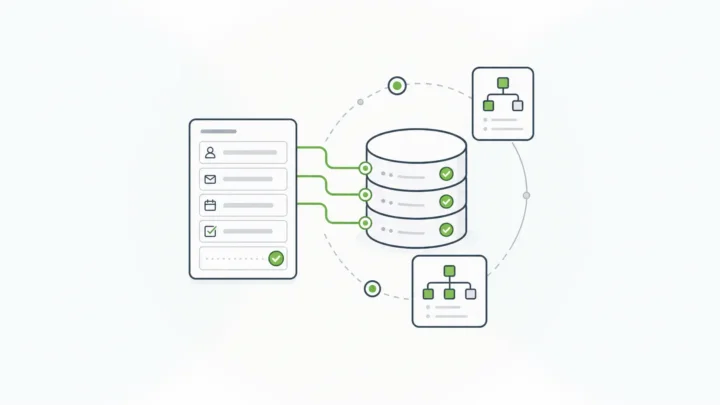
Because the data is what your systems act on. When the signature covers the record itself, the proof can’t drift away from it.
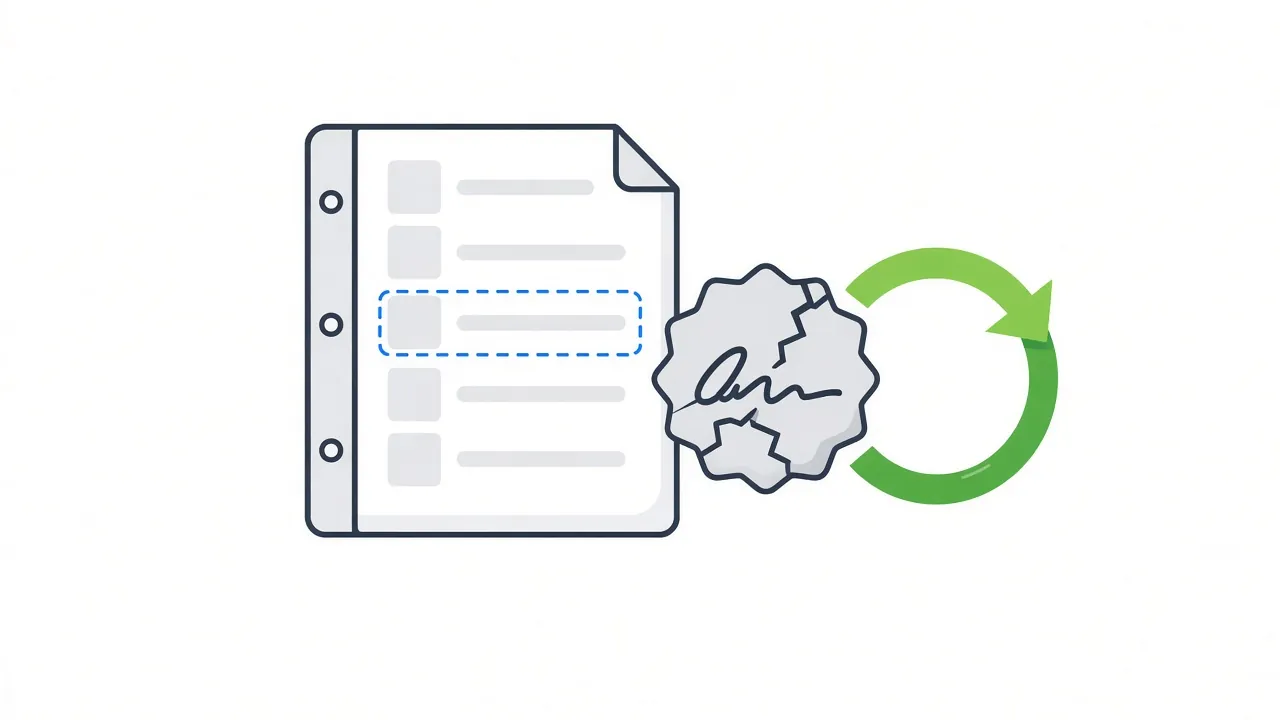
With document-first signing, your app renders form data into a PDF, sends it out for signature, and stores the signed PDF beside the record. Now you have two objects. Edit the database record, and the PDF still verifies.
Sending data out also widens your exposure. Verizon’s 2025 Data Breach Investigations Report found that “third-party involvement in breaches has doubled to 30%.” Each external service that receives sensitive submissions becomes part of that third-party surface. And breaches are expensive: IBM’s 2026 Cost of a Data Breach Report puts the global average at a record $4.99 million.
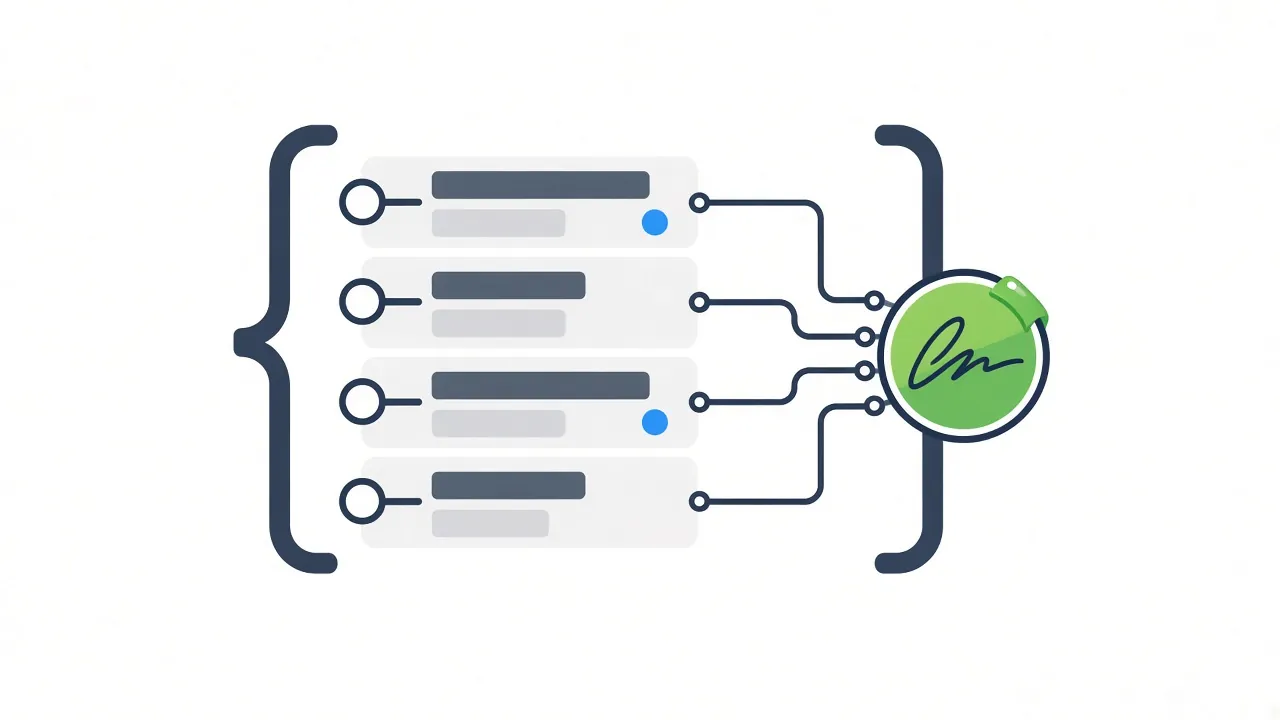
Signing the data inside your own environment removes that hop. The signature, the record, and its revision history stay in the same database, under the same access controls. That matters most when the record is structured data, such as JSON form schemas and submissions, that other systems, reports, and AI workflows built on structured data read directly.
How does a data-bound digital signature work in a self-hosted app?
You define which data a signature protects, capture the signature as part of the submission, and verify it against the stored data whenever you need to. Form.io E-Sign+, a self-hosted digital-signature module, works this way: it captures signatures and cryptographically verifies them against submission data, inside your own environment.
Define what the signature protects
You choose whether a signature protects specific fields, all form data, or selected submission properties. Any compatible field can be the signing component, including text fields, checkboxes, dates, email fields, or a traditional signature component. Several signatures can sit on one record, which suits multi-step approval workflows where more than one party signs.
Sign with keys you control
You bring your own keys: a private key configured in the enterprise server deployment, or project-level integration with AWS KMS. Signing happens where your data lives, next to the security controls you already run.
Verify against the data
Form.io puts it plainly: “E-Sign+ verifies that the signed data and its context have not changed since signing.” And: “The signature attaches to the submission data itself. Change the data, and the signature breaks.” When that happens, the data has to be signed again. Signed data stays reachable through the native submission ID and APIs, with a configurable signature stamp, and PDF export is available when a workflow needs a document.
Form.io built E-Sign+ to provide the mechanisms ESIGN and UETA look for: record, intent, consent, attribution, association, integrity, and retention. Your counsel decides whether a given workflow is legally sufficient.
E-Sign+ is an enterprise module for eligible self-hosted environments licensed for both the Security Compliance Module and E-Sign+. It depends on submission revisions and form revisions. There is no per-envelope or per-document meter; see configuration-based pricing for how licensing works. E-Sign+ is available now, as covered in the E-Sign+ launch announcement from July 7, 2026.
What should you check before choosing a signing approach?
Before you settle the digital signature vs electronic signature question for a workflow, ask what gets signed, who holds the keys, and how you’ll prove integrity years from now. These questions apply to any vendor, including Form.io.
- What is signed: a rendered file, or the data your systems use?
- Tamper behavior: does editing signed data break verification, and does the system show it?
- Key custody: where do private keys live, and can you bring your own?
- Data path: does sensitive data leave your environment to get signed?
- Retention: can you retain and accurately reproduce the signed record for later reference?
- Signer identity: which authentication provider identifies the signer?
- Cost model: is pricing metered per envelope, or tied to your deployment?
- Legal review: has counsel reviewed the workflow itself?
If your answers point to signing data inside infrastructure you run, a self-hosted form builder with APIs deployed in your environment is the layer to evaluate. For a vendor-by-vendor look at signing tools, see our guide to e-signature software for self-hosted form workflows.
When Form.io is not the right fit
If you only need to send a contract and collect a signature, a document e-signature service is the simpler choice. Those services handle the signing ceremony well.
- One-off documents: contracts and offer letters that circulate as files don’t need a data layer.
- No development team: Form.io is developer infrastructure. If nobody on your side will build and run the application, read why you shouldn’t use Form.io without a dev team.
- No self-hosted deployment: E-Sign+ is built for eligible self-hosted environments. If you won’t run your own Form.io deployment, it isn’t built for you.
- Identity proofing: E-Sign+ doesn’t verify who a person is. Identity comes from your authentication provider and integrations, so plan that layer separately.
Key Takeaways
- In the digital signature vs electronic signature comparison, an electronic signature shows intent to sign. The ESIGN Act names no required technology.
- A digital signature uses cryptography to detect changes to signed data and identify the key holder.
- US law cares that a signed record can be retained and accurately reproduced. Integrity proof helps with that.
- Most signing tools sign a document file. When your system of record is form data, signing the data keeps the proof with the record.
FAQ
Is a digital signature the same as an electronic signature?
No. The digital signature vs electronic signature distinction is legal concept versus cryptographic technique: one shows intent to sign, the other proves data integrity. Many electronic signatures, such as a typed name, use no cryptography.
Which is more secure, a digital signature or an electronic signature?
A digital signature gives stronger tamper evidence, because verification fails when the signed data changes. A basic electronic signature relies on the platform’s audit log. Both depend on how you authenticate the signer.
Does the ESIGN Act require a digital signature?
No. The ESIGN definition covers any electronic sound, symbol, or process adopted with intent to sign, with no technology named. It does expect records that can be retained and accurately reproduced, which is where integrity proof helps.
Can one record have both an electronic signature and a digital signature?
Yes, and many workflows need both. The electronic signature captures intent, and the digital signature proves the record hasn’t changed since. With E-Sign+, the signing field captures intent and verification covers the data.
How do you verify a digital signature?
Recompute the fingerprint of the signed data and check it against the signature with the signer’s public key. If the data changed, the check fails.
Is a scanned handwritten signature a digital signature?
No. A scanned image is an electronic symbol, so it can work as an electronic signature when someone adopts it with intent to sign. It proves nothing about whether the data changed, because there’s no cryptographic link to the record.
Does Form.io E-Sign+ make a workflow ESIGN or UETA compliant?
E-Sign+ provides the mechanisms ESIGN and UETA look for: record, intent, consent, attribution, association, integrity, and retention. You configure each workflow to use them, and your counsel confirms that the workflow meets the legal requirements for your use case.
Can a coding agent set up E-Sign+?
Yes. You can configure E-Sign+ in the Developer Portal, or have a coding agent do it through the Agentic Coding Plugin in the Form.io Agentic Coding Toolset. The Toolset works at development time, so a developer still reviews what the agent builds.
Schedule a Call