

IBM’s Cost of a Data Breach study, published July 29, 2026, found that only 37% of breached organizations encrypt sensitive data both at rest and in transit, and just 34% have visibility into cryptographic assets. Regulated teams feel that gap when they search for DocuSign on premise. They want signatures, records, and keys inside their own walls. This guide covers what DocuSign offers today, where it stops, and what a self-hosted alternative has to prove.
Is There a DocuSign On Premise Version?
Not for the full eSignature service. DocuSign once sold an on-premise product, the DocuSign Signature Appliance (DSA). It was a hardware device installed in the customer’s data center for digital signatures on PDF, Word, and Excel files. DocuSign set its end of life for July 31, 2023 and moved customers to cloud services, SharePoint connectors, and its APIs.
What remains for teams that want DocuSign on premise is a hybrid set of options:
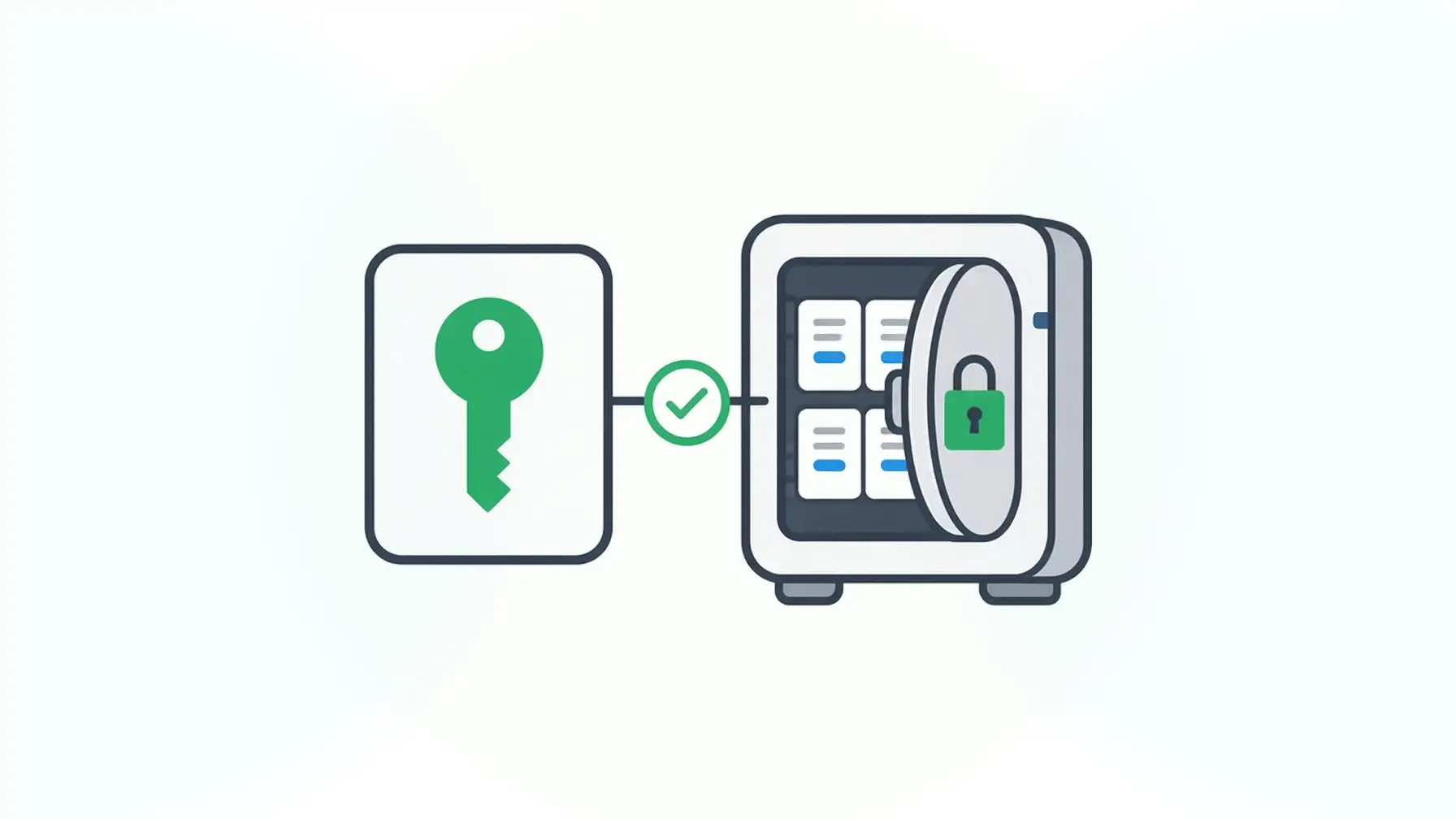
- Security Appliance. A premium add-on that stores DocuSign eSignature encryption keys in your data center or your hardware security module (HSM). DocuSign describes it as keeping keys behind your firewall, separate from the encrypted documents. Customers maintain and update the appliance.
- Regional data centers. DocuSign stores agreement data in one of five regions: the U.S., Canada, Europe, Australia, or Japan.
- Connectors. Integrations with tools such as SharePoint bring signing into systems you already run.
So the signing service and the agreement records still run in DocuSign’s cloud. The Security Appliance gives you key custody. It doesn’t move the platform into your infrastructure.
What DocuSign Does Well
Give DocuSign its due. It says it serves 1.9 million customers and lists more than 1,000 prebuilt integrations. Business users can send agreements to outside signers without help from a developer. For sales contracts, offer letters, and vendor agreements, that breadth is hard to match.
If your workflow is document-first and your security team accepts a hosted service with regional storage, DocuSign is a reasonable default. The search for a DocuSign on premise option usually starts when a regulator, a customer contract, or an internal policy says the data can’t leave your environment.
Why Regulated Teams Ask for DocuSign On Premise
Three pressures push healthcare, financial services, government, and insurance teams toward self-hosted signing.
Third-party exposure. Verizon’s 2026 Data Breach Investigations Report found that breaches involving a third party now account for 48% of all breaches, after a 60% jump. Every hosted service that holds signed records adds a vendor to that risk surface.
Residency and sovereignty. Choosing a region decides which country stores the data. It doesn’t put the data inside your network, your backups, or your access controls. For many agencies and regulated firms, data sovereignty means the records stay in infrastructure they operate.
Retention. The ESIGN Act expects a retained electronic record to stay accessible “in a form that is capable of being accurately reproduced for later reference” for as long as the law requires. When the records live with a vendor, your retention plan depends on a contract and an export routine.
What a Self-Hosted Alternative Has to Cover
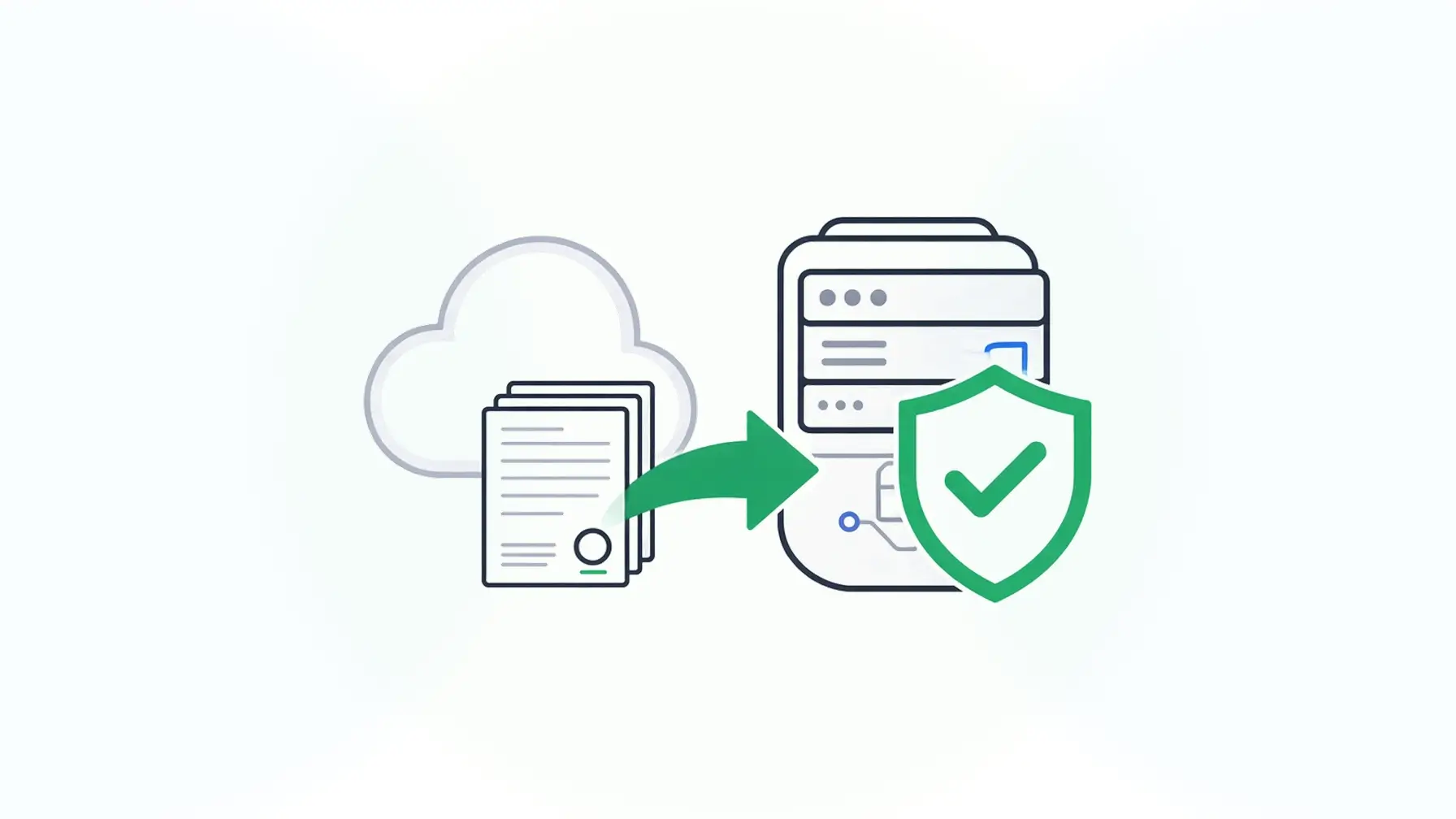
Before you compare products, write down what “on premise” has to mean for your auditors. Most regulated teams land on five requirements:
- Deployment inside your infrastructure. The signing service runs in your data center or your own cloud account, under your network rules.
- Data residency by design. Submissions, signatures, and logs stay in databases you control, so residency follows your deployment.
- Verification against the record. You can check a signature against the stored data through an API, using the record’s own ID, long after signing.
- Customer-held keys. Your private keys, or your key management service, do the signing.
- Retention you own. Signed records follow your retention schedule and backup policy.
A key appliance covers item 4. A self-hosted platform has to cover all five.
How Form.io Covers On-Premise Signing
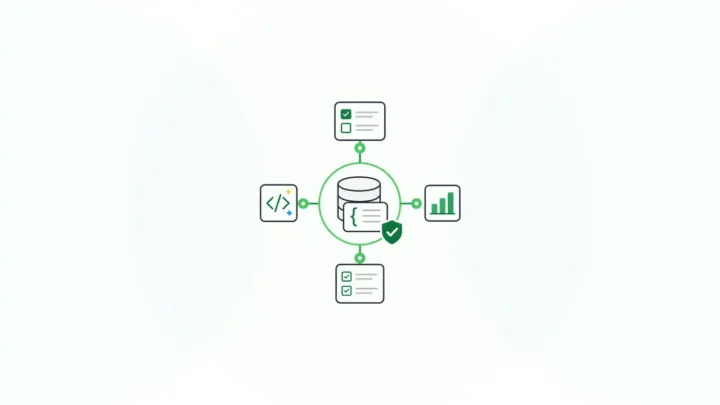
Form.io is a form and data platform built on one JSON schema that drives forms, validation, and APIs. You can deploy it in your own environment, and E-Sign+ adds digital signatures to that deployment. E-Sign+ is available now.
Deployed in Your Infrastructure
A self-hosted Form.io deployment runs inside your existing security envelope. It has no connection back to Form.io servers except license validation, which sends the license key and no form data. For agencies, the on-premise electronic signature for government guide covers data residency and agency-held keys in more depth.
Signatures on the Submission Data
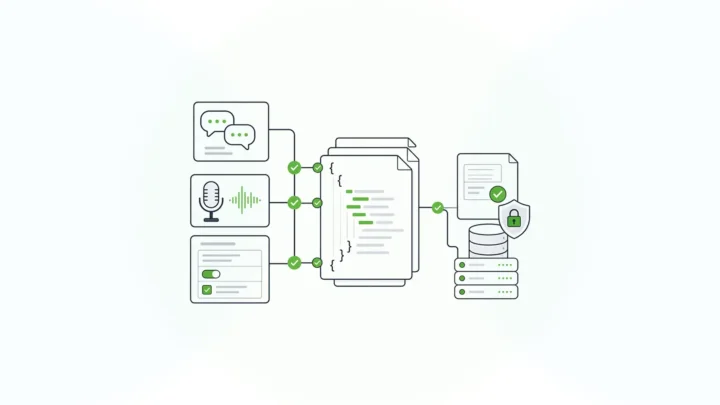
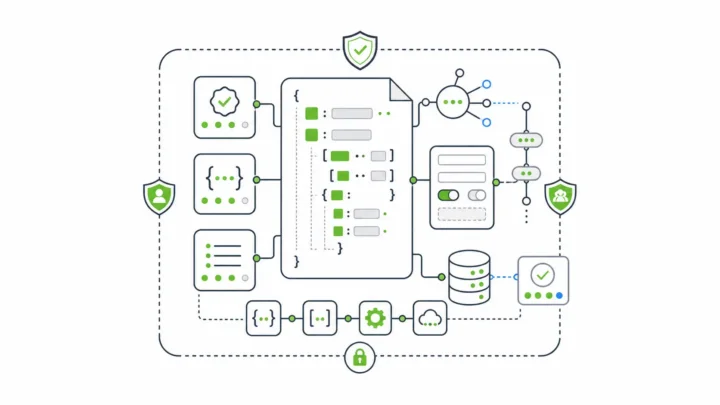
E-Sign+ signs the submission data rather than a rendered PDF. You choose whether a signature protects specific fields, all form data, or selected submission properties. The signature attaches to the submission data itself. Change the data, and the signature breaks, so the data has to be signed again. Several signatures can sit on one record for multi-party approvals.
Verification by Submission ID
Signed data stays reachable through the native Form.io submission ID and APIs, with a configurable signature stamp. E-Sign+ verifies that the signed data and its context have not changed since signing. Because E-Sign+ depends on Submission Revisions and form revisions, each signature points to an exact version of the form and the data. PDF export is there when a workflow needs it.
Keys You Hold
Bring your own keys. Configure a private key in the enterprise server deployment, or use project-level integration with AWS KMS. Signatures, revisions, and audit trail logging all stay inside your security boundary.
Form.io built E-Sign+ to provide the mechanisms ESIGN and UETA look for: record, intent, consent, attribution, association, integrity, and retention. Your counsel decides legal sufficiency for each workflow. Identity comes from your authentication provider, since E-Sign+ doesn’t do identity proofing.

DocuSign On Premise Options vs. Form.io
| Requirement | DocuSign with Security Appliance | Self-hosted Form.io with E-Sign+ |
|---|---|---|
| Where the signing service runs | DocuSign’s cloud | Your data center or cloud account |
| Where signed records live | A DocuSign region you select | Your own database |
| What gets signed | Documents in an envelope | Selected submission data, form context, and properties |
| Key custody | Keys in the appliance or your HSM | Your private key or AWS KMS |
| Best fit | Document agreements with outside signers | Signed data inside your own applications |
Form.io uses configuration-based pricing. There is no per-envelope or per-document meter. E-Sign+ is licensed as part of the self-hosted Form.io environment.
When DocuSign Is the Better Fit
DocuSign is the better choice when signing is the whole job. If business users send contracts to outside parties, want a ready-made sending app, and your policies accept a hosted service, a self-hosted platform adds work you don’t need.
Form.io is infrastructure your developers build on, so it isn’t the right fit if you want a ready-made sending app with no development effort. E-Sign+ also isn’t available on Form.io SaaS, so it only makes sense if you’re running self-hosted Form.io. For a broader comparison of hosted and self-hosted tools, see these DocuSign alternatives for self-hosted form workflows.
Form.io fits when the signature belongs to a data workflow inside your own walls: a benefits application, a clinical consent, a loan approval, or an inspection record that feeds other systems.
Running Both During a Transition
Most teams don’t switch overnight. A phased move keeps evidence intact:
- Keep existing evidence. Export completed agreements and their signing history, and store them under your retention policy.
- Sort the workflows. Separate document agreements with outside signers from data workflows inside your applications.
- Move the data workflows first. Build those forms in self-hosted Form.io with revisions turned on.
- Choose what to sign. Decide which fields and context E-Sign+ should protect.
- Connect your keys and logs. Point signing at your private key or AWS KMS, and route server logs to your log platform.
One government customer described its experience this way. The Department of Justice in Ireland said: “Of all the systems we use to deliver our end products, Form.io has been probably the most straightforward and issue free to use, with excellent support.”
Key Takeaways
- DocuSign on premise as a full product ended with the Signature Appliance on July 31, 2023.
- The Security Appliance keeps encryption keys in your data center while the service and records stay in DocuSign’s cloud.
- Regional storage picks the country where records sit. Running the service in your own infrastructure is a separate requirement.
- A self-hosted alternative should cover deployment, residency, verification by record ID, customer-held keys, and retention.
- Self-hosted Form.io with E-Sign+ signs submission data with your own keys, inside your boundary.
- Keep DocuSign for document agreements with outside signers.
FAQ
Does DocuSign have an on-premise version?
Not for its full eSignature service. The on-premise DocuSign Signature Appliance reached end of life on July 31, 2023. Today, the Security Appliance add-on lets you hold encryption keys in your data center, while signing runs in DocuSign’s cloud.
What is the DocuSign Security Appliance?
It’s a premium add-on for DocuSign eSignature. It stores your encryption keys in your data center, either in the appliance or in your HSM, separate from the encrypted documents. Your team maintains and updates it.
Where does DocuSign store data?
DocuSign stores agreement data in one of five regions: the U.S., Canada, Europe, Australia, or Japan. Your account is provisioned in one region. The data stays in DocuSign’s infrastructure rather than yours.
What is a self-hosted alternative to DocuSign for regulated industries?
Look for a platform you deploy in your own infrastructure that signs records with keys you hold and verifies signatures against stored data. Self-hosted Form.io with E-Sign+ does this for data captured in your applications.
Can I verify a signature after the data has been stored?
With E-Sign+, yes. Signed data stays reachable through the native Form.io submission ID and APIs, and E-Sign+ verifies that the signed data and its context have not changed since signing.
Does Form.io E-Sign+ work on Form.io SaaS?
No. E-Sign+ is an enterprise module for eligible self-hosted environments, where you sign with your own private key or AWS KMS.
Should I replace DocuSign entirely?
Usually not. Many teams keep DocuSign for document agreements with outside signers and move signed data workflows into self-hosted Form.io.
Schedule a Call