In its 2026 Report to the Nations, the ACFE found that a lack of internal controls was the primary weakness in 33% of the 2,402 fraud cases it studied, and an override of existing controls in another 19%. So what is an audit trail worth when a regulator asks who signed a record, when, and whether anyone changed it later? Only as much as the evidence you can produce. Here is what an audit trail is, what regulators ask of signed records, and where the answer should live.
What is an audit trail?
NIST defines an audit trail as “a chronological record that reconstructs and examines the sequence of activities surrounding or leading to a specific operation, procedure, or event in a security-relevant transaction from inception to result.” Put simply, it is the history that lets someone else reconstruct what happened without taking your word for it.
For a signed record, that history runs from creation through the last signature and every later view, edit, export, or deletion. That chronological control history is also the digital side of chain of custody for digital records: who held the record, when, and why. If you’re asking what is an audit trail for in a signing workflow, the answer is proof: proof of who acted, what they saw, what they agreed to, and that nothing moved afterward.
Audit trail vs audit log vs revision history
The three terms get used interchangeably, but they cover different ground.
| Term | What it captures | Typical question it answers |
|---|---|---|
| Audit log | Individual system events: sign-ins, reads, writes, permission changes | Who accessed this record, and when? |
| Revision history | Every saved state of a record, with the editor and time | What did this field say before it changed? |
| Audit trail | The connected, chronological story across logs, revisions, and signatures | Can we reconstruct this transaction from start to finish? |
A complete audit trail usually needs both of the other two. Logs give you breadth across the system. Revisions give you depth on the records that matter.
What every audit record needs: six facts
NIST SP 800-53, the federal catalog of security controls, sets out what each audit record should contain. Control AU-3 says audit records must establish “what type of event occurred,” “when the event occurred,” “where the event occurred,” the “source of the event,” the “outcome of the event,” and the “identity of any individuals, subjects, or objects/entities associated with the event.”
Here is how those six facts map to a signed submission.
| AU-3 element | In a signed workflow | Example entry |
|---|---|---|
| What | The event type | Submission created, field edited, signature applied, record exported |
| When | A trustworthy timestamp | Server time, in UTC, set by your infrastructure |
| Where | The system or component | API server, project, form, and form revision |
| Source | The request that caused it | Session ID, request ID, client or integration |
| Outcome | Success or failure | Signature valid, login failed, edit rejected |
| Identity | The person or service account | Authenticated user ID, role, delegated agent |
If an entry is missing any of these, a reviewer has to fill the gap with assumptions.

What regulators ask of an e-signature audit trail
Rules differ by industry and country, and your counsel decides what applies to you. The FDA’s electronic records rule is a clear example of what regulators ask. 21 CFR 11.10(e) calls for “secure, computer-generated, time-stamped audit trails to independently record the date and time of operator entries and actions that create, modify, or delete electronic records.” It adds that “record changes shall not obscure previously recorded information,” and that the trail must be kept at least as long as the records themselves.
Four questions sit underneath it.
Who signed, and how do you know?
The trail should tie each signature to an authenticated identity, not a typed name alone. The same rule’s section 11.50 expects a signed record to show the signer’s printed name, the date and time of signing, and the meaning of the signature, such as review or approval. Identity itself comes from your authentication provider, so the audit trail should record which method verified the person.
When did each step happen?
Every event needs a timestamp from a clock you control and can defend. Times captured on the signer’s device are easy to dispute. Server-side times, written by the system and synchronized across nodes, are much harder to argue with. Defensible timestamps are one of the layers of non-repudiation for signed records.
What did the signer see and agree to?
A signature means little if you can’t show the exact content behind it. That includes the form version, the disclosures presented, and the field values at the moment of signing. If the form changed last month, the trail must still show the version this person signed.
Has anything changed since?
This is the question most trails answer weakly. A log can say an edit happened. Stronger evidence shows whether the signed values still match what was signed, and flags the record the moment they don’t. For more on how a digital signature proves integrity and an electronic signature proves intent, see digital signature vs electronic signature.
Where the answer lives: certificate, vendor log, or the record itself
When an auditor asks for evidence, it can come from three places. Each has a different weakness.
| Where the evidence lives | What it holds | Weak point |
|---|---|---|
| A certificate PDF attached to the document | A summary of the signing session | A snapshot that can drift from the live data your application uses |
| A third-party signing vendor’s log | Events from the vendor’s side of the process | Outside your system of record; access and retention depend on the vendor |
| The system of record itself | Revisions, signatures, and access logs on the same record | Needs to be designed in, with retention and access you control |
The certificate and the vendor log both describe a document that left your system. The record in your database may change afterward, and neither one will notice. Evidence that lives with the record, signed against the data itself, closes that gap, and one record ID pulls up the values, revisions, signatures, and reads.
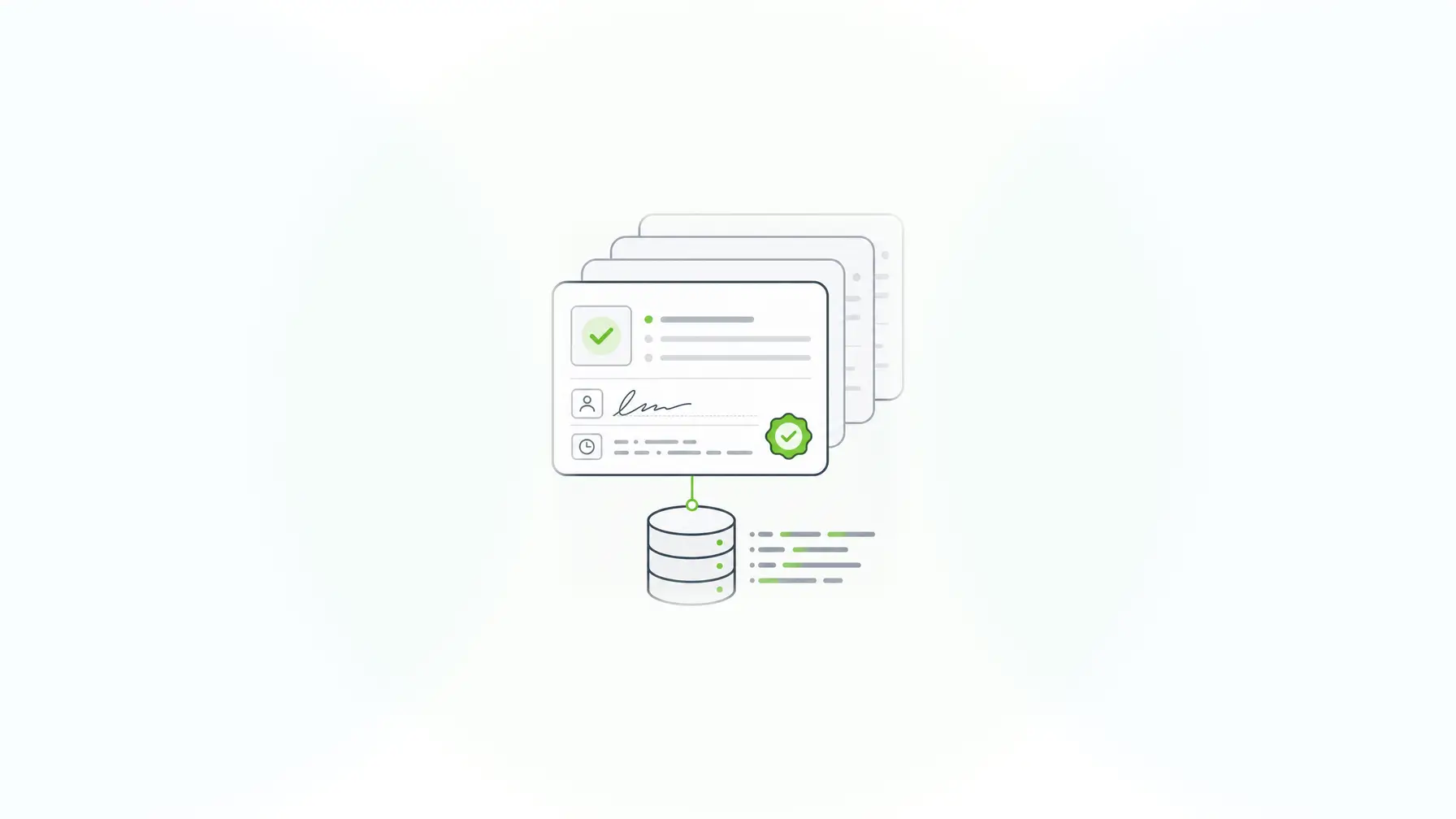
Audit trail examples in a signed workflow
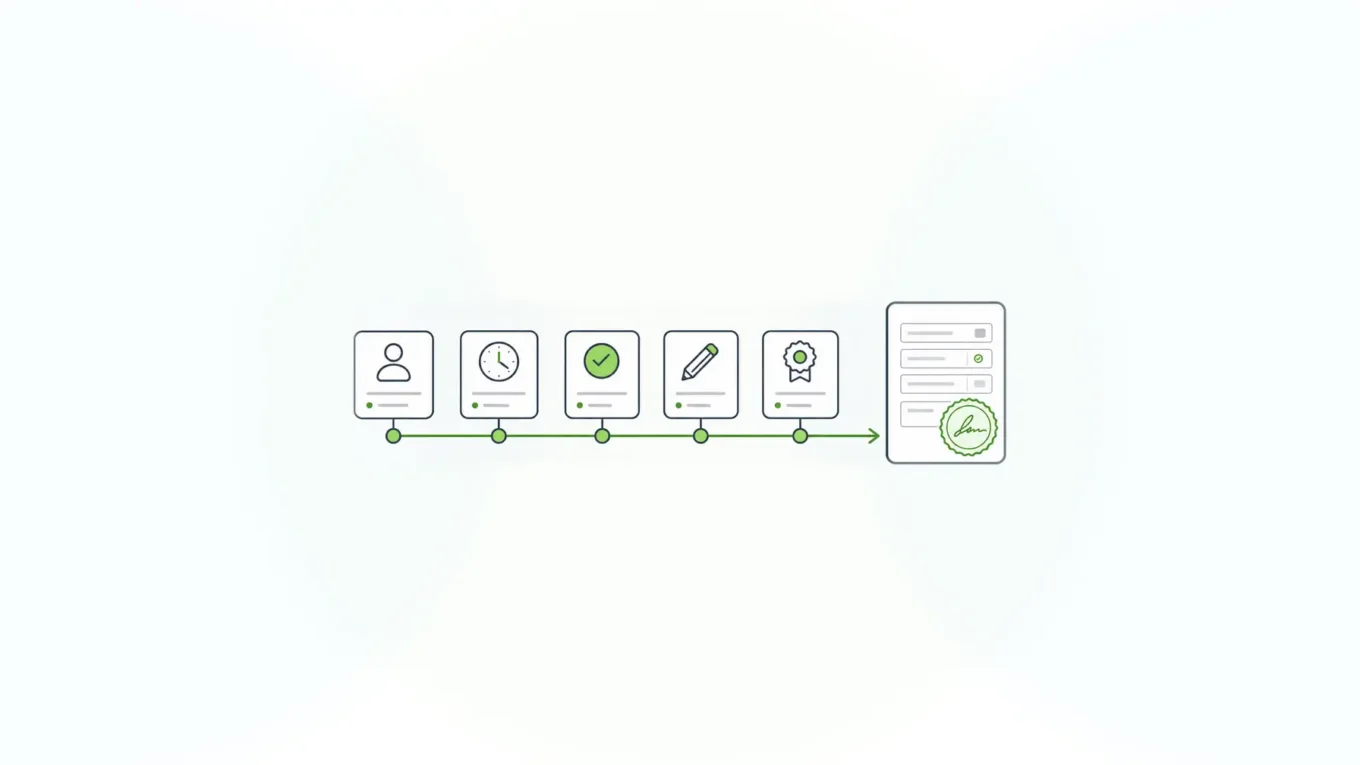
Here is a simplified trail for one patient consent form, the kind of sequence a reviewer would want to reconstruct.
- 09:02 UTC: A registered nurse opens consent form revision 7. Logged with user ID, session ID, and form ID.
- 09:05 UTC: The patient completes the form and signs. The signature covers the dosage and consent fields.
- 09:05 UTC: The system stores the submission, the signature, and revision 1 of the record.
- 14:40 UTC: A pharmacist views the record. A read event is logged.
- Next day, 10:12 UTC: An administrator edits the dosage field. Revision 2 records the old value, the new value, the editor, and a reason note. The signature no longer verifies, so the record is flagged for re-signing.
The same pattern applies to a loan approval or a government attestation: the trail shows who acted at each step and whether the signed values still stand.
How to evaluate an audit trail before an auditor does
Use this checklist on any system that will hold signed records.
- Complete: every create, read, update, delete, export, and signature event is captured, including failed attempts.
- Independent: administrators can’t edit or delete trail entries, including their own. The ACFE’s 19% override figure is a reminder that controls fail when the people they govern can switch them off.
- Non-destructive: a change adds a new revision and never overwrites the old value.
- Correlated: each event carries a request ID, so you can trace one user action across every step it triggered.
- Covers machines too: integrations and service accounts are logged like people. In the Verizon 2026 Data Breach Investigations Report, breaches involving a third party made up 48% of all breaches.
- Retained on your terms: retention matches your longest record-keeping obligation, and you can export the trail in a readable form for reviewers.
- Integrity-aware: the trail can show whether signed data still matches its signature, not only that an edit occurred.
For a buyer’s view of the tools themselves, see the guide to audit trail software for enterprise forms, which compares logging, revisions, and SDLC controls.
Where Form.io fits
Form.io builds the audit trail into the data layer of a self-hosted deployment. Submission Revisions and server audit logging work together. Each revision stores the complete submission state, the user who made the change, a timestamp, and an optional note. Reverting creates a new revision instead of erasing history. Server audit logs record authentication, data access, and modification events with a request UUID for correlation, and they write to standard output so you can route them to the log platform you already run, as the audit logging documentation shows. Form revisions tie each submission to the exact form version it was captured on.
E-Sign+ adds the integrity layer. The signature attaches to the submission data itself, so changes to the protected values invalidate it. Form.io’s documentation describes E-Sign+ as designed to confirm “that the signed piece of data and its context (the form, custom properties, etc.) have not changed since it was signed.” You choose whether a signature protects specific fields, all form data, or selected submission properties, and you can bring your own keys or use AWS KMS. E-Sign+ is available now for eligible self-hosted environments.
Because a self-hosted Form.io deployment runs inside your security boundary, the trail, the signatures, and the data stay there too. That supports your SOC 2 Type II and ISO 27001 programs instead of adding a vendor to them; the compliance management software for SOC 2 and ISO data collection guide covers that fit in more depth. “Of all the systems we use to deliver our end products, Form.io has been probably the most straightforward and issue free to use, with excellent support,” says the Dept. of Justice, Ireland, on the Form.io home page.
Form.io isn’t the right fit for every case. If you only need an occasional contract signed and have no system of record to protect, a hosted e-signature service is simpler. Form.io also doesn’t verify identity on its own; that comes from your authentication provider. And it doesn’t replace your SIEM or your auditors. It gives them complete, connected evidence to work with.
Key Takeaways
- An audit trail is the chronological record that lets someone else reconstruct a transaction from start to finish.
- Every audit record should answer six questions: what, when, where, source, outcome, and identity.
- Regulators consistently ask who signed, when, what they saw, and whether anything changed since.
- Certificates and vendor logs describe a document that left your system; evidence on the record itself stays current.
- Test any trail for completeness, independence from admins, non-destructive changes, correlation, machine coverage, retention, and integrity checks.
FAQ
What is an audit trail in simple terms?
It’s a time-ordered history of every action taken on a record or in a system: who did it, what they did, when, where, and with what result. NIST describes it as a record that lets you reconstruct a transaction from inception to result.
What is the difference between an audit trail and an audit log?
An audit log is the raw list of system events. An audit trail is the connected story built from those logs, record revisions, and signatures, so a reviewer can follow one transaction end to end. Most audit trails depend on several logs.
What should an e-signature audit trail include?
It should include the signer’s authenticated identity, the date and time of each event, the form version and disclosures shown, the values signed, and every later view or change. It should also show whether the signed values still match the signature.
How long should you keep an audit trail?
At least as long as the records it describes, and longer if a regulation or contract says so. The FDA’s electronic records rule, for example, requires audit trail documentation to be kept as long as the underlying records. Your counsel and records policy set the exact period.
Can an audit trail be edited or deleted?
It shouldn’t be. A trustworthy trail is append-only: changes add new entries and never overwrite old ones, and administrators can’t remove entries, including their own. If anyone can quietly edit the trail, it won’t hold up under review.
Is an audit trail enough to make an e-signature legally sufficient?
No single feature is. An audit trail supplies evidence of identity, intent, timing, and integrity, which ESIGN and UETA look for. Form.io built E-Sign+ to provide those mechanisms, and your counsel decides whether a specific workflow meets the law that applies.
What happens when someone edits a record signed with E-Sign+?
The signature on the protected data becomes invalid, the stamp shows it, and the record needs to be signed again. Submission revisions record the edit, the editor, and the time, so the change stays visible in the trail.
Schedule a Call