In May 2026, Verizon’s Data Breach Investigations Report found that breaches involving a third party now account for 48% of all breaches. If your product sends customer records to an outside electronic signature API, that signing vendor becomes one more third party in your customers’ data path. Their security team will ask about it. This guide compares the two ways to embed signing and gives you eight checks to run before you choose.
What an Electronic Signature API Does Inside a Software Product
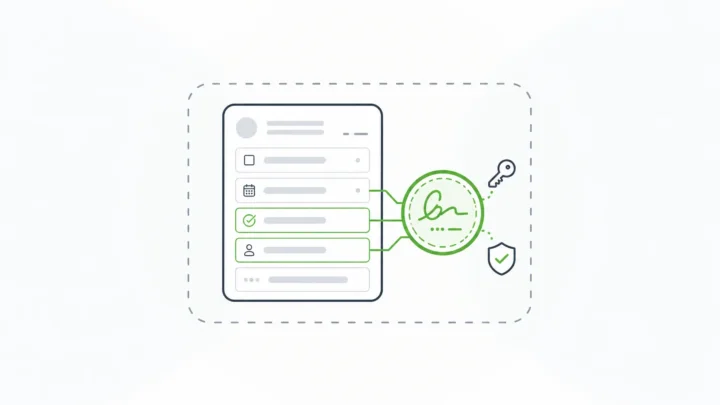
An electronic signature API lets your application capture a signature and prove it later, without a person handling paper or a separate signing tool.
The legal definition is broader than most people expect. Under the U.S. ESIGN Act, an electronic signature is “an electronic sound, symbol, or process, attached to or logically associated with a contract or other record and executed or adopted by a person with the intent to sign the record.” A typed name, a checked box, or a drawn signature can all qualify when the surrounding process shows intent and ties the signature to the record.
That gives any signing API two jobs:
- Capture: record who signed, when, and what they agreed to.
- Prove: show later that the signed content hasn’t changed since the moment of signing.
The second job is where cryptography comes in. NIST’s Digital Signature Standard puts it plainly: “Digital signatures are used to detect unauthorized modifications to data and to authenticate the identity of the signatory.” If you’re fuzzy on where one term ends and the other begins, our guide to digital signature vs electronic signature breaks down what each one proves about signed data.
Two Ways to Embed Signing in Your Product
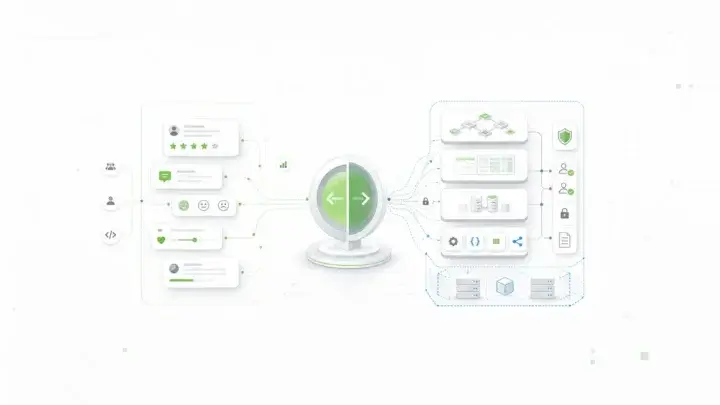
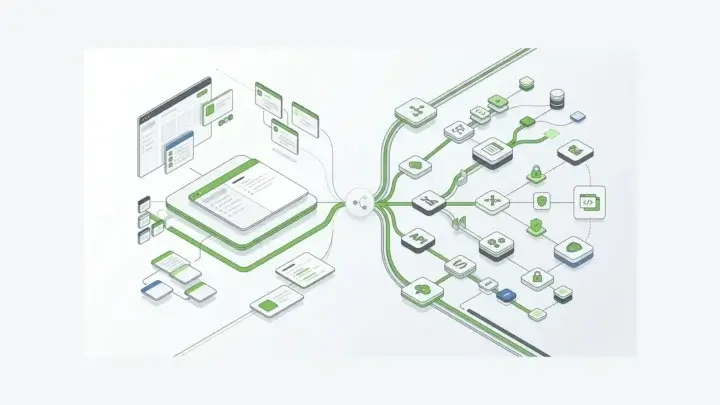
Most software vendors start with a hosted envelope API. You upload a document, define the signers, and the provider runs the signing session in an iframe or a redirect. The provider stores the signed PDF and the audit trail, then calls your webhook when signing is done.
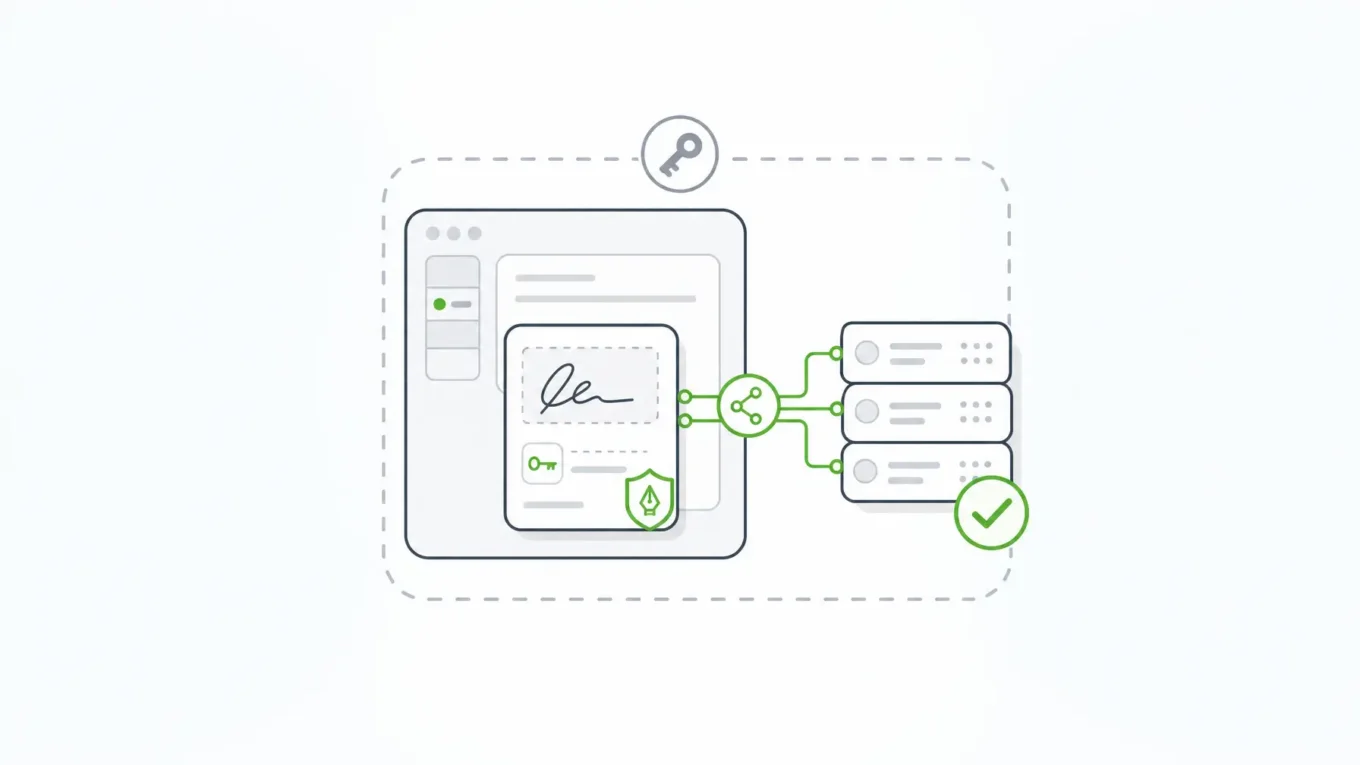
The other model signs your application’s own data. The signature is created inside your stack, against the record your product already stores, and the proof stays in your database.
| Question | Hosted envelope API | Signing on your own data |
|---|---|---|
| What gets signed | A document or PDF rendered from your data | The submission record and selected context |
| Where signing runs | The provider’s cloud | Your deployment |
| Where the evidence lives | The provider’s account, plus copies you download | Your database, next to the record |
| Who holds the keys | The provider | You, or a key service you control |
| How you learn about completion | Webhooks from the provider | Your own application events |
| What happens when data changes | The PDF stays signed; your record can drift from it | The signature no longer validates |
| Best fit | Contracts and documents sent to outside parties | Signatures that are part of an application workflow |
Hosted APIs earn their popularity. They give you document templates, signer routing, email delivery, and identity verification options. For a sales contract sent to a prospect, that’s often exactly right.
If you’re comparing full signing platforms rather than APIs, start with our guide to e-signature software for regulated industries.
The tradeoffs appear when the signature belongs to your product’s data model: a consent captured during onboarding, an approval inside a case, an attestation on a regulated filing.
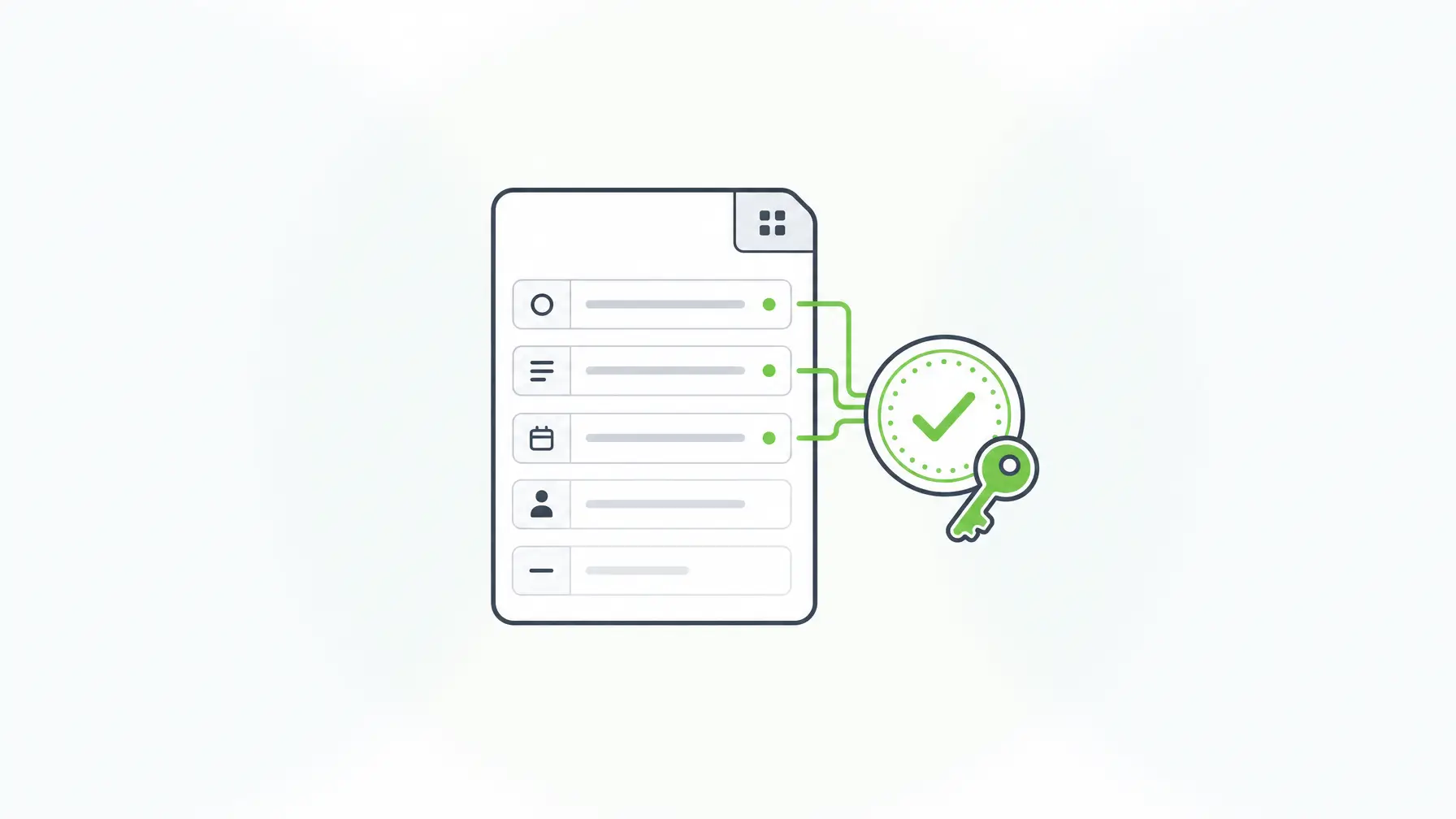
Why Embedded Signing Gets Harder for Software Vendors
A single company signing its own documents has one set of data, one security team, and one auditor. A software vendor has all of its customers’ data, security teams, and auditors at once.
Your customers’ data crosses another boundary
With a hosted signing API, the content being signed leaves your environment and lands in the provider’s. For many of your customers, that’s a new subprocessor to review. The 48% third-party figure above explains why reviewers have become stricter, and the stakes are high: IBM’s 2026 study put the global breach average at $4.99 million.
The signature drifts from the record
A signed PDF is a snapshot. Your application keeps changing the underlying record: a status update, a corrected field, a new workflow step. Six months later, someone has to reconcile the PDF in the provider’s account with the record in your database. If they differ, which one is the truth?
Every tenant needs its own signing context
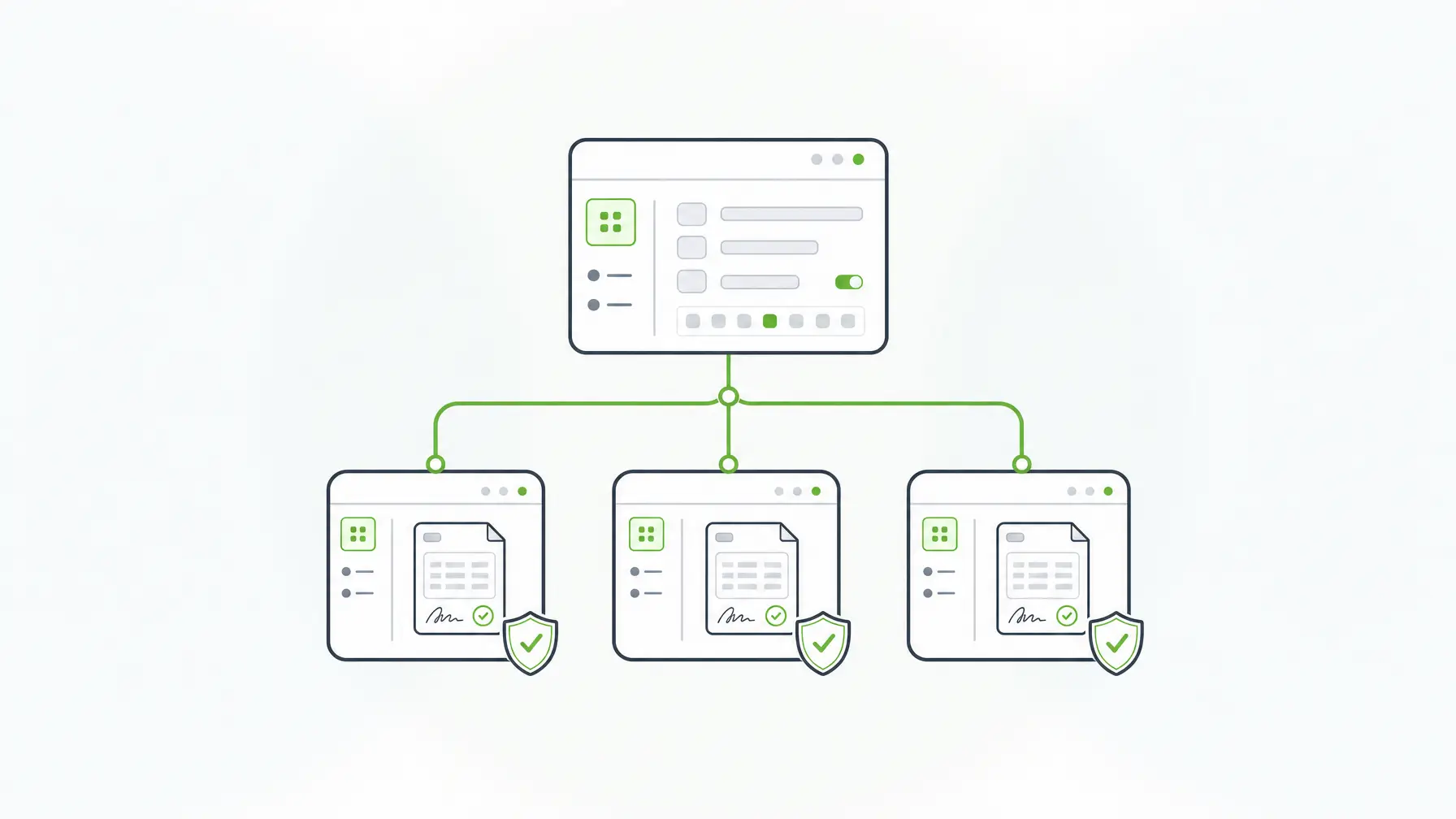
In a multi-tenant product, each customer expects its own users, roles, and data boundaries. With a hosted API, you build that mapping yourself: which tenant owns which envelope, which webhook belongs to which customer, and who can download what. Form.io’s multi-tenant platform architecture gives each tenant its own forms, submission data, roles, and API endpoint, so signed records inherit the same separation as everything else.
What to Check Before You Choose an Electronic Signature API
Run these eight checks against any option, hosted or self-hosted:
- Where signing runs. Does the signing step happen inside your deployment or in the provider’s cloud? Ask what data leaves your environment and when.
- What gets signed. Is it a rendered document, or the structured data your application uses? If it’s a document, how do you prove the document still matches the record?
- Who controls the keys. Can you bring your own keys or use a key management service you control? In IBM’s 2026 study, just 34% of breached organizations had visibility into their cryptographic assets.
- How you verify later. Can your code check a signature’s validity by record ID, without downloading a file?
- How changes are handled. What happens if someone edits signed data? The answer should be that the signature stops validating and the data has to be signed again.
- How tenants are separated. Are signed records, roles, and endpoints scoped per customer, or do you build that mapping yourself?
- What the audit trail covers. Look for who signed, when, which version of the form or document they saw, and every change afterward. Form.io’s audit trail and revision history is one example of record-level history.
- How it’s priced as you grow. Per-envelope or per-seat pricing scales with your customers’ activity. Model it at your expected volume before you commit.
Checks 1 through 5 matter most when signing is part of your product’s workflow. Checks 6 through 8 matter most when you sell to many customers.
How Form.io E-Sign+ Handles Signing Inside Your Product
E-Sign+ is a self-hosted digital-signature module for Form.io. It captures signatures and cryptographically verifies them directly against submission data, inside your own environment. E-Sign+ is available now, announced July 7, 2026, as an optional licensed feature of the Form.io commercial platform.
For a software vendor, that changes the architecture in a few specific ways:
- The signature attaches to the data. You choose whether a signature protects specific fields, all form data, or selected submission properties. Change the data, and the signature breaks.
- Any compatible field can sign. A text field, checkbox, date, email field, or traditional signature component can act as the signing component. Several signatures can sit on one record for multi-party workflows.
- You hold the keys. Configure a private key in the enterprise server deployment, or use project-level integration with AWS KMS.
- The stamp matches your product. A configurable signature stamp shows signers and reviewers whether a signature is valid, styled with your own templates.
- PDFs are optional. Signed data stays reachable through the native Form.io submission ID and APIs. PDF export is available when a workflow needs it.
There’s no per-envelope or per-document meter. E-Sign+ is licensed as part of your self-hosted Form.io environment; see configuration-based pricing for how licensing works.
Pair it with the Enterprise Form Builder Module, and your customers build and sign forms inside your application, under your brand, while your platform controls which components and settings they can use. Edify.ai described the payoff of building on Form.io this way: “Speed to market using Form.io worked fantastically well. We didn’t have to spend 80% of our time building our own solution and instead could focus our dev time on things proprietary to us.” (Cory Linton, CEO of Edify.ai)
Because everything runs in your environment, this approach extends a self-hosted form builder rather than adding another vendor. If your team builds with AI coding agents, the Agentic Coding Toolset gives Claude Code Form.io-aware tools for forms, roles, and actions at development time.
Verification through the API
Every signature is stored in your database with the submission it protects. Signed data stays reachable through the native submission ID and APIs, and each signature carries its own metadata: when it was created, the signing user, the submission revision it covers, and whether it’s still valid. If protected data or the form revision changes after signing, the signature no longer validates, and the signer has to sign again.
On ESIGN and UETA, Form.io built E-Sign+ to provide the mechanisms those laws look for: record, intent, consent, attribution, association, integrity, and retention. Your counsel decides legal sufficiency for your use case.

When Form.io Is Not the Right Fit
Be honest about the use case before you choose:
- You send documents to outside parties by email. If the workflow is “upload a contract, email three signers, collect a PDF,” a hosted envelope API fits better.
- You need built-in identity proofing. E-Sign+ takes identity from your authentication provider and integrations. It doesn’t verify IDs itself.
- You can’t self-host. E-Sign+ is available only for self-hosted environments licensed for both the Security Compliance Module and E-Sign+. It isn’t offered on Form.io SaaS.
- You don’t have developers. Self-hosting, schema design, and integration work need an engineering team.
Key Takeaways
- An electronic signature API has two jobs: capture the signature and prove later that the signed content hasn’t changed.
- Hosted envelope APIs suit documents sent to outside parties. Signing on your own data suits signatures that live inside your product’s workflow.
- For software vendors, ask where signing runs, who holds the keys, and how tenants are separated.
- Verify by record ID, and make sure changed data invalidates the signature.
- E-Sign+ signs Form.io submission data inside your own deployment, with keys you control.
FAQ
What is an electronic signature API?
It’s an interface your application calls to capture signatures and verify them later. Hosted APIs sign documents in the provider’s cloud and send the results back. Data-layer approaches sign your application’s own records inside your environment.
What’s the difference between embedded signing and a hosted signing API?
Embedded signing keeps signers inside your product’s interface. With most hosted APIs, the signing session still runs on the provider’s servers inside an iframe or redirect. With data-layer signing, both the interface and the signing step run in your own deployment.
Can a checkbox or typed name count as an electronic signature?
It can. The ESIGN Act defines an electronic signature as a sound, symbol, or process attached to or logically associated with a record and adopted with intent to sign. In E-Sign+, a checkbox, text field, date, email field, or signature component can act as the signing component. Your counsel decides legal sufficiency for a specific workflow.
How do multi-tenant SaaS products keep signed records separate?
They scope signed records, roles, and endpoints to each customer. Form.io multi-tenancy gives every tenant its own forms, submission data, roles, and API endpoint, separated logically within one deployment. Signed submissions follow the same boundary.
What happens if signed data changes after signing?
With E-Sign+, the signature no longer validates and the data has to be signed again. That applies to the protected fields, the form revision, and any submission properties you included.
Who manages the signing keys with Form.io E-Sign+?
You do. You can configure a private key in the enterprise server deployment or integrate with AWS KMS at the project level, so the keys stay under your control.
Is E-Sign+ available on Form.io SaaS?
No. E-Sign+ is available for self-hosted Form.io environments licensed for both the Security Compliance Module and E-Sign+. Contact Form.io to discuss licensing for your deployment.
Schedule a Call