On July 29, 2026, IBM’s Cost of a Data Breach report found that only 37% of breached organizations encrypt sensitive data both at rest and in transit, and just 34% have visibility into their cryptographic assets. Now picture an auditor asking whether a signed consent form still holds the values the patient agreed to. If you can’t prove it, the signature is decoration. Here is how data integrity works for signed records, where it breaks, and how to make every change detectable.
What data integrity means for a signed record
NIST defines data integrity as “a property whereby data has not been altered in an unauthorized manner since it was created, transmitted, or stored.” It doesn’t ask whether the data is useful. It asks whether anyone changed it without authority. For how that integrity proof fits a longer who-handled-what trail, see chain of custody for digital records.
Regulated industries add detail. The FDA’s 2018 drug CGMP guidance describes it as the completeness, consistency, and accuracy of data, which should be “attributable, legible, contemporaneously recorded, original or a true copy, and accurate (ALCOA).”
A signed record raises the stakes. The signature says a person agreed to specific values at a specific moment. Integrity is what lets you show, months later, that those values haven’t moved. If you’re still sorting out which kind of signature does what, start with digital signature vs electronic signature, which covers intent versus integrity in depth.
Physical and logical integrity
Most definitions split integrity into two layers:
- Physical integrity: the data survives hardware faults, storage corruption, power loss, and disasters. Replication, backups, and tested recovery protect it.
- Logical integrity: the data stays correct and consistent inside the database. That covers entity integrity (every record is uniquely identifiable), referential integrity (relationships between records stay valid), domain integrity (values fit their allowed type and range), and user-defined rules your business adds.
Signed records need both, plus a third property: proof that a specific set of values hasn’t changed since signing.
Data integrity vs data quality vs data security
The three terms overlap, but they answer different questions.
| Term | Question it answers | Typical controls |
|---|---|---|
| Integrity | Has this data changed without authority since it was created, sent, or stored? | Validation, constraints, revision history, digital signatures, audit logs |
| Quality | Is this data accurate, complete, and fit for its use? | Input rules, deduplication, profiling, cleansing |
| Security | Who can see or change this data, and is it protected from attack? | Authentication, access control, encryption, monitoring |
High-quality data can lose its integrity through one quiet edit. Secure data can still be wrong. A signed record needs all three, but integrity is what an auditor tests first.
Where signed records lose data integrity
Signed data rarely fails in one dramatic moment. It drifts:
- Edits after signing. An administrator fixes a typo in a signed field. The fix may be legitimate, but nothing marks the record as changed.
- Copies that diverge. The signed artifact lives in one system and the working record lives in another. Updates land in one place and not the other.
- Exports and transfers. Every integration, CSV export, and email attachment is a chance to alter or truncate data.
- Attacks. The Verizon 2026 Data Breach Investigations Report found that exploiting software flaws (31%) has overtaken stolen credentials as the top way into an organization. An attacker inside your systems can change records as easily as read them.
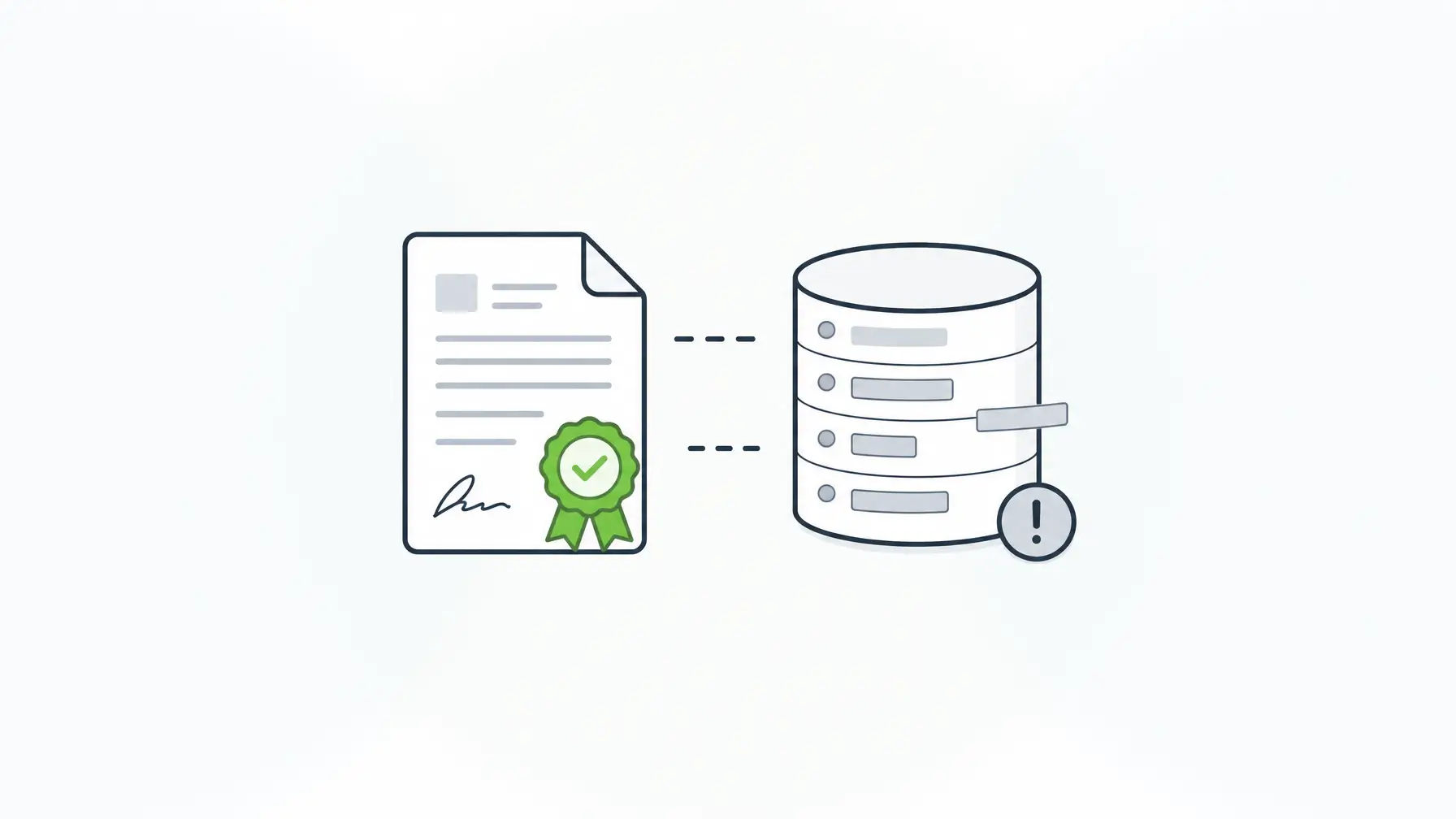
The copy problem deserves a closer look. Many e-signature workflows render the form as a PDF, seal the PDF, and store it. The live submission record is a separate object. Months later a workflow updates the database row, while the sealed PDF still shows the original values. The seal proves the PDF is intact. It says nothing about the data your application uses.
How digital signatures prove data integrity
A digital signature is the standard tool for detecting change. NIST’s Digital Signature Standard, FIPS 186-5, puts it plainly: “Digital signatures are used to detect unauthorized modifications to data and to authenticate the identity of the signatory.”
At signing time, the system computes a fingerprint (a hash) of the exact data being signed and signs that fingerprint with a private key. At verification time, it recomputes the fingerprint from the current data and checks it against the signature with the matching public key. If even one character changed, the fingerprints don’t match and verification fails.
Two limits matter. A signature only protects what it covers: sign a PDF and you protect the PDF. And verification confirms that data and key match. Who held the key and who signed in comes from your authentication and key custody, so those controls matter as much as the math. Those same controls decide whether a signature gives you non-repudiation that holds up when someone disputes a record.
Sealing a PDF copy vs signing the submission data
| Seal a rendered PDF | Sign the submission data | |
|---|---|---|
| What the signature covers | The document file | Selected fields, all form data, or chosen record properties |
| Where proof lives | A separate file, often in a vendor system | On the record your application already uses |
| What happens when the record is edited | The PDF stays valid while the record drifts | The signature fails and the record needs signing again |
| How you verify | Open the file in a PDF reader | Check the record through your own APIs |
| Best fit | Contracts sent to outside parties as documents | Form-driven workflows where the data feeds other systems |
Both have a place. Document signing suits a contract sent to a counterparty. When the signed thing is a submission that drives approvals, payments, or care decisions, signing the data keeps the proof where the data lives.
Tamper evidence in practice: change one field, the signature stops verifying
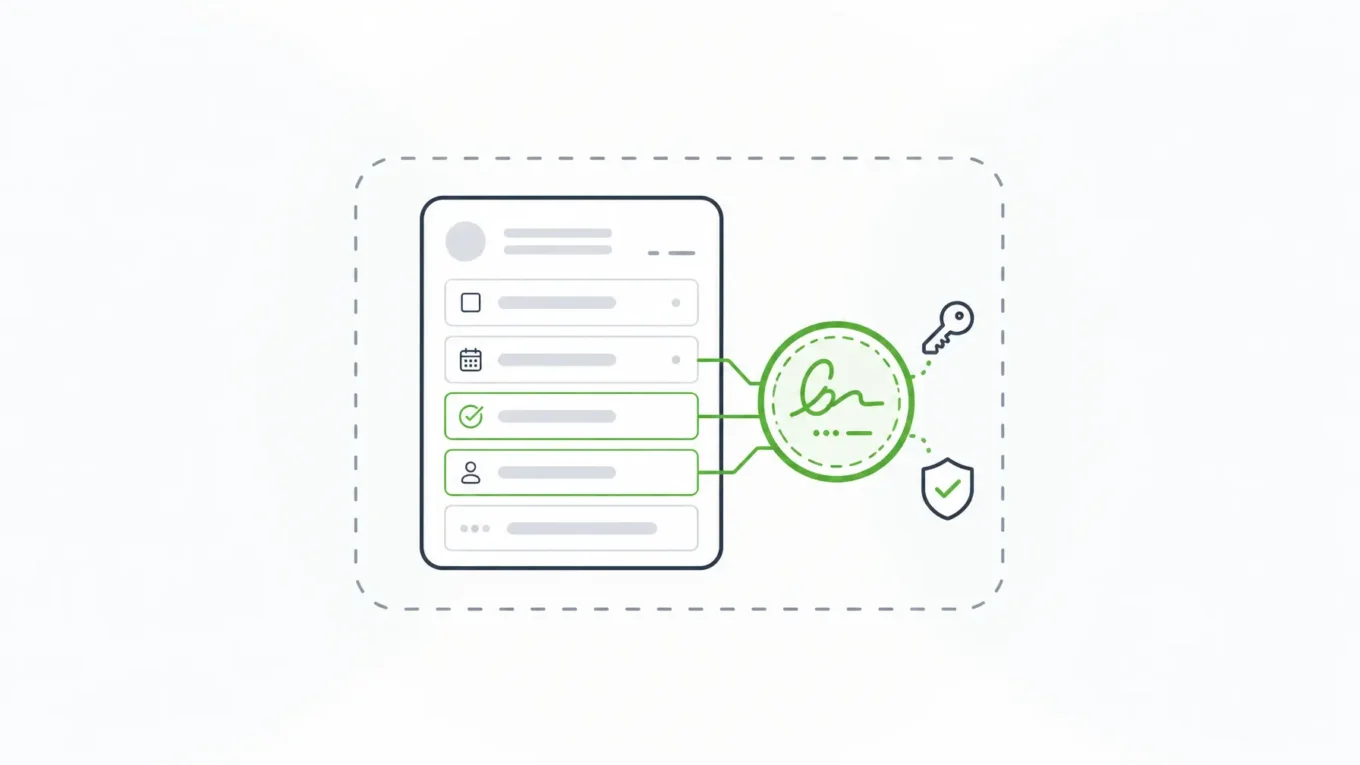
Self-hosted Form.io handles this with E-Sign+, the self-hosted digital signature module, which is available now (announced July 7, 2026). Form.io describes the design simply: “The signature attaches to the submission data itself. Change the data, and the signature breaks.”
The workflow has three steps:
- Define. Choose the component that acts as the signature and what it protects: specific fields, all form data, or selected submission properties.
- Sign. Capture the signing action with a compatible field, such as a text field, checkbox, date, email field, or a traditional signature component. One record can carry several signatures for multi-party approvals.
- Verify. A configurable stamp shows whether the signed values, the form revision, and the selected context still match. If a protected value changes, the signature becomes invalid and the data has to be signed again.
The signature is stored in your own database, signed with a private key you supply on your enterprise server or through AWS KMS. Signed data stays reachable through the native submission ID and APIs, and you can still export a PDF when a workflow needs one.
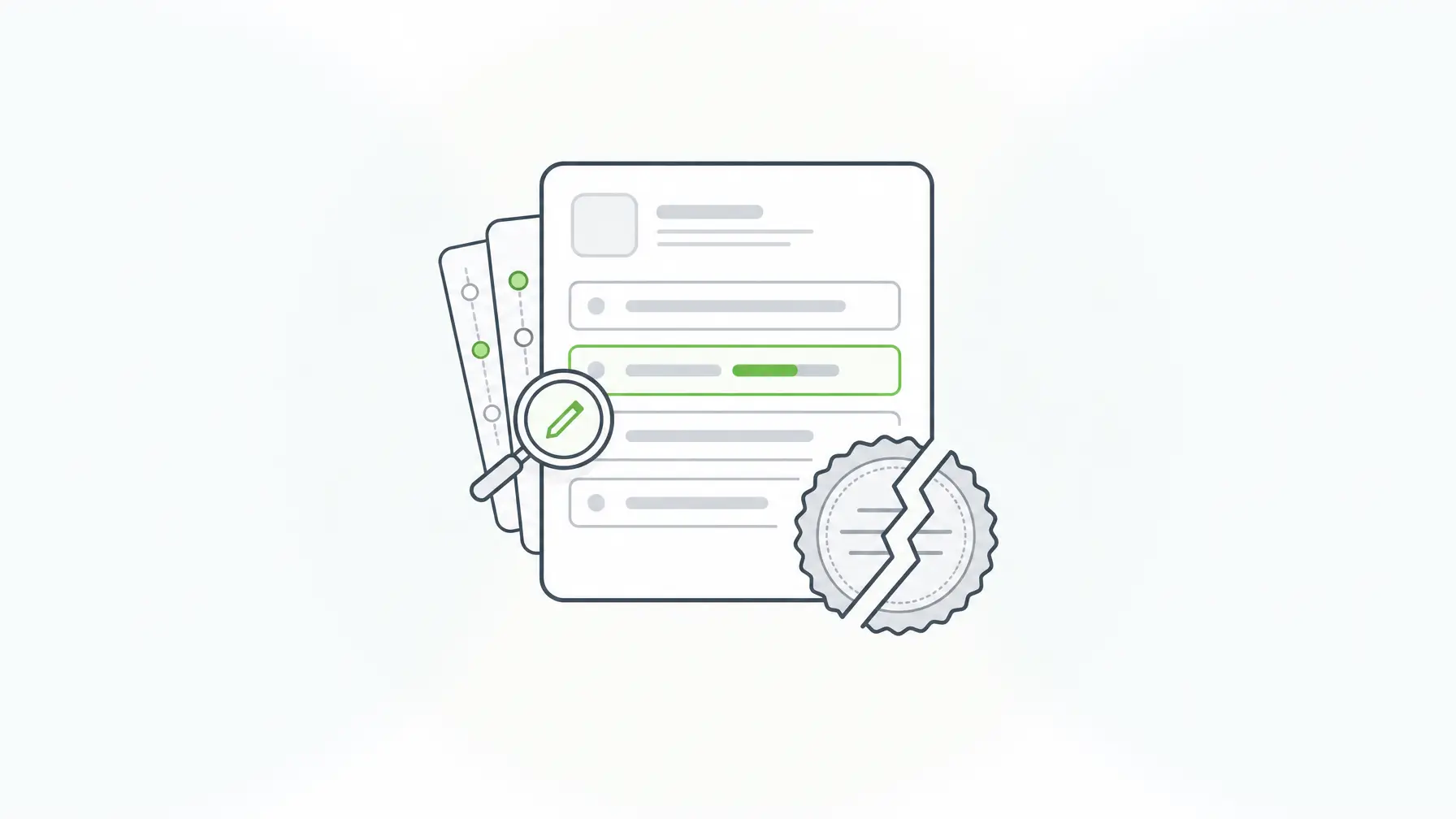
Two platform features make the proof hold up over time, and E-Sign+ requires both. Form revisions store each published version of the schema and tag every submission with its revision, so the signed record renders as the signer saw it. Submission revisions and audit logging record who changed which field and when, so a legitimate correction leaves a trail and a fresh signature instead of a silent edit.
Six controls that keep data integrity intact around the signature
A signature tells you that data changed. These controls cut unauthorized changes and explain the ones that happen:
- Validate at capture. Enforce types, ranges, required fields, and server-side validation so bad values never reach the record.
- Limit who can edit. Role-based access on forms and submissions keeps signed records read-only for most users.
- Keep revision history. Field-level revisions show every change, by whom, and when.
- Log access and changes. Server audit logs show who opened a record and what they did, and should flow into your log platform.
- Encrypt and control your keys. IBM’s 2026 figures above show how often this layer is missing, and reported ransomware incidents rose year over year (39% vs. 34%). Know where your signing keys live and who can use them.
- Back up and test recovery. A verified signature on a record you can’t restore helps no one.
Form.io’s Security Module covers audit logging, field-level encryption, and submission collections; key management stays with your organization. For revision history and promotion between environments, see audit trail software for enterprise form builders.
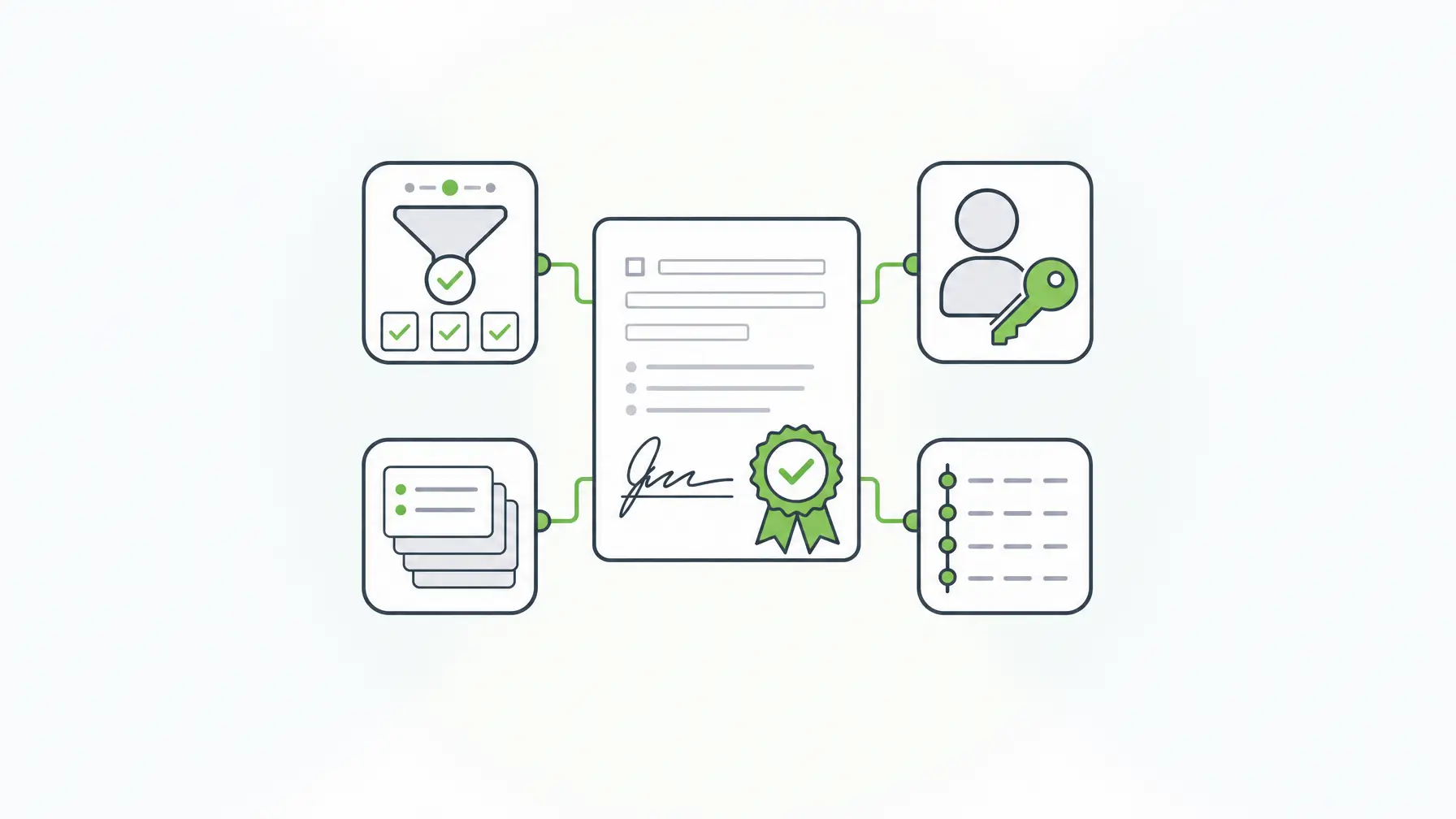
Where self-hosted Form.io fits, and where it doesn’t
Form.io fits teams that build form-driven applications and need signed data to stay inside their environment. A self-hosted Form.io deployment runs inside your security boundary and stores submissions in your database; the only outbound call is license validation. It fits within the controls you already run and supports your SOC 2 Type II and ISO 27001 programs. For evidence collection, see compliance management software for SOC 2 and ISO data collection.
One public-sector customer, the Dept. of Justice, Ireland, put it this way: “Of all the systems we use to deliver our end products, Form.io has been probably the most straightforward and issue free to use, with excellent support.”
Be clear about the limits:
- E-Sign+ is an optional licensed module for self-hosted environments licensed for both the Security Compliance Module and E-Sign+. It isn’t offered on Form.io SaaS.
- It doesn’t verify identity on its own. Identity comes from your authentication provider and integrations.
- Form.io provides technical capabilities. Your policies, controls, and auditors decide whether a workflow meets a regulation, and your counsel decides legal sufficiency under ESIGN and UETA.
- If you only need to send a contract to an outside party for signature, a document-centric e-signature service may be simpler.
Key Takeaways
- Data integrity means data hasn’t changed without authority since it was created, sent, or stored.
- A signature protects only what it covers. Sealing a PDF copy doesn’t protect the live record.
- Sign the submission data itself when signed values feed other systems, so any edit breaks the signature and forces a re-sign.
- Pair signatures with validation, access control, revision history, audit logs, key custody, and tested backups.
- Keep signing inside your own environment when the data can’t leave it, and let counsel decide legal sufficiency.
FAQ
What is data integrity in simple terms?
It means data hasn’t been altered in an unauthorized way since it was created, transmitted, or stored, which is NIST’s definition. In practice, you can show that a record still holds the values it held when it was captured or signed.
What are the main types of data integrity?
Physical integrity protects data from hardware failure, corruption, and disasters. Logical integrity keeps data correct through entity, referential, domain, and user-defined rules. Signed records add proof that specific values haven’t changed since signing.
How does a digital signature detect a change?
The signer’s system hashes the exact data and signs the hash with a private key. A verifier recomputes the hash from the current data and checks it with the public key. Any change, even one character, makes verification fail.
How is integrity different from security?
Security controls who can read or change data and protects it from attack. Integrity is about whether data changed without authority. Strong security supports integrity, but you still need validation, revisions, and signatures to detect and explain changes.
What does ALCOA stand for?
ALCOA comes from FDA guidance: attributable, legible, contemporaneously recorded, original or a true copy, and accurate. It describes trustworthy records in regulated drug manufacturing, and many regulated teams use it as a general checklist.
What happens when someone edits a field protected by E-Sign+?
The signature becomes invalid, the stamp shows it, and the record needs to be signed again. Submission revisions record the edit, the editor, and the time, so the change is visible.
Is a workflow signed with E-Sign+ legally sufficient under ESIGN and UETA?
That’s a decision for your counsel. Form.io built E-Sign+ to provide the mechanisms ESIGN and UETA look for, such as record, intent, consent, attribution, association, integrity, and retention. Counsel reviews the specific workflow against the law that applies to it.
Schedule a Call