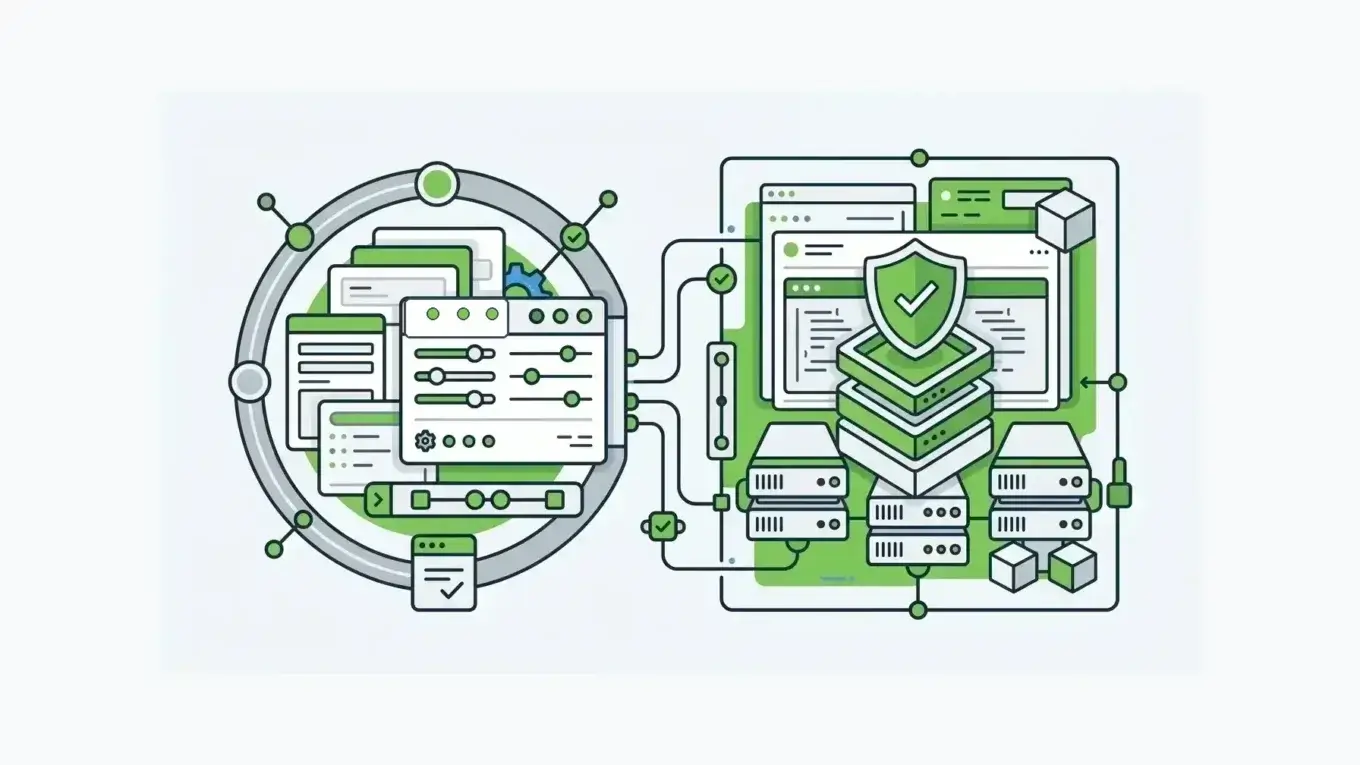
As Salesforce teams add customer portals and AI agents to their workflows, more of them are comparing Formstack alternatives. Forms have become the front door to records, approvals, documents, signatures, and regulated workflows. Formstack is useful; the real question is whether the form layer should live inside Salesforce or inside a broader application architecture you control.
The distinction carries weight because Salesforce is already the operational center for many teams. Salesforce says more than 150,000 customers use its CRM products for sales, service, and marketing outcomes. When the CRM is that central, a Salesforce-native form tool can be exactly right. But once a form starts acting like application infrastructure, the buying criteria change.
Quick Answer: When Should You Choose Formstack Or Form.io?
Choose Formstack for Salesforce-native form administration, Salesforce object mapping, no-code form building for Salesforce admins, and workflows keeping form data inside Salesforce. Formstack is strongest for organizations where Salesforce is the main system of record and each form exists to create, update, or enrich Salesforce records.
Choose Form.io for forms that are part of a product, portal, case workflow, regulated intake system, or multi-system application where the form definition, submission API, permissions, workflow actions, deployment boundary, and data model need to stay under your control. Form.io is the stronger fit for forms that act as application infrastructure rather than a Salesforce extension.
| Buyer Need | Better Fit | Why |
|---|---|---|
| Build and manage forms directly in Salesforce | Formstack | Native Salesforce administration is the point. |
| Map form submissions to Salesforce records | Formstack | Formstack’s Salesforce docs center on object mapping, upserts, and web-to-lead or web-to-case replacement. |
| Embed forms inside a customer-facing product or portal | Form.io | The form layer can be embedded into the application and controlled by the development team. |
| Generate APIs around forms and submissions | Form.io | Form.io is built around forms, resources, submissions, and API access. |
| Self-host the form infrastructure | Form.io | The deployment can live inside the customer’s environment. |
| Give business admins a Salesforce-native form tool | Formstack | The buyer is likely a Salesforce admin or RevOps team. |
| Govern forms across products, workflows, data models, and agents | Form.io | The form schema becomes a reusable control surface instead of a single CRM extension. |
The Real Difference Is Layer Ownership
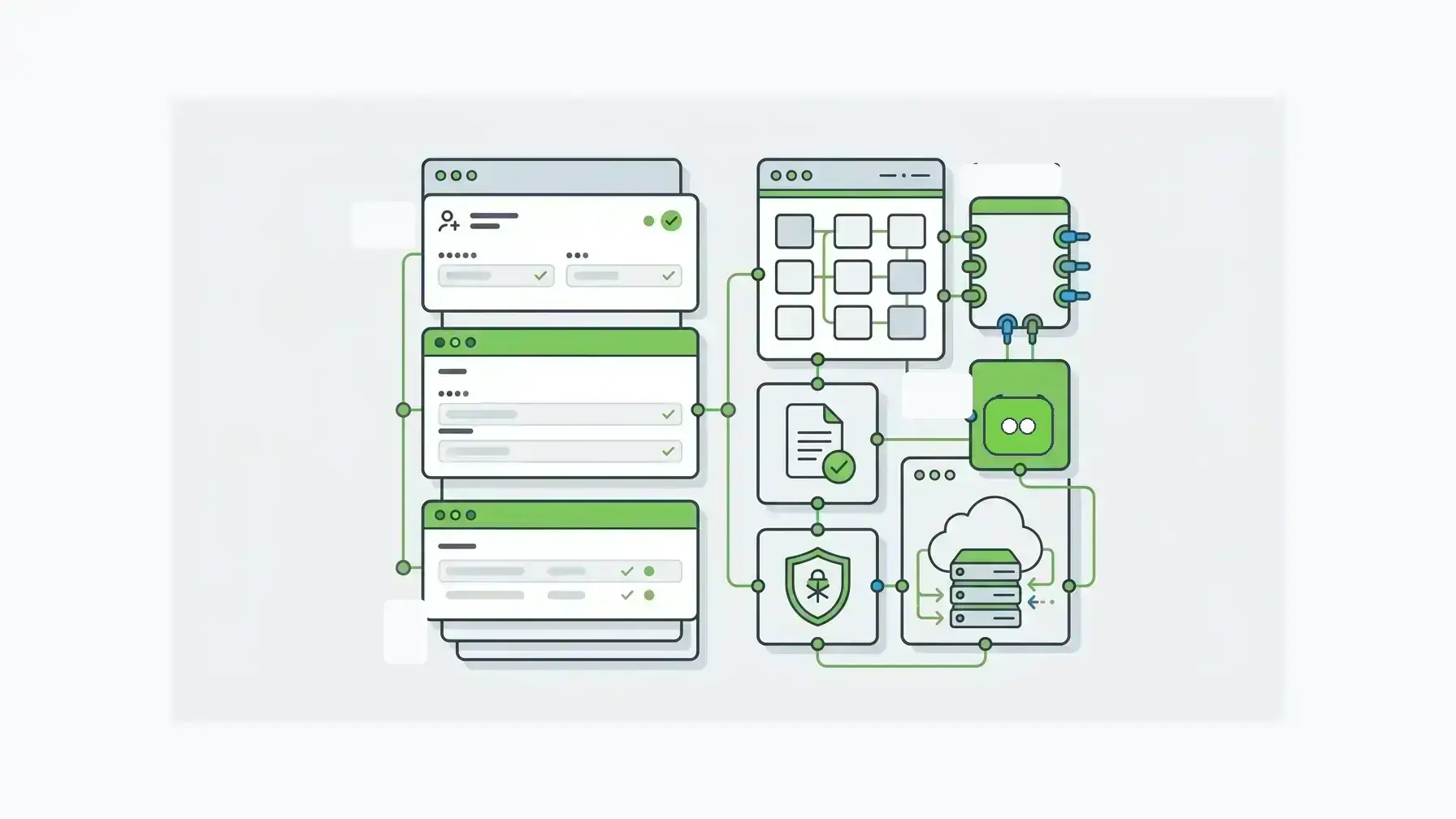
Most Formstack alternatives articles compare surface features: templates, payments, signatures, conditional logic, integrations, pricing, and ease of use. Those details matter, but they do not answer the enterprise architecture question.
The real question is layer ownership.
Formstack is strongest for form layers belonging inside Salesforce. Its Forms for Salesforce product is positioned as a native Salesforce form builder where data is collected, processed, and stored in the Salesforce org. The model is valuable for workflows that are mostly Salesforce workflows.
Form.io takes a different approach. It is a self-hosted enterprise form builder and API platform for teams that need the form layer to live inside their own application environment. The value extends past the form builder to the form schema, generated APIs and workflow features, submission records, permissions, workflow actions, embedding model, and deployment control around the form.
The comparison of Formstack alternatives therefore turns less on feature count and more on where the form should live.
What Formstack Does Well For Salesforce Teams
Formstack deserves a fair reading. For teams that live in Salesforce, its strongest argument is focus.
Formstack describes Forms for Salesforce as a way to build native Salesforce forms, collect and manage data inside the Salesforce org, use dynamic prefill, store partial submissions, test in a sandbox, and support payment integrations and workflows directly in Salesforce. A customer quote on Formstack’s page captures the appeal: forms are “managed INSIDE of your Salesforce org.”
For Salesforce admins, the advantage is substantial. If the business process begins and ends in Salesforce, a native form builder reduces the number of systems the team has to explain, secure, train, and maintain.
Formstack’s broader Salesforce integration page also frames the suite around data collection, document generation, and signature capture inside Salesforce workflows. For a team whose operational center is Salesforce, that suite story can be compelling.
Where Formstack Can Become Too Narrow
The same strength can become a constraint when the workflow is bigger than Salesforce.
A Salesforce-native form builder is optimized for Salesforce. The same focus gives the product its value. But many enterprise forms do not stop at Salesforce. They may need to feed a case management application, validate against internal services, create submissions in a customer database, call external APIs, apply custom permissions, support tenant-specific workflows, generate PDFs, expose data to a portal, or run inside an environment that cannot depend on a vendor-hosted form service.
Salesforce’s own connectivity research says 81% of IT leaders report that data silos hinder digital transformation. The finding is the right backdrop for this decision. If a form creates another disconnected intake layer, it adds friction. If it only solves Salesforce capture while the real workflow spans several systems, the team still has to design the architecture around it.
At that point, Formstack alternatives should be evaluated by control, not convenience.
What Form.io Does Differently
Form.io treats forms, APIs, and workflows as part of application infrastructure.
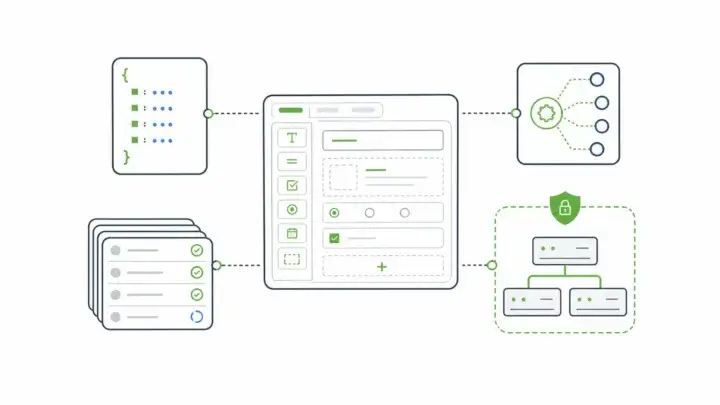
A Form.io form is a JSON-driven definition, well beyond a hosted page, that can render in the application, collect submissions, expose API endpoints, apply validation and permissions, and connect to downstream workflow actions. The public Form.io API documentation supports the API-first orientation, and the public Form.io GitHub repository describes the open-source core as a form and API engine with embeddable rendering for application frameworks.
The difference becomes important when the form is part of software your team owns. A Salesforce-native tool can be the shortest path to Salesforce records. Form.io is the better fit for form models governed as part of the product or platform.
Form.io also supports a different deployment posture. Its self-hosting documentation describes a platform that can deploy into customer-controlled environments, connect through APIs, support common authentication patterns, and run as part of the team’s own architecture. For regulated teams, software companies, public-sector systems, and enterprise teams with real data-boundary requirements, that control is often the reason to evaluate Form.io.
Salesforce Native Forms Versus Embedded Form Infrastructure
A Salesforce-native form and an embedded infrastructure form can look similar to the end user. Both can collect data. Both can validate inputs.
Both can route submissions. Both can trigger downstream work.
The difference appears behind the screen.
With a Salesforce-native form, the center of gravity is Salesforce. The form exists to create, update, or enrich records in Salesforce. The admin experience counts.
Native object access counts. The form workflow should feel familiar to a Salesforce team.
With embedded form infrastructure, the center of gravity is the application. The form may write to Form.io submissions, trigger APIs, render inside React or Angular, connect to identity, respect environment-specific permissions, and participate in a broader workflow that may include Salesforce but does not belong entirely to Salesforce.
Buyers should make this distinction before comparing feature lists.
Decision Criteria For Enterprise Buyers
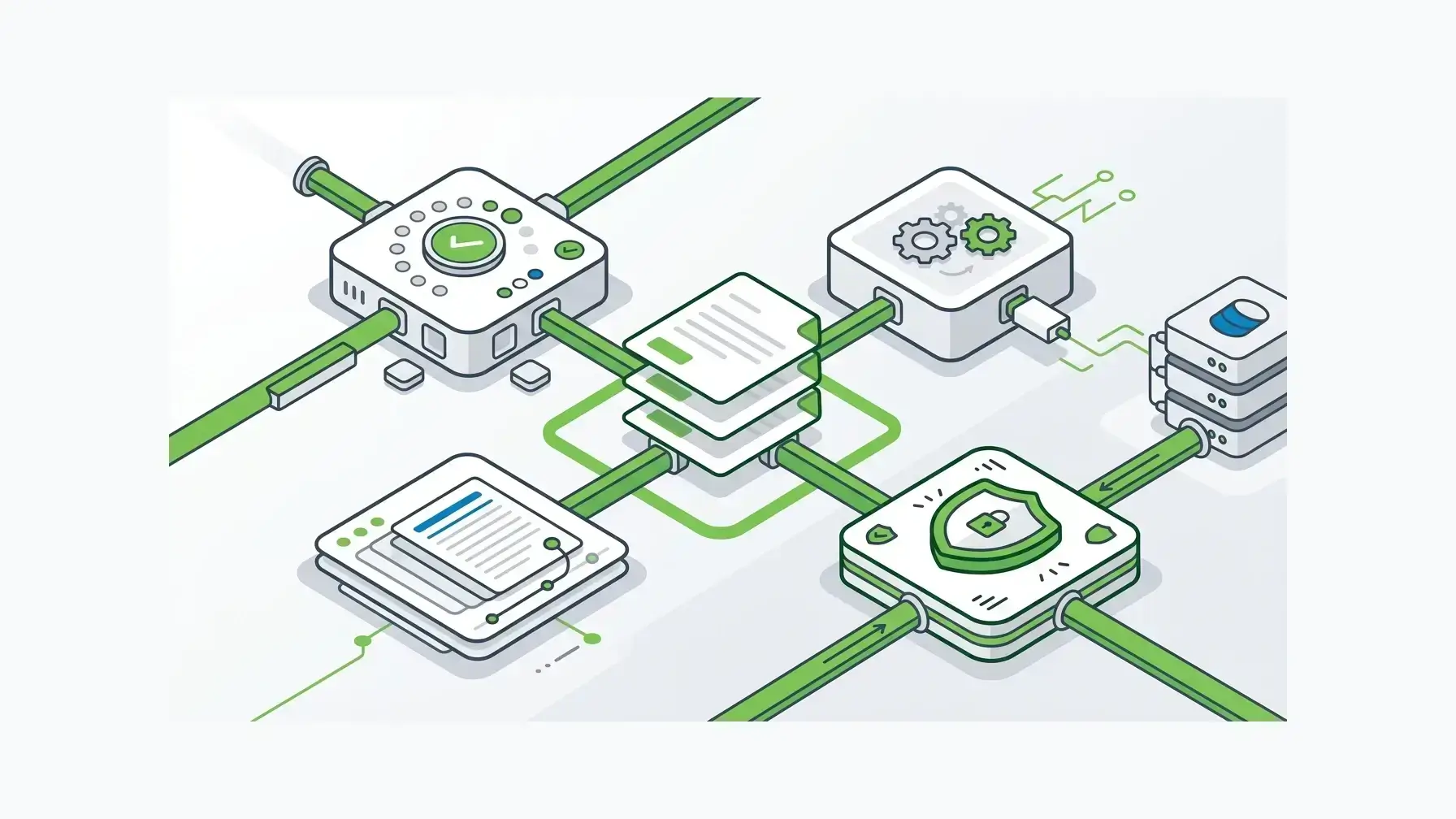
1. What Is The System Of Record?
If Salesforce is the system of record and the workflow is mostly Salesforce-driven, Formstack is easier to justify. It keeps the form close to the records and gives admins a clear operating model.
If the system of record is your application, your database, your case management layer, or a regulated environment you own, Form.io fits the architecture more directly. Salesforce can still be one integration, but it does not have to own the form layer.
2. Who Owns The Form Model?
In a Salesforce-native workflow, the form model is shaped around Salesforce administration. The arrangement can be useful for business-admin ownership of day-to-day changes.
In a Form.io workflow, the form model can be treated as a schema-controlled asset. Developers can build and manage form definitions, embed them, version them, connect them to APIs, and govern them alongside application behavior. The model is valuable for forms that are part of a product release process rather than a department-level admin task.
3. Where Does The Data Need To Live?
Formstack’s native Salesforce product is attractive for teams that want the data to live in Salesforce. The product page emphasizes data being collected, processed, and stored in the Salesforce org.
Form.io is attractive for data residency, database control, network boundaries, and self-hosting requirements. Implementation is not simpler, but the control model is clearer for teams that need it. Vendor exposure is part of that calculation: Verizon’s 2025 Data Breach Investigations Report found that third-party involvement in breaches doubled to 30%. Our guide to a self-hosted form builder with APIs deployed in your environment covers the deployment side.
4. How Much Integration Is Required?
Formstack’s Salesforce integration page shows practical Salesforce integration work: replacing web-to-lead or web-to-case forms, mapping fields to objects, updating existing records through upsert behavior, and handling Salesforce API edition requirements. The approach fits Salesforce-centric integration.
Form.io is a better fit for integration needs beyond one CRM connection, including multi-step approval workflows that span systems. If submissions need to move through several systems, connect to internal services, feed custom workflows, or expose data through APIs, a form infrastructure layer can reduce the amount of one-off glue code.
5. Is The Form A Page Or A Product Surface?
If the form is a landing page, intake page, or Salesforce-connected external form, Formstack may be enough.
If the form is embedded into a customer portal, partner experience, internal case application, white-labeled SaaS feature, or regulated workflow, the form is part of the product surface. In those settings, Form.io’s embeddable renderer and form-building model become more relevant.
Where Formstack Is Probably The Better Choice
Formstack is probably the better choice for teams where:
- Your team already runs the workflow in Salesforce.
- Salesforce admins need to build and manage forms without developer ownership.
- The main job is mapping submissions to Salesforce objects.
- The team wants native Salesforce storage and administration.
- Document generation and e-signature inside a Salesforce-centered process are part of the buying motion.
- You are not trying to self-host the form infrastructure.
- You do not need the form schema to become a cross-application contract.
The use case is legitimate. A team should not buy an infrastructure platform for a job a Salesforce-native tool already solves.
Where Form.io Is Probably The Better Choice
Form.io is probably the better choice for teams where:
- Forms live inside a custom application, portal, or product.
- The team needs self-hosted deployment or customer-controlled data boundaries.
- Forms need generated APIs, submission records, permissions, and workflow actions.
- Salesforce is one destination, not the whole architecture.
- Developers need to control rendering, validation, and integration behavior.
- The organization wants to reduce one-off form integrations across systems.
- Form definitions need to survive across environments, releases, tenants, and governance reviews.
The ideal buyer already feels the cost of treating forms as convenience software. The form may look simple to the user, but the work behind it involves permissions, data contracts, workflow states, audit needs, and integration boundaries.
Signatures follow the same logic. With Form.io E-Sign+, the signature attaches to the submission data itself. Change the data, and the signature breaks.
The Department of Justice in Ireland, a Form.io customer, put it this way: “Of all the systems we use to deliver our end products, Form.io has been probably the most straightforward and issue free to use, with excellent support.” The right architecture reduces the repeated friction of rebuilding the same form plumbing across projects.
Comparison Table: Form.io vs Formstack
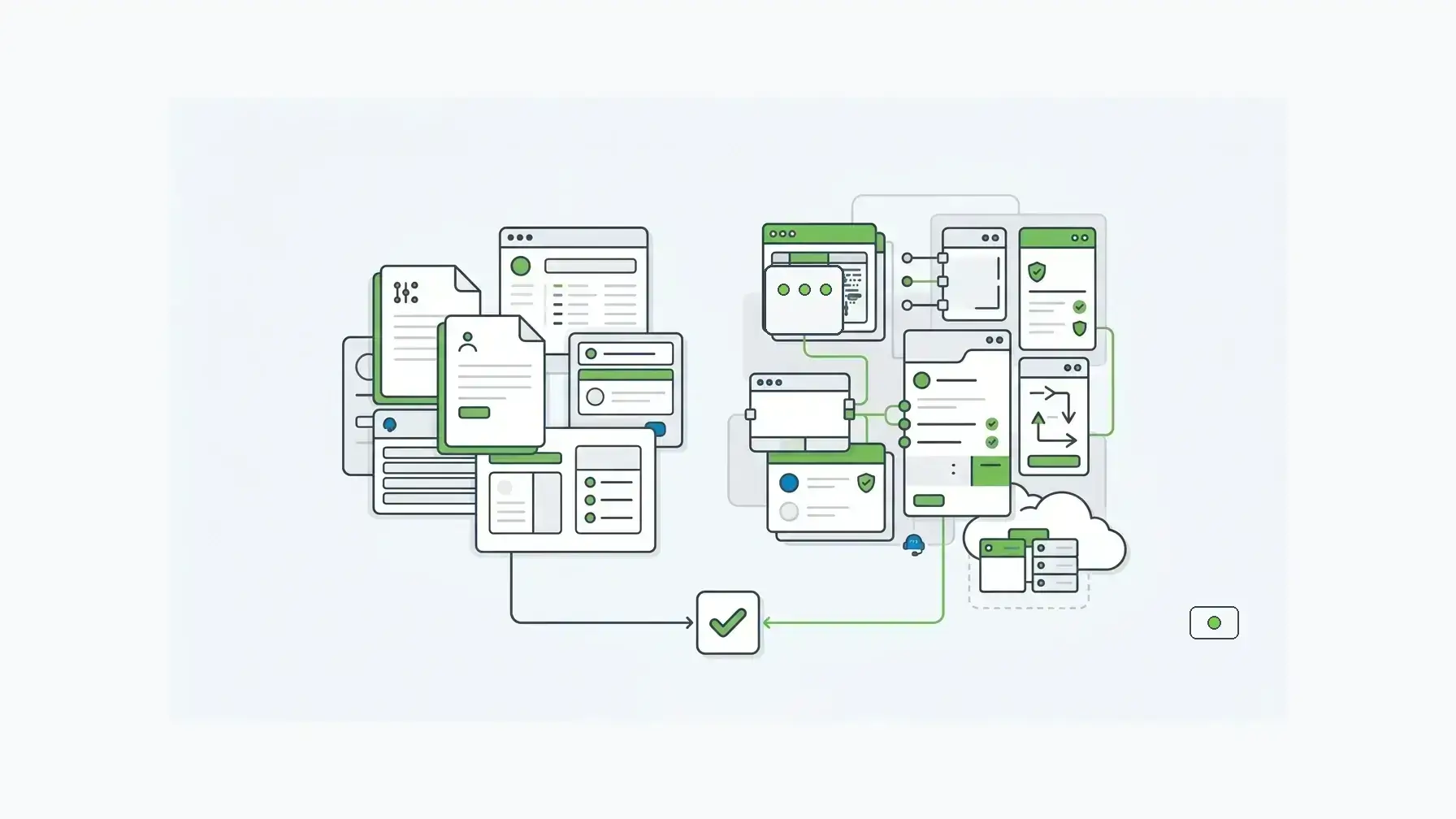
| Criterion | Formstack | Form.io |
|---|---|---|
| Primary fit | Salesforce-native forms and workflow automation | Self-hosted form, API, and workflow infrastructure |
| Buyer center | Salesforce admins, RevOps, business operations | Developers, platform teams, regulated enterprises, software teams |
| Deployment model | Formstack/Salesforce-centered product model | Customer-controlled deployment options, including self-hosted environments |
| Data model | Salesforce object and record orientation | JSON form definitions, resources, submissions, APIs, permissions, workflow actions |
| Integration posture | Strong for Salesforce mapping and suite automation | Strong for API-first, multi-system, application-owned workflows |
| Embedding | Useful for forms connected to Salesforce workflows | Designed for embedded form rendering inside applications |
| Governance | Inherits much of the Salesforce-native operating model when used that way | Governed through schema, APIs, permissions, deployment, and environment control |
| Best failure to avoid | Buying too much platform for a Salesforce admin problem | Trapping product infrastructure inside a CRM extension |
A Better Way To Frame Formstack Alternatives
The wrong question is, “What is the best Formstack alternative?”
A better question is, “What layer should own the form workflow?”
If the layer is Salesforce, Formstack belongs on the shortlist. If the layer is a broader application architecture, Form.io should be evaluated differently from other Formstack alternatives and generic form builders.
The distinction also keeps the comparison honest. Form.io is not a lighter Salesforce form plug-in. Formstack is not an API-first application infrastructure platform. They overlap at the form-building surface, but they serve different operating models.
Migration And Replacement Considerations
Replacing Formstack with Form.io is an architecture decision as much as a content migration.
Before switching, inventory:
- Which forms create or update Salesforce records.
- Which forms feed systems outside Salesforce.
- Which workflows depend on document generation or signatures.
- Which objects, fields, and upsert rules are embedded in current forms.
- Which teams own edits today.
- Which forms need versioning, environment promotion, audit records, or tenant-specific behavior.
- Which integrations are brittle because the form layer is not under application control.
If almost everything maps cleanly to Salesforce and the business admin team owns the workflow, a Salesforce-native tool may still be the right answer. If the inventory reveals multiple systems, custom permissions, embedded product surfaces, or deployment constraints, Form.io becomes more than an alternative. It becomes the infrastructure layer the form workflow was asking for.
Key Takeaways
- Formstack is strongest for forms that should be native to Salesforce and managed by Salesforce-centered teams.
- Form.io is strongest for forms that need to live inside customer-controlled applications, APIs, workflows, and deployment boundaries.
- The useful comparison sets Salesforce-native administration against application-owned form infrastructure, rather than ease of use against complexity.
- Formstack alternatives worth shortlisting depend on whether Salesforce or your application owns the workflow.
- Buyers should decide where the form layer belongs before comparing templates, integrations, or pricing.
FAQ
What Is The Best Formstack Alternative For Enterprise Forms?
It depends on what the form needs to control. If the workflow is Salesforce-centered, another Salesforce-native form tool may be the closest alternative. If the workflow spans custom applications, APIs, permissions, data residency, or embedded product surfaces, Form.io is a stronger enterprise alternative because it treats forms as infrastructure.
Is Form.io A Direct Replacement For Formstack?
Not in every case. Form.io can replace Formstack when the team wants to own the form layer as part of an application stack. It is not the same kind of Salesforce-native admin product. The stronger reason to choose Form.io is control over forms, submissions, APIs, workflow actions, permissions, and deployment.
When Is Formstack Better Than Form.io?
Formstack is better for organizations where Salesforce is the main system of record, Salesforce admins own the workflow, and the goal is to create or update Salesforce records without building a separate form infrastructure layer.
When Is Form.io Better Than Formstack?
Form.io is better for forms embedded into a product, portal, regulated application, or multi-system workflow. It is also a better fit for organizations that need self-hosting, generated APIs, custom permissions, data ownership, and developer-controlled rendering.
Can Form.io Connect To Salesforce?
Yes, Form.io can participate in Salesforce-connected workflows through APIs and integration patterns. Form.io is most valuable for architectures where Salesforce is one destination rather than the only place the form data needs to live.
Does Form.io Have A Salesforce-Native Form Builder?
Not natively. Form.io is self-hosted, API-first form infrastructure that can integrate with systems like Salesforce as the architecture requires.
Why Does Self-Hosting Matter For Form Workflows?
Self-hosting is important for organizations that need control over data residency, network boundaries, deployment architecture, security review, authentication, and operational responsibility. Implementation work remains, but it happens inside the environment the organization already governs. Self-hosted Form.io runs inside your existing security envelope, so it works with your SOC 2 Type II and ISO 27001 programs.
Why Do Generated APIs Matter For Forms?
Generated APIs make the form part of the application contract. Instead of treating submissions as data trapped in a form tool, the team can expose, validate, route, and govern form data through application infrastructure.
Try Form.io Free