Embedded forms are moving deeper into B2B SaaS products as customers expect to configure their own onboarding, intake, and approval flows. For a marketing team, an embedded form might mean a signup widget pasted into a page. For a SaaS platform, it can mean a branded builder inside the product, tenant-specific permissions, API-backed submissions, and workflow rules that cannot drift from the rest of the application.
The comparison turns on that distinction.
Embedded Forms Become Product Infrastructure
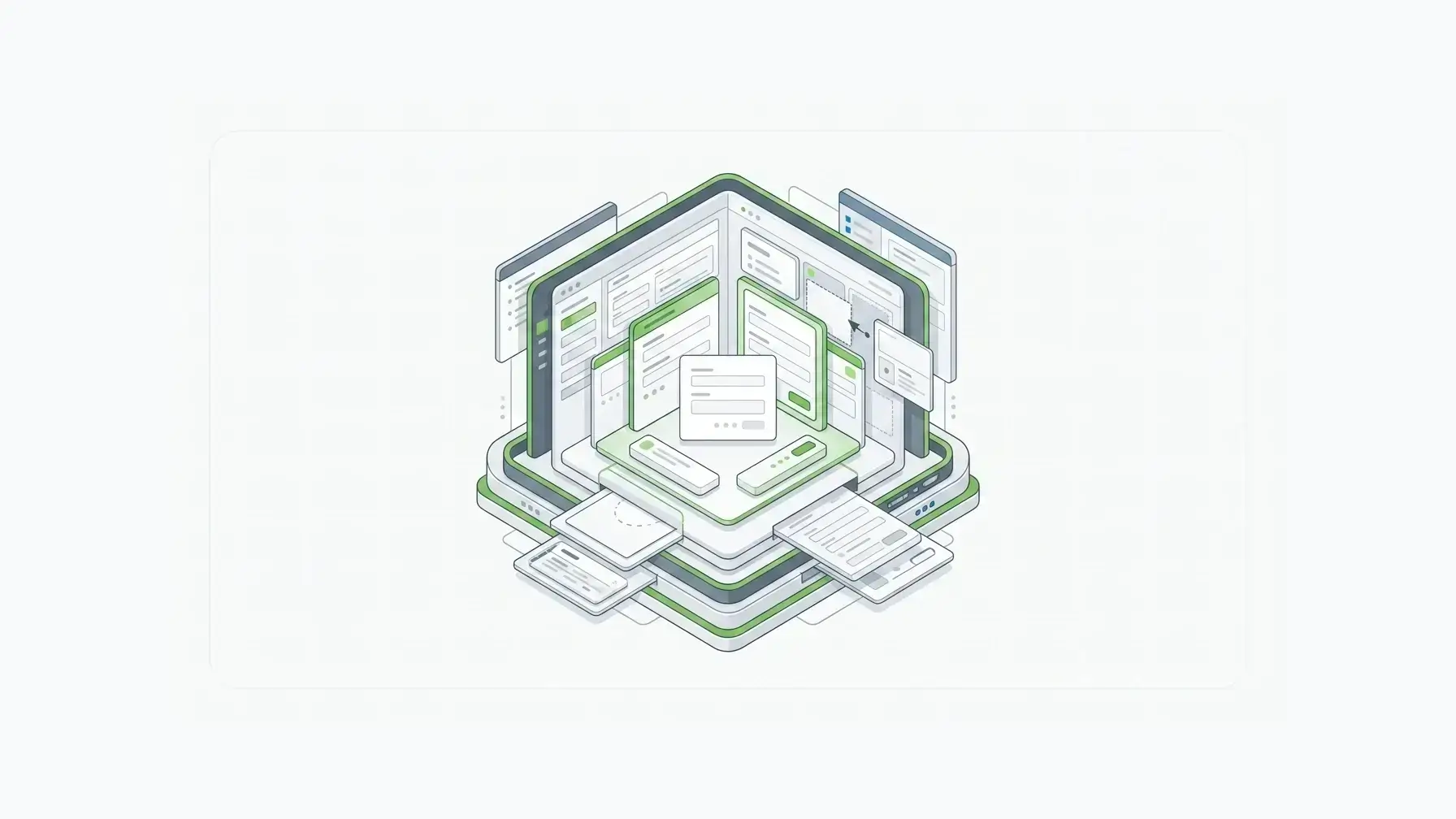
An embedded form is a form rendered inside a webpage or application, usually through an iframe, script, SDK, component, or framework integration.
The definition is useful, but too broad. It puts a newsletter signup form and a customer-facing SaaS form builder in the same bucket.
B2B SaaS teams need a sharper distinction:
- Embedded form: a finished form appears inside your website or app.
- Embedded form builder: your users or admins can create and edit forms inside your product.
- White-label form infrastructure: the forms, builder, submissions, APIs, branding, roles, tenant boundaries, and workflow behavior all operate as part of your product.
Form.io belongs in the last category. The Form.io Enterprise Form Builder Module is built to embed a white-labeled form builder inside an application while the platform owner keeps control over components, data model, permissions, and workflow behavior.
Quick Comparison
| Option | Best fit | Main strength | Main tradeoff |
|---|---|---|---|
| Form.io | B2B SaaS teams that need embedded forms, embedded form building, APIs, tenant-aware control, and deployment flexibility | Forms behave like governed application infrastructure | More platform than a simple marketing form team needs |
| Jotform | Hosted enterprise teams that want template-rich no-code form building and broad business workflows | Fast, familiar hosted form creation | Strongest when the form system can remain vendor-hosted and account-centered |
| Feathery | Product teams that want polished embedded form UX and a white-label editor experience | Strong product-form experience and editor customization | Teams still need to evaluate backend governance, deployment, and data ownership depth |
| SurveyJS | JavaScript teams that want form libraries and a builder they can wire into their own stack | Developer control inside front-end applications | More assembly work around storage, APIs, permissions, and operations |
| Formsort | Teams building branded conversion flows | Managed branded flows with conversion focus | Narrower fit when forms become governed product infrastructure |
| 123FormBuilder / similar tools | Teams that primarily need branded hosted forms and account-level white labeling | Familiar form-builder packaging | White label often centers on branding more than application architecture |
The right choice depends less on the phrase “embedded forms” and more on what the embedded form has to own.
The SaaS Evaluation Checklist
If customers only need to submit a contact form, almost any credible form builder can work.
If customers need to create forms inside your application, the checklist changes:
- Can the finished form be embedded cleanly?
- Can the builder itself be embedded?
- Can vendor branding be removed from the form, builder, emails, URLs, and exports?
- Can each tenant have separate forms, submissions, themes, permissions, and workflows?
- Can you restrict which components, validation rules, logic, and publishing actions customers can use?
- Are submissions available through APIs, not only exports or webhooks?
- Where does submission data live?
- Can the form layer run inside the deployment boundary your customers require?
- Are revisions, access controls, and audit evidence part of the model?
- Does the pricing model still work when every customer creates forms?
Those are architecture questions, well beyond cosmetics.
Postman’s 2025 State of the API report found that 82% of organizations had adopted some level of API-first approach. Embedded forms in a SaaS product do more than draw pixels: they create records, trigger workflows, and pass data to the rest of the application.
Where Form.io Fits

Form.io is the strongest fit for forms that need to behave like part of the product infrastructure.
The Form.io form embedding documentation covers quick inline embedding, JavaScript embedding, iframe fallback, builder embedding, and framework embedding. Teams get a practical path from simple rendering to deeper application integration.
But the more important distinction is what sits behind the embed.
Form.io forms are JSON-driven definitions connected to rendering, validation, submissions, APIs, permissions, and workflow behavior. The drag-and-drop form builder with APIs arranges fields as part of a system where form definitions can become application contracts.
SaaS platforms need that structure when customers require their own forms, variations, permissions, and branded experiences. The Form.io homepage explicitly frames white-label SaaS use around form, API, and data management under the platform’s brand or the customer’s brand. It also describes multi-tenant child-project patterns for separating forms, data, and form building.
For more controlled environments, the self-hosted Form.io deployment model lets the form layer live closer to the customer’s infrastructure boundary instead of becoming an external data silo. Self-hosted Form.io runs inside your existing security envelope, so it works with your SOC 2 Type II and ISO 27001 programs. For the full deployment picture, see our guide to a self-hosted form builder with APIs deployed in your environment.
If your engineers build with AI coding agents, the Form.io Agentic Coding Toolset lets those agents create forms, resources, and actions against your Form.io project at development time, so new tenant forms start from the same governed model.
White Label Is More Than Branding
Most white-label form pages talk about logos, colors, custom domains, badge removal, and branded emails.
Those requirements are real, but they are not enough.
In a B2B SaaS product, white label also means the form capability has to respect the product’s operating model. A tenant should not see another tenant’s forms. A customer admin should not publish components that break downstream processing.
A support team should be able to diagnose what changed. A developer should know how submissions map into APIs and workflows.
A light embed starts to strain here.
OWASP’s API Security Top 10 puts broken object-level authorization first. SaaS form architecture needs that reminder: if these forms create or expose customer records through APIs, authorization has to be object-aware and tenant-aware. Front-end hiding is not governance.
The same logic applies to validation and workflow behavior. The conditional logic and validation features help enforce rules before bad data becomes an API or workflow problem.
When a Simpler Embedded Form Is Enough
Use a simpler hosted embed when the form is not central to the product.
Common examples include:
- newsletter signup
- marketing lead capture
- event registration
- contact and support requests
- one-off surveys
- public feedback forms
- low-risk forms that can live in an external form account
In those cases, a hosted form builder with templates, brand settings, and a quick embed code may be the best decision. Jotform, Formsort, 123FormBuilder, and similar tools can be strong fits when speed and convenience are the main job.
The mistake is keeping that architecture after forms become a customer-facing product capability.
When Embedded Form Infrastructure Is Needed
Embedded form infrastructure becomes important when the form is part of how your SaaS product works.
Examples include:
- customer onboarding flows that differ by tenant
- partner and vendor portals
- regulated intake workflows
- customer-managed form libraries
- embedded application builders
- productized approval flows
- internal workflow forms exposed to external customers
- multi-office or multi-group customer operations
In these cases, forms need lifecycle control. NIST’s Secure Software Development Framework treats security practices as part of the software development lifecycle, which is the right lens for embedded form capability that ships inside a SaaS product. The form builder becomes part of the product surface instead of an outside utility.
Data risk also changes the decision. Thales’ 2025 Cloud Security Study reported that 54% of cloud data is sensitive and that only 8% of respondents encrypt 80% or more of cloud data. Not every embedded form needs self-hosting, but SaaS teams should know where form data lives, who can access it, how it is encrypted, and how it moves through APIs.
Customer Proof: White-Label Forms as a Business Model
The white-label use case is not theoretical for Form.io.
In Form.io’s Bursting Silver case study, the company describes how a regulatory-industry platform white-labeled Form.io to support its industry, sign dozens of new clients, and increase revenue by 25%.
The proof point connects the form layer to a business model, not just a UI decision. When forms are a capability customers use inside your product, the form layer can influence retention, onboarding, service load, expansion, and product differentiation.
Development speed matters too. As the Edify.ai team put it: “Speed to market using Form.io worked fantastically well. We didn’t have to spend 80% of our time building our own solution and instead could focus our dev time on things proprietary to us.”
The Decision Framework
Choose a simple embedded form when the form is a page element.
Choose a hosted enterprise form builder when business users need fast form creation and the external vendor account model is acceptable.
Choose a JavaScript form library when your team wants front-end control and is ready to build the backend, storage, permissions, and operational layer around it.
Choose Form.io when the form capability needs to become part of your product architecture: embedded rendering, embedded building, customer self-service, white-label experience, structured schemas, generated APIs, permissions, validation, workflow behavior, and deployment control.
The difference is architectural.
An embed is not automatically infrastructure, but in B2B SaaS, embeds often become infrastructure faster than teams expect. If you are weighing whether to build that layer yourself, see build vs. buy vs. source for enterprise form infrastructure.
Key Takeaways
- Embedded forms can mean a simple widget, an embedded form builder, or full white-label form infrastructure.
- SaaS teams should evaluate builder embedding, tenant separation, data ownership, APIs, permissions, workflow behavior, and deployment model.
- Competitors can be good fits for hosted no-code forms, polished product forms, developer libraries, or branded conversion flows.
- Form.io is strongest for form layers that need to stay connected to schemas, APIs, submissions, permissions, and workflows inside the product architecture.
- A simple embed is enough for low-risk marketing forms. It cannot carry the full requirement once customers need to build and govern forms inside your SaaS.
FAQ
What Are Embedded Forms?
Embedded forms are forms rendered inside a webpage or application through an iframe, script, SDK, component, or framework integration. The user completes the form without leaving the surrounding site or product experience.
What Is an Embedded Form Builder?
An embedded form builder is a builder or editor exposed inside your application so users can create or change forms without going to a separate vendor dashboard.
What Does White-Label Mean for Forms?
At minimum, white label usually means custom branding, colors, domains, and removal of vendor badges. For SaaS platforms, it should also include builder experience, tenant separation, emails, exports, permissions, and workflow behavior.
Can Customers Create Their Own Forms Inside a SaaS Product?
Yes, if the platform supports embedded form building. The important question is whether customers can do that inside guardrails your product controls.
Are Iframe Embedded Forms Enough?
Sometimes. Iframes can be practical for low-risk or simple use cases. They are often weaker when the form needs deep styling, app authentication, event handling, tenant-aware permissions, or tight workflow integration.
Which Embedded Form Builder Is Best for Multi-Tenant SaaS?
Form.io fits multi-tenant SaaS teams that need white-labeled form creation, APIs, permissions, structured submissions, workflow behavior, and deployment control. Simpler tools may fit when the requirement is limited to branded form capture.
Do Embedded Forms Create Security Risks?
They can if teams treat them as front-end widgets while the data becomes sensitive application data. The right controls depend on authorization, validation, tenant separation, encryption, auditability, and where submissions are stored.
When Should I Choose Form.io Over a Simpler Form Builder?
Choose Form.io when forms are part of the application infrastructure: customers create forms, submissions feed APIs, permissions matter, workflows depend on form data, and the deployment boundary is important.
Try Form.io Free