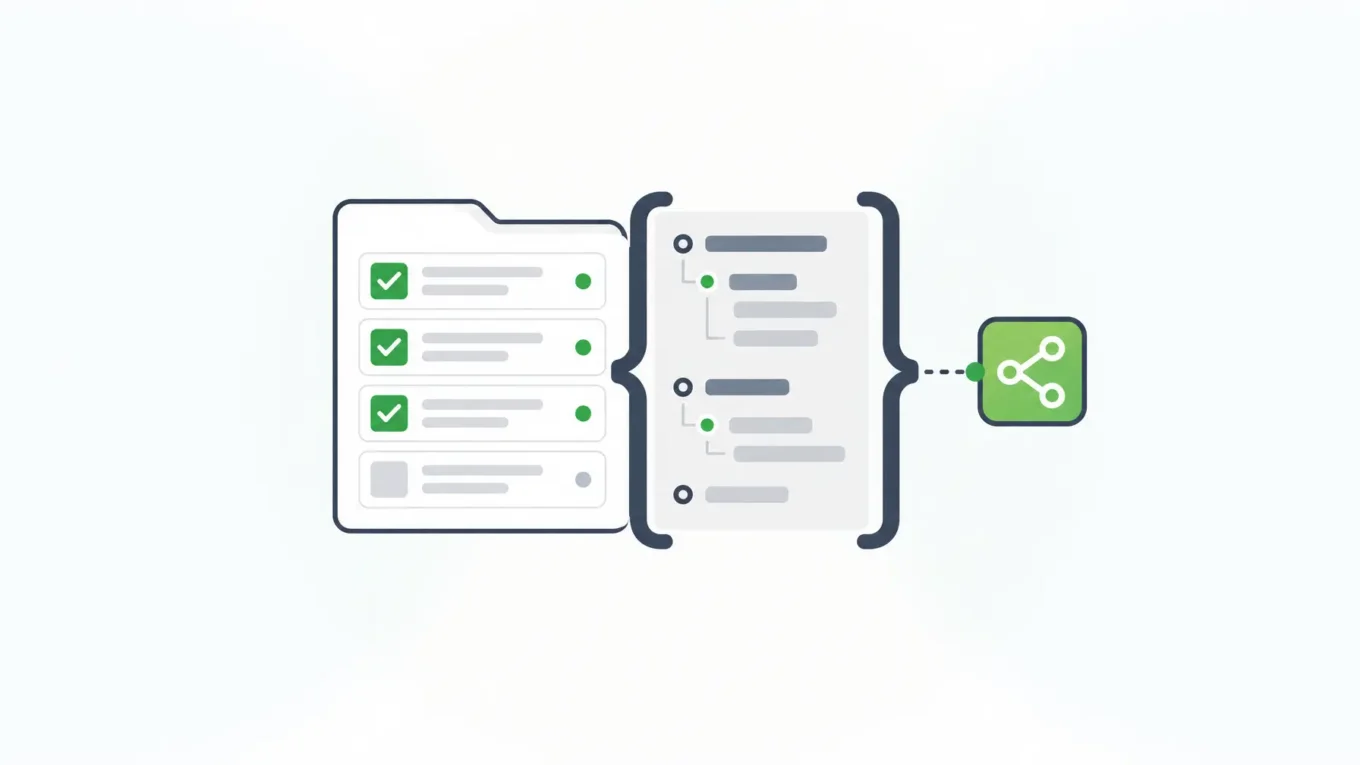
An online form builder is software that lets you design web forms, collect submissions, and usually route that data somewhere else. For marketing sites and lightweight internal surveys, a hosted builder is often enough. For enterprise applications, the same tool has to sit next to your APIs, auth, workflow, and deployment boundary—or you end up exporting CSV files out of a product that was never meant to be infrastructure.
Most teams meet this category when someone needs a signup form, a survey, or a PDF replacement this week. That works until the same data has to feed an application, pass an audit, or stay inside a security program you already run. Then the form is no longer a page. It is an intake surface for systems of record.
What Is an Online Form Builder?
An online form builder is a product (or platform layer) for creating forms in a browser, publishing them, and storing or forwarding responses. Typical features include drag-and-drop fields, validation, conditional logic, templates, notifications, and integrations.
That definition covers two very different jobs:
- Standalone capture. Publish a form URL, collect answers, email a team or sync a spreadsheet.
- Application intake. Embed forms in a product, generate APIs from the same definition, enforce roles, keep revisions, and run workflows against submission data in an environment you control.
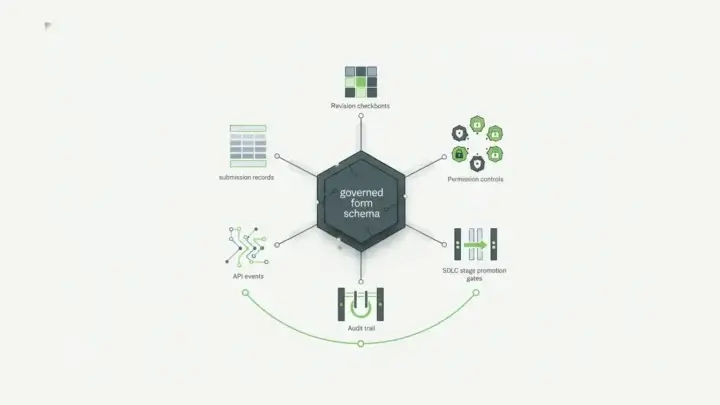
Form.io is built for the second job. One JSON schema defines the form UI, validation, and the API shape for submissions, so the form is not a disconnected bolt-on. If you are comparing lighter tools aimed at product UIs, start with how web form builders handle APIs and self-hosted control when the form has to live inside a shipped application.
The category label still matters in search and procurement. Buyers type “online form builder” when they mean either a campaign tool or application infrastructure. This page answers both, then shows how to tell them apart before you sign a contract.
Hosted Builders, Embeddable Builders, and Form Infrastructure
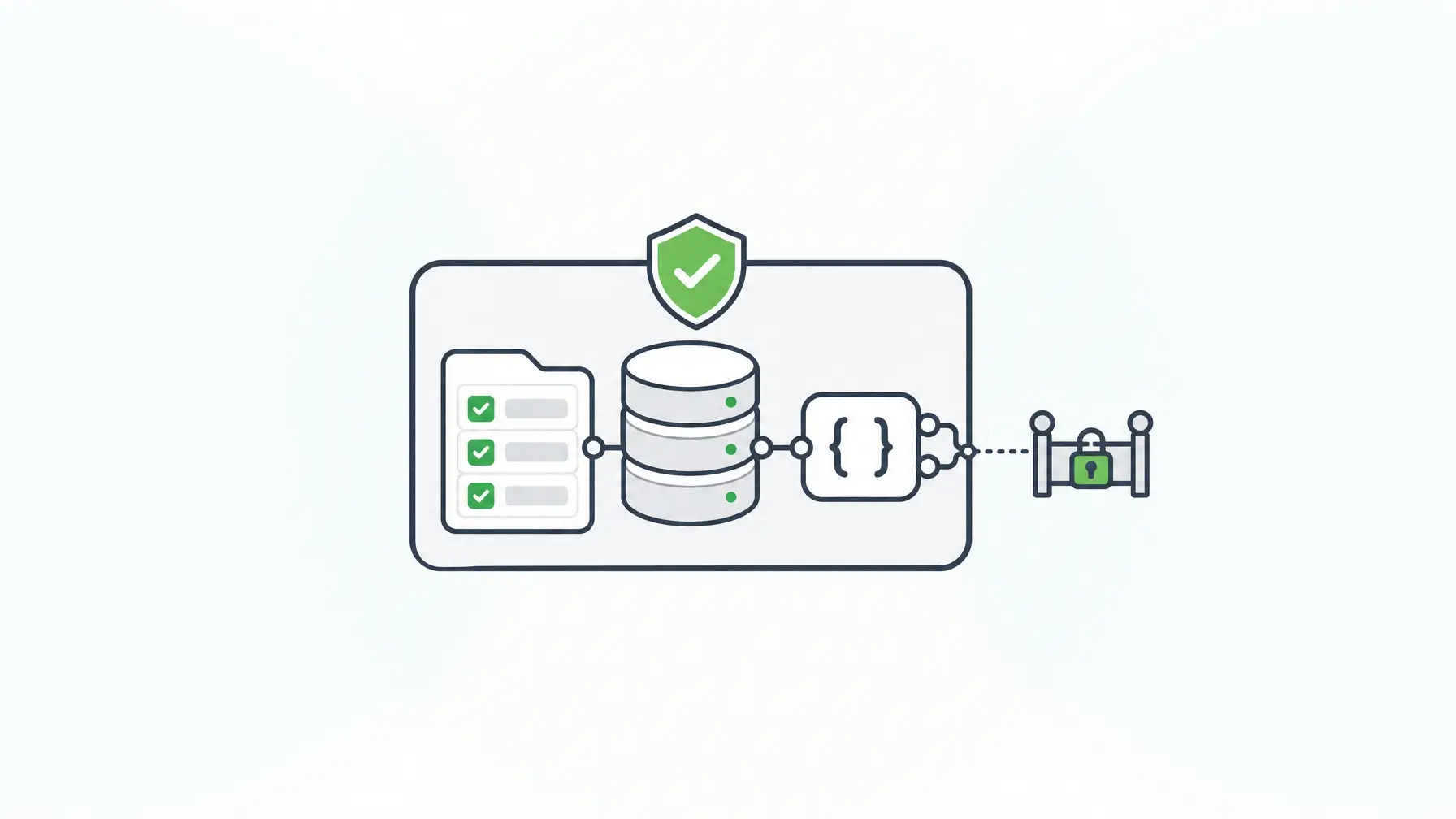
Use this matrix when you evaluate an online form builder for an application—not for a one-off campaign form.
| Decision | Hosted SaaS form builder | Embeddable white-label builder | Schema-driven form infrastructure (Form.io) |
|---|---|---|---|
| Where data lives by default | Vendor cloud | Often vendor or hybrid | Your environment (self-hosted) |
| Primary buyer | Marketing / ops | Product teams embedding forms | Platform / engineering |
| API model | Integration connectors | Embed + vendor APIs | Form definition generates REST APIs |
| Auth / RBAC | Vendor users & roles | Tenant rules via vendor | Your IdP, roles, and project RBAC |
| Change control | Form version in vendor UI | Depends on vendor | Form revisions, environments, promotion |
| Best fit | Fast public forms | Forms inside a SaaS product UI | Forms as application infrastructure |
Hosted builders win on speed for public content. Embeddable builders win when your product needs a form designer for your customers. Schema-driven infrastructure wins when the form, the API, and the workflow must stay aligned under the same definition. Form.io’s Enterprise Form Builder Module covers the embeddable case inside applications you ship; the core platform covers the infrastructure case. For deployment topology specifics, see self-hosted form builder deployment.
What to Evaluate for Enterprise Apps
Skip feature checklists that only count field types. Ask where the risk and the architecture live.
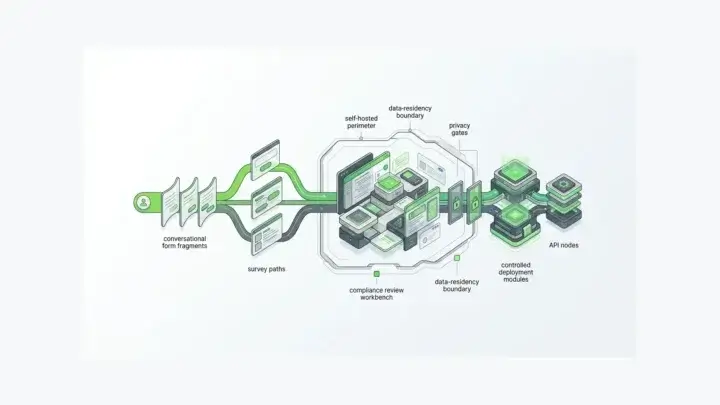
- Data residency and tenancy. Can you run the builder and submission store in your VPC or on-prem network? NIST’s Privacy Framework treats privacy as enterprise risk management—not as a checkbox on a vendor marketing site. Your intake layer should fit the program you already operate.
- API authorization. Every form endpoint is an API. OWASP API Security Top 10 (2023) puts Broken Object Level Authorization first for a reason: object-level checks fail quietly until someone reads another tenant’s submission.
- Identity. Credential abuse remains a leading initial access path. Verizon’s 2025 Data Breach Investigations Report found credential abuse in 22% of breaches as an initial vector, with vulnerability exploitation at 20% and a 34% surge in exploitation. Prefer products that inherit your identity provider instead of inventing a second user directory for form admins.
- Auditability. You need who changed a form definition, who submitted what, and what the form looked like at submit time—form revisions and submission revisions, not screenshots.
- Workflow without a second product. Approvals, webhooks, and downstream writes should attach to the same submission model.
- AI and new attack surface. IBM’s 2026 Cost of a Data Breach reporting puts AI-enabled malicious breaches at about $6 million on average versus a $4.99 million global average, with more than 20% of organizations reporting breaches targeting AI models or applications. If agents will read or write form data later, plan governance at runtime—not after the first incident.
- Control catalogs. For regulated teams, map capabilities to controls you already selected from catalogs such as NIST SP 800-53 Rev. 5. The platform supports the control; your auditors own the attestation.
How Schema-Driven Builders Work
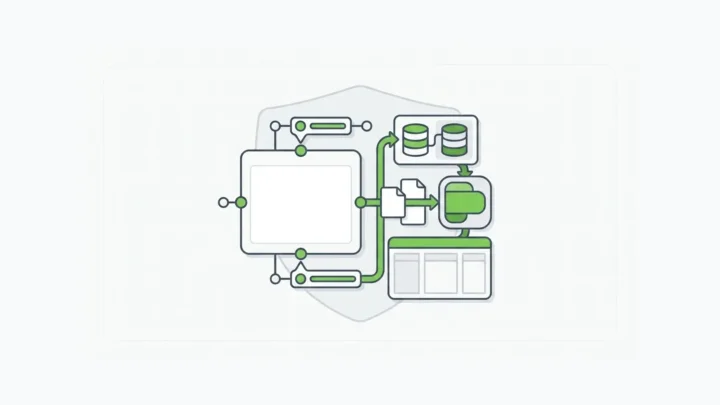
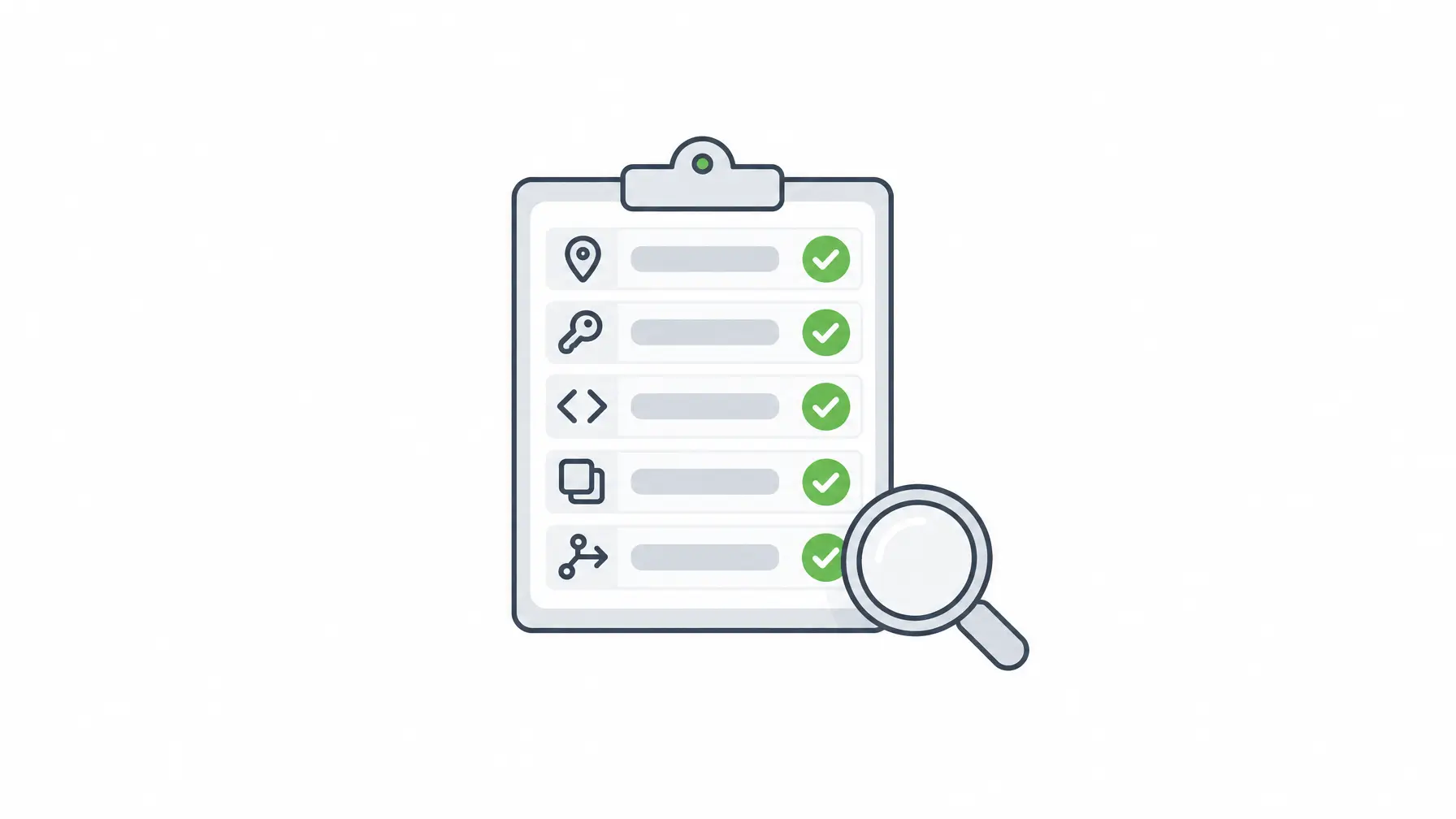
In Form.io, the form is a JSON schema. That schema drives the renderer, validation, and the submission API. Developers embed the renderer in apps, connect actions (email, webhook, save to resource), and deploy the stack as containers against MongoDB in their environment.
That model matters when multiple teams ship forms: the contract is the schema, not a private vendor export format. Platform teams can standardize patterns; product teams still move fast inside guardrails. Help docs and the platform overview describe the modules that sit around the same core—PDF, reporting, multi-tenancy, accessibility—without forcing a rip-and-replace of your application stack.
Operationally, you still own MongoDB, networking, backups, and how identities map to Form.io roles. That is the trade: more control, more ownership. Teams that already run Docker and Kubernetes usually prefer that trade to sending regulated intake to a shared multi-tenant form SaaS.
If your developers already use coding agents, the Agentic Coding Toolset brings Form.io into the coding environment (MCP server, Skills, and plugin) so agents build against your real project instead of inventing demo schemas. That is build-time help. It does not replace runtime access control on live submissions.
For a deeper software-category angle on vendor selection language, see form builder software for enterprise APIs and workflows.
Related Tools and Adjacent Categories
Keep the nouns straight so you do not buy the wrong layer:
- Hosted campaign tools: great for public content and lightweight intake.
- Web form builders in a product: need embedding, theming, and often multi-tenant rules.
- Form builder software / infrastructure: needs APIs, revisions, RBAC, and deployment you operate.
- PDF tools: still matter for regulated output; they should consume structured submission data, not become the system of record.
- App builders / low-code suites: strong for internal apps; Form.io sits under or beside them as form and API infrastructure rather than replacing the whole suite. Do not treat Form.io as a no-code app builder.
An online form builder purchase goes wrong when a team buys a campaign tool and later asks it to behave like middleware. Architecture first, catalog second. Write down which systems will read submissions in year one, who can change form definitions, and whether submissions must stay in a named environment. Those three answers eliminate most of the wrong shortlist before demos start.
When Form.io Is Not the Right Fit
Form.io is the wrong choice when:
- You need a form live today with no developers involved. Use a hosted builder.
- Your only requirement is a pretty public survey or payment form with no application backend.
- You expected a full no-code application studio that replaces your engineering team.
- You cannot operate containers and a database (or pay a partner who can).
Honesty saves both sides time. Form.io is developer productivity infrastructure for forms, APIs, and workflows—not a marketing-site form toy.
Signing and Governing Form Data Inside Your Boundary
Once forms collect decisions—consent, attestations, approvals—you often need a signature that stays with the submission data. E-Sign+ is Form.io’s self-hosted digital-signature module. It signs submission data in your environment, and changing protected fields invalidates the signature so the record has to be signed again. Form.io built E-Sign+ to provide the mechanisms ESIGN and UETA look for; your counsel decides legal sufficiency for your use case.
Pricing for Form.io modules is configuration-based; see configuration-based pricing rather than per-form or per-submission meters on the core platform model.
Key Takeaways
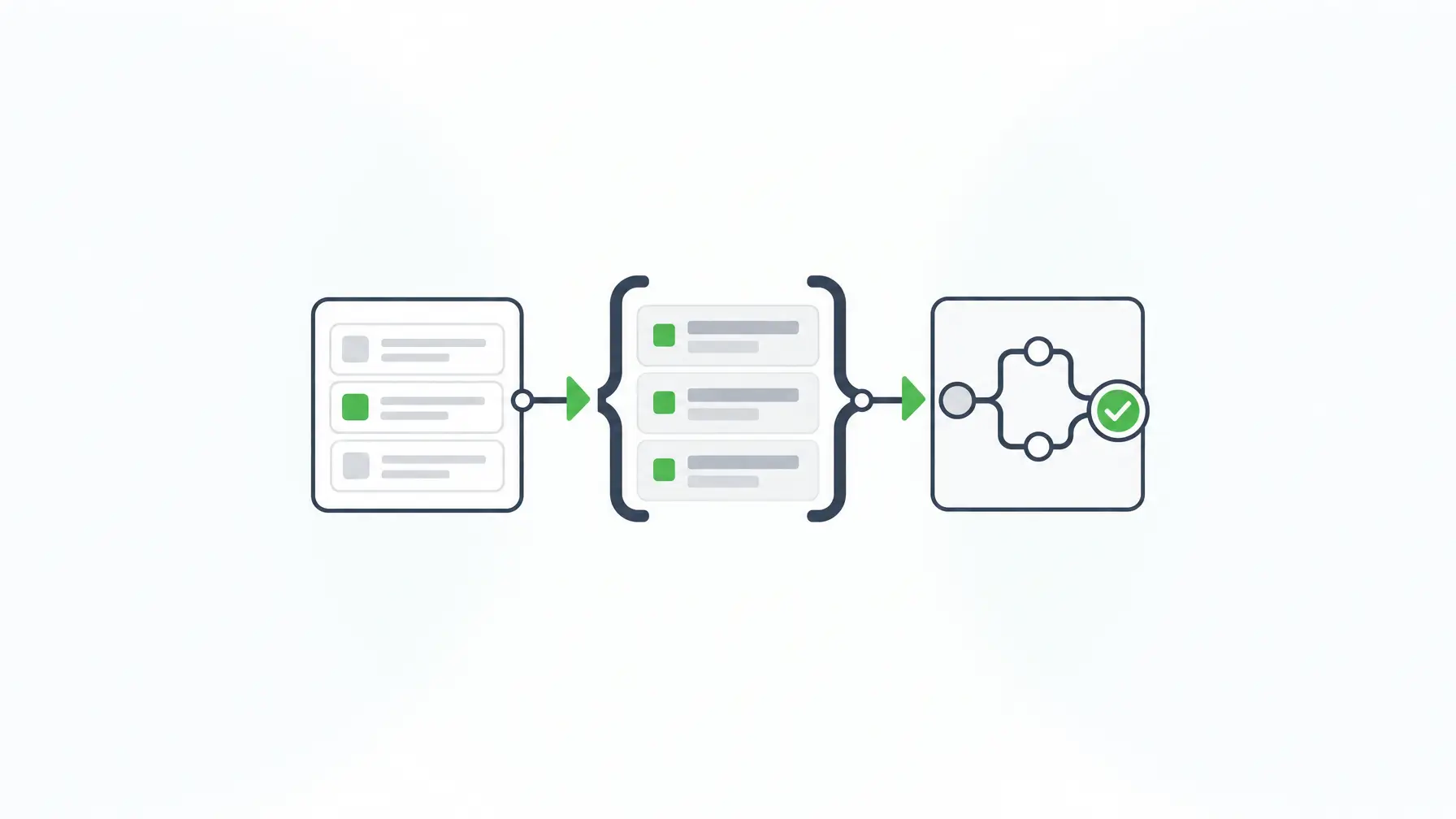
- An online form builder creates and publishes forms; enterprise use also needs APIs, auth, and deployment control.
- Hosted builders, embeddable builders, and schema-driven infrastructure solve different jobs.
- Evaluate residency, object-level API authorization, identity, revisions, and workflow—not only field types.
- Form.io uses one JSON schema for form, validation, and submissions you can self-host.
- Skip Form.io when you need a no-dev hosted form this afternoon.
FAQ
What is an online form builder?
Software for designing web forms, publishing them, and collecting responses. Enterprise teams also need the same definition to drive APIs, roles, and workflows.
How is this different from a PDF form?
PDF forms optimize for document layout and print fidelity. Browser forms optimize for structured data capture. Many enterprises need both: structured intake first, PDF output when a process requires it.
Do I need developers?
Hosted builders often work for non-developers. Form.io expects a development team because it is infrastructure you embed and deploy. If you have no developers, pick a hosted product.
What should enterprise teams look for?
Data residency, API authorization, identity integration, form and submission revisions, workflow hooks, and a clear deployment model. Field-type counts are secondary.
Can these tools generate APIs?
Some tools expose vendor APIs around forms. Schema-driven platforms generate submission APIs from the same definition that renders the form, which keeps UI and contract aligned.
Is Form.io a no-code builder?
No. Form.io is developer-first form and API infrastructure with an open-source core. Business users can design forms inside governed projects, but the platform is not positioned as no-code app building.
How does self-hosting change risk?
Self-hosting keeps form definitions and submissions inside your security boundary, subject to your controls and monitoring. You also take on operational responsibility for the stack.
Where do e-signatures fit?
When a submission records consent or approval, bind the signature to the submission data in your environment. Form.io’s E-Sign+ module is built for that pattern on self-hosted deployments.
How do these tools relate to AI coding agents?
At build time, coding agents can author forms against your real project with tools like Form.io’s Agentic Coding Toolset. At runtime, agent access to live submission data needs separate governance.
When should I choose Form.io over a hosted builder?
Choose Form.io when forms are part of an application you ship or operate, you need generated APIs and revisions, and data must stay in an environment you control.
Schedule a Call