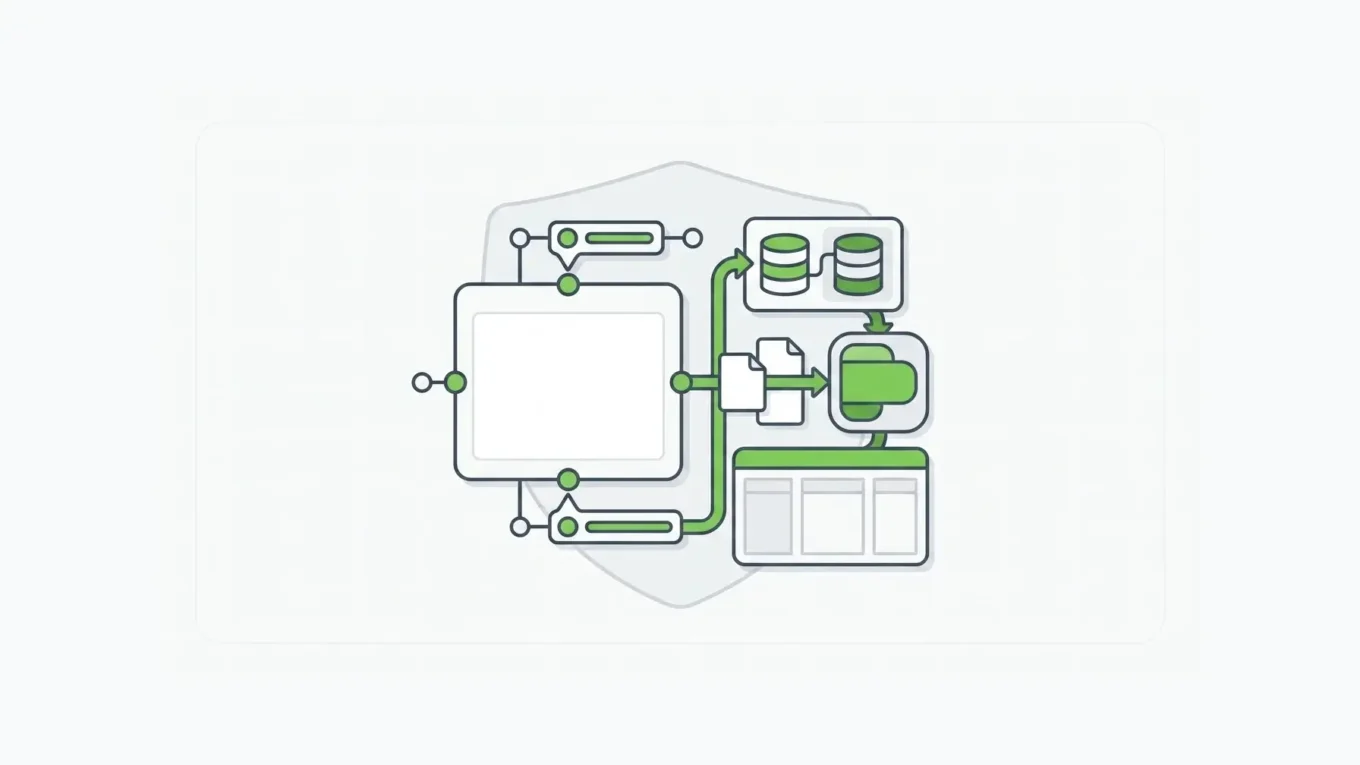
AI form generators have made every web form builder look alike on a feature page. A contact form, signup form, or feedback survey can live in any lightweight tool. A regulated intake process, embedded customer workflow, or API-connected business process needs more than fields on a page.
For the category overview that covers hosted builders versus schema-driven infrastructure, see the online form builder page.
The buying question changes at that point.
What a Web Form Builder Should Do
A web form builder is software for creating forms users can complete in a browser. At the basic level, it should let a team create fields, set required answers, publish a form, collect submissions, and send the data somewhere useful.
For many teams, that is enough.
The problem is that “web form builder” covers several different jobs:
- a marketing team collecting leads
- an operations team routing internal requests
- a product team embedding forms inside a SaaS application
- a healthcare, insurance, finance, or government team collecting sensitive data
- a development team using forms as part of an API-backed workflow
Those jobs should not be evaluated with the same checklist.
If the form is only a standalone page, the most important questions are speed, templates, design, notifications, and basic integrations. If the form is part of application infrastructure, the questions become more serious: who owns the schema, where does submission data live, what APIs exist, how validation runs, what happens after submit, and whether the platform can operate inside the customer’s environment.
When a Simple Web Form Builder Is Enough
A simple tool fits low-risk, isolated forms that are easy to replace.
Use a lightweight tool when:
- the form collects basic marketing or event information
- submissions can live in the vendor’s hosted system
- exporting to a spreadsheet is acceptable
- the workflow after submission is simple
- there are no unusual data residency or deployment requirements
- the form is not deeply embedded in a product experience
- developers do not need to treat the form as an API-backed component
In that world, the best tool is often the fastest tool your team will use. A simple builder can be the right decision for a campaign, a workshop signup, a small survey, or a basic internal request.
The mistake is keeping that same mental model after the requirements change.
Where Simple Form Tools Start To Break Down
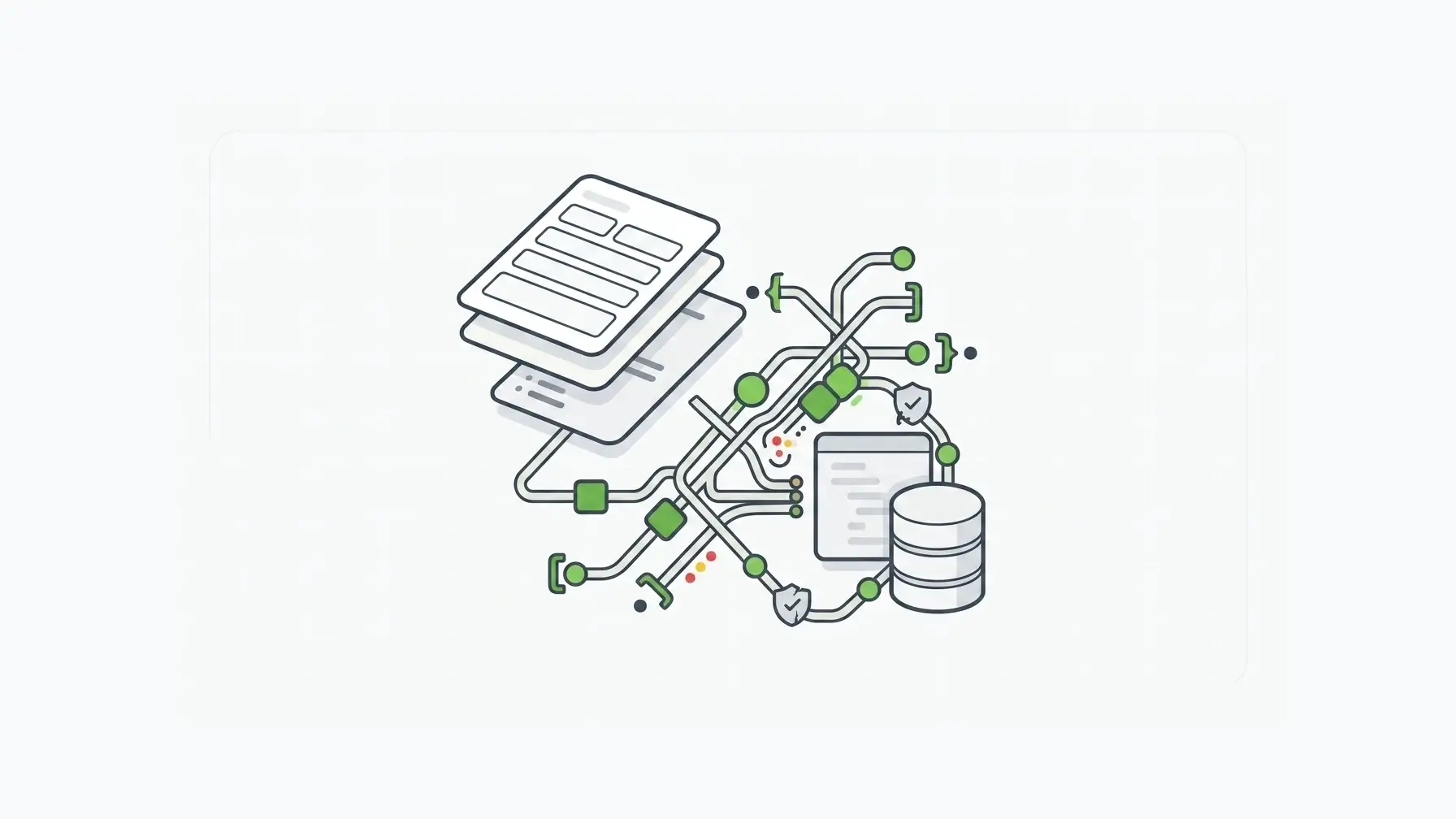
Web forms become harder when the submission is not the end of the process.
A user submits an intake form. Then the data has to create a case, trigger a review, update a CRM, route to a queue, generate a PDF, notify a downstream system, enforce role-based access, or become part of a customer-facing application.
At that point, the form has a second job. Beyond collecting answers, it becomes the front door to a process.
The breakdown usually shows up in five places.
The Data Model Lives Somewhere Else
Many form tools make it easy to create fields, but the real application data model lives outside the form tool. Drift follows. A field is required in the form but optional in the backend.
A dropdown changes in the builder but not in the API. A validation rule exists in the browser but not server-side.
The gap looks small until the form becomes important.
Then every disconnected rule becomes a place where bad data can enter the system.
Integrations Become Workflow Logic
Basic integrations are helpful. They send a notification, create a spreadsheet row, add a CRM contact, or post to a collaboration tool.
But integration is not the same as workflow ownership.
Enterprise forms often need conditional routing, retries, identity context, external IDs, error handling, and clean handoff to other systems. Form.io’s webhook documentation, for example, treats a submission as a payload that can call an external API, map response IDs back to the submission, and optionally wait for the webhook response before continuing actions (Form.io webhook actions docs).
The requirement has moved beyond “send this form to a spreadsheet.”
Security And Compliance Become Architecture Questions
The more sensitive the data, the less acceptable it is to treat the form builder as a detached SaaS box.
IBM’s 2026 Cost of a Data Breach Report puts the global average breach cost at a record USD 4.99 million. Hosted tools are still fine for many teams, but data capture is part of the security boundary.
For sensitive forms, the evaluation should include:
- where submissions are stored
- who administers the environment
- how access is controlled
- how data moves between systems
- how logs, evidence, and audit needs are handled
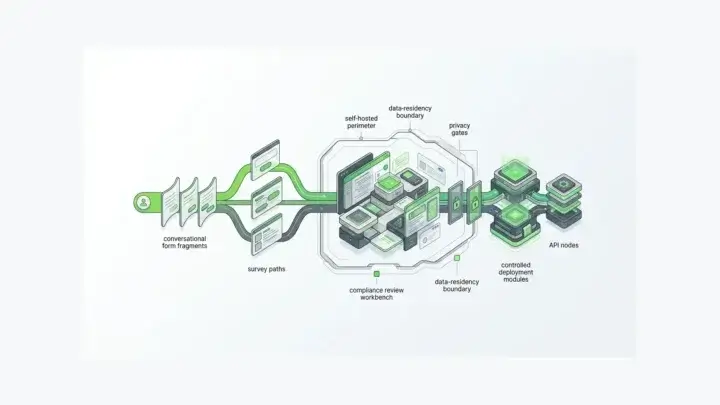
- whether the form platform can live inside the organization’s deployment model
Self-hosting gives the organization more control over the environment where compliance controls are implemented and reviewed. Self-hosted Form.io runs inside your existing security envelope, so it works with your SOC 2 Type II and ISO 27001 programs. See our guide to a self-hosted form builder with APIs deployed in your environment.
Product Teams Need Embedding, Not Just Publishing
Publishing a hosted form is not the same as embedding a form builder into a product.
If a B2B SaaS team wants customers to create or manage their own forms inside the application, the builder has to respect the product’s authentication, permissions, tenant boundaries, styling, and data model. The requirement is closer to an embedded product capability than a public web form.
Form.io’s Enterprise Form Builder Module is relevant for platform teams because embedded form building has to fit the application around it. Beyond dragging fields onto a canvas, a company can provide a white-labeled, pre-wired form-building experience inside its own application.
Developers Need A Stable Contract
Developers can work around almost anything once. The cost shows up when every new form requires custom backend glue.
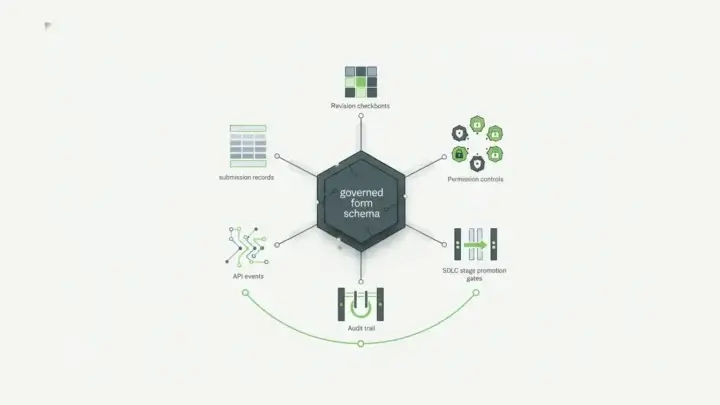
A stronger form platform for application teams should create a stable contract between the form, the submission record, the API, validation, permissions, and downstream systems.
Form.io’s own project documentation says that creating a new form automatically generates a REST API to serve as the backend for the form and for other systems that need to create submissions (Form.io project docs). The architectural distinction is clear: the form is part of the API surface, beyond a UI artifact.
A Web Form Builder Evaluation Checklist
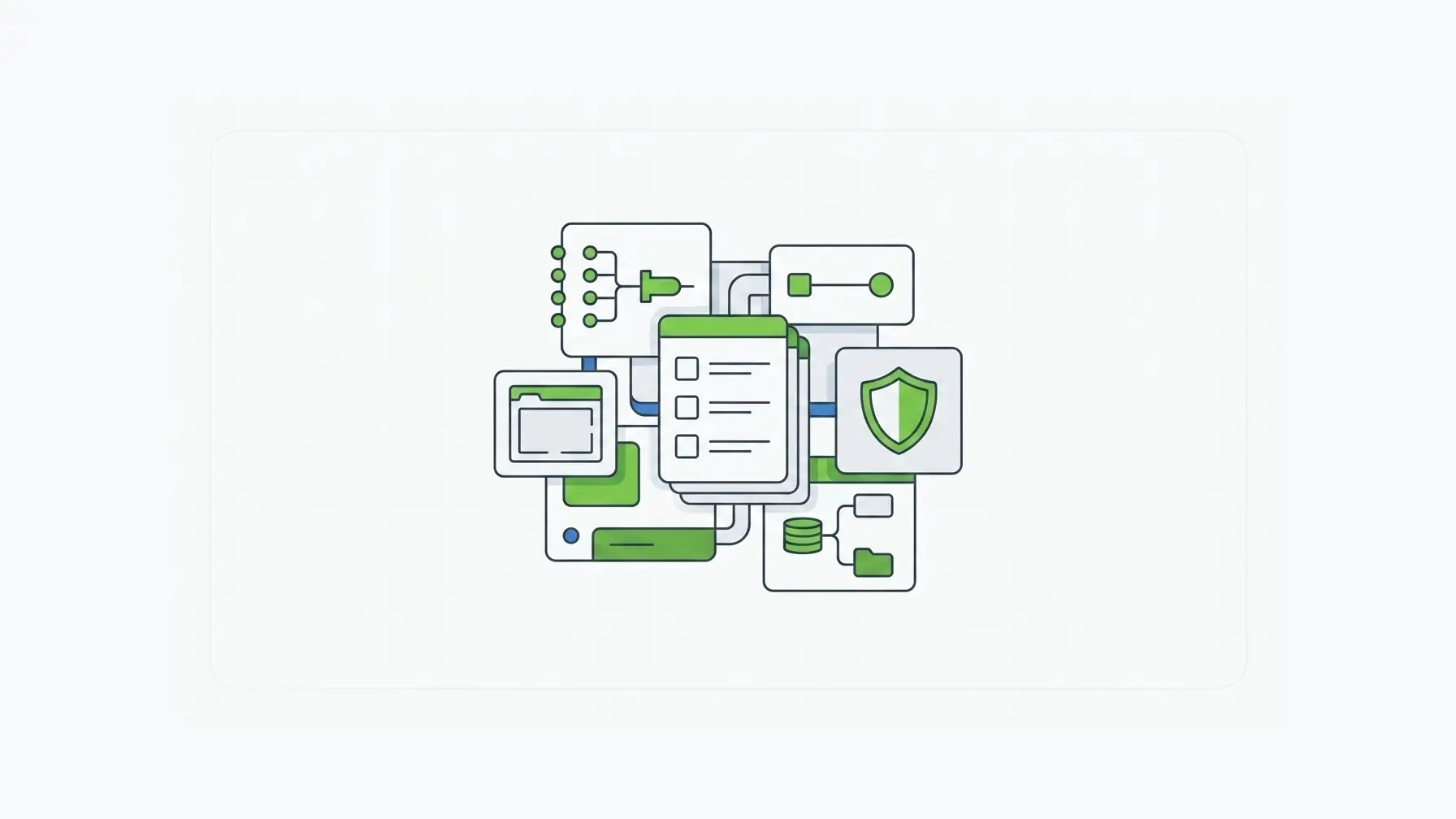
Before choosing a tool, separate the easy questions from the questions that determine long-term fit.
| Evaluation Area | Lightweight Form Need | Infrastructure-Grade Form Need |
|---|---|---|
| Builder | Drag-and-drop fields, templates, branding | Configurable builder, reusable schemas, controlled components |
| Data | Hosted submissions and exports | Structured submission records with API access |
| Workflow | Notifications and simple integrations | Webhooks, Actions, retries, external IDs, routing |
| Validation | Client-side rules and required fields | Schema-linked validation across UI and server paths |
| Embedding | Public link or iframe | Native application embedding and white-label control |
| Deployment | Vendor-hosted SaaS | Hosted, private cloud, on-premises, or local deployment options |
| Governance | Admin settings | Roles, permissions, stages, evidence, and environment control |
| Fit | Campaigns, surveys, simple intake | Product workflows, regulated intake, internal systems, multi-tenant SaaS |
The checklist prevents a common buying mistake: choosing the easiest form tool for the first version, then rebuilding the entire intake layer once the forms become operationally important.
Why APIs Change The Category
APIs change a form tool from a page-building utility into an application component.
Without APIs, the form is mostly a destination. Users go there, submit data, and the team exports or forwards the result.
With APIs, the form can become part of the system:
- applications can create and read submissions
- forms can populate fields from external data
- downstream systems can consume structured payloads
- teams can build reporting, review, and workflow layers on top of submission records
- developers can integrate forms into products without treating each one as a one-off project
Form.io’s data integration tools make forms, resources, submissions, and projects accessible through REST APIs. The form builder, schema, submission data, and integration surface share the same model.
The shared model becomes important for internal tools, partner portals, insurance workflows, healthcare intake, public-sector services, and SaaS onboarding flows.
The user sees a web form. The architecture sees a contract.
Why Deployment And Data Control Matter
Deployment is one of the clearest dividing lines between a simple form tool and enterprise form infrastructure.
If the form is low-risk, vendor-hosted SaaS is usually fine. If the form handles regulated data, internal process data, customer application data, or data that has to move through controlled systems, deployment becomes part of the buying decision. Vendor exposure is real: Verizon’s 2025 Data Breach Investigations Report found that third-party involvement in breaches doubled to 30%.
Form.io’s deployment documentation says the platform can be installed in cloud environments, on-premise data centers, or local machines, and that enterprise deployments can use multi-environment architecture across private cloud or on-prem environments (Form.io deployment overview). Its on-premises deployment documentation frames on-prem as relevant when infrastructure, compliance, or data-security requirements call for that model (Form.io on-premises deployment docs).
Form.io is still not the right fit for every form.
Form.io becomes relevant for form layers that have to live where the rest of the application lives.
For teams with strict environment rules, that is often the real requirement hiding underneath the phrase “web form builder.” Beyond a form canvas, they are asking whether the form system can respect their data boundary, deployment model, access controls, and integration paths.
Where Form.io Fits
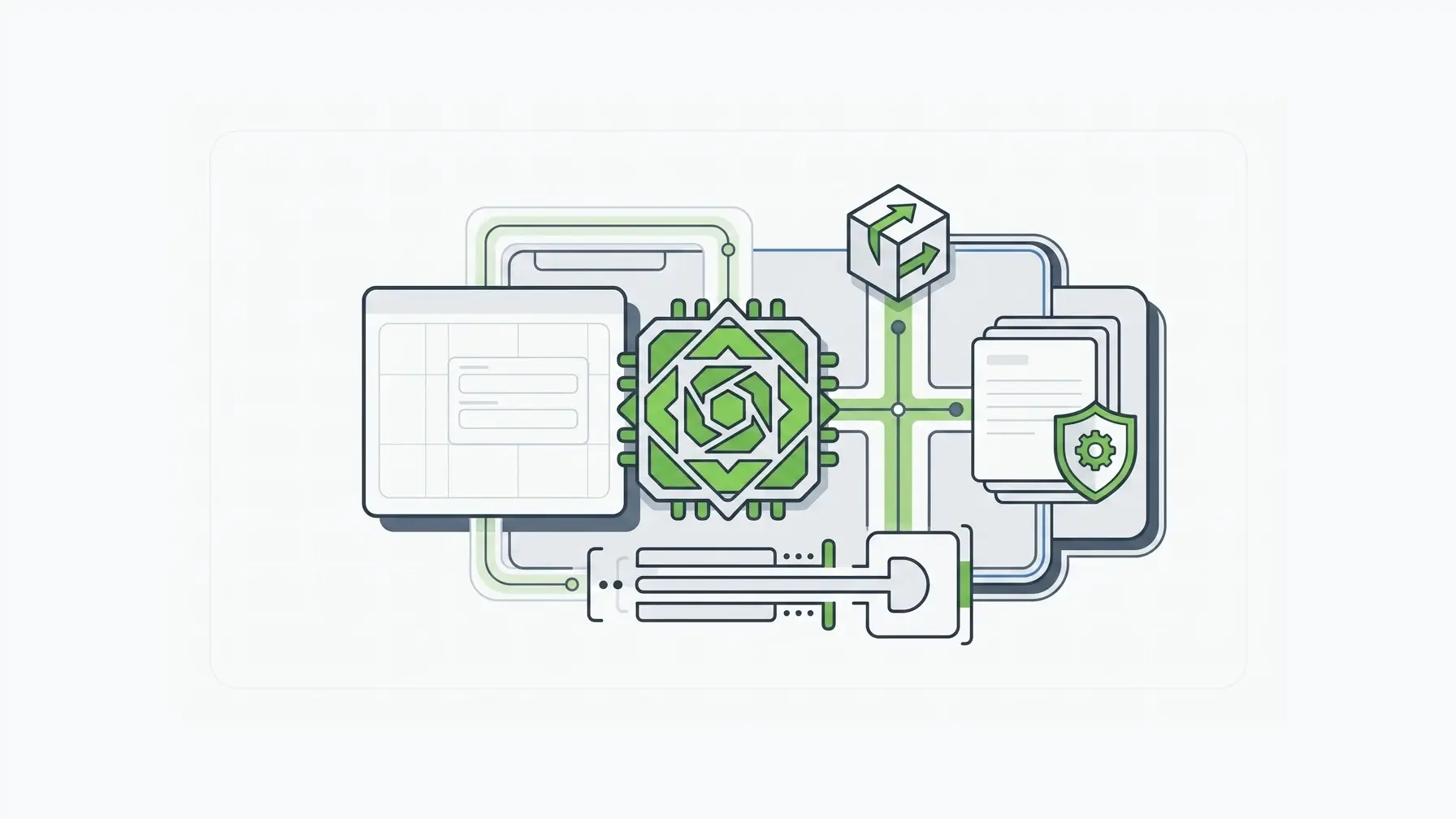
Form.io is a stronger fit for forms that are part of an application, not just standalone collection pages.
The core difference is that Form.io combines a drag-and-drop form builder with APIs. Teams can design forms visually while keeping the underlying structure available as JSON and exposed through generated REST APIs.
The combination is useful for teams where:
- developers need forms embedded in a product
- business users need controlled form authoring
- submissions need to be available through APIs
- workflows need webhooks or server-side actions
- the organization needs self-hosted or on-premises deployment
- forms need to share a governance model with the surrounding application
- multi-step reviews need routing (see approval workflow software with multi-step forms)
Form.io is not the best answer for a quick public survey or a simple contact form. Buyers in that situation should choose the fastest lightweight tool that fits the job.
If your developers build with AI coding agents, the Form.io Agentic Coding Toolset lets those agents create forms, resources, and actions against your Form.io project at development time.
But when a form tool has to support real application infrastructure, the decision changes. The value lives in the connection between form schema, submission data, generated APIs, deployment control, and workflow actions.
Customer language points to the same distinction. A Trustpilot reviewer described Form.io as useful “for integration and standalone” work (Trustpilot). Edify.ai put the infrastructure benefit plainly: “Speed to market using Form.io worked fantastically well. We didn’t have to spend 80% of our time building our own solution and instead could focus our dev time on things proprietary to us.”
The category line is practical.
A basic form tool helps a team make a form. Form.io is for teams that need the form to become a governed part of the application.
Key Takeaways
- Form tools range from a simple contact form to an embedded application workflow.
- Lightweight tools are a good fit when forms are low-risk, standalone, and easy to replace.
- Enterprise teams should evaluate APIs, validation, submissions, workflow actions, permissions, and deployment control.
- Form.io fits when the form layer needs to operate as controlled application infrastructure, not just a hosted form page.
- Self-hosting gives teams that need to own the environment a control model; compliance still depends on the controls you run.
FAQ
What Is A Web Form Builder?
It is software for creating forms that users complete in a browser. Basic builders focus on fields, templates, publishing, notifications, and exports. More advanced builders support APIs, workflows, permissions, embedding, and controlled deployment.
What Is The Difference Between A Web Form Builder And An Online Form Builder?
The terms often overlap. “Online form builder” usually points to hosted SaaS tools for creating and publishing forms quickly. The two terms can mean the same thing, but the "web" version is also used by product and development teams looking for embeddable form-building inside a web application.
When Does A Web Form Builder Need APIs?
It needs APIs when other systems must create, read, update, route, or report on submissions. APIs matter when forms are part of a product, portal, approval workflow, regulated intake process, or internal system of record.
Why Does Form Schema Matter?
The schema defines the form’s structure and behavior. In a schema-driven model, the same definition can support rendering, validation, submissions, APIs, workflow actions, and governance. A shared definition reduces drift between what the user sees and what the backend expects.
Can A Web Form Builder Be Self-Hosted?
Some builders are hosted-only. Form.io supports self-hosted deployment models, including cloud, on-premises, and local environments according to its deployment documentation. The deployment model gives organizations more control over hosting, network boundaries, data storage, and operational review.
Is Self-Hosting The Same As Compliance?
No. Self-hosting gives the customer more control over the environment, but compliance still depends on configuration, policies, controls, monitoring, documentation, and the broader system boundary. The value is control, not a shortcut around responsibility.
Why Would A SaaS Product Need An Embedded Form Builder?
A SaaS product may need customers or internal teams to create forms inside the product itself. In that case, the builder has to respect tenant boundaries, authentication, permissions, styling, and data storage. A public form link is not enough.
How Is Form.io Different From A Simple Form Tool?
Form.io is built for teams that need forms, submission data, generated APIs, workflow actions, and deployment control together. It can still provide a drag-and-drop builder, but the stronger reason to use it appears once forms need to operate inside application infrastructure.
Try Form.io Free