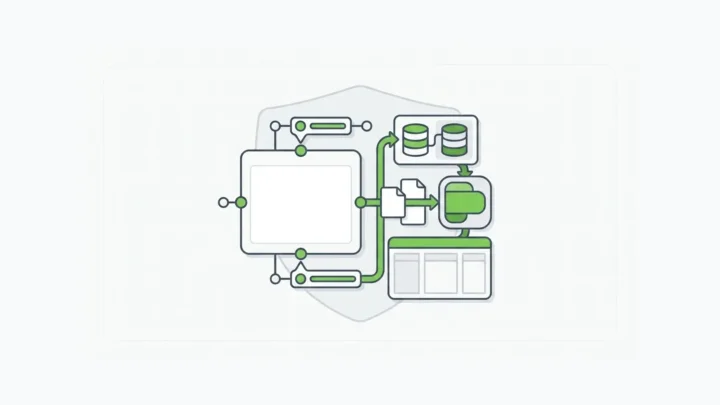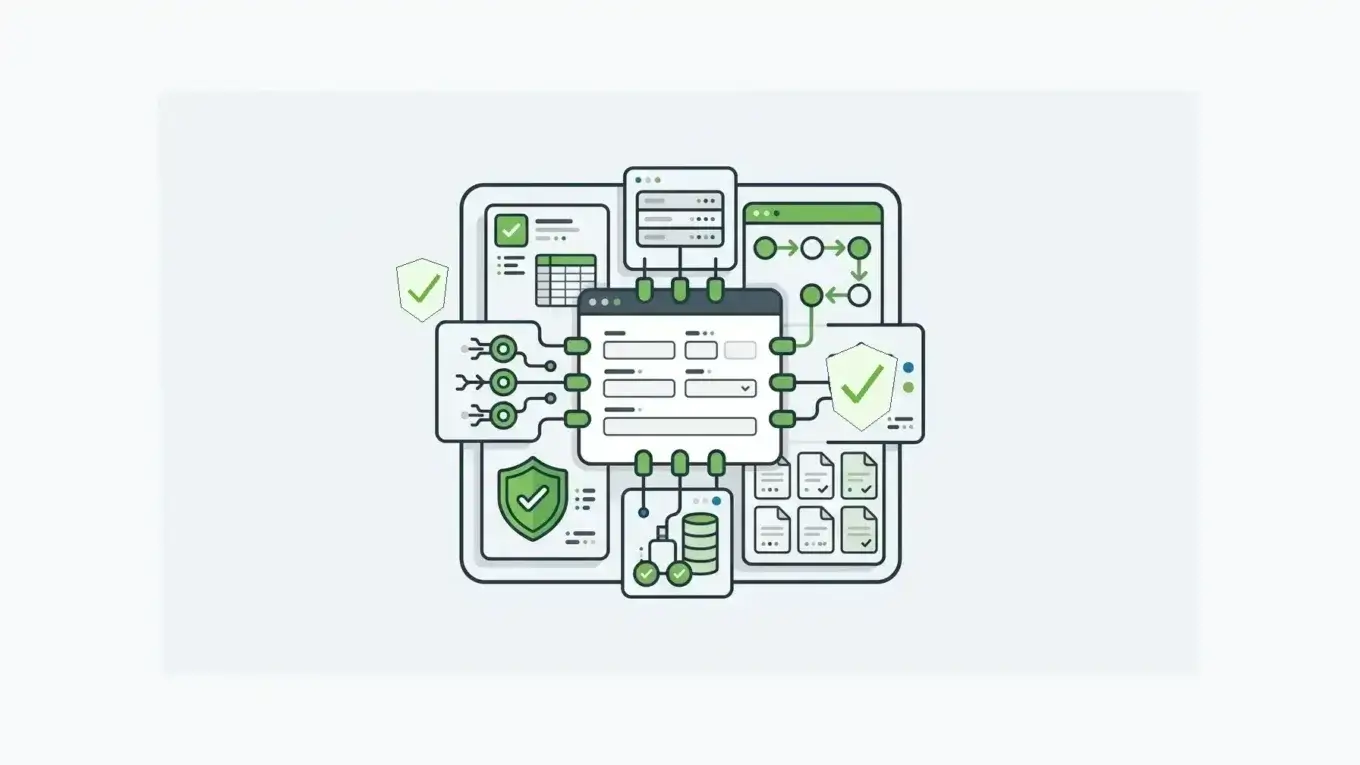
Form builder software now ships with AI field suggestions and one-click templates, so comparing tools for a contact form or survey is easy. The choice gets harder once the form collects sensitive data, creates an operational record, starts a workflow, or feeds a product your customers use every day. At that point, the form is part of your application architecture.
This post sits under the broader online form builder hub, which frames when enterprise forms need APIs, workflow, and deployment control together.
What Is Form Builder Software?
Form builder software helps teams create, publish, and manage digital forms without hand-building every form UI. Most products in the category cover familiar needs: drag-and-drop fields, templates, conditional logic, multi-page forms, email notifications, file uploads, payments, reports, and integrations.
The definition is useful, but incomplete for enterprise teams.
Enterprise buyers need to ask what happens after the form is submitted. Does the submission become a structured record? Can APIs access it safely?
Can workflows route it? Can permissions separate builders, reviewers, customers, and API clients? Can the form change without breaking production?
Those questions separate form builders from form infrastructure.
Why The Enterprise Buying Question Is Different
Simple forms collect answers. Enterprise forms often collect evidence, regulated data, identity details, account updates, claims, onboarding data, approvals, inspections, consent records, or customer-service requests.
Operational data creates risk. IBM’s 2026 Cost of a Data Breach report puts the global average breach cost at USD 4.99 million and reports a 12% year-over-year increase (IBM Cost of a Data Breach Report). Not every form needs a heavy platform, but the number shows why forms that collect sensitive operational data deserve more than a pretty editor and an email notification.
The enterprise buying question goes past “Which tool makes the fastest form?” to “Which form platform lets us control the schema, submission data, API access, workflow route, permissions, release process, and deployment boundary?”
The Form Builder Software Maturity Ladder
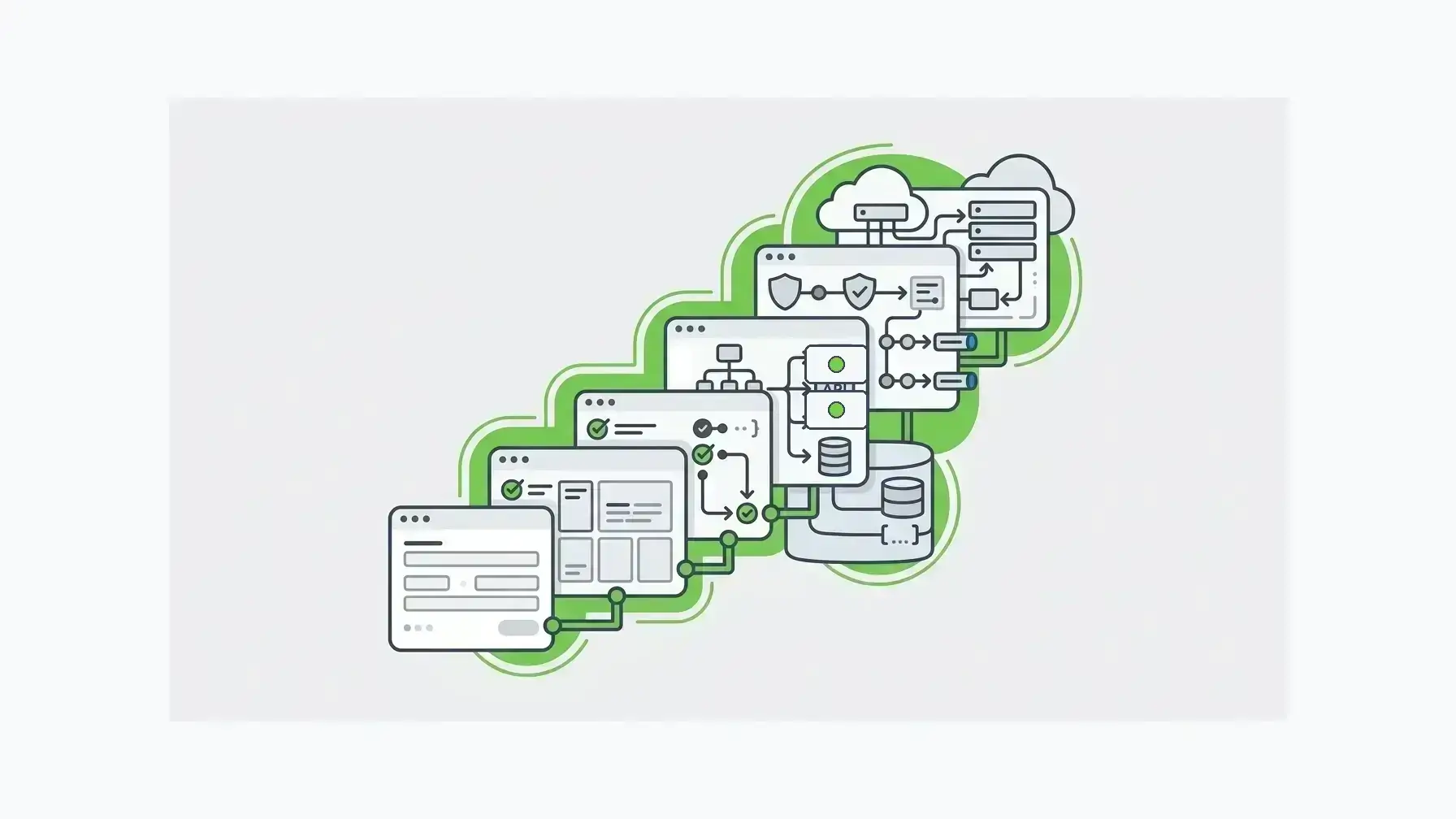
Most teams move through the same maturity curve.
| Maturity level | What the team needs | Where simple tools start to strain |
|---|---|---|
| Level 1: form creation | Templates, drag-and-drop fields, branding, publishing | The form is isolated from systems of record |
| Level 2: smarter capture | Validation, conditional logic, files, multi-step flows, reports | Data leaves as exports, emails, or brittle integrations |
| Level 3: workflow | Routing, approvals, notifications, webhooks, team access | Permissions and workflow state become harder to govern |
| Level 4: infrastructure | Form schemas, generated APIs, submission records, stages, self-hosted deployment | The buyer needs architecture control, not just form productivity |
The first two levels are often enough for marketing forms, surveys, event registrations, simple questionnaires, and internal requests that can be handled manually.
Level 3 and Level 4 are where the software decision changes. The form becomes a front door into business systems.
APIs Should Not Be An Afterthought
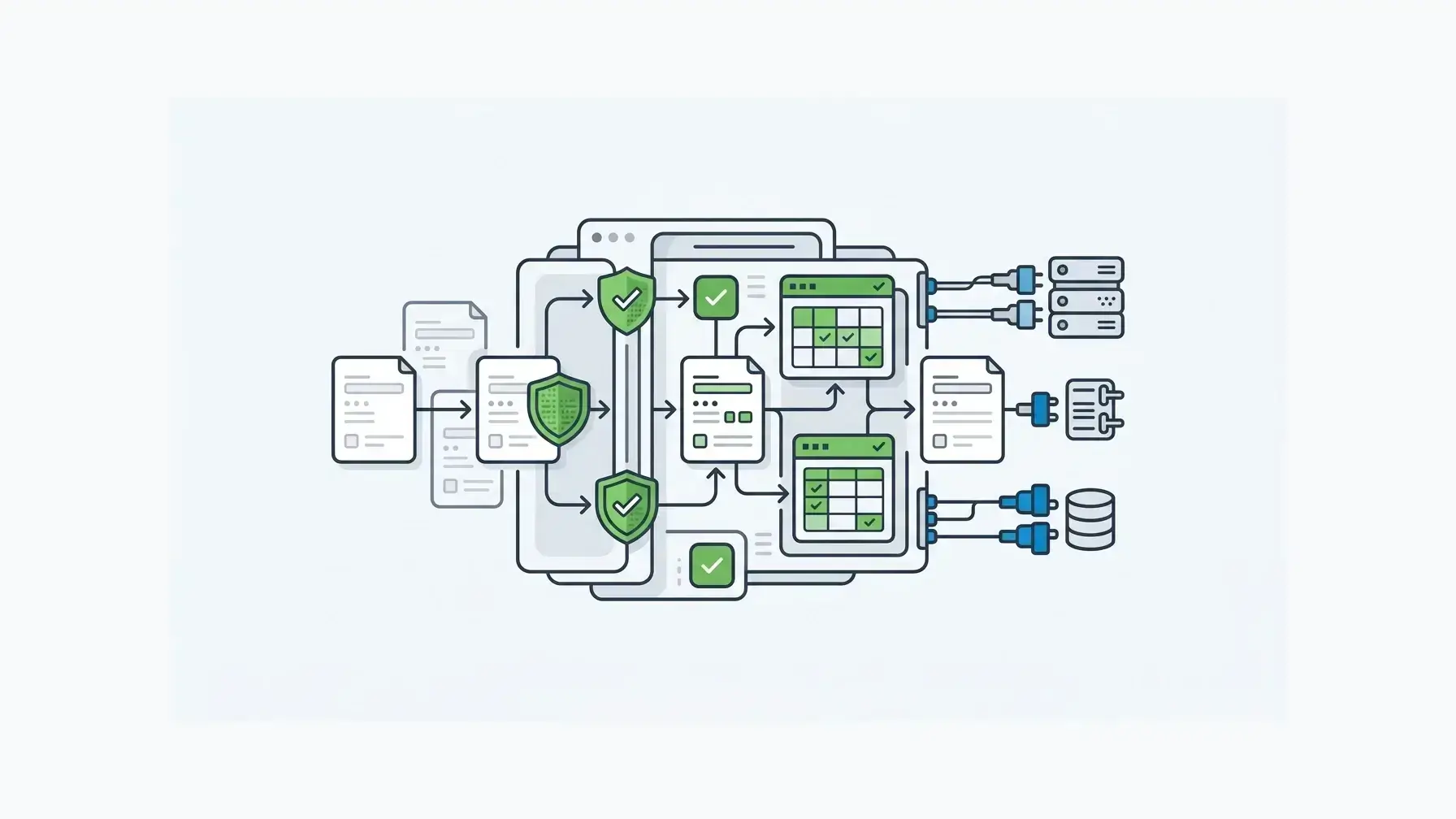
Many form tools advertise integrations. In practice, the form can usually send a notification, create a row in a spreadsheet, pass data to a CRM, or trigger an automation service.
Those features are useful, and they stop short of treating forms and submissions as API-backed application resources.
Form.io’s own documentation describes a platform for creating forms, collecting data, exposing automatically generated APIs, and routing submission data to other systems (Form.io intro docs). Its form-builder documentation explains that the visual builder creates JSON schemas as fields are configured, and that the builder can be embedded inside an application (Form.io form builder docs).
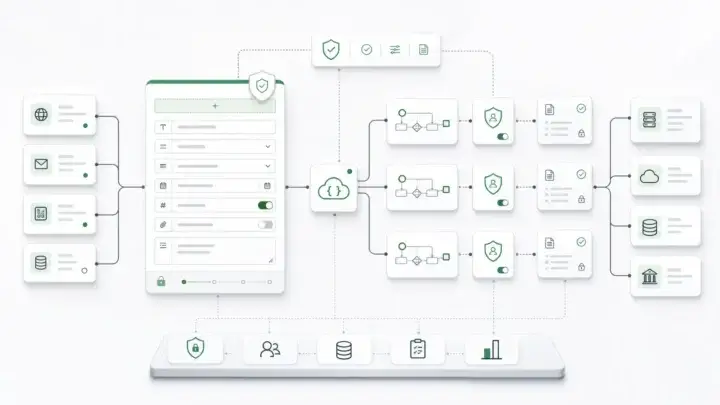
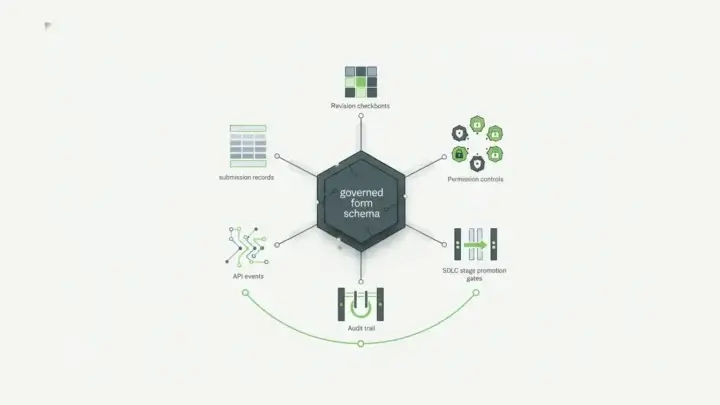
The schema becomes a durable contract. The same form definition can drive rendering, validation, submission structure, APIs, workflow actions, and downstream integration.
When evaluating a form platform with APIs, ask:
- Does each form have a stable schema?
- Are submissions structured records, not just email payloads?
- Can authenticated systems create, read, update, export, or route submissions through APIs?
- Can API access be scoped by role, user, form, project, or token?
- Can webhooks and actions shape payloads for downstream systems?
- Can old integrations keep working when the form changes?
OWASP’s API Security Top 10 lists Broken Object Level Authorization as the top API risk and notes that APIs often expose endpoints handling object identifiers (OWASP API Security Top 10). If a form platform exposes submission data through APIs, object-level authorization sits at the center of the architecture.
Treat Submissions As Records
The word “response” sounds lightweight. It fits a survey or a contact form. Enterprise teams usually need something stronger.
A submitted form may become an onboarding record, benefits request, patient intake packet, claim file, vendor application, inspection record, account-change request, or product configuration. The record needs metadata, ownership, state, access rules, exports, revision history, and downstream API access.
Form.io’s submissions documentation describes submissions as JSON objects with data and system fields such as metadata, state, form, project, owner, roles, access, created, and modified values (Form.io submissions docs). Its accessing-submissions documentation covers UI access, API access, JSON or CSV exports, and authenticated access options such as JWTs, admin keys, and scoped temporary tokens (Form.io accessing submissions docs).
The practical difference separates form collection from form-backed system operation.
If submitted data has to move into a CRM, ERP, claims system, case-management tool, data warehouse, AI workflow, document generator, or audit review, the submission model is as important as the visual builder.
Workflow Starts At The Submission Boundary
Workflow begins when a form creates or updates a record, well before anyone opens a task board.
The record may need to trigger an email, create an approval step, route an exception, call an identity service, update a case, generate a PDF, notify a reviewer, or send a payload to an external API. The workflow should be governed close to the submission boundary, where the data structure and event are known.
Form.io actions can run on submission activity and support patterns such as authentication, email, webhooks, and external-system routing (Form.io actions docs). For an enterprise form platform, that is a key evaluation point: can the form do controlled work after submission, or does every process become a loose chain of third-party automations?
The right answer depends on the workflow. A lightweight lead form can pass data to a marketing tool. A regulated onboarding, claims, permitting, or customer-portal workflow may need tighter control over retries, payload shape, external IDs, approvals, and audit evidence. For that pattern, see approval workflow software with multi-step forms.
Control Means Permissions, Versions, And Environments
Form governance has several layers.
There is builder access: who can create, edit, duplicate, or publish forms.
There is submission access: who can create, read, update, delete, export, or review submitted data.
There is system access: which services, API clients, admins, or automated workflows can act on form and submission records.
Form.io’s roles and permissions documentation separates permission areas across projects, forms, and submissions, with scoped CRUD patterns such as own and all access (Form.io roles and permissions docs). The separation lines up with the least-privilege principle. NIST defines least privilege as restricting access to the minimum needed to complete assigned tasks (NIST least privilege glossary).
Release control is also part of governance. Enterprise forms change after launch: fields get added, policies change, products branch, approvals evolve, and integrations are revised. Form.io’s stages documentation describes using stages such as Live, Authoring, QA/Test, and Development to isolate project forms and resources across environments (Form.io stages docs).
The operating model differs from editing a live hosted form and hoping downstream processes still behave.
Deployment Model Affects The Architecture
Hosted form builders are convenient. For many teams, that is the point.
But some organizations need more control over where form schemas, submissions, files, logs, authentication, backups, and network traffic live. Security policy, data residency, customer commitments, regulated workflows, private cloud standards, or product embedding needs can all create that requirement. Vendor risk is real: Verizon’s 2025 Data Breach Investigations Report found that third-party involvement in breaches doubled to 30%.
Form.io’s self-hosted forms for enterprise run in customer-controlled infrastructure with customer-controlled data storage, and APIs cover forms, resources, submissions, and projects. Self-hosted Form.io runs inside your existing security envelope, so it works with your SOC 2 Type II and ISO 27001 programs. For the full deployment picture, see our guide to a self-hosted form builder with APIs deployed in your environment.
The deployment question goes beyond SaaS versus self-hosted: does the form layer belong outside the application as a vendor-hosted utility or inside the enterprise architecture as governed infrastructure?
When A Simpler Form Builder Is Enough
Not every team needs Form.io-level infrastructure.
A simpler form builder is often enough for teams where:
- the form is low-risk and low-volume
- submissions can live in a hosted app dashboard
- exports or simple integrations are acceptable
- the workflow is mostly notification-based
- the form does not need to live inside a product
- customer-controlled deployment is not a requirement
- API access is occasional rather than core to the system
The category includes many surveys, marketing forms, event registrations, feedback forms, simple internal requests, and one-off landing-page forms.
Choosing infrastructure too early can add complexity. The goal is to recognize forms that have become application data.
When To Evaluate Form.io
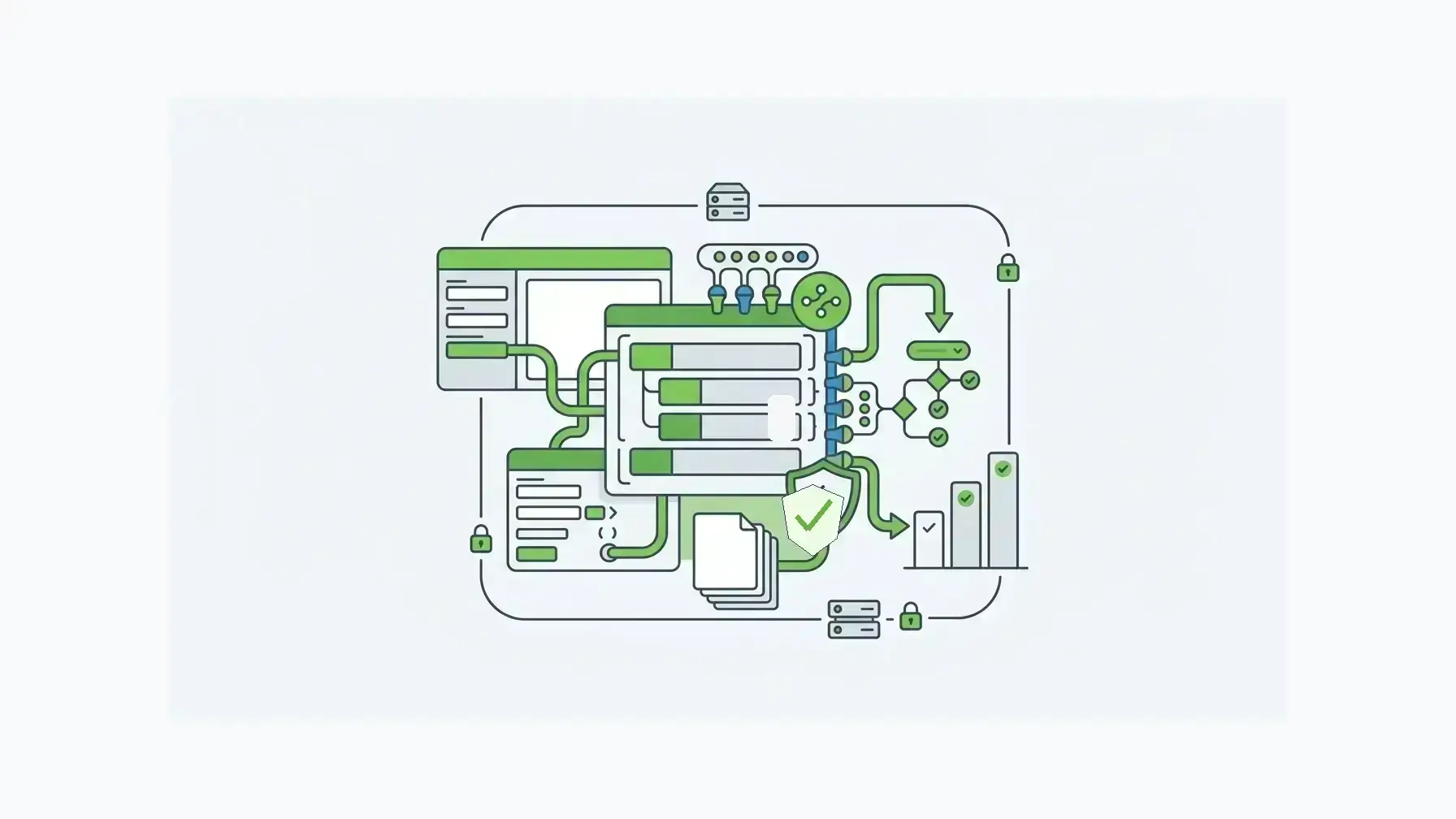
Evaluate Form.io when the form builder software decision is also a product, integration, and governance decision.
The fit usually means:
- forms need to be embedded inside a customer portal, SaaS product, internal platform, or regulated workflow
- form schemas need to drive both UI and APIs
- submissions need to become structured, API-accessible records
- workflow actions need to route data to internal and external systems
- permissions need to distinguish builders, reviewers, admins, users, and API clients
- form changes need development, QA/test, authoring, and live-stage discipline
- data needs to stay inside customer-controlled infrastructure
The same point shows up in customer voice. A public Trustpilot reviewer described Form.io as useful “both for integration and standalone” (Trustpilot Form.io reviews). The proof point is small, but it fits the buying pattern: Form.io is strongest for forms that are part of an application and integration strategy, not only a questionnaire surface.
For SaaS companies and enterprise application teams, the embedded form builder is especially relevant. It lets teams offer configurable form-building experiences inside their own application while keeping schemas, submissions, APIs, permissions, and workflow patterns under control. If your developers use AI coding agents, the Form.io Agentic Coding Toolset lets those agents build forms, resources, and actions against your real Form.io deployment at development time.
Form Builder Software Evaluation Checklist
Use this checklist before committing to a platform.
| Evaluation area | Questions to ask |
|---|---|
| Form creation | Can non-developers create forms safely without bypassing governance? |
| Schema model | Is the form definition a durable JSON/schema artifact or only UI configuration? |
| Submission data | Are submissions structured records with metadata, owner, state, revisions, and export/API access? |
| APIs | Are APIs generated from the form model, authenticated, documented, and permission-aware? |
| Workflow | Can submission events trigger governed actions, webhooks, notifications, approvals, and external-system calls? |
| Permissions | Can roles separate form builders, submission reviewers, admins, users, and API clients? |
| Lifecycle | Are there stages or environments for authoring, QA/test, development, and live promotion? |
| Deployment | Can the platform fit hosted, private cloud, self-hosted, or restricted-network requirements? |
| Fit | Is this a simple form problem, or is the form becoming application infrastructure? |
Key Takeaways
- Simple form builders are right for simple, low-risk forms.
- Forms that collect sensitive data, create durable records, expose APIs, or trigger workflows need a different evaluation.
- Evaluate schema control, submission governance, API authorization, workflow actions, permissions, lifecycle stages, and deployment model.
- Form.io fits best when the form layer has to operate as controlled application infrastructure.
FAQ
What Is Form Builder Software?
Form builder software is a tool for creating, publishing, and managing digital forms. Common features include drag-and-drop fields, templates, validation, conditional logic, file uploads, notifications, reports, and integrations.
Which Features Should Enterprise Form Builder Software Include?
Enterprise teams should look beyond visual form creation. Important features include stable schemas, generated APIs, structured submissions, role-based permissions, workflow actions, audit-relevant revisions, stage promotion, exports, authentication, and deployment control.
Do Form Builders Need APIs?
Simple form builders may not need deep APIs. Enterprise form builders usually do, because submissions often need to create or update records in CRM, ERP, case-management, document, identity, data, or workflow systems.
What Is The Difference Between A Form Builder And Form Infrastructure?
A form builder helps create forms. Form infrastructure also governs the schema, API surface, submission record, workflow events, permissions, release process, and deployment environment behind those forms.
Is Self-Hosted Form Builder Software Better For Regulated Data?
It depends on the organization’s risk posture and architecture. A self-hosted form builder can help when teams need customer-controlled data storage, network boundaries, authentication, backups, logging, and deployment operations.
When Is Form.io A Better Fit Than A Simple Online Form Builder?
Form.io is a stronger fit for embedded application forms, API-backed submissions, governed workflow actions, granular permissions, and deployment or data residency control.
Can Non-Developers Build Forms In Form.io?
Yes, Form.io includes visual form-building capabilities. The enterprise value is that those forms can remain tied to JSON schemas, generated APIs, submissions, permissions, and controlled deployment patterns.
How Should Teams Compare Hosted And Self-Hosted Form Builders?
Compare the data path. Hosted tools may be fastest when data can live in a vendor environment. Self-hosted or customer-controlled platforms become more relevant when forms collect sensitive data, run inside products, or need to match existing infrastructure policies.
Try Form.io Free