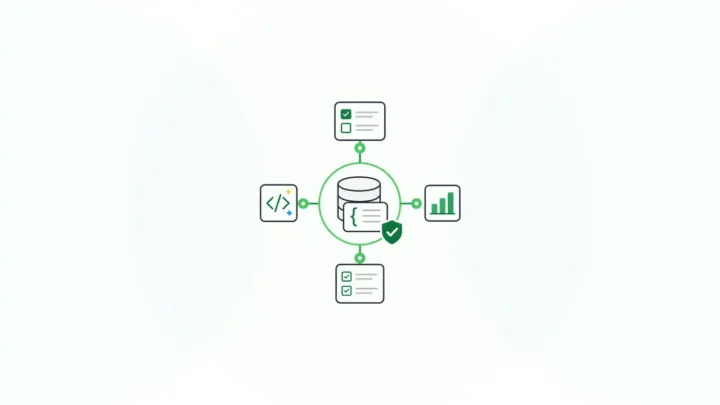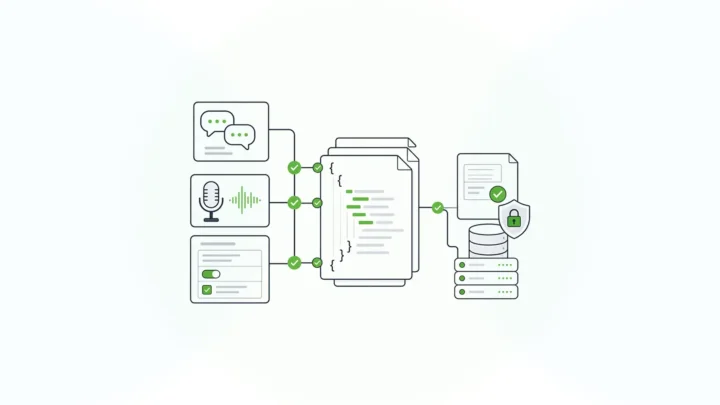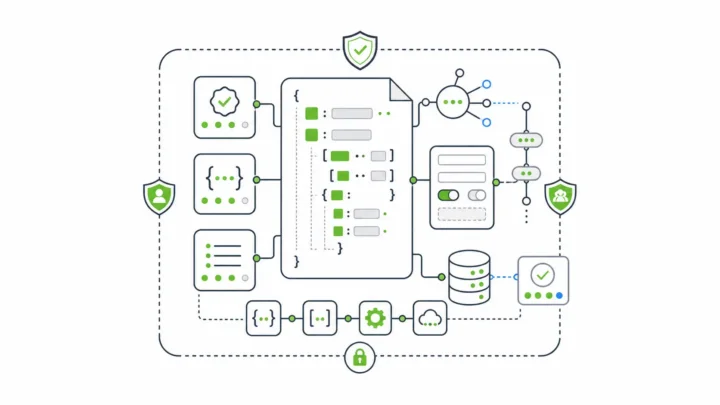





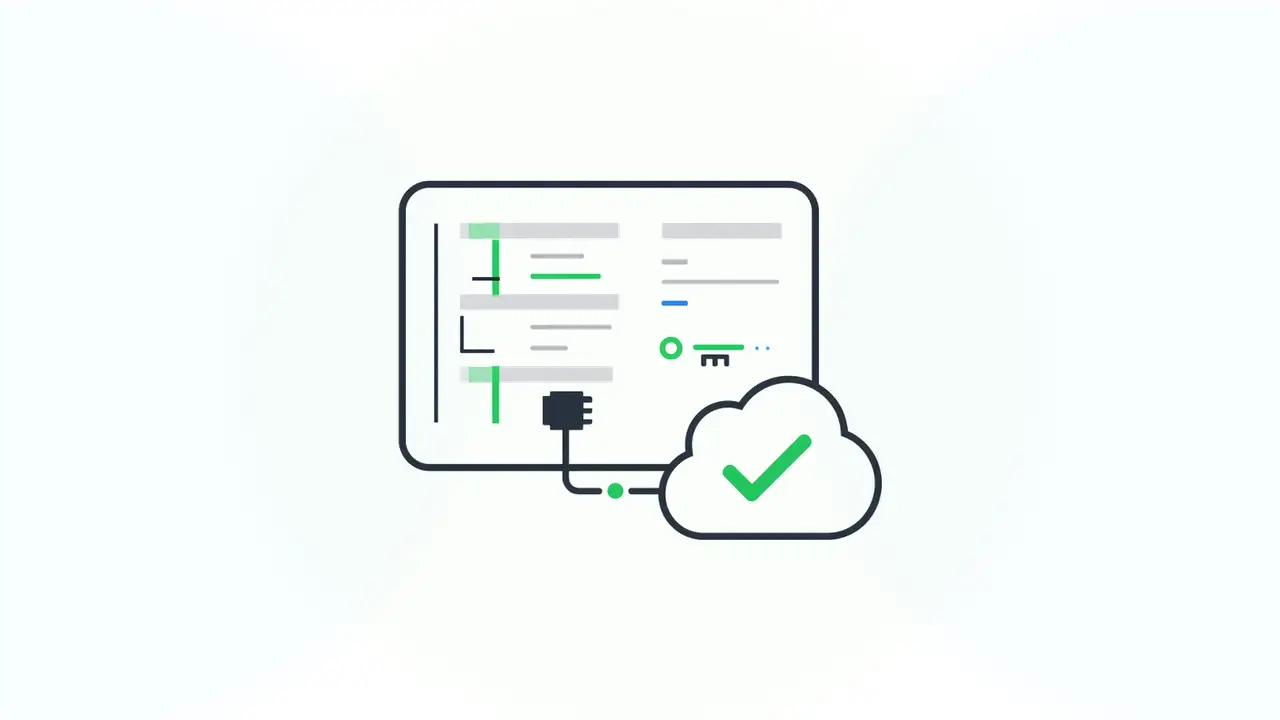
A Salesforce electronic signature setup captures a signer’s intent and attaches it to a record your org can use. The real decision is where the signed record of truth lives: inside Salesforce, on a hosted form vendor such as FormAssembly, or in a self-hosted system you run. That choice sets who holds the keys and how you prove nothing changed.
Most teams pick a signing tool by asking whether it “works with Salesforce.” Nearly every option does. The harder questions come later, from a security reviewer, an auditor, or opposing counsel: which copy is the signed original, what exactly did the signature protect, and can you verify it without asking a vendor?
If you sign patient consent, loan approvals, benefits applications, or anything with a long retention rule, those questions matter more than the signing screen. This guide compares three architectures for Salesforce electronic signature, gives FormAssembly a fair reading as the hosted option, and shows where self-hosted, record-level signing fits.
What is a Salesforce electronic signature?
A Salesforce electronic signature is any electronic signature collected as part of a workflow whose records end up in Salesforce. Salesforce teams usually add signing through an AppExchange app, a form tool connected to Salesforce, or an external system that writes results back to Salesforce objects.
Two terms are worth separating before you compare tools:
- Electronic signature is the legal act: a person signs a record electronically with intent. The federal ESIGN Act also cares about the retained record. When a law requires a record to be kept, 15 U.S.C. § 7001(d) lets an electronic record satisfy it if it accurately reflects “the information set forth in the contract or other record” and remain “capable of being accurately reproduced for later reference.”
- Digital signature is the cryptographic mechanism that makes the record checkable. NIST’s Digital Signature Standard says digital signatures “are used to detect unauthorized modifications to data and to authenticate the identity of the signatory” (NIST FIPS 186-5).
Every Salesforce e-signature tool handles the first part. They differ on the second: what gets protected, where the proof is kept, and who can check it.
Where does the signed record live?
The signed record lives wherever the signing system seals it, and that location sets your integrity, residency, and retention story. Salesforce often holds a copy, a link, or a status field, while the authoritative signed record sits somewhere else.
There are three common patterns:
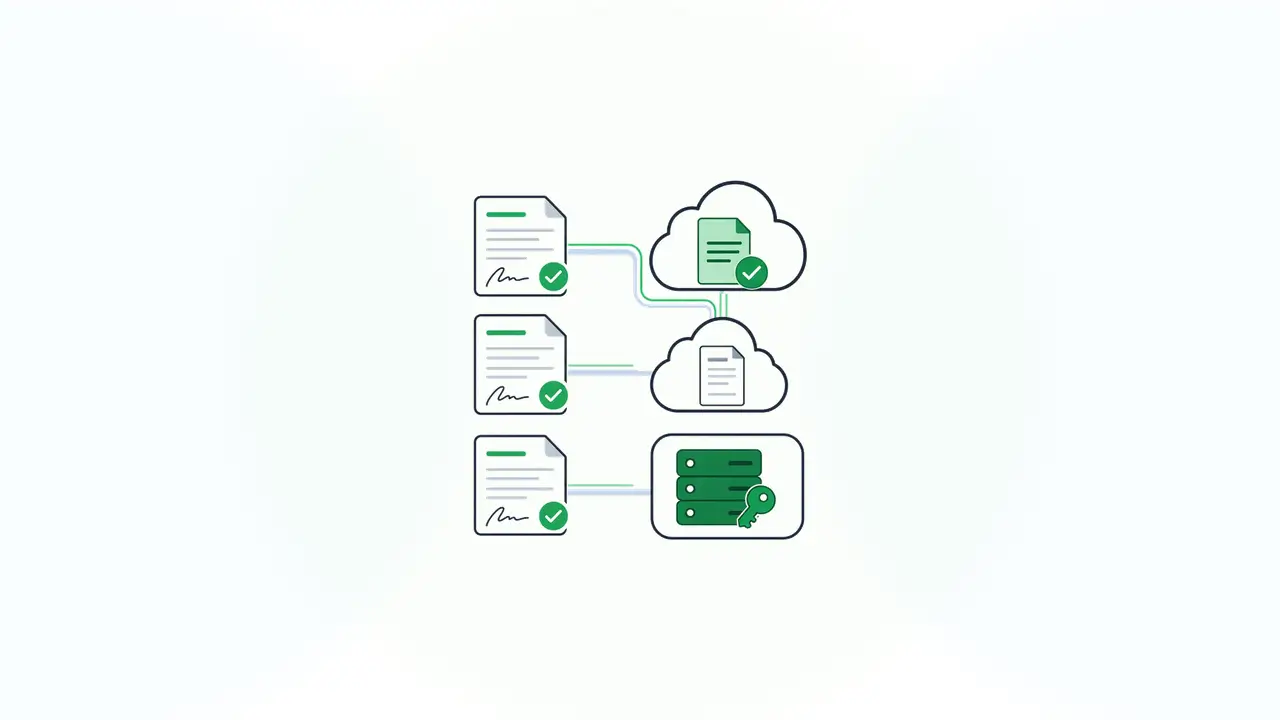
- A signing app inside the Salesforce org. A managed package generates a document from Salesforce data, collects the signature, and files the signed document back on the Salesforce record. Salesforce is the system of record, and the signed artifact is usually a document attached to it.
- A hosted form and signing service connected to Salesforce. The form, the signature, and the sealed record live on the vendor’s cloud. A connector pushes field values, a signature image, or a record link into Salesforce objects.
- Self-hosted signing on the data record. The form and the signature run inside infrastructure you control. The signature protects the submission data itself, and your workflow writes the result to Salesforce while the signed record stays in your environment.
Each pattern can be the right call. They just aren’t interchangeable.
How FormAssembly handles e-signature for Salesforce teams
FormAssembly is a hosted form and workflow platform with deep Salesforce roots, and its e-signature feature follows the hosted pattern. Respondents sign in the FormAssembly flow, the record is sealed on FormAssembly’s side, and connector aliases send signature data into Salesforce.
FormAssembly deserves credit for how much evidence its sealed record carries. According to its own documentation, a signer submits the form, signs, and then confirms through an email verification link before the signature is accepted. The resulting e-signature record shows a unique identifier (UUID), a record checksum, a package signature hash, and a custodian signature hash, and a response can’t be edited or reopened once it is verified and sealed. Multi-signer workflows are supported, and field aliases can send the record URL, the signature image, and related values to Salesforce objects.
For a Salesforce-centered team whose admins build forms without engineering help, that is a practical package. Our comparison of Form.io and FormAssembly for government forms covers its public-sector story in more detail.
The tradeoff is location. FormAssembly’s documentation notes that when a response is purged, a separate copy of the signed data is kept on its servers, and retrieving it means contacting its support team. Salesforce receives the values and links; FormAssembly holds the signed original. For many workflows that is acceptable. For a regulated workflow with a residency clause or a strict retention schedule, it is the point your security review will focus on.
Why record integrity matters more than the signing screen
Record integrity is what lets you show, years later, that the data a person approved is the data you still have. A signing screen proves someone clicked. Integrity proves the record didn’t drift after they did.
Integrity gets harder as signed data moves between systems. In a typical Salesforce electronic signature flow, one approval can exist as a hosted response, a sealed vendor record, a PDF, a signature image, and copied field values. Edit a copied field in Salesforce later, and the vendor’s seal still verifies, but it no longer matches the record your team uses.
Each connected system also widens the trust boundary. Verizon’s 2025 Data Breach Investigations Report found that third-party involvement in breaches doubled to 30%. Google Threat Intelligence Group reported a campaign that, from as early as August 8 through at least August 18, 2025, targeted Salesforce customer instances through compromised OAuth tokens tied to a third-party connected app. The access came through a third-party app’s tokens. The lesson: every integration holding a token to your org is part of your security boundary.
The cost of getting this wrong is real. IBM’s Cost of a Data Breach Report 2025 put the global average breach at $4.44 million and the U.S. average at a record $10.22 million.
So ask two questions of any Salesforce e-signature design. What does the signature protect: a rendered document, a signature image, or the underlying data? And where is the only copy that can prove it?
Self-hosting: keeping the signature and the keys in your environment
Self-hosted signing keeps the signing service, the signed records, and the signing keys inside infrastructure you operate. Salesforce still gets the outcome it needs, and the proof stays in your environment.
This changes three things:
- Residency. Signed data sits in your database, in your region, under your backup and retention policies. You don’t need to map a vendor’s storage locations against your contracts.
- Key custody. Your team holds the keys that make a signature verifiable. Verification doesn’t depend on a vendor staying in business or keeping an old record online.
- Fewer copies. Salesforce can store a status, a reference, and the business fields it needs. The signed record stays in one place, and everything else points to it.
Self-hosting also moves work to you. Your team owns patching, monitoring, backups, and uptime. That is a good trade when the signed data is regulated or long-lived, and a poor one when you need a few signatures a month.
Salesforce electronic signature options: an architecture decision matrix
The right Salesforce electronic signature architecture depends on where your system of record should live and who must be able to verify the signature. Use this matrix to compare the three patterns on architecture rather than features.
| Decision criterion | Signing app inside Salesforce | Hosted form and signing service (for example, FormAssembly) | Self-hosted signing on the data record (Form.io with E-Sign+) |
|---|---|---|---|
| System of record for the signed item | Salesforce | Vendor platform, with copies sent to Salesforce | Your environment, with status and references sent to Salesforce |
| What the signature protects | Usually a generated document | The sealed form response and its record | Selected fields, all form data, or selected submission properties |
| Who holds the signing keys | Usually the app vendor | The vendor | You (private key in your deployment or AWS KMS) |
| How you verify later | Through the app or the stored document | Through the vendor’s record page or support | Through your own APIs by submission ID |
| Residency and retention control | Salesforce org settings | Vendor storage and purge rules | Your database, region, and retention policy |
| Who builds it | Salesforce admins | Salesforce admins and form builders | Developers and architects |
| Who runs it | Salesforce and the app vendor | The vendor | Your team |
| Time to first workflow | Fast | Fast | Slower; needs a self-hosted deployment |
If the key and verification rows don’t matter for your workflow, a hosted or in-org tool is usually simpler. If they decide your security review, look hard at the right-hand column.
Checklist: evaluating Salesforce e-signature for regulated workflows
Use this checklist in vendor reviews. Each question has an answer you can verify.
- Signed object: Does the signature protect the data the person approved, or a picture or PDF of it?
- Change detection: If a protected value changes after signing, does verification fail?
- System of record: Which system holds the authoritative signed record, and which systems hold copies?
- Keys: Who generates and holds the signing keys? Can you bring your own?
- Verification path: Can your team verify a signature through an API without vendor involvement?
- Residency: Where are signed records, audit evidence, and attachments stored? Does that meet your contracts?
- Retention and purge: What happens to signed data when you purge a response? Who keeps a copy?
- Integration tokens: Which apps hold OAuth tokens or credentials to your Salesforce org, and what can each one read?
- Multi-party signing: Can several people sign parts of one record without breaking each other’s signatures?
- Identity: Where does signer identity come from: email verification, your identity provider, or a separate service?
- Cost model: Is pricing per envelope, per user, or part of a platform license?
How Form.io supports Salesforce electronic signature on the data record
Form.io supports Salesforce electronic signature workflows by running forms and signing in your own self-hosted environment, then sending results to Salesforce through form actions. E-Sign+ signs the submission data itself, so the record you keep is the record that was signed.
Self-hosted Form.io runs inside your security boundary. It contacts Form.io only for license validation, which sends the license key, not form data. Compliance stays a shared responsibility: Form.io provides technical controls such as roles, audit logs, revisions, and deployment control, and your policies and auditors decide compliance.
E-Sign+ is a self-hosted digital-signature module for Form.io. It is available now for eligible self-hosted environments licensed for both the Security Compliance Module and E-Sign+.
- Signs the data. “The signature attaches to the submission data itself. Change the data, and the signature breaks.” You choose whether a signature protects specific fields, all form data, or selected submission properties.
- Verifies the context. “E-Sign+ verifies that the signed data and its context have not changed since signing.”
- Bring your own keys. Use a private key configured in your enterprise server deployment, or project-level integration with AWS KMS.
- Multi-party records. Text fields, checkboxes, dates, email fields, or a traditional signature component can act as the signing component, and several signatures can sit on one record.
- Verifiable through your APIs. Signed data stays reachable through the native Form.io submission ID and APIs, with a configurable signature stamp. PDF export is available when a workflow needs it.
- No per-envelope meter. “There is no per-envelope or per-document meter.” See configuration-based pricing for how licensing works.
To connect the result to Salesforce, use Form.io form actions. A webhook action can create or update a Salesforce record, and the external ID setting stores the returned Salesforce ID alongside the Form.io submission. Salesforce gets the business fields, the signing status, and a reference. The signed original stays in your environment.
Form.io built E-Sign+ to provide the mechanisms ESIGN and UETA look for (record, intent, consent, attribution, association, integrity, and retention). Your counsel decides whether a given workflow is legally sufficient. Signer identity comes from your own authentication provider and integrations. For a wider look at signing outside Salesforce, see our guide to DocuSign alternatives for self-hosted form workflows, and for agency deployments, on-premise electronic signature for government.
When Form.io is not the right fit
Form.io is the wrong choice if your Salesforce admins need to build and change signing forms themselves, inside Salesforce, without a development team. It is developer infrastructure, and a self-hosted deployment needs people who can install, secure, and run it.
It is also not the right fit if:
- Salesforce is your system of record and you want every form to live in the org. A Salesforce-native tool fits that model better; our look at Formstack alternatives for Salesforce-centered teams explains the tradeoff.
- You send a handful of documents a month for signature and nothing about them is regulated. A hosted signing service will be faster and cheaper.
- You need contract redlining, negotiation, or notarization in the signing flow.
- You want E-Sign+ on a hosted service. It runs only in eligible self-hosted environments.
- You need built-in identity proofing. Identity comes from your authentication provider.
If those describe you, FormAssembly or an in-org Salesforce app is a sound choice. If your reviewers keep asking where the signed record lives and who holds the keys, a record-level, self-hosted design such as the one in our post on digital signature solutions for regulated workflows answers those questions directly.
Key Takeaways
- A Salesforce electronic signature design is really a decision about where the signed record of truth lives.
- In-org apps, hosted services like FormAssembly, and self-hosted signing each fit different workflows.
- Ask what the signature protects, who holds the keys, and how you verify it without a vendor.
- Every connected app with access to your org widens the security boundary.
- Self-hosted signing on the data record keeps proof and keys in your environment, at the cost of running it yourself.
FAQ
Does Salesforce have built-in electronic signature?
Most Salesforce teams add e-signature through an AppExchange app or a connected form or signing tool. Which option fits depends on your Salesforce edition, your industry products, and whether the signed record should live in Salesforce or elsewhere. Check your org’s licensed features before you buy another tool.
How does FormAssembly e-signature work with Salesforce?
FormAssembly collects the signature in its hosted form, verifies the signer by email link, and seals the record on its platform. Field aliases then send values such as the record link and signature image into Salesforce objects. The sealed record stays with FormAssembly.
Is a Salesforce electronic signature legally valid?
Electronic signatures generally have legal effect in the U.S. under the ESIGN Act and state UETA laws. The tool doesn’t decide validity on its own; your process for intent, consent, attribution, and retention does. Confirm specific workflows with your counsel.
Where should the signed record live for regulated data?
It should live where your residency, retention, and audit rules require, with one authoritative copy. For many regulated teams that means a system they control, with Salesforce holding status and references instead of the only signed original.
Who holds the signing keys in a hosted e-signature service?
In most hosted services, the vendor manages the keys used to seal records. With self-hosted Form.io and E-Sign+, you hold them, either as a private key in your deployment or through project-level AWS KMS integration.
What happens to signed records if I purge form data?
It depends on the tool. FormAssembly’s documentation says a separate copy of signed data remains on its servers after a full response purge. In a self-hosted system, your own retention policy controls what is kept and where.
Does E-Sign+ work on Form.io’s hosted SaaS?
No. E-Sign+ is an enterprise module for eligible self-hosted environments licensed for both the Security Compliance Module and E-Sign+. Signing, data, and keys all stay inside your deployment.
How does Form.io connect signed submissions to Salesforce?
Form.io form actions send submission data to Salesforce, typically through a webhook action that creates or updates a record. The external ID setting stores the Salesforce record ID with the Form.io submission, so both systems can reference each other.
If your team needs Salesforce to see the outcome while the signed record and keys stay in your environment, we can walk through the architecture with you.
Schedule a Call