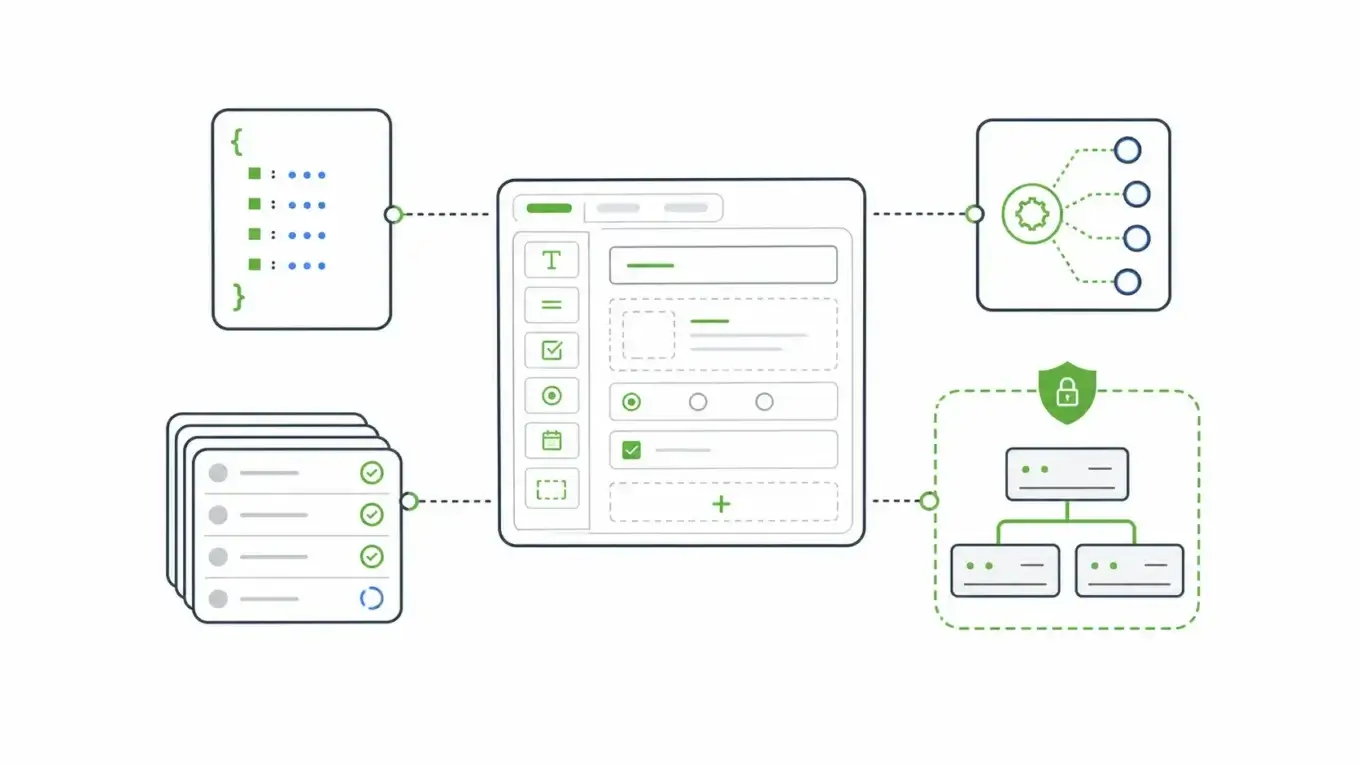
Open source form builders are getting a second look as teams pull sensitive workflows back inside their own infrastructure. A builder that creates fields, runs in your environment, and sends a webhook looks like enough. The harder question comes after someone clicks submit: what happens to the schema, API, submission data, permissions, and workflow?
The category starts to separate at that point.
Open Source Form Builders Are Not All Solving The Same Problem
The phrase open source form builders covers several different tools.
Some are survey tools. Some are self-hosted replacements for hosted form products. Some are React or JavaScript libraries that render forms from schemas.
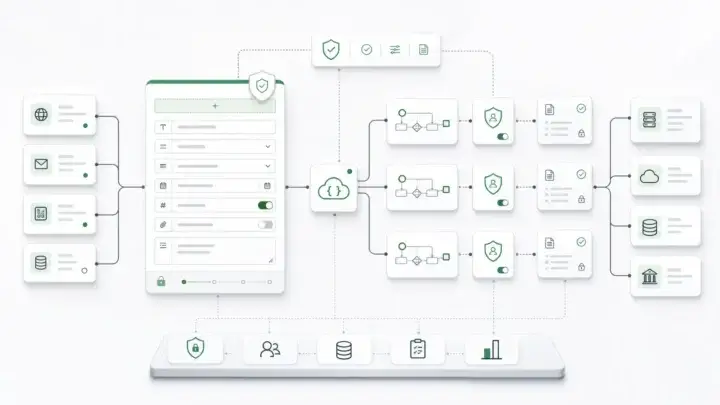
Some are internal-tool platforms that happen to include forms. A smaller group treats forms as application infrastructure: a schema, a generated API, a submission record, and a governed workflow surface.
Those differences matter more than the license badge.
The Open Source Initiative definition is about the freedoms a license grants: access to source code, redistribution, derived works, and non-discrimination. Those rights are valuable because they let technical teams inspect, extend, and operate software on their own terms.
But open source does not automatically answer enterprise architecture questions.
A license leaves several questions open. Where does submission data live? Is there a permission model?
Are form changes versioned? Does the API receiving the submission enforce the same rules as the UI, and can a customer build forms inside your product without breaking your data model?
For small teams, the useful question may be, “Can I run this instead of a hosted form tool?”
For enterprise teams, the better question is, “Can this become a controlled intake layer for real application data?”
The Quick Evaluation Framework
Start by separating the decision into four layers.
| Layer | What to ask | Why it proves fit |
|---|---|---|
| Builder | Can non-developers create forms without breaking the model? | Authoring speed only helps if governance survives it. |
| Schema | Is the form definition portable, inspectable, and versionable? | The schema becomes the contract other systems rely on. |
| API and submissions | Does the form create governed submission records and usable APIs? | Enterprise forms usually feed applications, not spreadsheets. |
| Operations | Can it run in your environment with permissions, workflow, and audit needs covered? | Self-hosting is not the same as operational control. |
If a tool is strong in the first layer but weak in the last three, it may still be useful. It is just not the same category as form infrastructure.
The distinction keeps the evaluation honest.
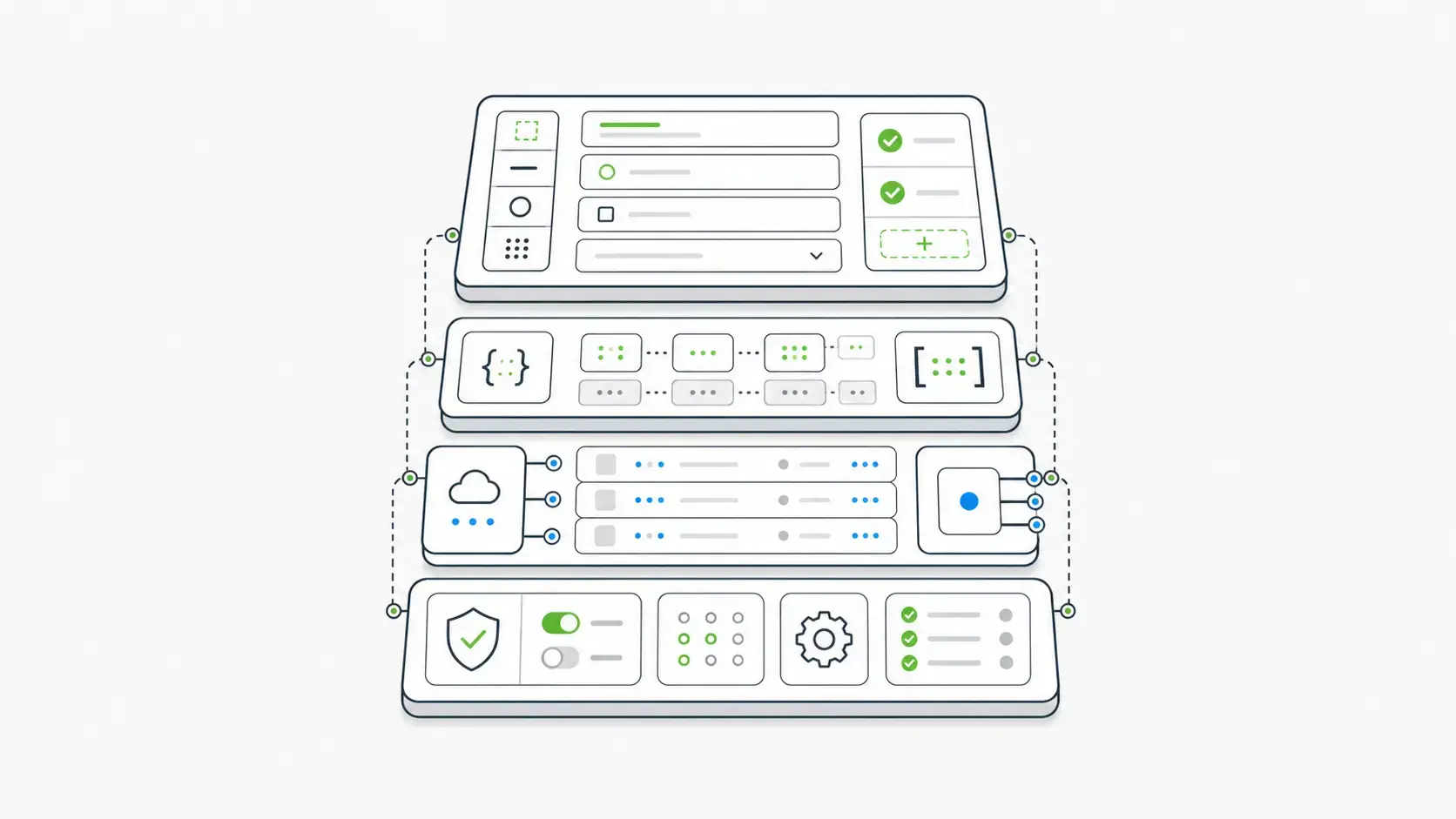
What "Open Source" Buys You
Open source gives technical teams options. You can inspect the source, understand how the builder works, evaluate the license, and avoid a form stack that becomes impossible to modify later. In the right environment, that is a serious advantage.
It also changes responsibility. When you self-host an open source form builder, you own the deployment, backups, update cadence, uptime, database boundary, submission access, form-definition access, and change-review process.
Name that responsibility before you choose the tool. A simple open source builder can be perfect for contact forms, internal surveys, volunteer signups, or a developer-owned prototype. It may be the wrong foundation for applications where forms create regulated records, trigger approvals, populate customer accounts, or feed downstream systems.
IBM’s 2026 Cost of a Data Breach Report puts the global average breach cost at a record $4.99 million. Not every form project is a breach risk, but data boundaries are business decisions.
If the form captures sensitive or operationally important data, the buyer should evaluate the whole path.
The Part Most Open Source Form Builder Lists Miss
Most open source form builder comparisons stop at visible features:
- drag-and-drop authoring
- conditional logic
- file upload fields
- themes and design controls
- embedding
- webhooks
- Docker deployment
- exports and notifications
Those are legitimate requirements, but they are not enough.
The enterprise failure point usually comes after the obvious feature checklist passes. A team launches the form, then discovers that submission data needs object-level access controls. A workflow needs role-specific approval.
A regulator asks which version of the form captured a historical submission. A customer asks to build forms inside the product without seeing another tenant’s data. An integration team needs the form to behave like an API contract, not a page-level widget.
At that point, a form builder either becomes infrastructure or becomes another integration problem.
OWASP names Broken Object Level Authorization as the top API security risk in its 2023 API Security Top 10, warning that APIs often expose endpoints that handle object identifiers and therefore create a wide access-control surface (OWASP). Form systems face the same risk when submissions are exposed through APIs.
If a user can submit, read, update, or export form data, ask whether the API and permission model match the data’s real risk.
Where Form.io Fits In The Category
Form.io belongs in the open source form builder conversation, but it should not be evaluated only as a visual builder.
The Form.io open source page describes the core formio project as the API engine behind the platform and formio.js as the front-end renderer and SDK. It also explains the broader pattern: the builder creates JSON forms that can be rendered in applications and connected to the API platform.
The more important detail is in the architecture.
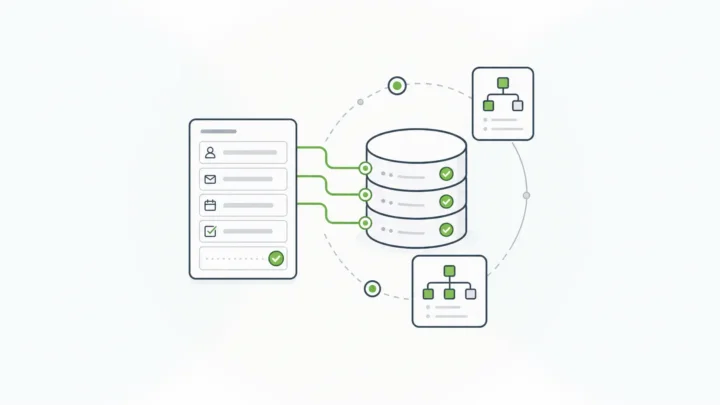
The Form.io concepts documentation explains that as a form is built, Form.io constructs the JSON schema and defines a REST API endpoint. Form JSON powers rendering, validation, API generation, portability, migration, and source-control workflows.
The center of gravity changes.
A simple builder produces a form.
Form.io produces a form definition that can become part of the application data layer.
Submissions are JSON objects tied to forms or resources. Resources can act like reusable structured data collections. Actions can run on submission. Permissions can govern who creates, reads, updates, or deletes form definitions and submission data.
Form.io is a stronger fit for enterprise teams that need forms, APIs, and workflow to move together.
The AI tooling follows the same open model. At runtime, the Universal Agent Gateway (UAG) is released as MIT-licensed, self-hosted open source, so agents reach form data through the same permissions as users. At development time, the Form.io Agentic Coding Toolset helps coding agents build forms, resources, and actions against your Form.io deployment.
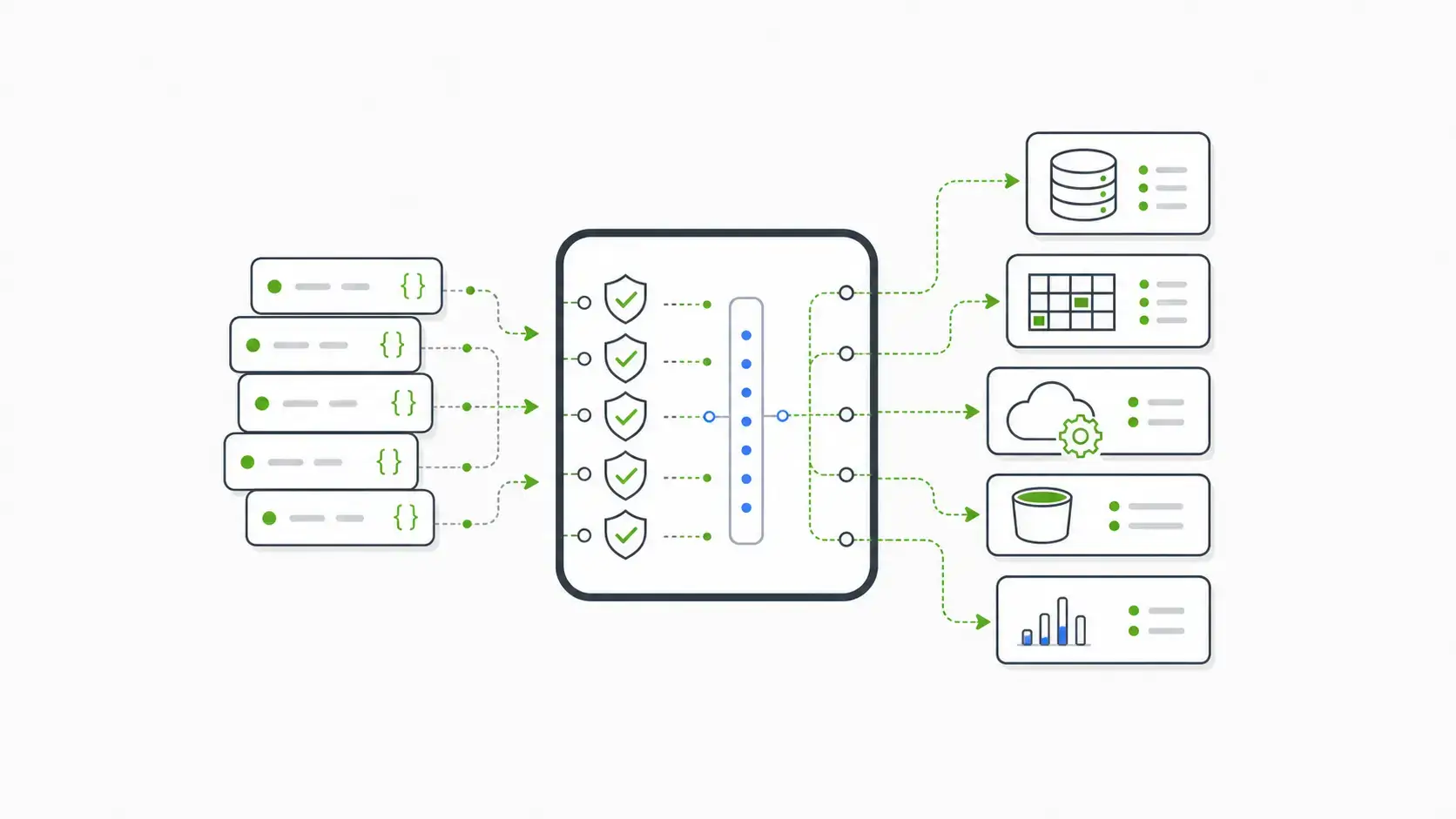
Builder, Renderer, Or Infrastructure?
A cleaner comparison starts with the job the tool is being hired to do.
Use A Simple Open Source Builder When The Form Is The Product
If the job is collecting newsletter signups, simple support requests, event registrations, surveys, or lightweight internal feedback, a simple self-hosted builder may be enough.
The ideal tool here is easy to deploy, easy to theme, and easy to hand to a non-technical user. It should support common fields, conditional logic, notifications, export, spam protection, and webhooks.
You do not need heavy infrastructure if the form’s job is narrow.
Use A Renderer Library When The Application Owns Everything Else
Some teams want a front-end form renderer or schema-driven builder inside an existing application. The approach can work for engineering teams that already own the backend, database, API, authorization model, audit trail, workflow engine, and deployment process.
Use Form Infrastructure When The Form Creates Business Records
The requirements change when a form submission creates or updates something important: a claim, eligibility record, patient intake, loan application, citizen-service request, internal approval, onboarding case, or customer-managed configuration.
At that point, the form needs more than a builder.
It needs a schema that can be governed. It needs an API surface that other systems can trust. It needs permission boundaries.
It needs workflow actions. It needs deployment control. It needs enough structure that business users can build forms without forcing developers to rebuild the same plumbing for every new intake path.
Form.io’s strongest category is form infrastructure.
The Enterprise Controls Checklist
When evaluating open source form builders for enterprise use, inspect these controls before committing.
1. Does The Form Definition Become A Stable Schema?
The form should produce a machine-readable definition that developers, APIs, renderers, and workflows can use.
In Form.io, Form JSON defines the structure, appearance, and behavior of a form. The definition gives the platform a contract to render and validate against.
Without a stable schema, every integration becomes translation work.
2. Does The Form Generate Or Map Cleanly To APIs?
If form submissions feed another application, the API model becomes part of the architecture decision.
Form.io’s concept model ties forms and resources to REST endpoints, so the form is not stranded as a front-end artifact.
The practical buyer question is simple: does the API path arrive with each new form?
3. Can Permissions Separate Form Definitions From Submission Data?
Form authoring access and submission-data access are different risks.
A marketing user may edit field labels. A support agent may read only assigned submissions. An administrator may need broader access. Anonymous users may need permission to create submissions but never read them.
Form.io’s roles and permissions documentation separates project, form definition, and submission data permissions. It also notes that submission access is disabled by default, which is the right default posture for sensitive intake systems.
4. Can Workflow Actions Run Under Control?
Webhooks are table stakes. Controlled workflow behavior is more valuable.
Form.io’s webhook action documentation describes submission-triggered calls to external systems, request transforms, optional response handling, stored external IDs, and retry settings. Those controls become important when form submissions feed CRMs, case systems, ERPs, claims systems, or custom APIs.
A webhook field in a settings page is useful. A governed action model is better.
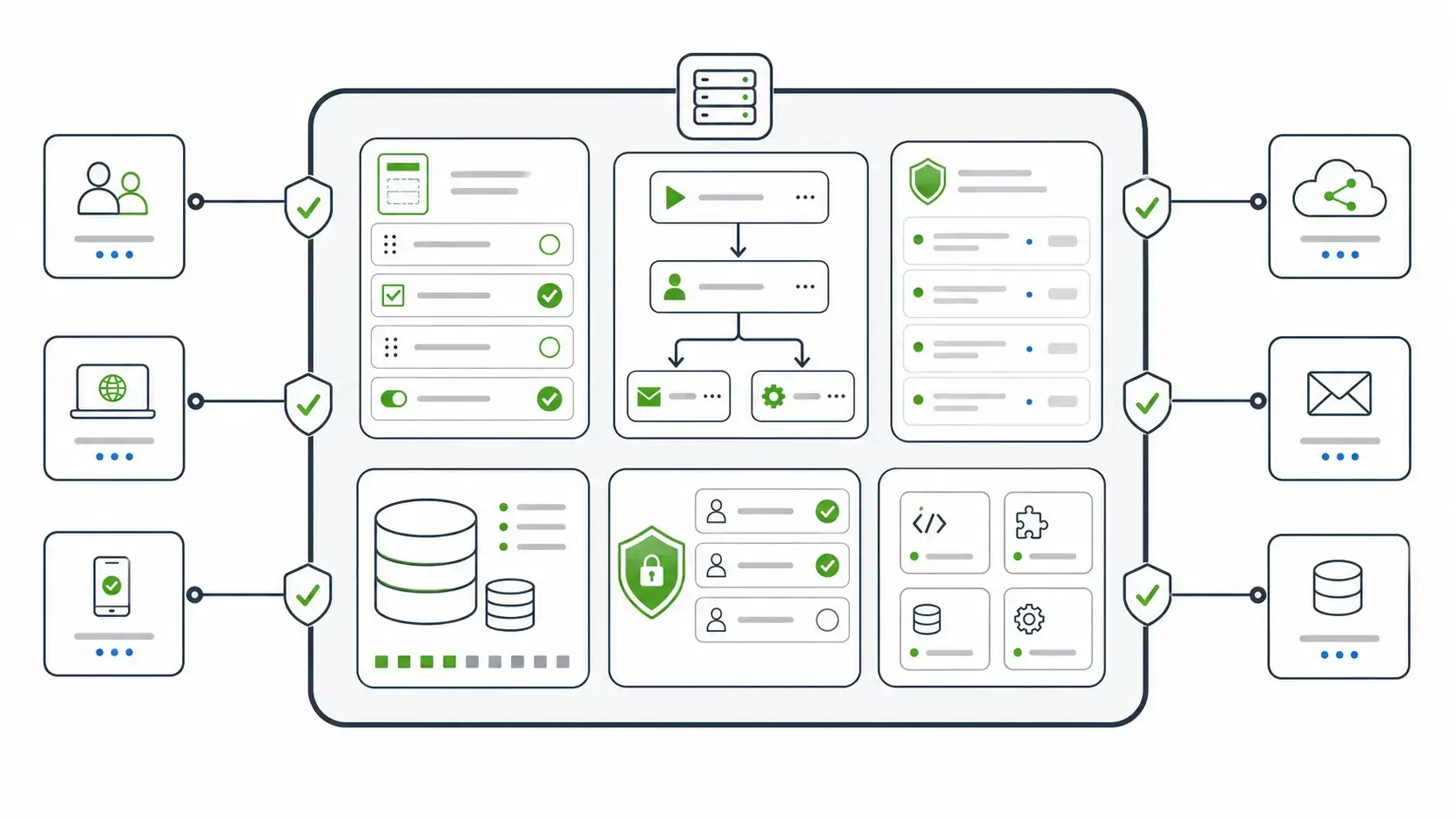
5. Can The Platform Run Where Your Data Has To Live?
For some teams, self-hosting decides whether a tool is usable at all. Third parties are a real exposure: Verizon’s 2025 Data Breach Investigations Report found that third-party involvement in breaches doubled to 30%.
Form.io’s deployment documentation describes deployment in cloud, on-premises data centers, or local environments, with Docker containers and enterprise models that can separate API environments, databases, and stages.
The buyer should ask where the platform runs, where the database sits, who controls keys and access, and how dev/test/prod promotion works. Our guide to a self-hosted form builder with APIs deployed in your environment walks through those questions.
6. Can Business Users Build Safely Inside Your Product?
Open source form builders often start as back-office tools. Enterprise product teams may need something more specific: an embedded, white-labeled form-building experience inside the application their customers already use.
The Form.io Enterprise Form Builder Module is built for that pattern. It lets teams provide a controlled form builder inside their own application while the Form.io platform remains connected behind the scenes.
The pattern is different from linking users out to a separate builder.
It keeps form creation inside the product boundary.
What Customers Notice When The Open Source Path Grows Up
The best proof for an open source form builder: teams can start with it and grow into a governed production path without throwing the foundation away.
A Form.io reviewer on Trustpilot described “using the open source version of Form.io for many years” before evaluating paid capabilities such as offline access and PDF support. Many enterprise teams want that migration path: start with inspectable software, then add the enterprise pieces as operating requirements become real.
Not every team needs the commercial platform, but the open source starting point should not trap the team below the architecture it will eventually need.
When Form.io Is The Right Open Source Form Builder Choice
Choose Form.io when the form is more than a disposable data-capture screen.
It is usually the stronger fit when:
- forms need to be embedded into a custom application
- submission data must stay in a customer-controlled environment
- developers need APIs tied to form definitions
- business users need to build forms without bypassing the data model
- permissions must govern form definitions and submission records separately
- workflows need to route submissions into downstream systems
- teams need a path from open source evaluation to enterprise deployment
- forms are part of a regulated or customer-facing application workflow
Choose a simpler open source builder when the requirement is narrow, the risk is low, and the main goal is replacing a hosted form tool with something self-hosted.
The mistake is treating those two needs as the same category. If you are weighing building, buying, or adopting open source, see build vs. buy vs. source for enterprise form infrastructure.
Key Takeaways
- Open source form builders vary widely: surveys, no-code builders, renderer libraries, internal-tool platforms, and form infrastructure are different jobs.
- Open source gives inspection and control, but the team still owns deployment, data boundaries, permissions, and maintenance.
- Enterprise buyers should evaluate what happens after submission: schema, API, records, workflow, access control, and audit evidence.
- Form.io is strongest for forms that need to operate as application infrastructure, not only as a visual builder.
- The right choice depends on the weight the form has to carry.
FAQ
What Are Open Source Form Builders?
Open source form builders are tools that let teams create forms using software with source code available under an open source license. Some focus on surveys or no-code form creation. Others provide developer renderers, self-hosted deployment, or deeper form infrastructure.
Are Open Source Form Builders Always Self-Hosted?
No. Some open source projects offer self-hosting, some offer hosted cloud plans, and some provide libraries that developers integrate into their own applications. Check both the license and the deployment model.
What Is The Best Open Source Form Builder For Enterprise Teams?
The best choice depends on the form’s job. For simple data capture, a lightweight builder may be enough. For enterprise forms tied to APIs, permissions, submissions, workflows, and self-hosted deployment, Form.io is usually the stronger fit.
Why Does API Generation Matter In A Form Builder?
API generation becomes important as forms feed applications. If the form creates its own governed submission API, developers do not have to rebuild the same endpoint pattern for every new form.
What Is The Difference Between A Form Builder And Form Infrastructure?
A form builder helps users create forms. Form infrastructure also governs schemas, submission records, APIs, permissions, workflows, deployment, and integration behavior around those forms.
Can Form.io Be Used As An Open Source Form Builder?
Yes. Form.io provides an open source core and related renderer/SDK libraries. Enterprise teams can also use Form.io’s commercial platform when they need deeper deployment, governance, embedding, security, PDF, or workflow capabilities.
Do Open Source Form Builders Solve Compliance By Themselves?
No. Open source access can support transparency and control, but compliance depends on the complete environment: hosting, identity, permissions, logging, change control, data retention, and operational process.
How Should Regulated Teams Evaluate Open Source Form Builders?
Regulated teams should start with the data boundary. Ask where the form runs, where submissions are stored, who can access them, how changes are versioned, how APIs are authorized, and how evidence is retained.
Try Form.io Free