On July 29, 2026, IBM reported that the global average data breach now costs $4.99 million, and only 37% of breached organizations encrypt sensitive data both at rest and in transit. Form submissions are a big share of that sensitive data. If yours sit in a response inbox, you can’t easily prove what was collected, under which rules, or who changed it later. A form database closes that gap. Here is what it needs to do.
What a Form Database Actually Is
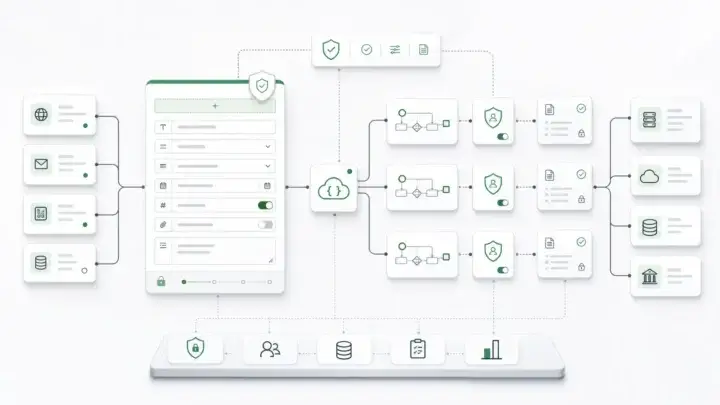
A form database is the storage and API layer behind your forms. Every submission becomes a record that is bound to the form definition that produced it, validated on the server, and reachable by the systems that act on it.
A response inbox holds answers for a person to read. This layer holds records for software to use: a claims system, a case manager, a reporting job, or an AI agent.
Two documents make this work. The form definition describes fields, validation, and conditional logic. The submission holds the values a user entered, plus a reference back to its form. Form.io’s explainer on form JSON schema vs submission walks through both documents in detail. The point for this post is simple: if the two aren’t linked, your data loses its meaning the first time the form changes.
Why the Response Inbox Stops Working
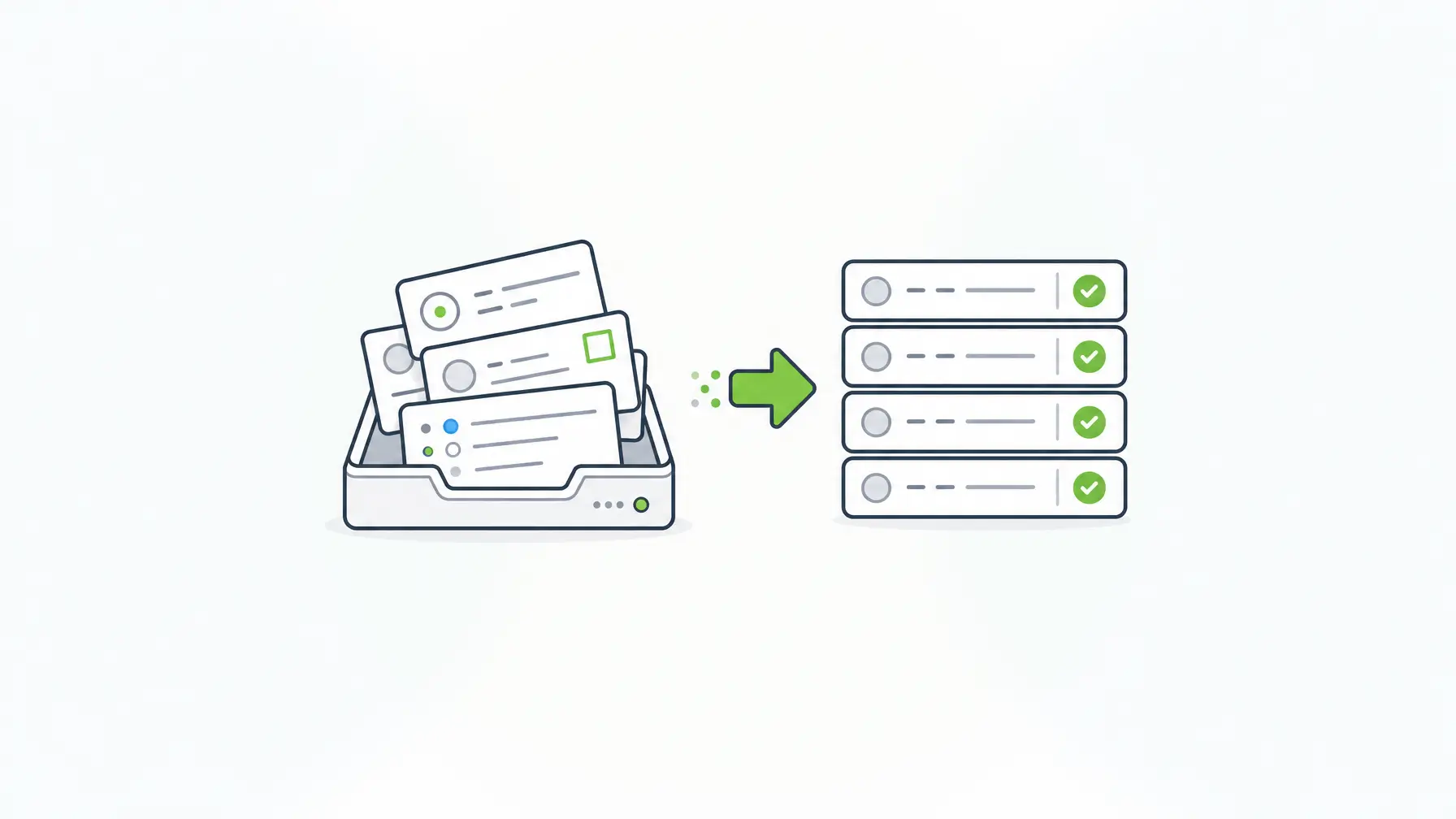
Response inboxes are fast to set up, and for a feedback survey they’re fine. They start to fail when the data has to drive a process.
- The form changes and history blurs. Add a field, rename a label, or tighten a rule, and older entries no longer line up with the current form. Without a link to the version that captured them, you’re guessing what the user saw.
- Validation runs only in the browser. Client-side checks help users. They don’t stop a script, an integration, or a bad import from writing invalid data.
- The data lives with someone else. Verizon’s 2026 Data Breach Investigations Report found that breaches involving a third party now account for 48% of all breaches, up 60% from the prior year. Every hosted inbox is one more third party holding your records.
- Integration means CSV exports. Someone downloads a file, cleans it, and uploads it somewhere else. Each copy is unversioned and outside your access controls.
- Access is too coarse. If everyone with inbox access sees every response, regulated workflows break. They need permissions by role, by form, and sometimes by record.
None of these problems show up on day one. They show up when an auditor asks for the record behind a decision, or when a second system needs the data in real time.
Seven Checks for a Form Database
Use these checks when you evaluate any option, whether you buy it, build it, or already run it.
| Check | What to ask | Why it matters |
|---|---|---|
| 1. Schema binding | Does each submission record the form version that captured it? | You can reproduce exactly what the user saw and agreed to |
| 2. Server-side validation | Do the same rules run on the server as in the browser? | Scripts and integrations can’t write data the form would reject |
| 3. Change history | Are edits after submission versioned, with who, when, and why? | Corrections stay attributable and reversible |
| 4. Access control | Can you set permissions by role, form, and record? | Reviewers see only the records they’re allowed to see |
| 5. Encryption and isolation | Can you encrypt sensitive fields and separate sensitive forms? | A leaked dump or broad query exposes less |
| 6. API access | Can other systems create, query, and update records through an API? | Downstream systems stop depending on exports |
| 7. Location and retention | Do you control where the database runs and how long records stay? | Your security team and your retention policy decide, not a vendor default |
Check 5 deserves more weight than most teams give it. In IBM’s 2026 study, fewer than four in ten breached organizations encrypted sensitive data both at rest and in transit.
Flexible storage doesn’t remove the need for structure. Even PostgreSQL’s documentation on JSON types, after noting how flexible JSON can be, says that “even for applications where maximal flexibility is desired, it is still recommended that JSON documents have a somewhat fixed structure.” For form data, that fixed structure is the form schema. It’s also what AI systems need before they can act on your data, which is the core argument in our guide to structured data vs unstructured data for AI workflows.

Three Ways to Build a Form Database
Most teams end up in one of three places. Each is a reasonable choice for some workloads.
| Approach | Where records live | Validation | History and audit | API | Good fit |
|---|---|---|---|---|---|
| Hosted form tool with a response inbox | The vendor’s cloud | Mostly vendor-defined | Varies by vendor | Export or vendor API | Surveys, event sign-ups, low-risk marketing forms |
| DIY tables behind custom forms | Your database | Whatever you write, often twice (client and server) | Whatever you build | Whatever you build | A few stable forms and a team that wants to own the code |
| Schema-driven form infrastructure (self-hosted Form.io) | Your MongoDB, inside your security boundary | One schema, enforced in the browser and on the server | Form revisions, submission revisions, audit logs | REST API generated for every form | Form-heavy, regulated applications that change often |
Hosted tools earn their popularity. They’re quick, polished, and good at collecting answers. The trade-offs appear when records must stay inside your environment or feed other systems.
DIY has become faster with AI coding agents. An agent can scaffold a submissions table with a JSON column in an afternoon. The hard part comes later: each team ends up with its own validation, its own versioning, and its own audit pattern. If your developers use coding agents, the Agentic Coding Toolset gives them Form.io’s MCP server and skills so they build against your real Form.io deployment “instead of fabricated demo data.” Its stated approach: “Governance built in. RBAC, group permissions, change history, audit trails — all emitted on the first pass.” Developers still review what the agent generates.
How Form.io Handles the Data Layer
Form.io treats the form schema as the contract for the data. When you create a form, the platform generates REST endpoints for it, such as POST /<form>/submission and GET /<form>/submission/:id. The API validates incoming data against the schema before accepting it, using the same rules the browser applies.
Each submission carries its form reference, its data keyed by component, and its metadata. With form revisions enabled, it also records the form revision that captured it:
{
  "_id": "657b9e7b4001c82890626a5e",
  "form": "657b9a2c4001c82890626a10",
  "_fvid": 3,
  "data": {
    "applicantName": "Jane Doe",
    "requestedAmount": 2500,
    "dependents": [
      { "name": "Sam Doe", "age": 9 }
    ]
  },
  "owner": "659d83632824949f20a88389",
  "created": "2026-10-01T14:32:00.000Z",
  "modified": "2026-10-03T09:12:00.000Z"
}
From there, the rest of the seven checks map to specific features:
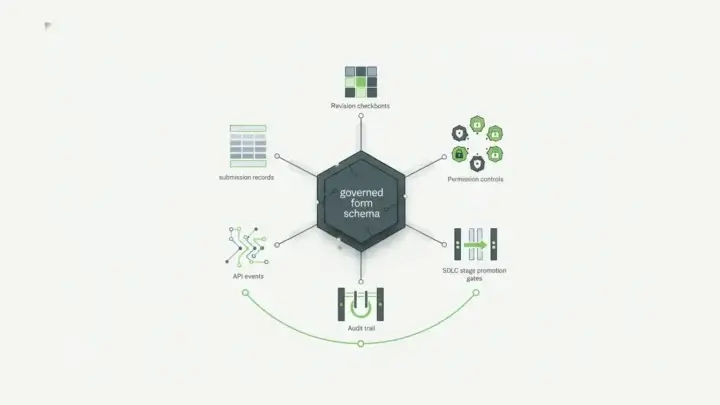
- History: submission revisions and server audit logging (part of the Security Module) record who changed a value, when, and why, and log every API request. A submission captured against revision 3 still renders against revision 3 after the form moves on.
- Downstream systems: Form Actions run on every submission event. Saving the record is itself an action, and webhook actions push data to a CRM or a relational database.
- Encryption and isolation: the Security Module adds field-level encryption and per-form submission collections, so sensitive forms can write to separate collections. It supports your compliance program; it doesn’t certify it.
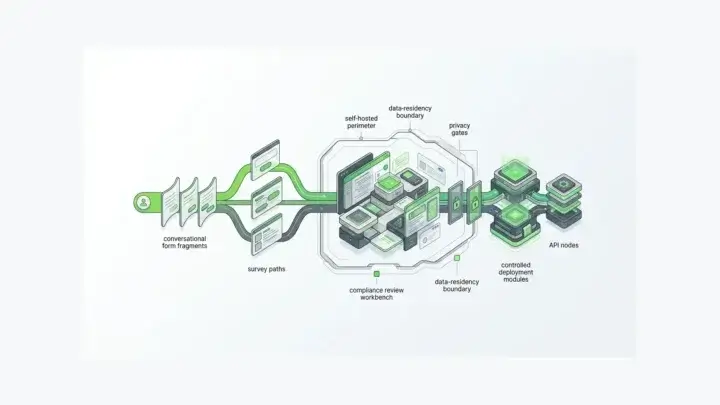
- Location: a self hosted form builder deployment stores submissions in your MongoDB, inside your security boundary. The only call back to Form.io is license validation, which sends the license key, not form data.
- Integrity: for records that must be signed, E-Sign+ signs the submission data inside your environment. “The signature attaches to the submission data itself. Change the data, and the signature breaks.”
Teams feel the difference when their data model has to change quickly. Frédéric Daniels, Chief Technology Officer at Transparency-One, said in the Transparency-One case study: “It’s enabling us to save a lot of money because every time we’ve got to create a deep dive demo in the pre-sales cycle, we are able to build a new data structure really fast.”

When Form.io Is Not the Right Fit
Form.io is developer infrastructure, so be honest about fit:
- You can’t run MongoDB. Form.io requires MongoDB or a compatible equivalent, and it can’t swap in PostgreSQL. Read why Form.io requires the MongoDB document model before you plan. If SQL must be your system of record, sync submissions to it through webhooks or exports, or keep Form.io for form definitions and store data through your own submission API.
- You don’t have developers. Self-hosting, schema design, and integrations need an engineering team.
- You only need a survey. If nobody downstream acts on the responses, a hosted inbox is cheaper and simpler.
Key Takeaways
- A form database stores records for systems to use, bound to the form version that captured them.
- Validate on the server with the same rules the browser uses.
- Version edits after submission so every change is attributable.
- Plan encryption, isolation, and database location from the start.
- Give downstream systems an API instead of CSV exports.
- Choose a hosted inbox for low-risk surveys, DIY for a few stable forms, and schema-driven infrastructure for regulated, form-heavy applications.
FAQ
What is a form database?
It’s the storage and API layer behind your forms. It saves each submission as a structured record linked to the form definition that produced it, validates it on the server, and exposes it to other systems through an API.
How is a form database different from a spreadsheet of responses?
A spreadsheet holds answers. A form database holds governed records with validation, version history, permissions, and an API. When the form changes, a spreadsheet loses context, while a schema-bound record still knows which version captured each record.
Should form submissions be stored as JSON or in relational tables?
Both work when the structure is enforced. JSON documents handle nested and repeating data, such as a list of dependents, without new tables. Relational tables suit fixed reporting models. A common pattern keeps submissions as JSON documents and syncs the fields you report on into SQL.
What happens to old submissions when a form changes?
That depends on whether submissions are bound to a form version. In Form.io, a submission records the form revision that captured it and renders against that revision later. Without that binding, old records can look incomplete or wrong next to the new form.
Can Form.io store submissions in PostgreSQL or MySQL?
No. Form.io requires MongoDB or a compatible equivalent for its data layer. You can still push submissions to PostgreSQL or MySQL in real time with webhook actions, or export them on a schedule.
Where does Form.io store submission data in a self-hosted deployment?
In your own MongoDB instance, inside your security boundary and under your access controls. A self-hosted server contacts Form.io only for license validation, which sends the license key, not form data.
How do you protect sensitive fields in stored submissions?
Encrypt them at the field level, separate sensitive forms into their own collections, and limit access by role. In Form.io, the Security Module provides field-level encryption and submission collections. Your own policies and key management complete the picture.
Try Form.io Free