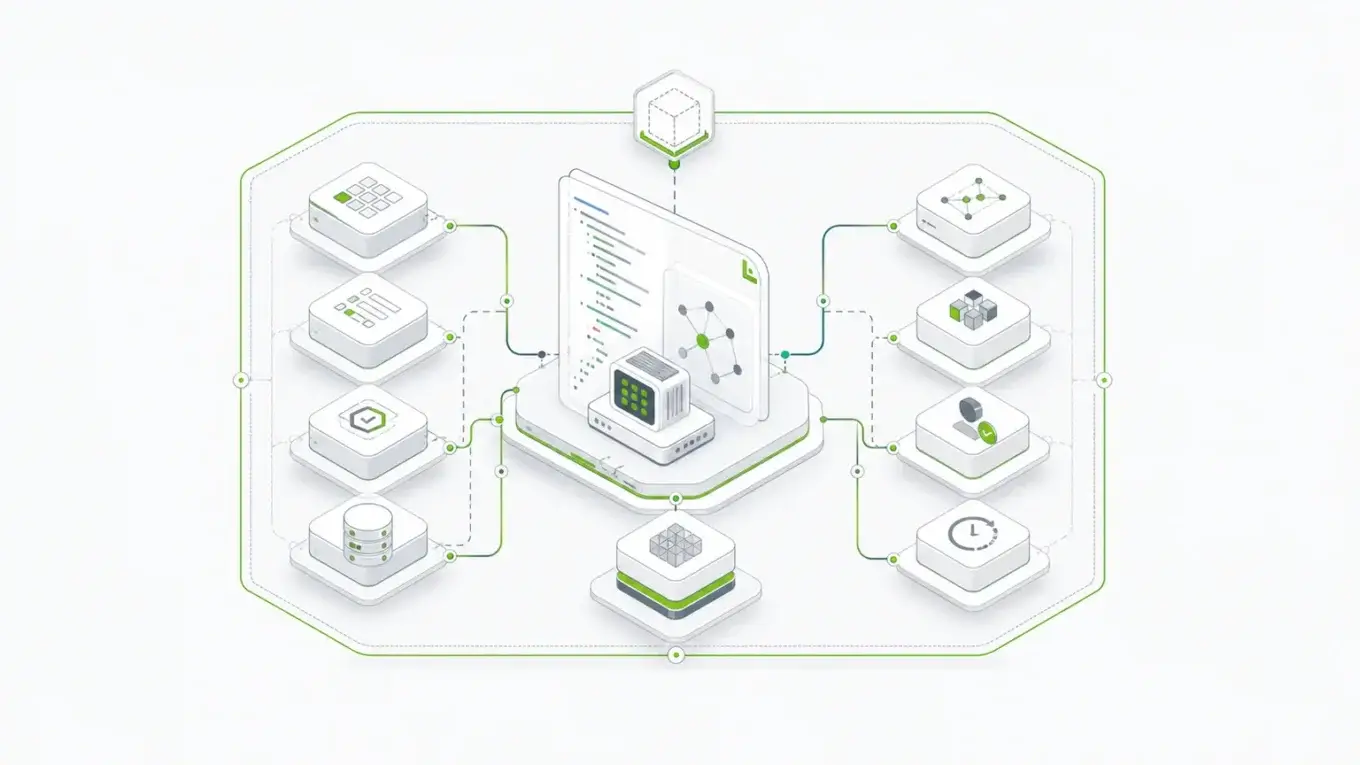
Claude Code can scaffold a form fast. That is useful, but it is not the whole job.
The harder question is what should be in the tool stack when the form has to survive real product requirements: validation, submissions, permissions, APIs, revisions, integrations, testing, and deployment control. For simple UI work, Claude Code's built-in tools may be enough. For production form infrastructure, the tool choice matters more.
What "Claude Code Tools" Actually Means
When developers search for Claude Code tools, they are usually asking more than one question at once.
Sometimes they mean the tools Claude Code already has: reading files, searching a repository, editing code, writing new files, and running shell commands. Sometimes they mean command-line tools Claude can call from the terminal. Sometimes they mean MCP servers, hooks, skills, slash commands, subagents, or browser testing.
Those are different layers. Treating all of them as one generic "tool stack" leads to bad decisions.
Anthropic's Claude Code documentation describes the product as an agentic assistant that runs in the terminal and moves through a loop of gathering context, taking action, and verifying results. Its built-in tools cover file operations, search, command execution, web access, memory, and code intelligence, while extensions such as MCP servers, hooks, skills, and subagents sit on top of that base loop.
For form work, the distinction matters because not every form problem is a coding problem. A sign-up form in a small app may only need a React component, a submit handler, and a test. A regulated intake workflow may need schema governance, auditability, permissions, submission records, API access, revision control, and a deployment boundary the organization can defend.
Claude Code can help with both. The mistake is asking it to invent the second category from scratch when the team really needs infrastructure.
The Baseline Claude Code Setup for Form Work
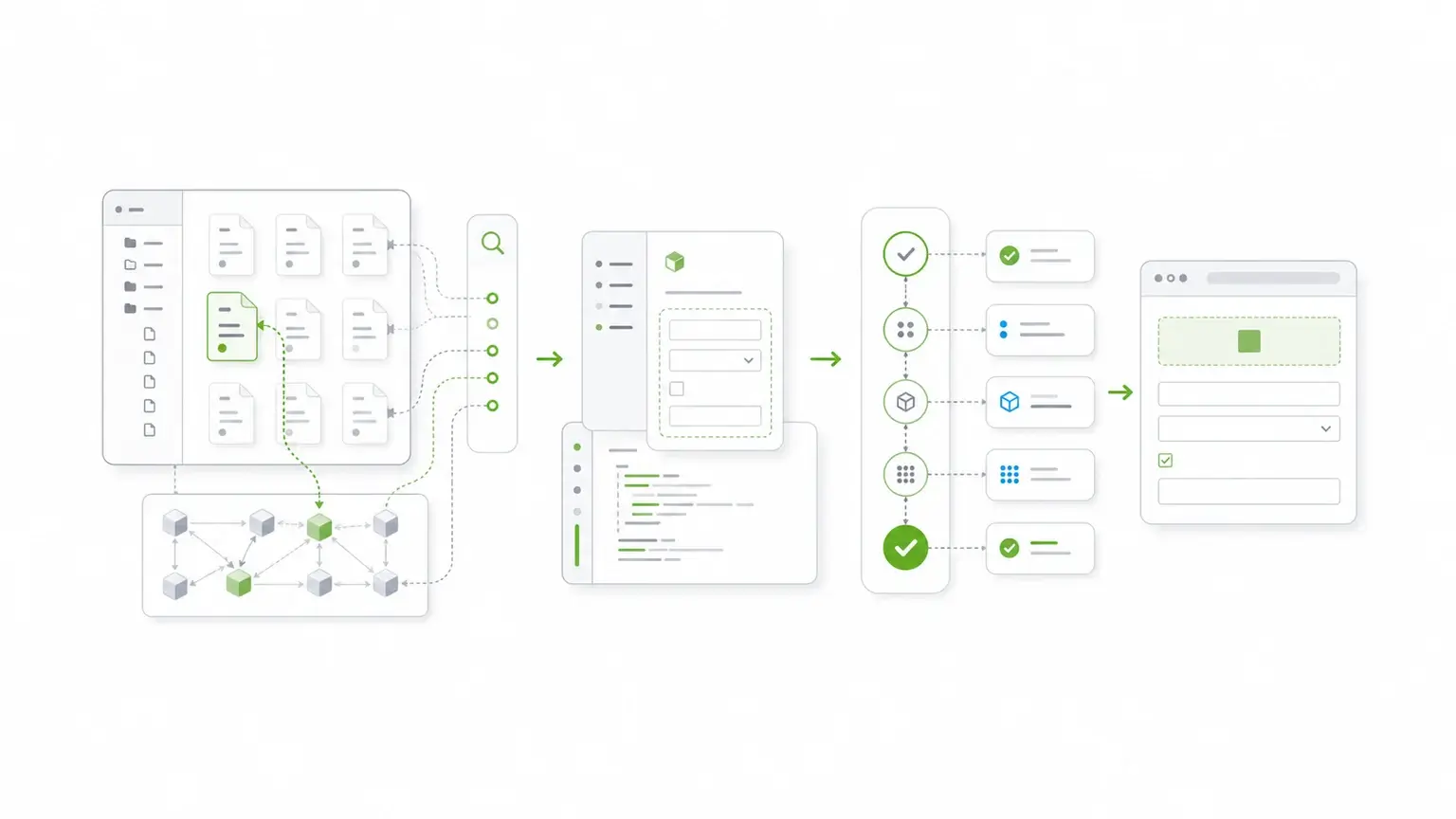
Before adding anything specialized, start with the tools Claude Code already uses well.
For most application form work, the baseline stack looks like this:
| Job | Tool type | Why it matters |
|---|---|---|
| Understand the repo | Claude Code file search and ripgrep | Finds existing form patterns before creating new ones |
| Edit code | Claude Code edit/write tools | Updates components, routes, validators, tests, and API calls |
| Run project commands | package manager scripts | Verifies linting, type checks, builds, and tests |
| Inspect Git state | Git and GitHub CLI | Keeps changes reviewable and tied to issues or pull requests |
| Test UI behavior | Playwright or another browser test tool | Catches broken field behavior, validation, and submission flows |
| Work against APIs | REST clients, SDKs, or MCP connectors | Connects generated code to real services instead of mock assumptions |
This setup is enough when the form is part of normal application code. Claude can inspect the existing project, find the component conventions, add or edit the form, wire the submit path, and run the same verification commands a developer would run.
The important discipline is to make Claude Code work inside the repo's real patterns. Do not ask it to create a new validation style, a new state management approach, or a parallel API shape if the application already has one. The fastest Claude Code workflow is usually the one that respects what is already there.
That is also why boring tools still matter. In a practitioner essay on what makes a good tool for Claude Code, Lalit Maganti argues that LLM-friendly tools tend to have broad usage, strong documentation, and clear error messages. That maps directly to form work: the easier a tool is for Claude Code to inspect, run, and recover from, the less likely the agent is to guess.
Where Generated Form Code Starts To Break Down
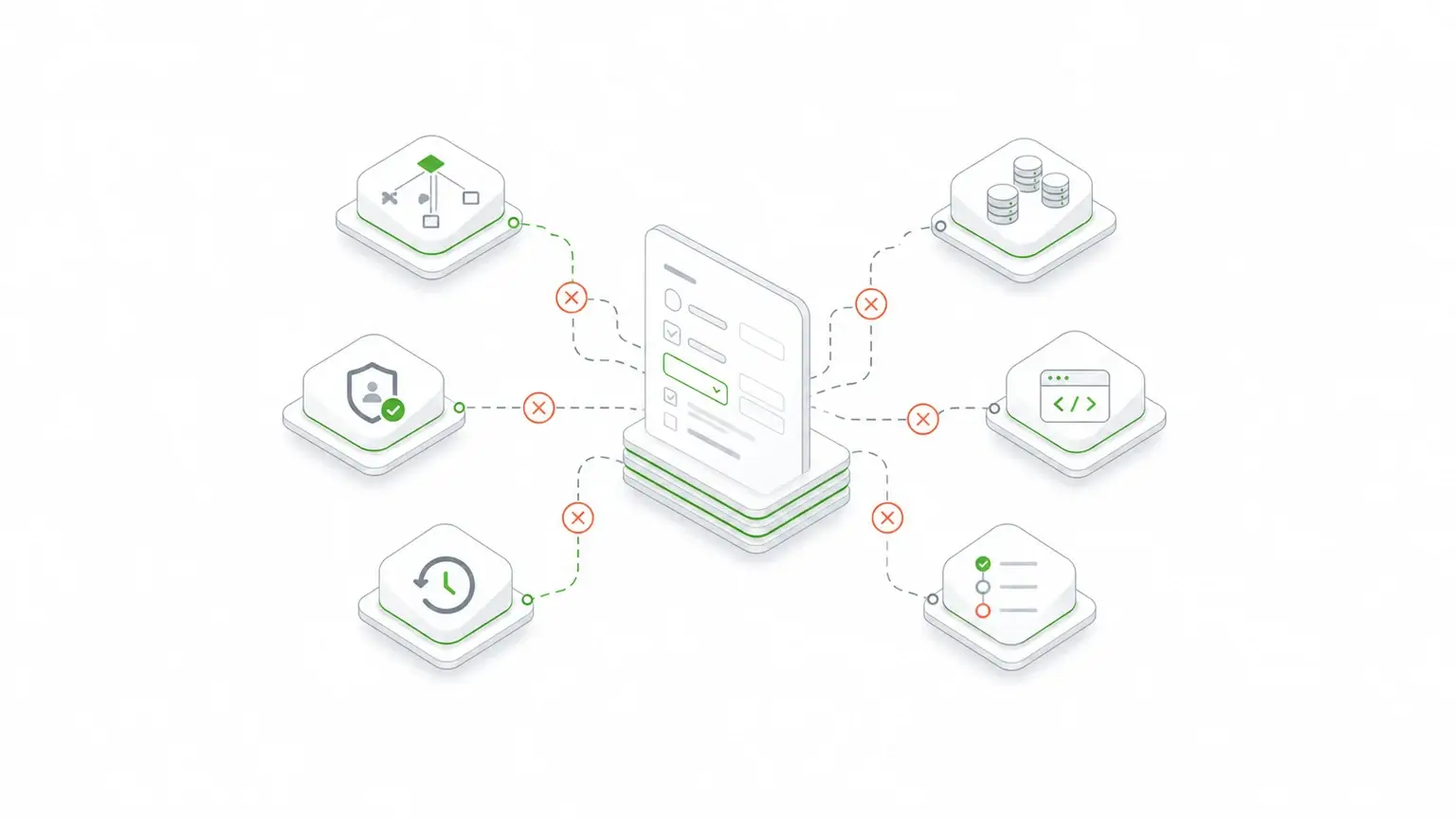
Generated form code usually breaks down in predictable places.
The first problem is duplicated validation. Claude can write a client-side validator quickly, but production systems often need the same rule enforced at the server, API, workflow, and data-storage layers. If each layer gets its own version of the rule, drift is only a matter of time.
The second problem is submission ownership. A form is not just fields on a page. Someone has to decide where the submission lives, who can read it, who can change it, what happens when it is revised, how it is exported, and how downstream systems receive it.
The third problem is permissions. Internal users, external users, admins, reviewers, and integration services often need different access paths. Hard-coding those boundaries into generated UI is fragile.
The fourth problem is change management. Forms change. Field labels change. Required fields change. Workflows change. In many organizations, the historical submission has to remain tied to the schema that governed it at the time of capture.
That is the line where a form stops being a component and starts being application infrastructure.
This is not theoretical. Anthropic's own Claude Code product page lists enterprise examples where tool-using coding agents changed delivery timelines: Stripe deployed Claude Code to 1,370 engineers, Ramp reported an 80% cut in incident investigation time, Wiz migrated a 50,000-line Python library to Go in about 20 hours of active development, and Rakuten reduced average feature delivery time from 24 working days to 5. Those numbers are about engineering workflows broadly, not forms specifically, but they explain why governance matters: when development speed changes that much, drift can scale just as quickly as useful output.
The Three Tool Paths for Building Forms in Claude Code
There are three practical paths for building forms with Claude Code. The right path depends on what the form has to become.
Path 1: Generate a Local UI Component
This is the simplest path.
Ask Claude Code to inspect the app, find the existing component and styling conventions, create or edit the form, wire the submit behavior, and run the project checks.
This is a good fit when:
- the form is small
- the backend contract already exists
- the data is low-risk
- the form belongs entirely inside one application
- the team can maintain the validation rules in normal code
For this path, you do not need a form platform. You need clear instructions, repo-aware edits, and verification.
A good Claude Code prompt for this path looks like this:
Inspect the existing form components and validation patterns in this app. Create a new account-settings form that follows those patterns. Use the existing submit API and do not invent a new validation layer. Run the relevant type check and tests. Summarize the changed files and any behavior that still needs manual review.The constraint matters: "do not invent a new validation layer." Without that instruction, Claude may produce locally plausible code that increases long-term maintenance cost.
Path 2: Use a Form or Survey Library
The second path is a form or survey library.
This can be useful when the team wants richer form authoring behavior, dynamic field logic, survey-style flows, or a reusable model for rendering forms in the frontend.
Claude Code can help here by installing the library, reading the docs, creating example schemas, wiring components, and building tests around the expected user flow. This can be a strong fit when the main problem is frontend authoring and rendering.
But a frontend form library still leaves important questions open:
- Where are submissions stored?
- Which API owns the data contract?
- How are permissions enforced?
- How are revisions tracked?
- How are workflows and integrations managed?
- Who owns the production deployment boundary?
If the answer is "our application team will build all of that," then Claude Code can help. But the team should be honest about the work. A library can make form rendering easier without solving form infrastructure.
Path 3: Connect Claude Code To A Form Infrastructure Layer
The third path is to use Claude Code with a form infrastructure layer.
This is where Form.io's form builder and platform model become relevant. The point is not that Claude Code stops writing code. The point is that Claude Code works against a governed form layer instead of improvising one.
For production forms, the valuable object is often the schema: the fields, validation rules, behavior, labels, conditional logic, submission structure, and API meaning that the rest of the system depends on.
When that contract lives in a platform like Form.io, Claude Code can help around it:
- inspect existing app code that embeds Form.io forms
- generate a renderer integration in React, Angular, or another framework
- connect to Form.io APIs
- update surrounding application code
- write tests for the user flow
- build migration or integration scripts
- document the form's role in the broader workflow
That is different from asking Claude Code to invent a new form system from a blank prompt.
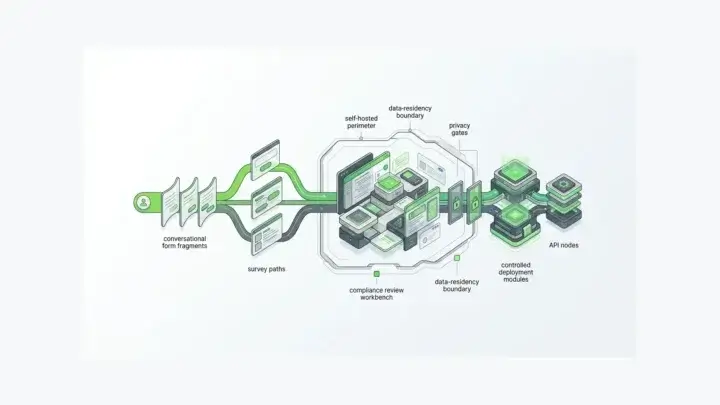
Form.io's public positioning is built around that distinction: the platform describes itself as a self-hosted developer productivity platform for building forms, APIs, and agentic workflows from JSON-driven forms, APIs, and databases. In practical terms, that means the form definition is not only a screen. It can also be the contract behind APIs, submissions, permissions, and integration behavior.
How Form.io Changes The Claude Code Workflow
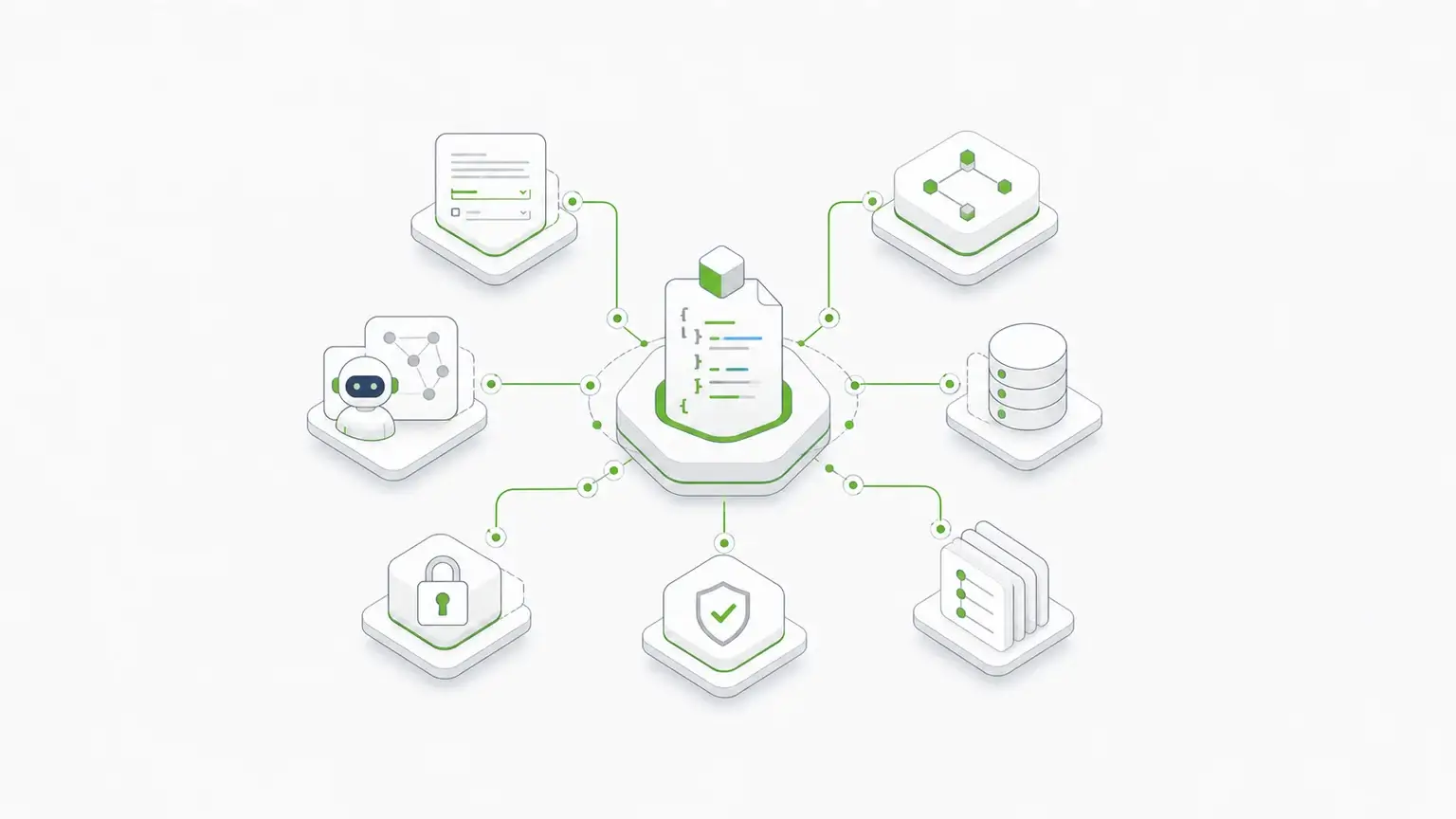
Form.io changes the Claude Code workflow by giving the form a durable center.
Instead of asking Claude to create fields, validation, API calls, and submission handling as separate pieces, the team can work from a form schema and a platform boundary. The schema can describe the form structure and behavior. The platform can provide APIs, submissions, permissions, revisions, and deployment control around that schema.
That matters because AI-assisted development increases the speed at which drift can happen. Claude Code can generate client code quickly. It can also generate a second version of a rule, a second submit path, or a second data shape if the prompt is vague.
The better pattern is to make the governed path the easy path:
- use the existing Form.io schema where one exists
- generate application code around that schema
- keep validation and submission behavior tied to the platform contract
- test the integration instead of treating the generated UI as the source of truth
- document what Claude changed and what remains governed by Form.io
This is especially important for embedded forms, self-hosted environments, customer portals, internal workflow tools, and regulated data capture.
Claude Code is good at moving through files. Form.io is good at keeping form definitions, submissions, APIs, and governance tied together. The workflow is strongest when each tool does the job it is actually built for.
Form.io's Universal Agent Gateway points in the same direction for agentic workflows: it frames JSON schemas as a way to give agents context, guardrails, data access, RBAC, validation, and auditable behavior through a governed layer. Even if a team is only using Claude Code at build time today, that is the architectural reason to keep the form contract explicit instead of scattering it through generated UI code.
Recommended Claude Code Tool Stack For Production Forms
For production forms, use a stack that separates local coding help from form governance.
| Job | Recommended tool | Why it matters |
|---|---|---|
| Find existing patterns | Claude Code search, ripgrep, repo docs | Prevents one-off form code that does not match the app |
| Generate or edit app code | Claude Code edit/write tools | Speeds up integration work without bypassing review |
| Verify app behavior | tests, type checks, Playwright | Confirms the generated code works in the real app |
| Connect to services | APIs, SDKs, MCP where appropriate | Gives Claude governed access to external systems |
| Govern form schema and submissions | Form.io API documentation | Keeps form definition, validation, submissions, APIs, and permissions connected |
| Manage deployment control | self-hosted Form.io | Lets the organization keep the form layer inside its own environment when required |
The goal is not to install every Claude Code tool mentioned in a roundup. More tools can create more surface area, more permission decisions, and more ways for the agent to do the wrong thing quickly.
The useful stack is the one that answers the actual production question: what does Claude need to inspect, what does it need to change, what does it need to verify, and what should remain governed outside the generated code?
A Practical Prompt Pattern
When using Claude Code for form work, give it the boundary as clearly as the task.
We use Form.io for production form schemas, validation, submissions, and APIs.

Inspect this repository and find the existing Form.io integration patterns. Use the existing schema/API where applicable. Create or update the application form experience without creating a parallel validation layer. Run the relevant tests, type checks, and browser checks. If a schema change is required, propose it separately before editing production-facing code. Summarize changed files, verification results, and any remaining manual review items.
This prompt does three useful things.
First, it tells Claude Code that Form.io is the source of truth for the form layer. Second, it asks Claude to inspect existing integration patterns before editing. Third, it separates code changes from schema changes, which is often the safer review boundary.
That boundary is the difference between AI-assisted development and AI-assisted drift.
When Form.io Is Overkill
Form.io is not the right tool for every form.
It is probably overkill for:
- a static newsletter sign-up
- a throwaway prototype
- a one-page marketing contact form
- a small internal form with no workflow or submission governance
- a form whose data contract is already simple and fully owned by one codebase
In those cases, Claude Code plus the application's normal framework may be enough. Generate the component, wire the submit action, run the checks, and keep the implementation simple.
Good tool selection includes knowing when not to add infrastructure.
When Form.io Is The Right Tool
Form.io becomes the stronger fit when the form has to do more than collect fields.
It is a better fit when the team needs:
- embedded product forms
- schema-driven form definitions
- generated APIs around form submissions
- role-aware access to submission data
- reusable form components
- workflow or review steps
- historical submission context
- self-hosted deployment control
- white-label or multi-tenant form experiences
- AI or agentic workflows that need governed context
Those are not cosmetic requirements. They change the architecture.
Form.io's customer proof points show the scale of that architecture question. The local Form.io baseline records a German public-sector deployment supporting more than 400 services and 1,000+ forms, plus an international banking deployment serving 5,000 banking groups and recovering 50% of team capacity. A customer-facing self-hosted Form.io source also includes the blunt review quote: "Form.io cleans up all the dirty work and does it for you." That is the value proposition Claude Code should build around, not recreate from scratch.
If a form is part of the application infrastructure, then the team should not ask Claude Code to fake an infrastructure layer with generated code. Claude Code should help build around the infrastructure layer that already owns the contract.
A Simple Decision Framework
Use this question first:
Is this form mainly a UI component, an authoring experience, or application infrastructure?
If it is mainly a UI component, use Claude Code with the app's existing framework and test suite.
If it is mainly an authoring experience, use a form or survey library and make the backend ownership explicit.
If it is application infrastructure, use Claude Code with a governed form platform such as Form.io. Let Claude help with integration, testing, scaffolding, and documentation, but keep the form contract tied to the platform that owns schemas, validation, submissions, APIs, permissions, and revisions.
That framing keeps the team from making a common mistake: judging tools by how fast they create a first version instead of how well they hold up after the form becomes operational.
Key Takeaways
- Claude Code's built-in tools are enough for reading, editing, searching, testing, and scaffolding form code.
- Local CLI tools such as
ripgrep, Git, package managers, and Playwright make form work faster and easier to verify. - MCP is useful when Claude needs a governed connection to an external system, not just more local shell access.
- Generated form UI breaks down when validation, submissions, permissions, revisions, and APIs need one shared contract.
- Form.io belongs in the tool stack when forms need to become governed application infrastructure, not disposable generated code.
FAQ
What are Claude Code tools?
Claude Code tools include the built-in abilities Claude uses to read files, search a codebase, edit files, write files, and run commands. The phrase can also refer to local CLI tools, MCP servers, hooks, skills, slash commands, and subagents that extend how Claude Code works.
Can Claude Code build forms?
Yes. Claude Code can build forms inside an existing application, especially when the repository already has clear component, validation, API, and testing patterns. It works best when the prompt tells it to inspect those patterns before generating new code.
When are Claude Code's built-in tools enough for form work?
They are usually enough when the form is a local UI component, the backend contract already exists, and the team can maintain the form behavior in normal application code. In that case, the key tools are file search, editing, project commands, and tests.
When should a team use MCP for form work?
MCP is useful when Claude Code needs governed access to an external system, such as documentation, issue tracking, a database boundary, or an API-backed platform. It should not be added just because it is available. Use it when it gives Claude a safer or more useful interface than local shell access alone.
Does Form.io replace Claude Code?
No. Form.io and Claude Code solve different problems. Claude Code helps developers inspect, edit, generate, and verify code. Form.io provides form infrastructure: schemas, rendering, submissions, APIs, permissions, revisions, and deployment options.
Why not just ask Claude Code to generate all the form code?
That can work for simple forms. It becomes risky when the form needs shared validation, submission governance, access control, revision history, integrations, or deployment control. Those requirements need an owned contract, not just generated UI.
How does Form.io help with AI-generated form workflows?
Form.io gives AI-assisted development a governed form layer to work against. Instead of inventing fields, validation, and submission behavior separately, Claude Code can generate surrounding application code while the schema and platform contract remain the center.
Is Form.io only for enterprise teams?
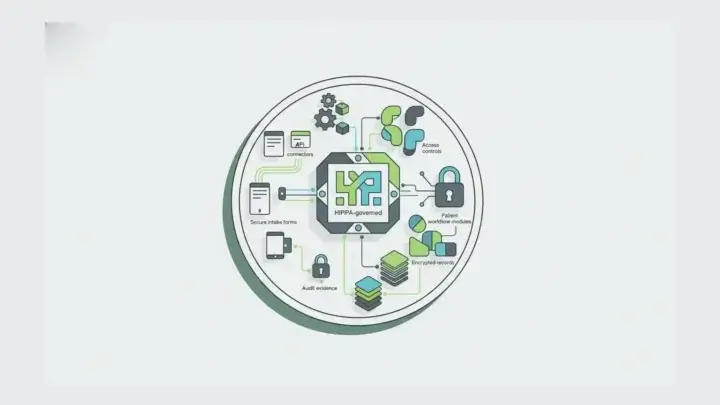
No, but it is most valuable when the form requirements are real infrastructure requirements: embedded forms, APIs, permissions, workflow, self-hosting, compliance-sensitive data capture, or multi-team governance. For a simple contact form, it may be more platform than the job requires.
Can Claude Code use Form.io APIs?
Yes. Claude Code can help write code that interacts with Form.io APIs, generate integration scripts, update renderer implementations, and create tests around submission flows. Teams should still keep credentials, permissions, and production changes behind the normal review boundary.
What is the best Claude Code tool stack for production forms?
Use Claude Code's built-in tools for repo work, local CLI tools for speed, tests and browser automation for verification, APIs or MCP for governed connections, and Form.io when the form layer needs schemas, validation, submissions, permissions, APIs, revisions, and deployment control.
Final Takeaway
Claude Code is useful for building forms, but it should not be asked to carry every form requirement alone.
Use Claude Code for the work it does well: understanding the repo, generating code, wiring integrations, and running checks. Use Form.io when the form itself needs to become governed infrastructure. That division keeps development fast without turning production forms into a pile of generated assumptions.
Try Form.io for free when your next form needs schemas, APIs, submissions, permissions, and deployment control in the same form infrastructure layer.