E signature software is usually evaluated as a document workflow tool: send a PDF, collect a signature, store an audit trail, and move on.
That is enough for many contracts. It is not enough when the signature is attached to regulated intake, eligibility data, consent records, financial applications, healthcare workflows, or other form submissions that must stay inside your application boundary.
The better question is not only, "Can this document be signed?" It is, "Can we defend the signed record later, with the data, schema, context, and audit trail intact?"
What E Signature Software Usually Solves
Most e signature software helps teams replace wet signatures with an electronic signing process. The standard workflow is familiar: upload a document, place signature fields, route it to signers, authenticate the signer, collect consent, and retain a completed envelope.
That category is large because the paper problem is large. Grand View Research estimated the global digital signature market at USD 6.9 billion in 2025 and projected a 43.9% CAGR from 2026 to 2033.
But market size does not tell you which architecture fits your use case.
Standalone signing platforms are strongest when the signed artifact is the document itself: contracts, sales agreements, HR forms, procurement packets, vendor agreements, and legal paperwork. In those cases, the system of record is often the completed document package.
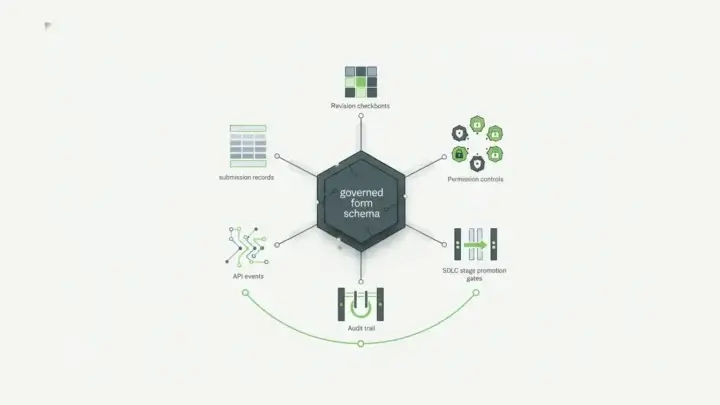
Form-driven applications are different. The signed evidence may need to stay attached to a submission record, user identity, form version, field values, workflow state, API transaction, and downstream system update.
That is where a normal e-signature checklist starts to miss the real buyer risk.
Why DocuSign Alternatives Become Relevant
DocuSign is the name many buyers know first. Adobe, Dropbox Sign, PandaDoc, Zoho Sign, OneSpan, and other tools also belong in the traditional e-signature conversation.
Those tools can be the right choice when your team mainly needs a document-signing workflow. The mistake is assuming that the best document-signing platform is automatically the best signing architecture for application data.
Teams start looking for DocuSign alternatives when one or more constraints appears:
- signature data must stay inside a private cloud, VPC, on-premise, or controlled deployment boundary
- the signed record begins as structured form data, not a static PDF
- signer consent needs to connect to the exact fields and submission context that were signed
- APIs, webhooks, roles, permissions, and audit history matter as much as the visual signature
- pricing or operations become hard to forecast when signatures scale across many workflows
For these teams, the word "alternative" does not simply mean cheaper. It means architecturally different.
The Enterprise Evaluation Criteria
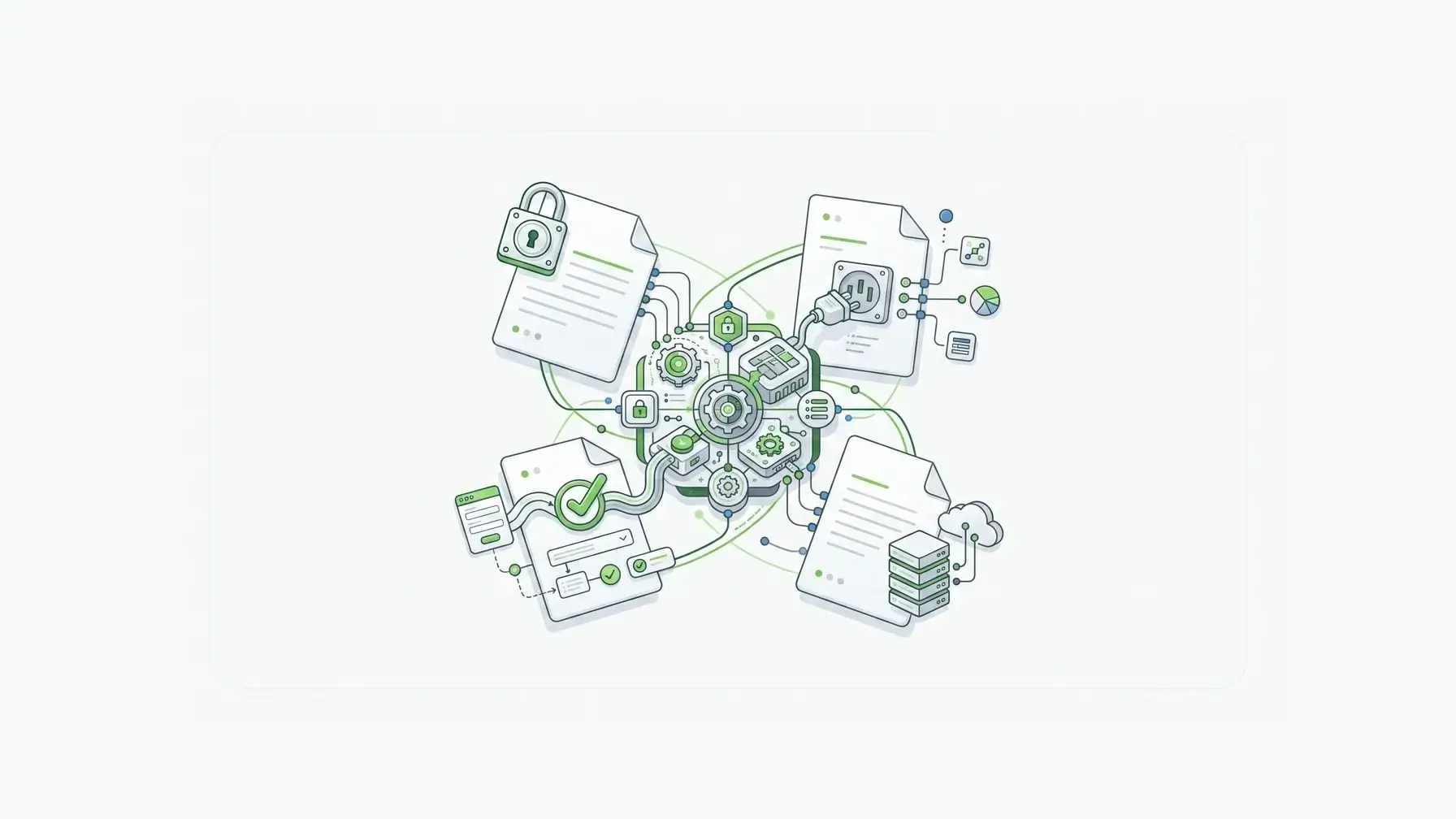
Before choosing e signature software, separate legal acceptance from operational evidence.
The U.S. ESIGN Act says electronic signatures and records generally cannot be denied legal effect solely because they are electronic. It also points to record retention: electronic records must remain accurate, accessible, and reproducible for later reference.
That retention point matters. A signature event is only as useful as the record your team can reproduce when someone asks what was signed, by whom, under which form version, with which field values, and under which business process.
Evaluate each platform across six criteria.
| Criterion | Why it matters |
|---|---|
| Deployment control | Determines where sensitive data, signature proof, and operational evidence live. |
| Record model | Shows whether the signed artifact is a PDF envelope, a submission record, or both. |
| Audit trail | Captures the evidence needed to defend the transaction later. |
| API access | Determines whether signatures can participate in application workflows. |
| Identity and access controls | Connects signing to the right user, role, tenant, or workflow boundary. |
| Pricing model | Determines whether cost scales predictably across high-volume workflows. |
The wrong platform can still collect a signature. The problem appears later, when the team needs to prove what the signature means inside the larger system.
Where Self-Hosted Form Workflows Change The Question
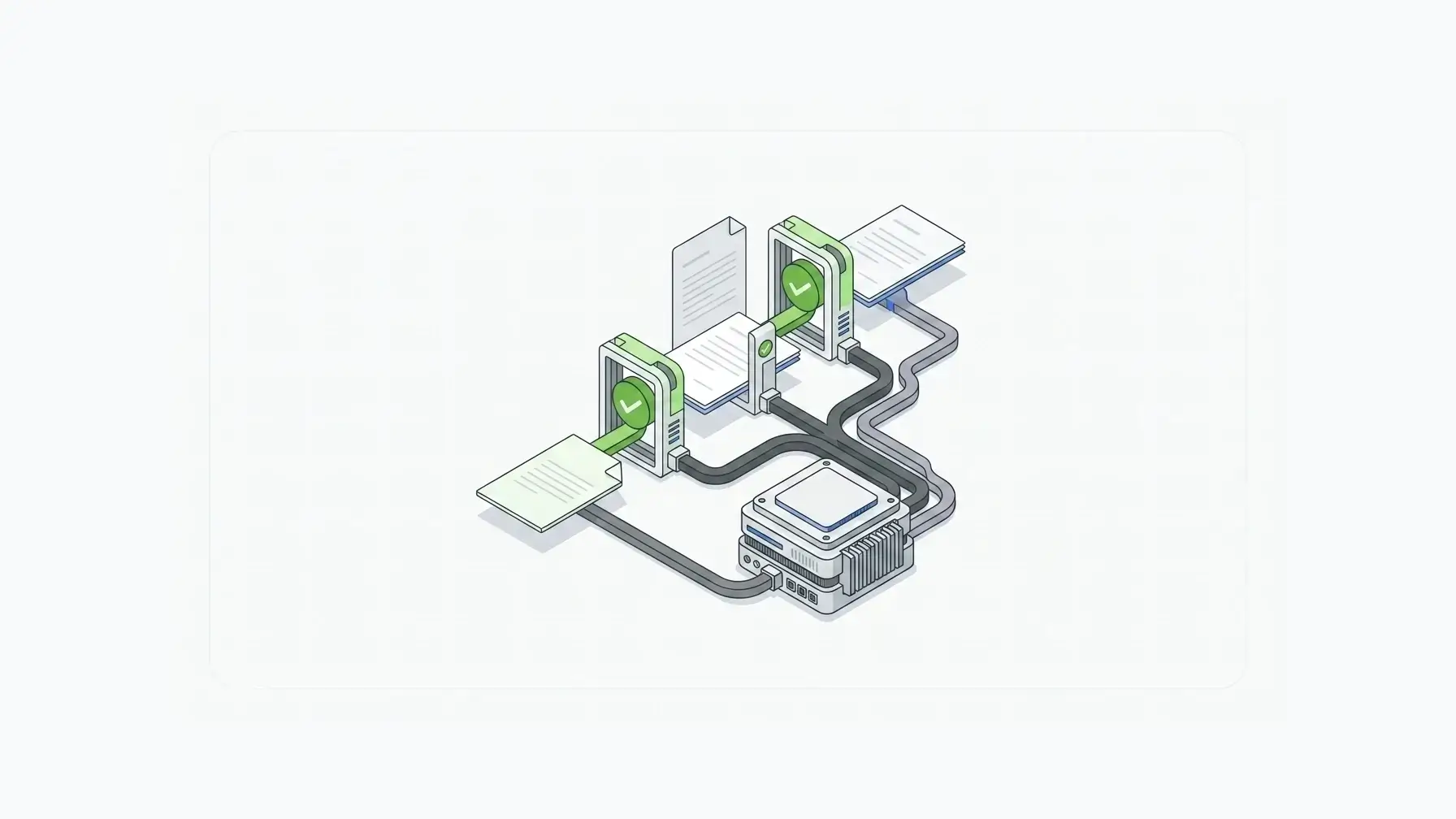
Self-hosted form workflows change the center of gravity.
Instead of asking, "Which e-signature vendor should host this envelope?" the team asks, "How do we keep the signed record inside the same infrastructure that owns the form, data, APIs, permissions, and audit history?"
That shift matters for regulated teams, embedded SaaS products, government contractors, healthcare platforms, insurance workflows, financial services onboarding, and internal enterprise portals.
The signature is not a decorative mark. It is a control point in the data lifecycle.
NIST's digital signature project frames digital signatures around generation, verification, and data protection. That distinction is useful for buyers: a visible signature image is not the same thing as verifiable proof that the protected data and context have not changed.
In a form workflow, the strongest signature system should answer questions like:
- Which form version captured the data?
- Which fields were protected by the signature?
- Did the data change after signing?
- Can the application verify the signature through an API?
- Does the signed record remain inside the customer's environment?
- Can the team reproduce the record without depending on a third-party envelope as the only source of truth?
Those are infrastructure questions, not just signing questions.
How Form.io E-Sign+ Fits
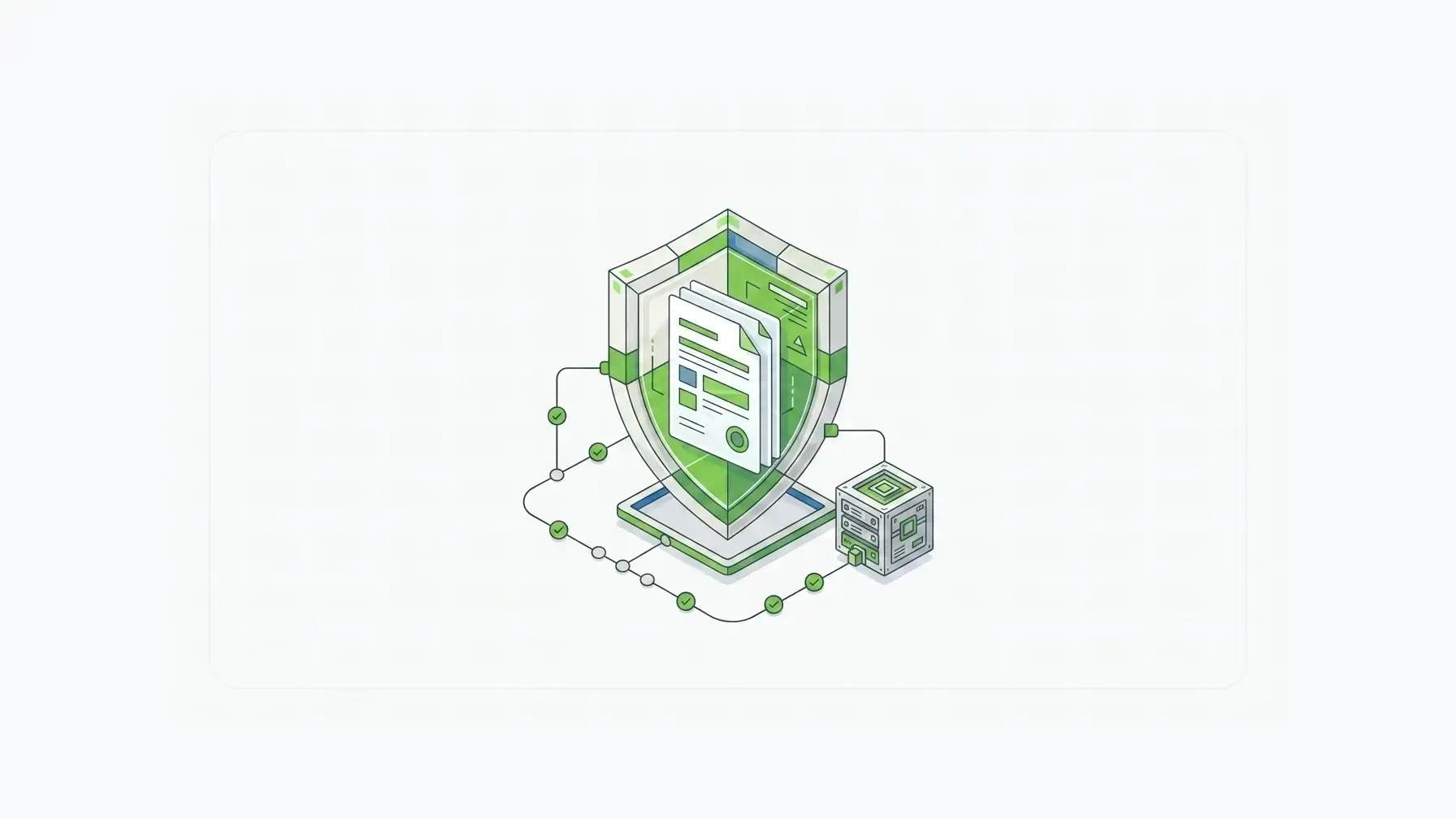
Form.io E-Sign+ is built for a narrower, more controlled version of the e-signature problem: cryptographically secure signatures associated with Form.io submission data inside the customer's own environment.
That is a different posture than a standalone document-signing workflow.
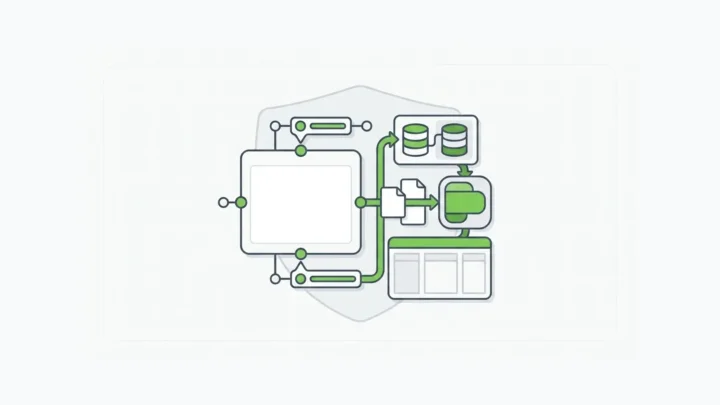
With Form.io, the form schema and submission data, generated APIs, permissions, workflow actions, and deployment boundary are already part of the application infrastructure. E-Sign+ extends that infrastructure by letting teams verify signed submission data and context rather than treating the signature as only a PDF-layer event.
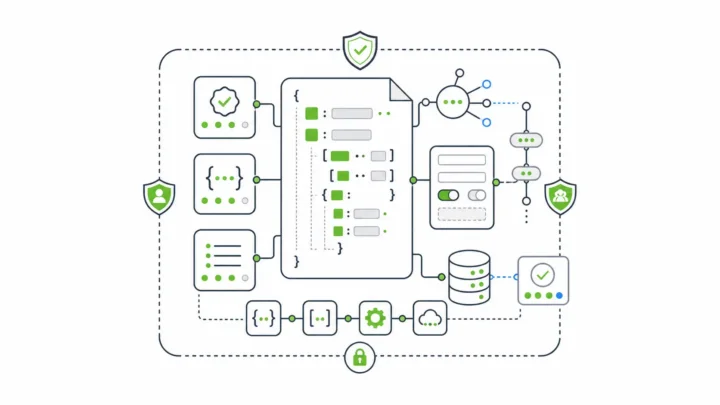
The product documentation describes E-Sign+ as tied to submission data, usable through native submission IDs, and decoupled from PDFs. It can protect selected fields, all form data, and/or submission properties, depending on configuration.
That makes Form.io a strong fit when the signature needs to travel with application data.
Form.io's broader customer proof reinforces the infrastructure value. One customer quote on Form.io's homepage says, "Speed to market using Form.io worked fantastically well," because the team did not have to spend most of its time building its own solution. Another proof point describes cutting data-processing workload by 50%.
Those quotes are not E-Sign+ specific. They do show the larger pattern: Form.io is strongest when teams need to stop rebuilding form, data, API, and workflow plumbing from scratch.
E Signature Software Comparison
| Best fit | Typical tools | Watch the tradeoff |
|---|---|---|
| Standard document signing | DocuSign, Adobe Acrobat Sign, Dropbox Sign, PandaDoc, Zoho Sign | Strong for envelopes and documents, but not always ideal when signed evidence must remain attached to application-owned submission data. |
| Developer signing APIs | API-first signing platforms | Flexible for document workflows, but your team still owns the surrounding form schema, data model, and governance path. |
| Self-hosted form signing infrastructure | Form.io E-Sign+ | Strong fit when forms, submissions, APIs, permissions, and signature verification need to stay in the customer's controlled environment. |
The point is not that every team should leave document-signing platforms. Many should not.
The point is that e signature software has to match the record you are actually signing.
If the record is a contract document, a document-signing tool may be enough. If the record is a governed application submission, the signature belongs closer to the form infrastructure.
Key Takeaways
- E signature software is a broad category, but enterprise form workflows need more than a signed PDF.
- Legal validity is only one part of the evaluation. Record retention, reproducibility, and context matter.
- DocuSign alternatives become relevant when teams need deployment control, API access, data ownership, or application-level signature proof.
- Form.io E-Sign+ fits teams that need cryptographic signature verification tied to submission data inside their own environment.
- The stronger question is not "Which tool signs documents fastest?" It is "Which system protects the signed record your application actually depends on?"
FAQ
What Is E Signature Software?
E signature software lets people sign electronic records or documents without printing and scanning paper. In business workflows, it usually includes signer routing, authentication, consent capture, audit history, completed document storage, and API or integration options.
Is E Signature Software Legally Binding?
Electronic signatures can be legally valid in many contexts, including under the U.S. ESIGN Act and EU eIDAS rules. Buyers should still review the specific transaction type, jurisdiction, identity process, consent language, retention rules, and audit evidence with legal counsel.
What Is The Best DocuSign Alternative?
The best DocuSign alternative depends on the job. If the job is standard document signing, a standalone signing platform may fit. If the job is signing structured form submissions inside a controlled application, Form.io E-Sign+ is worth evaluating because the signature proof stays closer to the form data and API workflow.
When Should A Team Choose Self-Hosted E Signature Software?
A team should consider self-hosted signing infrastructure when sensitive submission data, regulatory obligations, customer architecture, data residency, or private deployment requirements make third-party-hosted signing workflows difficult to justify.
How Is Form.io E-Sign+ Different From A PDF Signature Tool?
Form.io E-Sign+ is designed around submission-linked signature proof. PDFs can still be part of a workflow, but the stronger distinction is that E-Sign+ can verify signed form data and context inside the customer's own self-hosted Form.io environment.
Does Form.io Replace DocuSign?
Not for every use case. DocuSign is a strong document-signing platform. Form.io is a stronger fit when signatures are part of a governed form workflow, embedded application, or self-hosted data pipeline where submission context matters.
What Should Enterprises Look For In E Signature Software?
Enterprises should evaluate deployment control, signer identity, audit trail quality, API access, retention and reproducibility, configuration-based pricing, integration fit, and whether the signed record is a document envelope or application data.
Can E Signature Software Work With APIs?
Yes. Many signing platforms provide APIs, but the important question is what the API controls. For form-driven applications, APIs should connect signatures to submission records, permissions, workflow state, and downstream systems.
Why Does Signature Context Matter?
Signature context matters because a signature without the surrounding record can be hard to defend. Teams may need to know the form version, field values, signer identity, submission ID, timestamp, protected fields, and whether anything changed after signing.
How Does Form.io Help With Controlled Form Workflows?
Form.io gives teams form management infrastructure for forms, submissions, generated APIs, permissions, workflow actions, and self-hosted deployment. E-Sign+ extends that model by connecting signature verification to submission data instead of treating signing as a disconnected document event.
Build Signature Proof Into Your Form Infrastructure
If your team needs signatures that stay attached to governed form data, application APIs, and your own deployment boundary, try Form.io for self-hosted form workflows.
Try Form.io for free