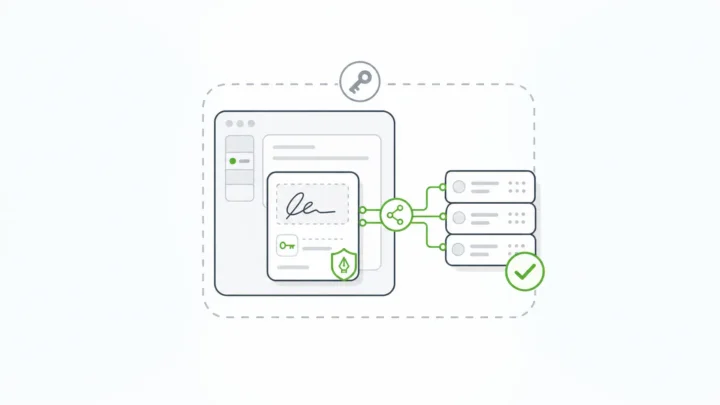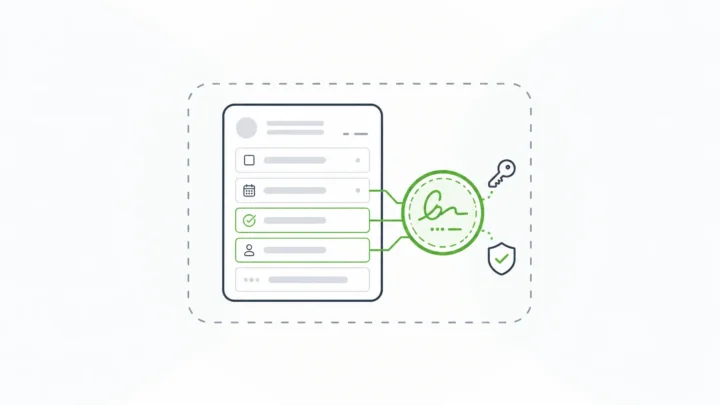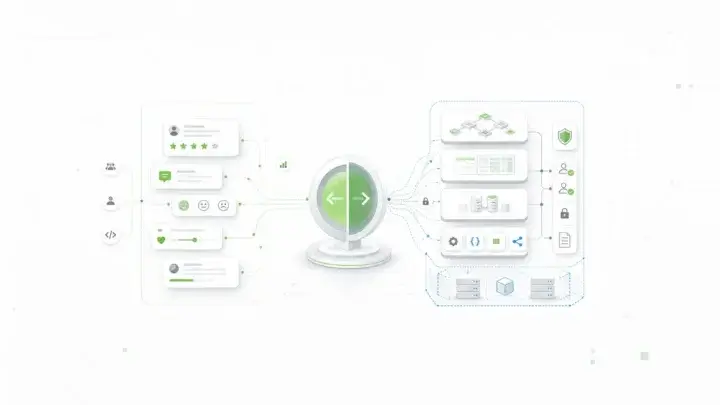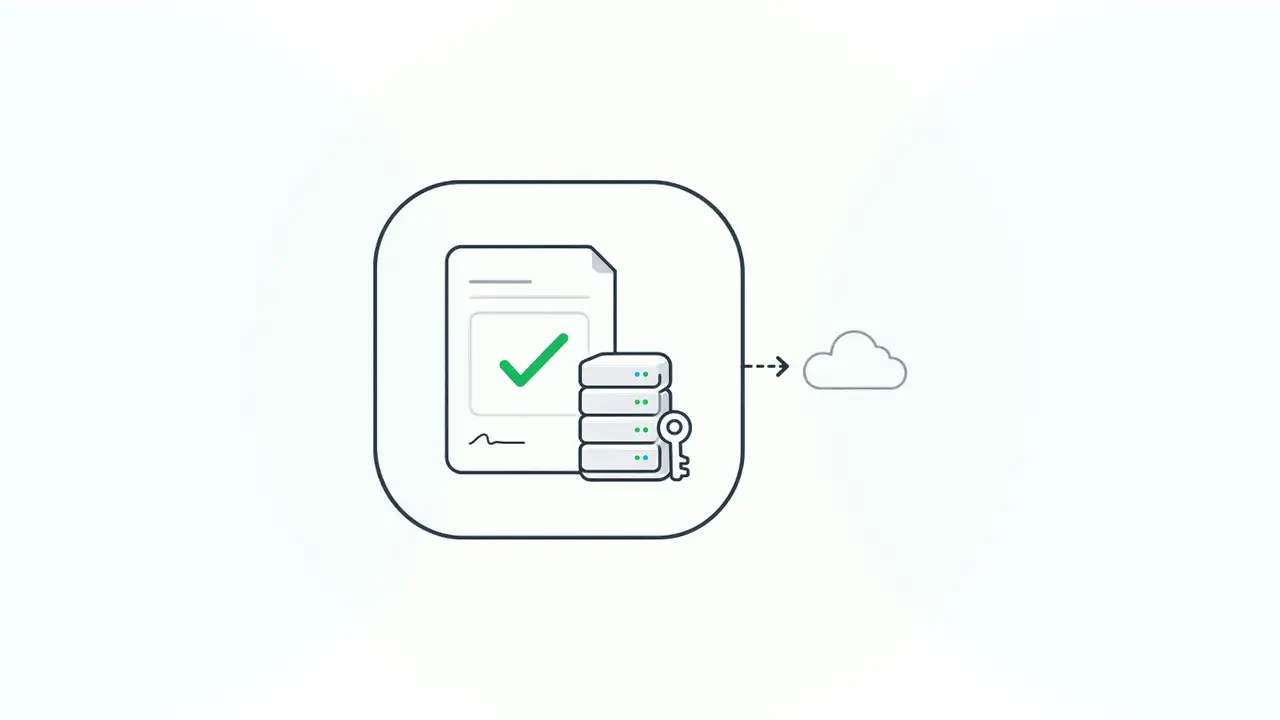
An on-premise electronic signature system runs the signing service, the signed records, and the signing keys inside infrastructure your agency controls: your data center, or a government cloud tenancy you operate. Nothing about a resident’s form or a signed approval has to leave your boundary to get signed, and your team, not a vendor, holds the keys that prove the record hasn’t changed.
Most agencies don’t start there. They start with a hosted signing service because it is quick to buy, and it works until a records officer, a security reviewer, or an auditor asks three questions: where does the signed record live, who can read it, and who holds the key that makes the signature verifiable? With a hosted service, the honest answer to at least one of them is “the vendor.”
That answer is fine for a lot of paperwork. It gets harder for criminal justice data, benefits case files, tax records, health information, and anything covered by a state data residency rule or a contract that says the data stays in-state. This guide explains what on-premise electronic signature means for government, when it is worth the operational work, how customer-held keys change the trust model, and how to evaluate options with a checklist and a decision table.
What is on-premise electronic signature?
On-premise electronic signature is e-signature software that you deploy and run yourself, so signing happens inside your environment instead of on a vendor’s cloud. The signing workflow, the signed data, the audit evidence, and the private keys all stay under your agency’s control.
Three terms get mixed up here:
- Electronic signature is the legal concept. The Uniform Electronic Transactions Act defines it as “an electronic sound, symbol, or process attached to or logically associated with a record and executed or adopted by a person with the intent to sign the record,” and says in Section 7 that a signature “may not be denied legal effect or enforceability solely because it is in electronic form.” Our UETA guide walks through the sections that matter for signing workflows.
- Digital signature is the cryptographic mechanism. NIST’s Digital Signature Standard says digital signatures “are used to detect unauthorized modifications to data and to authenticate the identity of the signatory” (NIST FIPS 186-5).
- On-premise describes where it runs. In government it usually means an agency data center or an agency-controlled government cloud region, as opposed to a multi-tenant service the vendor operates.
A good self-hosted signing system uses digital signatures under the hood to give an electronic signature its integrity: change the signed data and verification fails.
Why government agencies look for on-premise e-signature
Agencies look for on-premise e-signature when policy, contract, or risk rules say the signed record and the key that protects it must stay inside the agency’s boundary. Convenience usually favors hosted tools, so the push almost always comes from a control requirement.
Federal law has asked agencies to accept electronic signatures for a long time. The Government Paperwork Elimination Act required agencies, by October 21, 2003, to provide for the “use and acceptance of electronic signatures, when practicable,” and OMB’s guidance said electronic systems “must be able to protect the confidentially of citizens’ information, authenticate the identity of the transacting parties to the degree required by the transaction, guarantee that the information is not altered in an unauthorized way, and provide access when needed” (OMB M-00-10). Those four duties (confidentiality, authentication, integrity, access) are still the right test for any signing system.
State and local agencies work under the same idea through UETA, which the New York City Bar notes “has been enacted in all 49 other states as well as Washington D.C., Puerto Rico and the Virgin Islands” (NYC Bar, 2026). New York uses its own Electronic Signatures and Records Act.
The common triggers for self-hosting are:
- Data residency. A statute, data-sharing agreement, or grant condition says certain records stay in-state, in-country, or in an agency-controlled environment. Our guide to data sovereignty covers how those rules apply to application data.
- Regulated data types. Criminal justice information falls under the FBI CJIS Security Policy, and tax, benefits, and health data carry their own handling rules. Every outside system that touches the data widens the review.
- Key custody. Security teams want to know who can produce a valid signature, and who could alter a record and re-sign it. If the vendor holds the key, the vendor is part of that answer.
- Records retention. Signed records may need to stay readable and verifiable for decades, longer than any one vendor contract.
- Disconnected or restricted networks. Some systems run on segmented networks that can’t call a public signing API.
Data residency: where the signed record lives
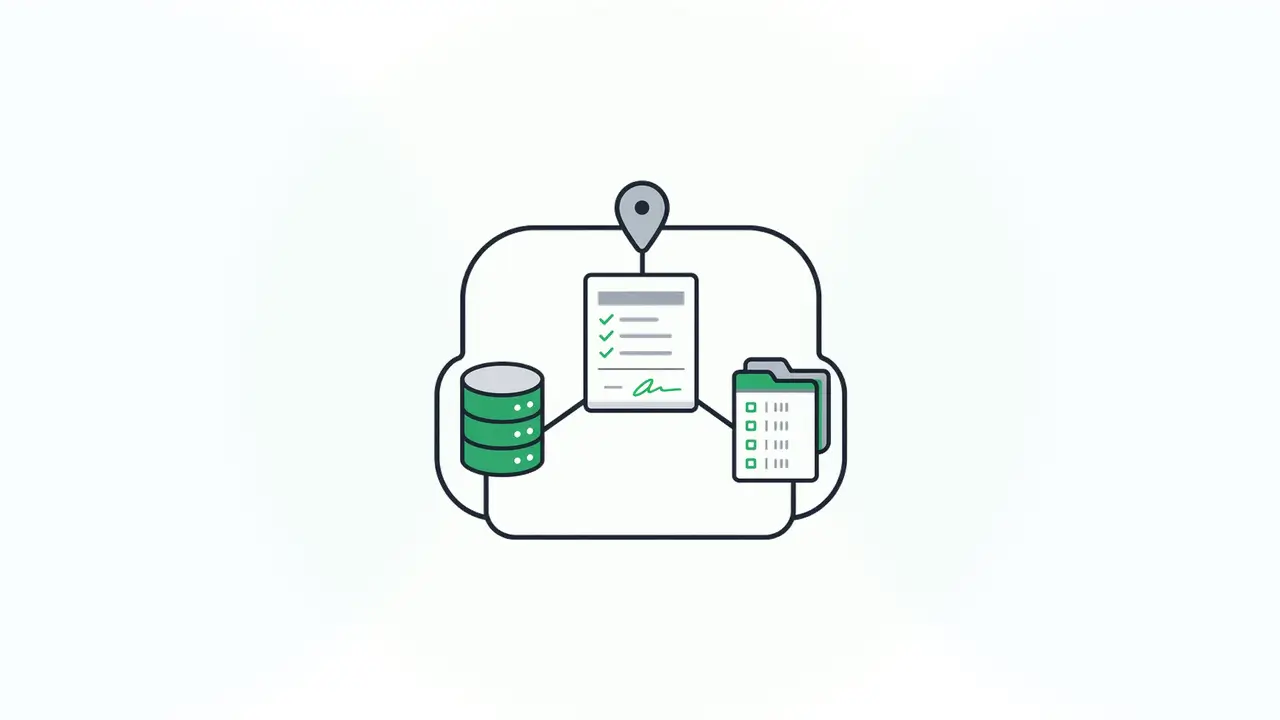
Data residency is about the physical and legal location of the data, and an e-signature workflow creates more data than people expect. Beyond the signed form, there is the rendered document, the signer’s identity details, IP addresses and timestamps, the audit log, notification emails, and any attachments.
With a hosted service, much of that sits in the vendor’s environment, often in a region the vendor picks under a contract the agency negotiates once. With a self-hosted signing deployment, all of it lands in databases and file storage the agency already governs, backs up, and retains under its own schedule.
Self-hosting doesn’t make data safer by itself. It reduces the number of companies and environments that touch the record, which makes the data easier to account for, but the agency team running the system now owns patching, monitoring, backups, and recovery testing. Fewer environments are easier to defend only if someone actually defends them. Our on-premises software guide covers that tradeoff in more depth.
Most agencies also end up hybrid. Gartner predicts “90% of organizations will adopt a hybrid cloud approach through 2027” (Gartner, 2024). In practice, “on-premise” for a signing service often means an agency-controlled tenancy in a government cloud region such as AWS GovCloud, sitting next to systems that stay in the agency’s own data center.
Customer-held keys: who can prove the record is real
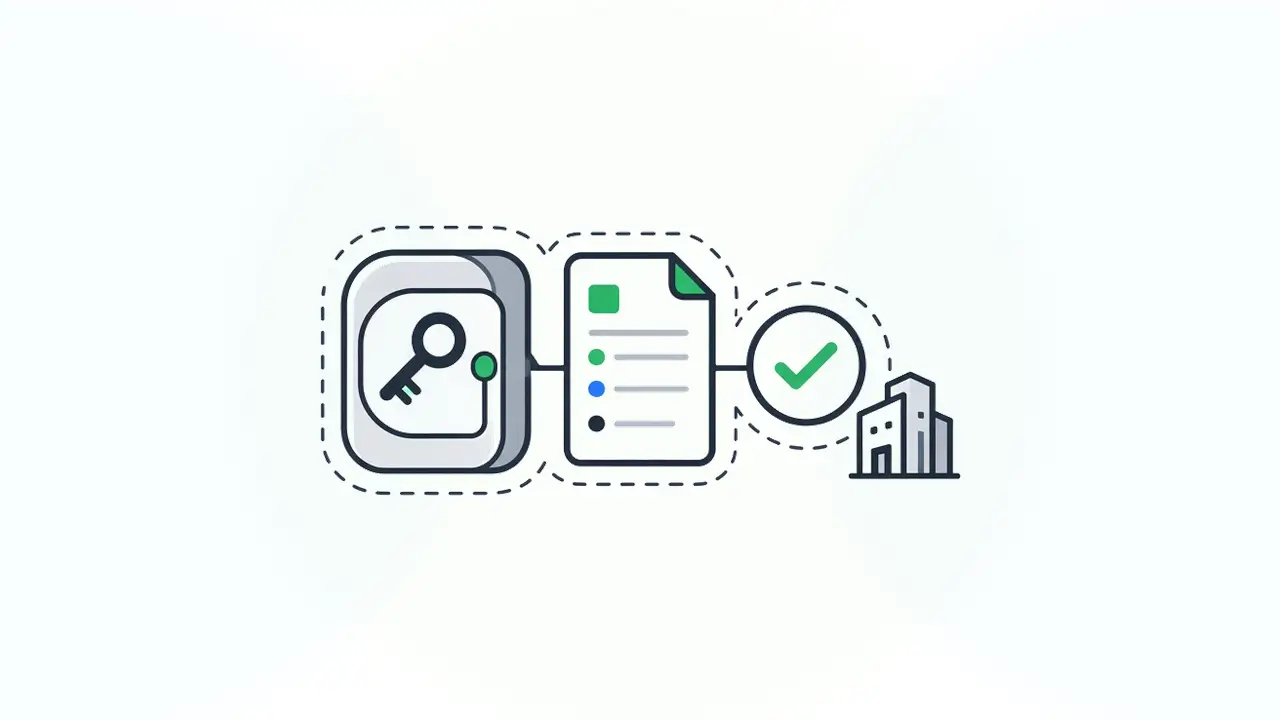
Customer-held keys mean your agency, not the vendor, controls the private key used to sign or seal records. That is the difference between “the vendor says this record is unchanged” and “we can prove it ourselves.”
The signing key matters for two reasons. First, whoever holds it can produce signatures that verify, so key custody is a question of who could forge or re-seal a record. Second, verification has to keep working for as long as you keep the record. If the key and the verification service live with a vendor, long-term proof depends on that vendor relationship.
There are two common ways to hold your own keys:
- A private key in your own deployment, stored in your secrets management and rotated under your policy.
- A key management service in a cloud account you control, so the private key never leaves the service and every use of it is logged in your account.
Either way, the questions for a security review are the same: who can use the key, how is its use logged, how is it rotated, and how will you verify old signatures after a rotation?
Audit trails a records officer can defend
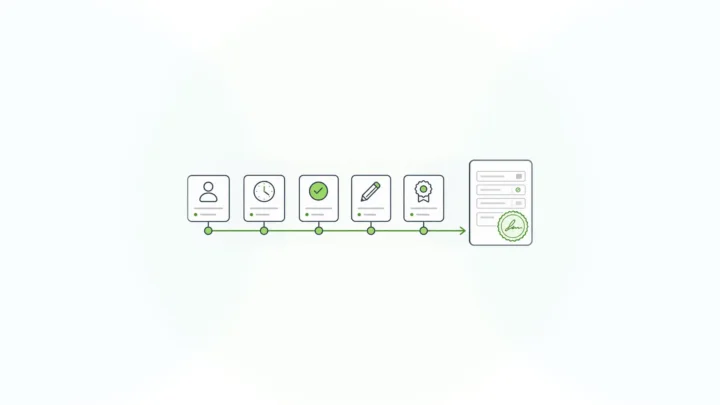
An audit trail for government signing should show who signed, what they signed, when, under what authority, and that the record hasn’t changed since. It should live with the record in your systems, so it can be retained, searched, and produced on request.
Many signing tools produce a certificate or summary page attached to a PDF. That helps a human reader, but it is a separate artifact. When a case worker later edits the underlying record in the case system, the PDF and the data can drift apart. A stronger model signs the structured data itself, so the record in your database is the thing that carries the proof. We cover that difference in digital signature solutions that sign the data record, and our audit trail software guide covers the logging side.
Hosted vs on-premise electronic signature: a decision matrix
The right deployment depends on who has to answer for the data, the keys, and the operations. Use this matrix to make that choice explicit before you compare vendors.
| Decision criterion | Hosted e-signature service | Agency-controlled government cloud | On-premise (agency data center) |
|---|---|---|---|
| Where signed records live | Vendor environment, vendor-chosen region | Your tenancy, your region | Your data center |
| Who holds signing keys | Usually the vendor | Your agency (for example, a cloud key service in your account) | Your agency |
| Audit evidence location | Vendor platform, exported on request | Your databases and logs | Your databases and logs |
| Fit for residency clauses | Depends on the vendor’s regions and contract | Strong if the region and access meet the rule | Strongest |
| Network requirements | Public internet access to the vendor | Government cloud connectivity | Can run on segmented networks |
| Who patches and monitors | Vendor | Your team | Your team |
| Pricing model | Often per envelope or per user | Infrastructure plus license | Infrastructure plus license |
| Time to first workflow | Fastest | Moderate | Slowest |
If most of your answers land in the left column, a hosted service is probably fine. If residency, key custody, or network rules push you right, plan for self-hosting and staff it. For a vendor-by-vendor view, see our DocuSign alternatives for self-hosted form workflows, and for buying criteria across regulated sectors, see e-signature software for regulated industries. If DocuSign is the vendor on your shortlist, our guide to DocuSign on premise alternatives covers what DocuSign offers today and what a self-hosted replacement has to handle.
Checklist: evaluating on-premise electronic signature for an agency
Use this checklist with your security, records, and legal teams. Each item should have a written answer before procurement.
- Deployment: Can the product run entirely in your data center or your government cloud tenancy, including the signing service, database, and file storage?
- Outbound calls: What, if anything, does it send outside your boundary (license checks, telemetry, updates), and what data is in those calls?
- Key custody: Can you supply your own signing key or use a key service in your account? Who can use the key?
- What gets signed: Does the signature protect the structured data, a rendered PDF, or both? What happens to verification if the data changes?
- Identity: Does it use your identity provider and roles, or does it keep a separate user store?
- Audit evidence: Which events are logged, where are logs stored, and can they be exported to your SIEM and records system?
- Retention and verification: How will you verify a signature in 10 or 20 years, after key rotation or a version upgrade?
- Legal fit: Has your counsel confirmed the workflow captures intent, consent, attribution, and retention as your state’s UETA (or ESIGN) expects?
- Operations: Who patches, monitors, backs up, and tests recovery? Is that team funded?
- Cost model: Is pricing per envelope, per user, or part of a platform license? What happens to cost if signing volume doubles?
How Form.io supports on-premise electronic signature for government
Form.io supports on-premise electronic signature through self-hosted deployment plus E-Sign+, a signing module that signs submission data inside your environment with keys you control. It fits agencies that are already building form-driven applications and want signing to be part of the same system.
Self-hosted Form.io deploys as Docker images into your data center, AWS, Azure, Google Cloud, or a government cloud region such as AWS GovCloud. Self-hosted Form.io runs inside your security envelope and makes no connection back to Form.io servers except for license validation, which sends the license key, not form data. It can be deployed in a FedRAMP-authorized cloud you control, and it works within your agency’s own security controls; compliance remains your agency’s responsibility.
E-Sign+ is a self-hosted digital-signature module. The signature happens inside your own Form.io environment, against the submission data itself, and signed values are cryptographically verified:
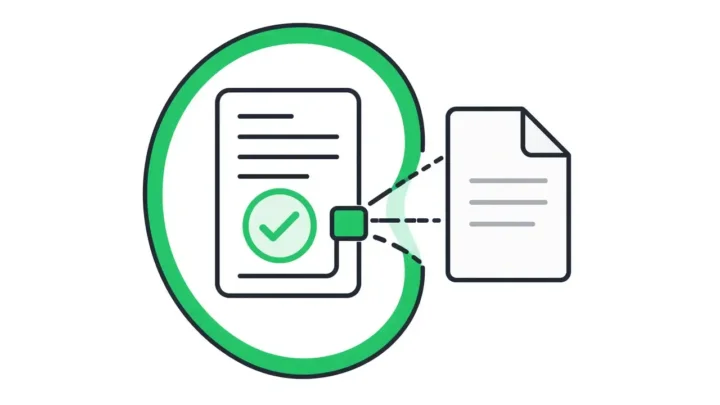
- Signs the data, not a picture of it. “The signature attaches to the submission data itself. Change the data, and the signature breaks.” You choose whether a signature protects specific fields, all form data, or selected submission properties.
- Bring your own keys. Use a private key configured in your enterprise server deployment, or project-level integration with AWS KMS.
- Multi-party records. Several signatures can sit on one record, so a resident, a case worker, and a supervisor can each sign their part.
- Records stay in your systems. Signed data stays reachable through the native Form.io submission ID and APIs, so the signature stays connected to the application workflow.
- No per-envelope meter. E-Sign+ is licensed as part of the self-hosted environment, so cost doesn’t climb with each signature.
Form.io built E-Sign+ to provide the mechanisms ESIGN and UETA look for (record, intent, consent, attribution, association, integrity, and retention). Your counsel decides whether a given workflow is legally sufficient. Identity comes from your own authentication provider; E-Sign+ doesn’t do identity proofing. If you are building resident-facing services, our page on government forms for self-hosted data collection shows how the forms side fits together.
When Form.io is not the right fit
Form.io is the wrong choice if you need a ready-made signing app that non-technical staff can use to send PDFs for signature by tomorrow. It is developer infrastructure, and a self-hosted deployment needs an IT or development team to install, secure, and run it.
It is also not the right fit if:
- You only need occasional signatures on static documents, with no structured data behind them. A hosted signing service will be faster and cheaper.
- Nobody on your team can own patching, backups, and monitoring for a self-hosted system.
- You need the vendor to carry identity proofing or a full notarization workflow out of the box.
- You need E-Sign+ on a hosted service. E-Sign+ is for eligible self-hosted environments.
Key Takeaways
- On-premise electronic signature keeps the signing service, signed records, audit evidence, and keys inside your agency’s boundary.
- Residency rules, regulated data types, key custody, and long retention are the usual reasons to self-host.
- Customer-held keys let your agency prove a record is unchanged without relying on a vendor.
- Self-hosting moves operational work to your team, so staff it before you commit.
- Use the decision matrix and checklist to make the tradeoffs explicit.
FAQ
What is on-premise electronic signature?
It is e-signature software your agency runs on its own infrastructure. The signing service, signed records, audit logs, and private keys stay inside your data center or a government cloud tenancy you control, rather than on a vendor’s platform.
Are electronic signatures valid for government agencies?
Yes, in general. Federal agencies were directed by the Government Paperwork Elimination Act to accept electronic signatures when practicable, and UETA gives electronic signatures legal effect in 49 states plus D.C. Specific programs can have extra rules, so confirm each workflow with counsel.
Is on-premise e-signature more secure than a hosted service?
Not automatically. It reduces the number of parties and environments that touch your data, which helps, but your team takes on patching, monitoring, and backups. Security depends on how well you run it.
What does data residency mean for e-signatures?
It means the signed records and everything created with them (audit logs, signer details, attachments) are stored in a location that meets your legal or contractual rules. Self-hosting is the most direct way to know exactly where that data sits.
What are customer-held keys?
Customer-held keys are signing keys your agency controls instead of the vendor. You store them in your own deployment or a key management service in your cloud account, so only your authorized systems can produce or verify signatures on your records.
Can on-premise e-signature run in AWS GovCloud?
Yes, if the product can be self-hosted in a cloud account you control. Many agencies treat an agency-controlled government cloud region as their “on-premise” boundary. Self-hosted Form.io can be deployed in AWS GovCloud, with E-Sign+ keys in AWS KMS.
Does on-premise e-signature work on disconnected networks?
It can, depending on the product. Check every outbound call the software makes, such as license checks or updates. Self-hosted Form.io only contacts Form.io for license validation, and fully air-gapped deployments need special arrangements with Form.io support.
What should a government e-signature audit trail include?
It should record who signed, what they signed, when, and under what authority, and show the record hasn’t changed since. Keep it in your own systems so it follows your retention schedule and can be produced on request.
How does Form.io handle on-premise electronic signature?
Form.io runs self-hosted in your environment, and E-Sign+ signs submission data with keys you control, either a private key in your deployment or AWS KMS. Signed records stay in your database and remain available through Form.io’s APIs.
If your agency needs signed records and keys to stay inside its own boundary, we can walk through your deployment and signing workflow with you.
Schedule a Call