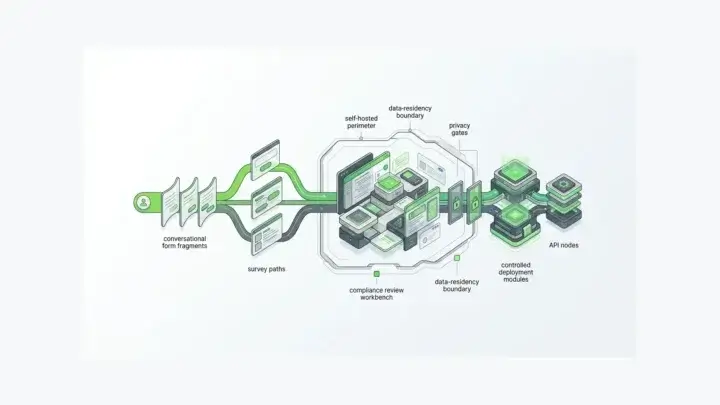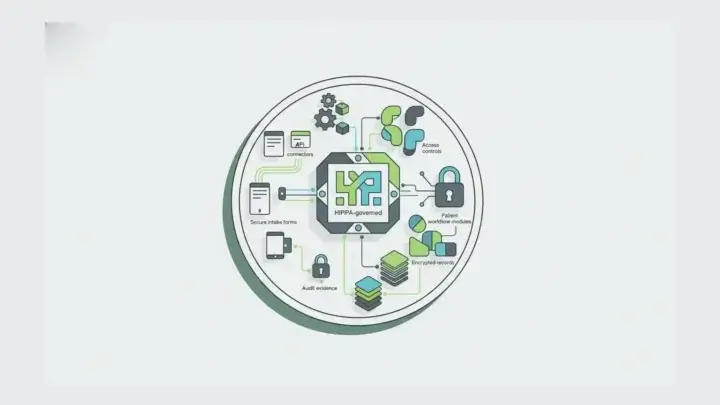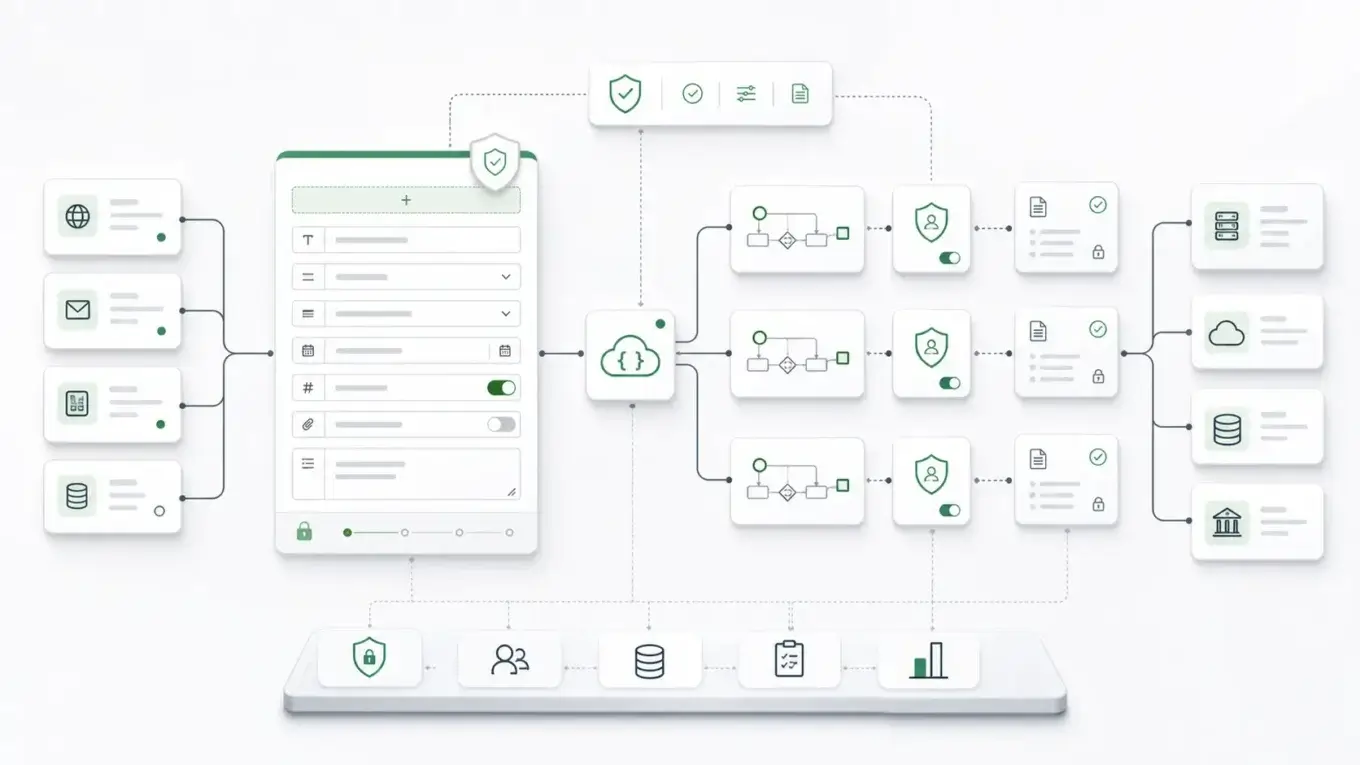
Business process automation software is getting smarter, with AI agents now joining workflow builders, bots, and app connectors. Yet many automation projects fail before any of that runs. The request arrives as a messy form, an email attachment, or a spreadsheet row. If your intake layer is weak, the automation layer inherits the damage.
What Business Process Automation Software Usually Means
Business process automation software helps teams automate repeatable operational work. IBM defines business process automation as a strategy for automating complex and repetitive business processes so day-to-day operations can run more smoothly. The category usually includes processes such as onboarding, order handling, approvals, service requests, compliance reviews, claims intake, account management, procurement, and case routing.
In the software market, that definition gets spread across several tool categories:
- workflow automation platforms
- business process management tools
- robotic process automation
- integration and iPaaS platforms
- low-code application platforms
- case management systems
- AI-enabled automation tools
- form and data capture systems
Those categories overlap, but they do not solve the same layer of the problem. A workflow engine can route a task. An iPaaS product can connect applications. A form platform can define how the process begins.
Buyer guides often evaluate automation tools by ease of use, feature set, scalability, and integrations. Those criteria do not fully answer whether process data is governed before it reaches the automation tool.
Most processes start with a request. Someone applies, registers, files, signs, reports, uploads, approves, rejects, or updates something. The first screen creates the data contract downstream.
Automation Adoption Is High, But The Intake Layer Still Decides Quality
Automation is no longer experimental for many enterprises. In a 2022 survey writeup, McKinsey reported that 70% of surveyed organizations were at least piloting automation technologies in one or more business units or functions, up from 66% in 2020 and 57% in 2018.
High adoption shifts the buyer question away from whether teams should automate and toward whether the automation has reliable inputs.
When each department collects data differently, automation multiplies inconsistency:
- a sales intake form sends a partial record to CRM
- a compliance workflow asks for the same data again
- a support queue receives attachments without validation
- a finance approval depends on spreadsheet fields nobody owns
- an AI-enabled process tool gets access to work without a stable schema
- an audit review has to reconstruct what happened from logs, emails, and exports
Automation can make that faster, but a brittle workflow that moves bad data more quickly is still brittle.
The Missing Layer: Governed Data Capture
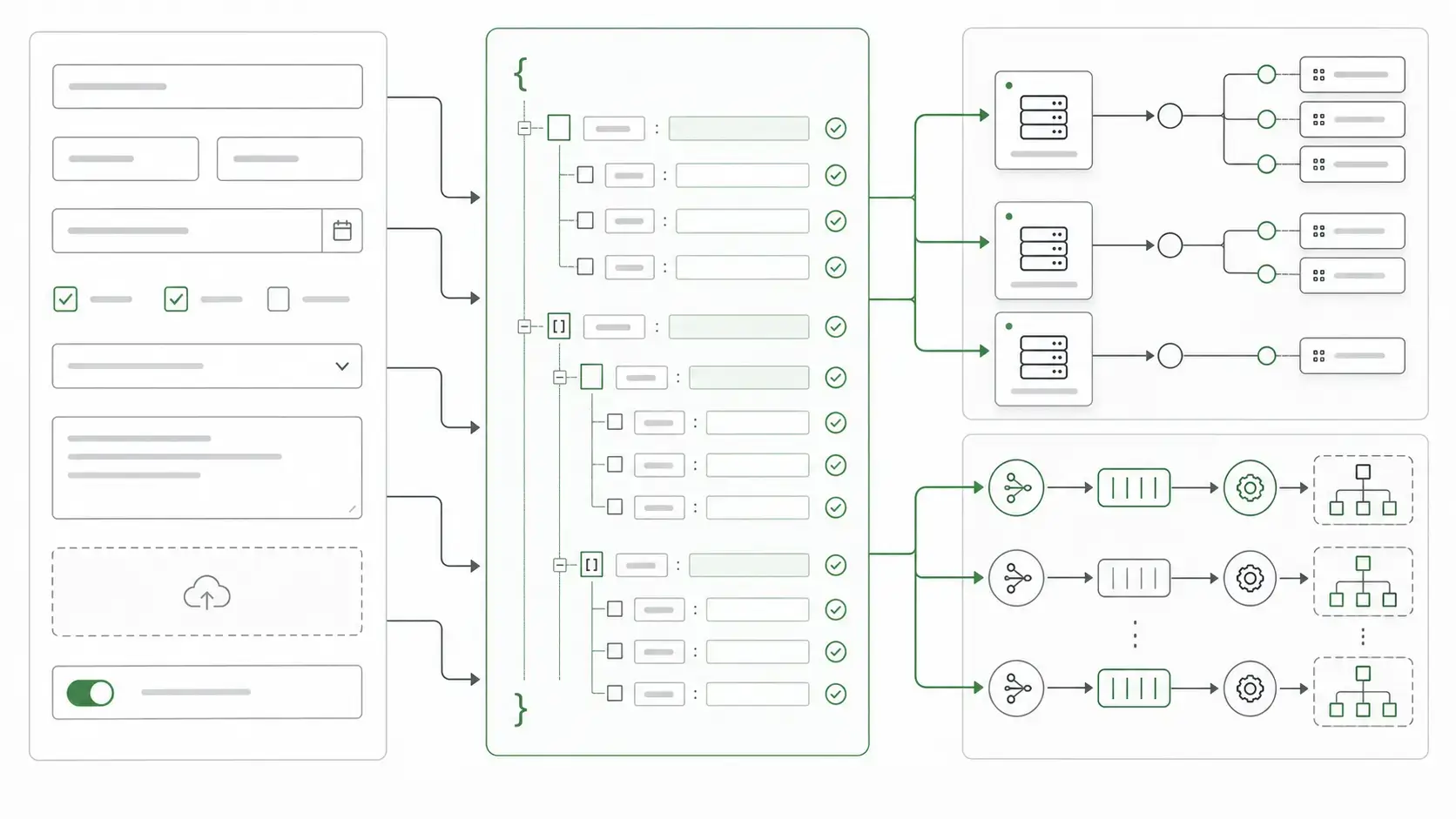
Most business process automation software pages talk about routing. Form.io's angle begins one step earlier: what exactly is being routed?
For simple internal tasks, a basic approval form, notification, or lightweight ticket can be enough. But enterprise processes often need more:
- field-level validation
- conditional logic
- multi-step forms
- submission records
- role-based access
- generated APIs
- webhooks and server-side actions
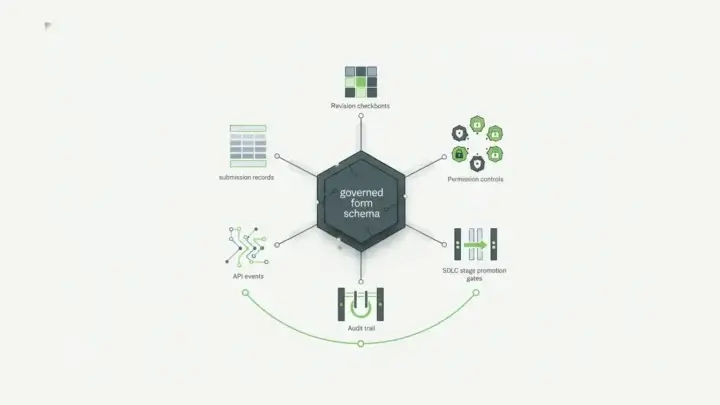
- audit history or revision controls where the licensed deployment supports them
- PDF output
- reusable data objects
- self-hosted deployment
- embedded user experiences
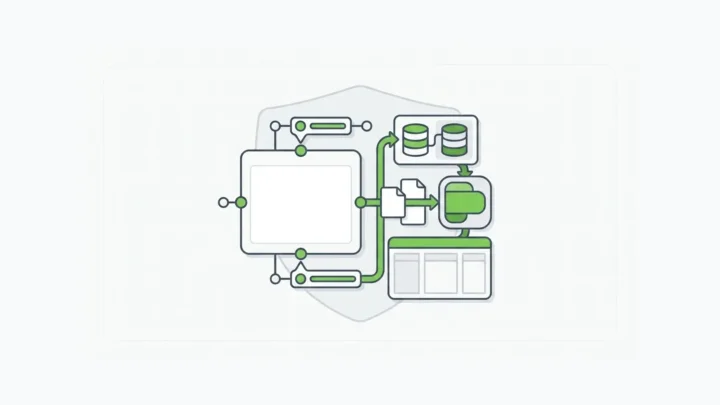
At that point, the form becomes a process boundary. It defines the data a workflow engine, human reviewer, internal API, or AI agent will act on.
Form.io's Concepts documentation explains that a form built in Form.io simultaneously creates Form JSON and defines a REST API endpoint. The same documentation describes submissions as API-accessible JSON records, actions as server-side operations that can run on submission events, and permissions as role-based controls over project, form definition, and submission data.
Many BPA evaluations skip the intake and data-contract layer.
Where Form.io Fits In The BPA Stack
Form.io is form and API infrastructure for teams whose processes begin with governed data capture. It doesn’t try to be a full business process automation suite.
Form.io is worth evaluating for business processes that need:
- a form builder that creates a durable JSON schema
- a rendered user experience embedded inside the application
- submissions stored as structured records
- APIs generated from the form/resource model
- permissions over who can create, read, update, or delete submissions
- server-side actions, email, webhooks, and integrations
- deployment inside the customer's environment
- a consistent foundation for human workflows and AI-assisted application work
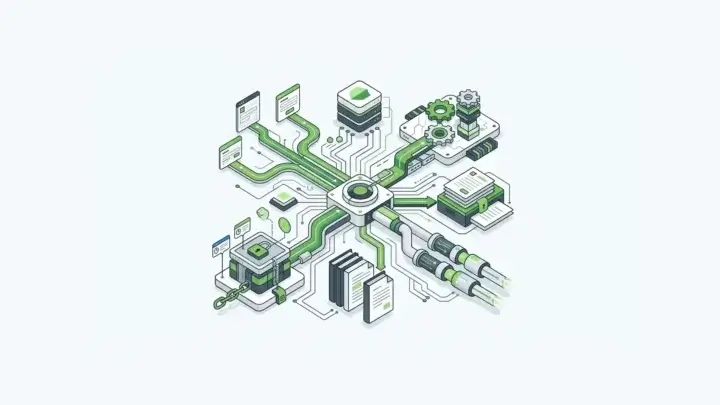
Form.io works especially well beside other automation tools. A workflow platform may coordinate tasks. RPA may interact with legacy screens. iPaaS may connect SaaS applications. Form.io can own the intake and data-contract layer that feeds them.
The strongest use case: stop letting every automation invent its own intake pattern.
Forms Become APIs As The Process Scales
A process starts to become infrastructure when other systems need to rely on it.
For example, vendor onboarding might begin as a form. Later, legal needs approval fields, finance needs tax documentation, security needs risk questions, procurement needs routing rules, and the vendor record needs to sync into another system. If the first form is just a hosted page with an export button, every later integration becomes a patch.
With Form.io, the form definition can become part of the application contract. Its documentation states that every form and resource is represented as Form JSON, and that the same JSON powers rendering, API generation, and portability. The form helps define the API surface.
The evaluation should compare those layers directly:
| Buyer question | Lightweight form answer | Form.io infrastructure answer |
|---|---|---|
| Where does the process start? | A hosted form or intake page | An embedded form backed by JSON schema |
| What happens to submitted data? | Stored in a vendor workspace or export | Stored as API-accessible submission records |
| How do systems consume it? | Zap, webhook, CSV, or custom connector | Generated REST APIs plus webhooks and actions |
| Who can see or change it? | Workspace roles or app-specific settings | Role-based permissions scoped to project, form, and submission data |
| Can it run in our environment? | Usually vendor-hosted | Self-hosted deployment options |
| Does it support governed change? | Often limited | Form/resource definitions, stages, revisions, and controlled promotion patterns |
For enterprise teams, the API model affects auditability, integration design, data residency, error handling, and future automation.
Workflow Control Needs Human Decisions And System Handoffs
Good automation keeps human judgment and removes the coordination work around it.
Strong BPA tools should reduce coordination work while preserving human ownership of decisions and outcomes. Form.io fits that lens because many processes need both: a person who can approve or reject, and a system that can preserve the record around that decision.
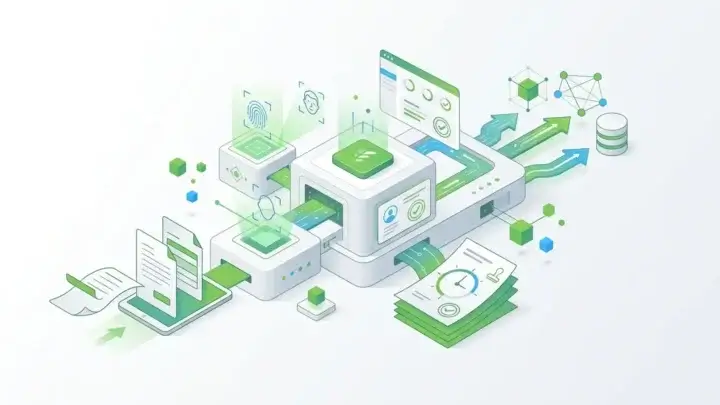
A loan exception, insurance claim, healthcare intake, vendor approval, public-sector application, or enterprise access request may still need a human reviewer. The software should prepare the record, validate required fields, route the submission, trigger the right notification, record the decision, and hand data to the next system without losing context.
Form.io supports that first-mile workflow logic through actions and submission events, and the same pattern scales to approval workflow software with multi-step forms. Form.io's Actions documentation explains that actions can run on submission activity, including create, read, update, delete, and index events, and can run before or after the submission is saved. Form.io Concepts also lists built-in actions such as Save Submission, Email, Login, Webhook, and Integrations. Those actions are not a full BPM suite, but they are enough to make the form layer participate in workflow instead of merely collecting data.
Automation often has to work with existing systems. Form.io can collect and govern the request while other systems route, enrich, score, approve, fulfill, or report on it.
Self-Hosted Automation Begins With Deployment Control
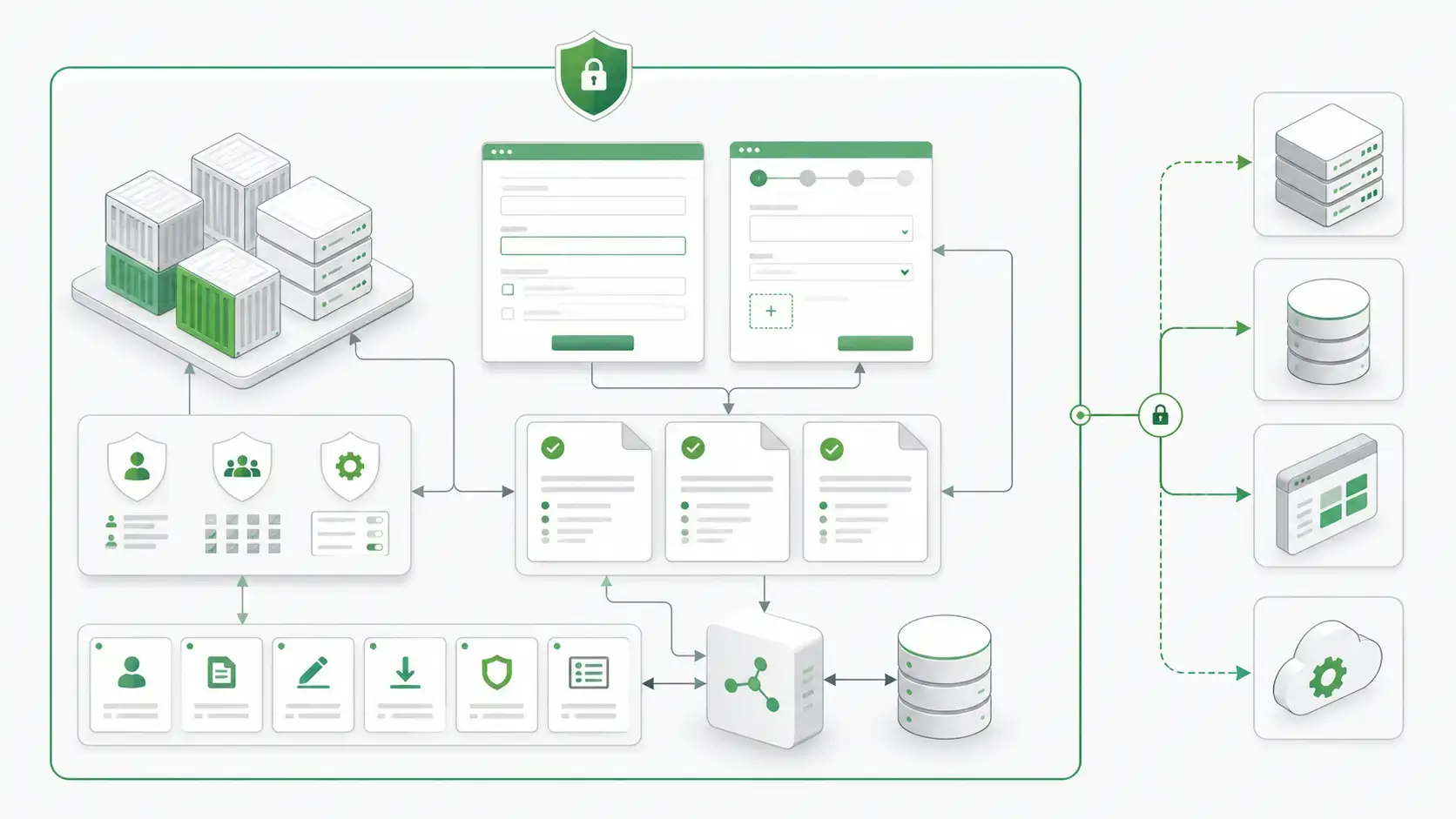
Some processes are too sensitive for casual SaaS sprawl. Healthcare intake, insurance claims, government services, financial onboarding, compliance attestations, and regulated customer workflows often involve data that has to live inside a specific control boundary.
Form.io's platform architecture documentation describes Form.io as a fully containerized platform that can be deployed on-premise, in the cloud, or locally. It also explains that the Enterprise API server serves REST APIs, manages storage and retrieval of submissions, and handles authentication, while MongoDB stores form definitions, submissions, user accounts, project configurations, and related data.
Enterprise BPA does not happen in a vacuum. The buyer has to ask:
- Where do form definitions live?
- Where do submissions live?
- Can the database match data residency requirements?
- Can the API server sit behind approved network controls?
- Can identity and permissions match the organization's access model?
- Can logs, backups, and monitoring fit the operations team's requirements?
- Can development, test, authoring, and production remain separated?
Hosted automation tools may still play a role. But if the process begins with sensitive intake data, deployment control can be the deciding factor. The stakes are high: IBM’s 2026 Cost of a Data Breach Report puts the global average breach at $4.99 million.
Business Process Automation Categories Compared
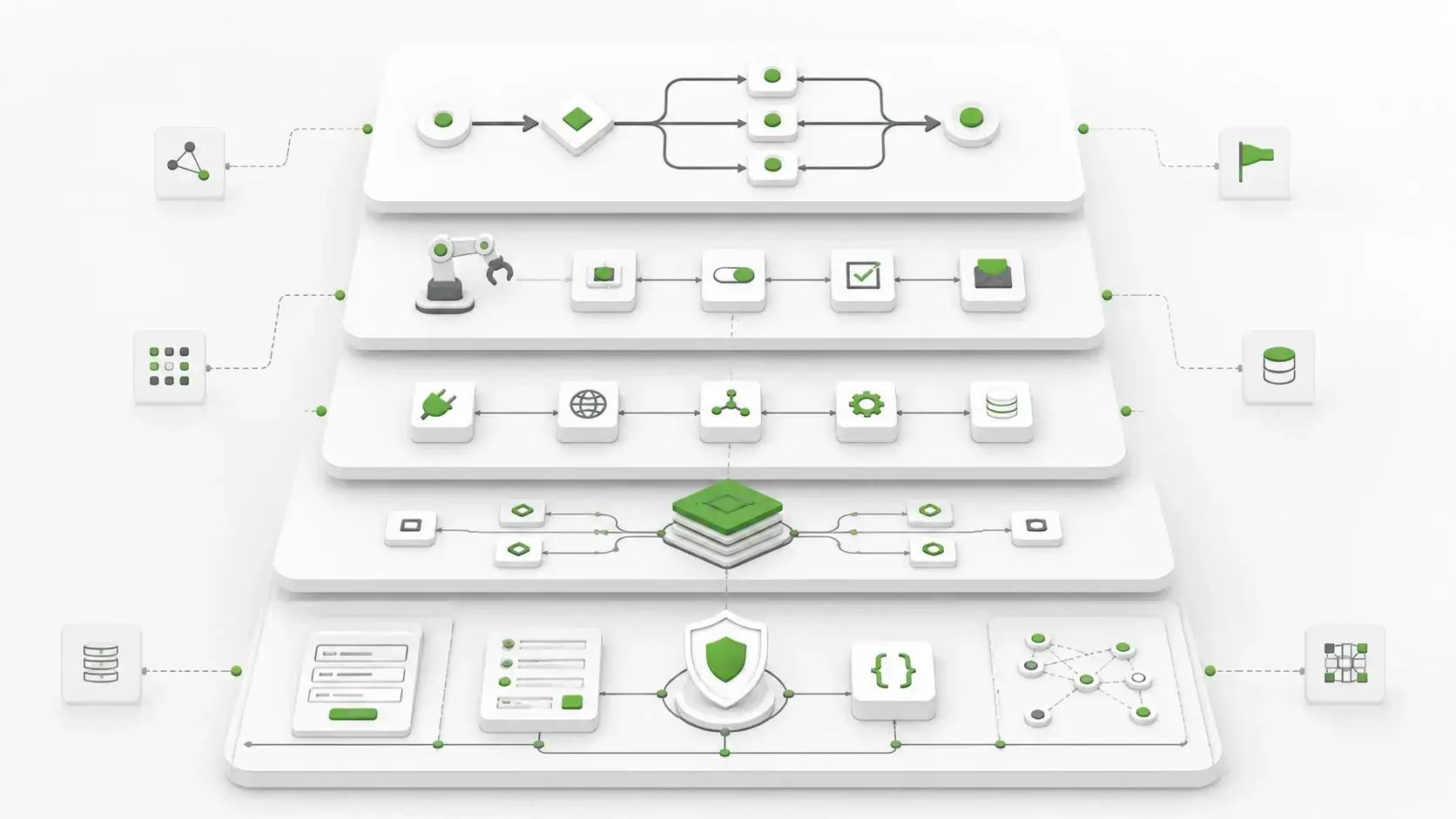
The cleanest way to evaluate BPA software is to ask which layer each tool owns.
| Category | Primary job | Where it helps | Where Form.io fits beside it |
|---|---|---|---|
| Workflow automation | Route tasks, approvals, notifications, and handoffs | Internal processes and repeated operations | Provides governed form submissions and APIs as workflow inputs |
| BPM/process orchestration | Model and manage end-to-end processes | Complex cross-team operations | Supplies the embedded intake/data layer for process starts |
| RPA | Automate UI actions in systems without APIs | Legacy systems and repetitive screen work | Reduces the need for screen scraping when processes can start through APIs |
| iPaaS/integration | Connect applications and move data | SaaS-to-SaaS and API-to-API workflows | Gives integrations a structured submission source |
| Low-code app platforms | Build internal apps and interfaces | Departmental apps and process tools | Provides reusable form, resource, permission, and submission infrastructure |
| Form.io | Govern forms, submissions, APIs, permissions, and workflow-facing intake | Enterprise forms, self-hosted data capture, embedded workflows, regulated intake | Feeds or complements the broader automation stack |
Layered evaluation prevents the common mistake of comparing tools only by feature count. A 2025 academic market analysis of business process automation also found that leading vendors offer capabilities beyond RPA alone, which reinforces the need to identify the layer each tool owns. If the bottleneck is cross-system orchestration, choose orchestration.
If the bottleneck is legacy UI work, consider RPA. If the bottleneck is unreliable intake data, disconnected form tools, or lack of deployment control, evaluate Form.io.
Customer Proof: Faster Application Work Without Rebuilding The Foundation
The business case for Form.io is that teams should not have to rebuild form infrastructure every time a process changes.
In third-party customer feedback, one Trustpilot reviewer called Form.io "great software, both for integration and standalone" and praised the support when teams get stuck. Automation work depends on that combination of integration quality and implementation support.
The Safety Mojo case study reports that the team saved 6-12 months of development time. Edify.ai put it this way, as quoted on Form.io’s home page: “Speed to market using Form.io worked fantastically well. We didn’t have to spend 80% of our time building our own solution and instead could focus our dev time on things proprietary to us.”
BPA buyers should look for proof that the platform reduces repeated infrastructure work, not only proof that a form can be built quickly. Forms, APIs, validation, submissions, permissions, and workflow hooks should not have to be rebuilt separately for every process.
Form.io’s public customer proof also includes a Department of Justice, Ireland quote describing Form.io as straightforward and issue-free to use, with excellent support. Regulated and public-sector teams need that kind of implementation proof because automation software has to survive real constraints.
How To Evaluate Business Process Automation Software When Forms Are Involved
Before choosing a BPA platform, separate the process into layers.
The intake layer needs answers to these questions:
- What data starts the process?
- Is that data structured, validated, and versioned?
- Is the form embedded in the application or hosted somewhere else?
- Can the same schema support rendering, validation, storage, and APIs?
- Are submissions API-accessible?
- Who owns submission permissions?
- Can sensitive records stay inside the customer's environment?
- Can the process support human review, exceptions, and audit evidence?
- Can the form layer trigger actions or webhooks without custom glue every time?
- Can AI coding agents or runtime agents use the same governed schema instead of inventing new patterns?
Form.io covers both sides of that last question. At development time, the Form.io Agentic Coding Toolset gives coding agents an MCP server and Skills for building forms, resources, and actions. At runtime, the Universal Agent Gateway (UAG) “turns the JSON schemas you already use for forms, APIs, and workflows into dynamic context, guardrails, and data access for agents.” For more on why that structure matters, see structured data for AI workflows.
The broader automation layer needs a separate decision:
- Does the process need a full BPM engine?
- Does it need RPA because the target system has no usable API?
- Does it need iPaaS to connect many SaaS apps?
- Does it need a low-code internal app?
- Does it need a self-hosted form and API layer before any of those tools can work safely?
When the final question is yes, Form.io belongs in the evaluation.
For teams evaluating deployment control specifically, Form.io's enterprise self-hosting page explains that Form.io is intended for teams building business process workflow applications, dealing with many forms, keeping data organized, using API-driven forms, and meeting strict security or compliance requirements.
Where Form.io Is Not The Right Fit
Form.io is strongest for form-driven application infrastructure. It is not the right first choice for every automation project.
A simpler tool may be better when:
- the process is a lightweight internal task with low-risk data
- the team only needs a basic form and notification
- all systems already live comfortably inside one SaaS platform
- there is no need for generated APIs, embedded rendering, or self-hosted control
- the team cannot operate or evaluate a platform inside its own environment
Form.io preserves control, and control has an operating cost. The right buyer needs that control because the process touches sensitive data, regulated records, embedded application UX, custom workflows, or systems that need clean APIs.
Key Takeaways
- Automation software works best when process data is structured before routing begins.
- Forms are often the first system boundary in a business process, so treat them as part of the architecture.
- Form.io fits when teams need forms, submissions, APIs, permissions, workflow actions, and deployment control on one governed foundation.
- Form.io works beside BPA, BPM, RPA, and iPaaS platforms and gives them cleaner intake data and stronger process contracts.
FAQ
What Is Business Process Automation Software?
BPA software helps organizations automate repeatable operational processes such as approvals, onboarding, claims, service requests, order handling, compliance reviews, and data handoffs. It can include workflow automation, BPM, RPA, integration platforms, low-code tools, AI-enabled tooling, and form infrastructure.
Is Form.io Business Process Automation Software?
Form.io is self-hosted form and API infrastructure for business process automation patterns that begin with governed forms, submissions, permissions, generated APIs, webhooks, and workflow actions.
How Do Forms Fit Into Business Process Automation?
Forms often define the first data contract in a business process. If the form captures inconsistent, incomplete, or unaudited data, downstream automation has to compensate. A governed form layer can validate data, create submission records, expose APIs, enforce permissions, and trigger workflow events.
What Is The Difference Between BPA And RPA?
RPA automates user-interface actions, often in legacy systems that do not expose clean APIs. BPA is broader and may include RPA, workflow routing, system integrations, forms, rules, and analytics. When a process can begin through governed APIs instead of screen scraping, the architecture is usually cleaner.
Why Should Business Process Automation Include APIs?
APIs let systems consume process data directly instead of relying on manual exports, copied fields, or brittle UI automation. In Form.io, forms and resources can define generated REST API endpoints, making submitted data available to applications, workflow tools, integration systems, and authorized users.
When Should A Company Use Self-Hosted Process Infrastructure?
Self-hosted process infrastructure belongs in the evaluation for sensitive submissions, data residency, regulated workflows, internal systems, identity controls, audit evidence, or custom application embedding. Hosted tools can be faster for simple workflows, but self-hosting gives enterprise teams more control over the boundary.
Can Form.io Integrate With Existing Workflow Tools?
Yes. Form.io can participate in existing workflows through generated APIs, submission records, webhooks, integrations, and server-side actions. It can feed workflow automation, BPM, iPaaS, reporting, AI-assisted, and custom application layers without forcing the whole process into Form.io.
What Should Regulated Teams Look For In BPA Software?
Regulated teams should evaluate data location, identity integration, permissions, audit trails, submission history, API access, deployment architecture, logging, backups, revision controls, and how the tool handles human approvals or exceptions. Include the form and intake layer in that review from the start.
Try Form.io Free