Budibase is useful for building internal tools, admin panels, operational dashboards, and workflow interfaces. That strength is real. It helps teams move faster when they need a data-connected app without turning every internal process into a custom software project. Gartner's low-code application platform research forecasts the LCAP market reaching $16.5 billion by 2027, which explains why teams keep reaching for faster internal app delivery (Gartner).
The limitation appears when the form becomes the workflow contract.
Enterprise workflow forms often need conditional routing, multi-step approvals, generated APIs, PDF output, audit trails, role-based submission access, and self-hosted data control. At that point, the form is not just an input screen inside Budibase. It is the controlled layer between users, reviewers, systems, and records.
That is where Form.io fits. For teams building on Budibase who need production-grade form infrastructure, Form.io can serve as the embedded workflow form layer while Budibase remains the internal tool experience. It is closer to a self-hosted developer productivity platform than a lightweight form widget.
Budibase Is the App Surface. Form.io Is the Form Infrastructure.
The right question is not whether Budibase is useful. It is whether Budibase's native form layer should own the enterprise form requirements.
Budibase is a strong fit for internal dashboards, CRUD interfaces, approval queues, and operational views. Many simple forms can stay entirely inside Budibase. If the form only creates or updates a low-risk internal record, adding another platform may be unnecessary.
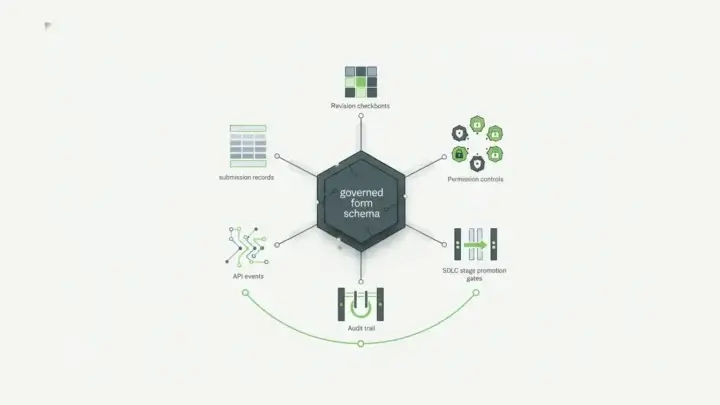
But workflow forms become infrastructure when they decide:
- what data gets collected
- which fields appear for each condition
- who can view or update a submission
- which downstream system receives the data
- which PDF or evidence record gets produced
- how changes are logged over time
- where the form runtime and submission data live
That distinction matters for IT service requests, HR onboarding, procurement approvals, regulated intake, finance workflows, customer onboarding, and multi-department review processes. In those cases, the form needs a stable schema, submission API, permission model, workflow-action layer, and audit history. Form.io's Enterprise Form Builder Module is built for that kind of embedded, white-labeled form ownership inside another application.
Budibase Native Forms vs Form.io for Workflow Forms
| Capability | Budibase native forms | Form.io embedded with Budibase |
|---|---|---|
| Best fit | Simple internal app forms | Enterprise workflow forms with governed records |
| Conditional logic | Useful for straightforward app flows | Stronger fit for dynamic fields, pages, validation, and routing |
| Multi-step approvals | App-specific workflow setup | Form-triggered workflows, actions, webhooks, and API handoffs |
| Submission data | Bound to the Budibase app/data model | API-addressable form submissions |
| PDF output | Not the center of the native form model | Supports PDF workflows and document outputs |
| Governance | Good for app access | Better fit for form permissions, revisions, logs, and self-hosting |
This is not a replacement argument for every Budibase use case. It is a layering argument.
Budibase can be the internal tool layer. Form.io can be the enterprise form layer. That keeps each platform in the role it handles best.
What Enterprise Workflow Forms Need
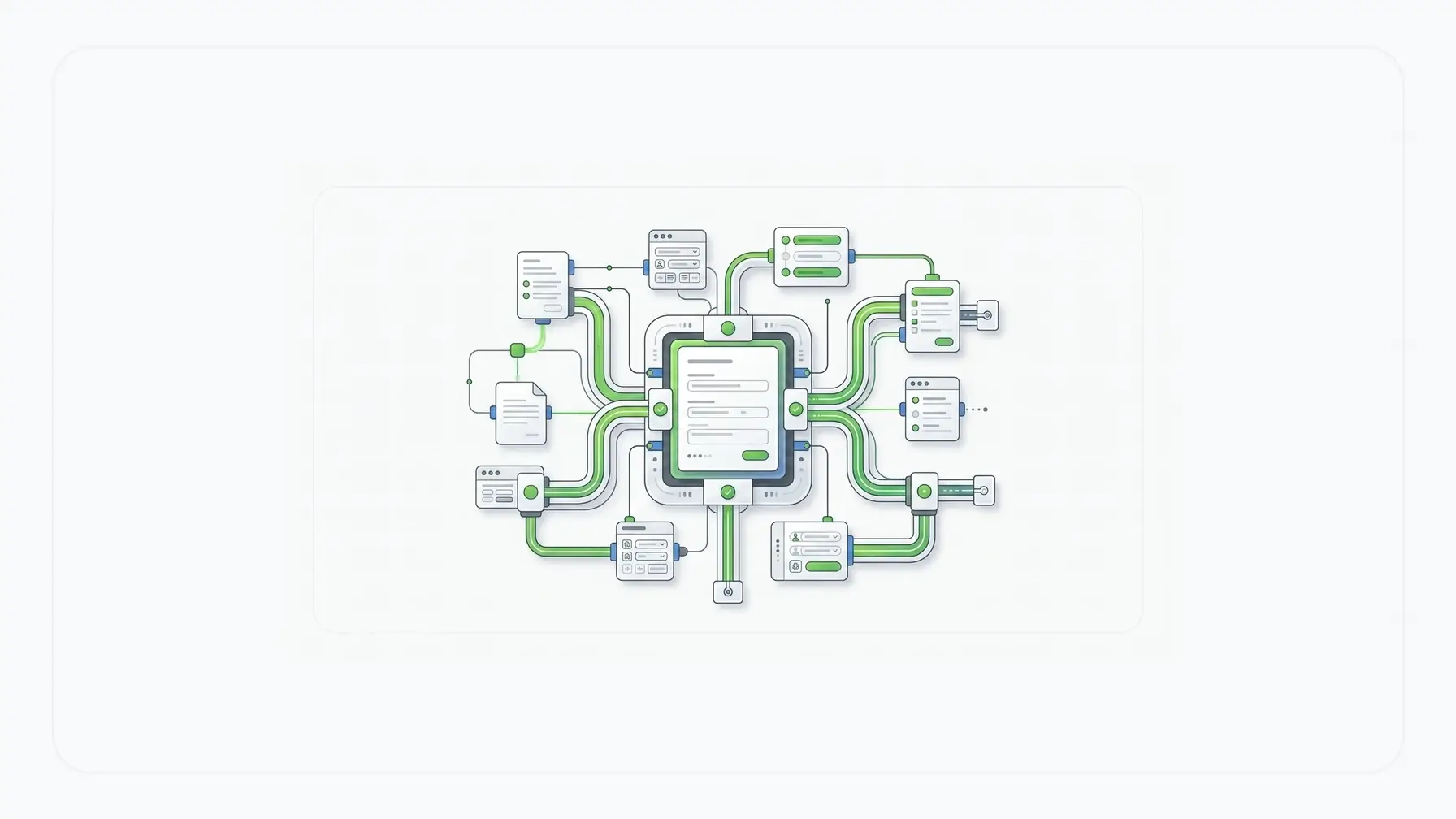
Workflow automation pages often start with productivity: fewer manual steps, faster approvals, cleaner routing. Technical buyers need a deeper answer. They need to know how the workflow is represented, how it changes, how it connects to systems, and how it is governed after launch.
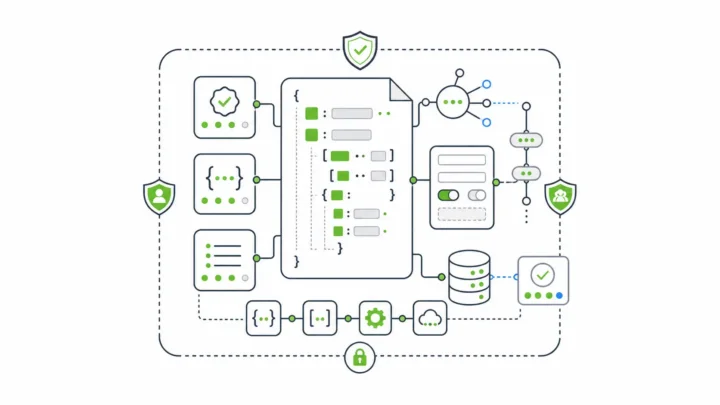
Form.io uses JSON form definitions. A form can define structure, validation, conditional logic, nested data, component behavior, and submission shape. That matters because workflow forms change constantly. An onboarding form may branch by employment type, region, department, equipment need, and system access. An IT request may branch by urgency, asset type, security review, and approval path.
When the form is JSON-driven, the definition can become part of the application contract. Developers can inspect it, version it, render it, embed it, and connect submissions to downstream systems. Form.io's conditional logic and validation layer is what lets those rules travel with the form instead of living only in a one-off screen.
That is the difference between a form screen and form infrastructure. The screen collects the answer. The infrastructure defines the rules, the record, the API, and the handoff path.
Integration Walkthrough: Using Form.io with Budibase
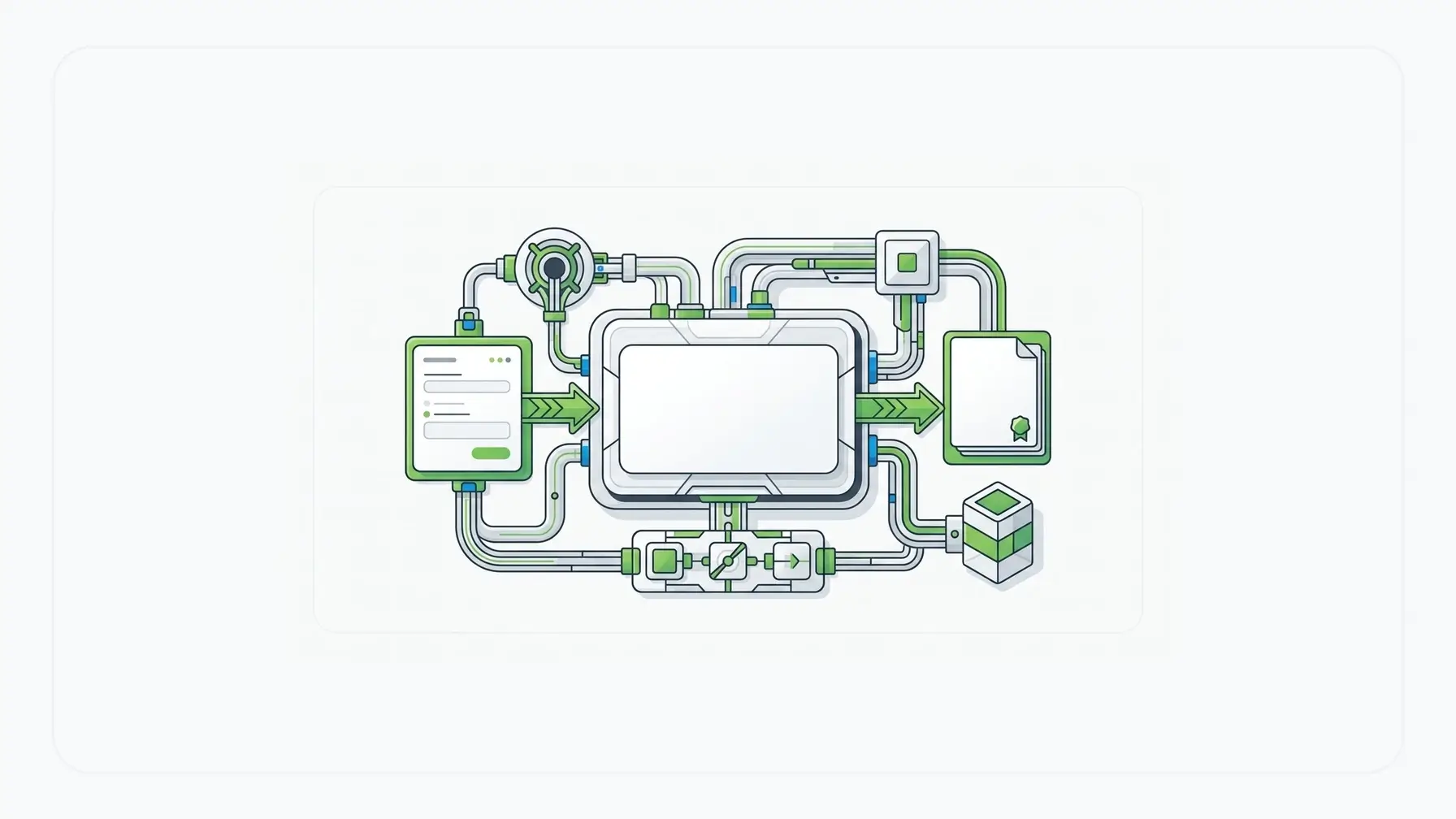
There are multiple ways to pair Form.io and Budibase. The exact implementation depends on deployment, authentication, and data-source choices. The pattern below is a practical architecture, not a claim of a native one-click connector.
1. Build the workflow form in Form.io
Create the form in Form.io with the logic that should be governed: multi-page intake, conditional fields, document uploads, calculated values, validation rules, role-aware access, action routing, and submission permissions.
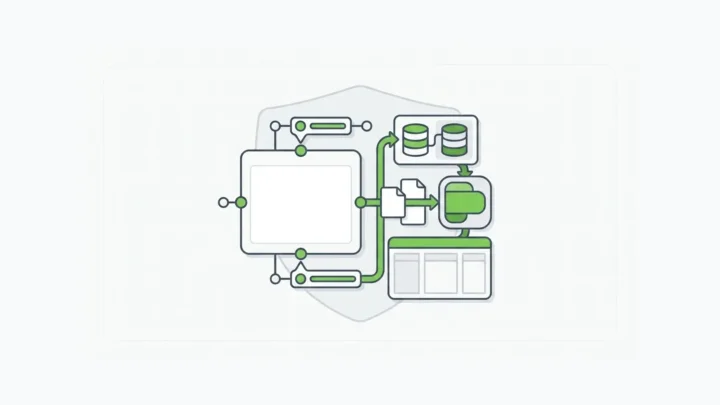
The output is not only a visual form. It is a JSON schema, renderer-ready form definition, submission endpoint, and API-accessible record model. Form.io's drag-and-drop form APIs are relevant here because the builder output is not disconnected from the backend contract.
2. Embed the form inside Budibase
Budibase can remain the internal app surface. A team can embed a Form.io-rendered form into a Budibase screen through a custom component, iframe-style embed, or frontend integration pattern, depending on the security and UX requirements.
For developer-owned front ends, Form.io's renderer and React embedding patterns are relevant because they let the user work in the internal tool while the form logic stays governed by Form.io.
3. Store the submission in Form.io
When the user submits, Form.io stores the structured submission and exposes it through the form API. That gives the workflow a stable record of what was asked, what was submitted, and which form definition governed the capture.
For sensitive workflows, this matters more than UI convenience. The submitted form may become evidence, a ticket input, a case record, an approval request, or a document workflow trigger.
4. Send selected data back to Budibase
After Form.io receives the submission, a webhook or server-side action can send selected fields to a Budibase-connected endpoint, shared database, API service, or workflow queue.
That handoff can be narrow on purpose. Budibase may only need dashboard fields, assignment status, and queue data. Form.io can preserve the full submission record, files, PDF output, revisions, and form-specific controls. Form.io's enterprise data integration story is the useful layer when the workflow has to talk to more than one system.
Example: IT Service Request Workflow
An IT service request app in Budibase might show a request queue, department filters, approval status, asset lookup, and admin notes.
Form.io can handle the form layer:
- request-type-specific fields
- conditional questions for hardware, access, software, and security review
- required evidence
- dynamic validation
- role-based submission visibility
- webhook handoff to ticketing systems
- PDF output for approved requests
- submission revisions and audit history
If the request is a routine equipment swap, the form can follow a simple path. If it involves production database access or regulated data, the same form can branch into stricter fields and approvals.
Example: Employee Onboarding Automation
Employee onboarding is another natural fit.
Budibase can give HR, IT, finance, and facilities a shared operational dashboard. Form.io can drive the onboarding workflow form: employee type, location, department, manager, equipment needs, application access, policy acknowledgments, identity proofing steps, documents, signatures, and downstream provisioning actions.
The workflow may need one path for full-time employees, another for contractors, another for remote staff, and another for employees with sensitive-system access. That is where a low-code internal tool form can hit a ceiling. The process is not just a form. It is coordinated intake across departments.
Security expectations rise quickly in that kind of workflow. OWASP's Application Security Verification Standard exists to test web application security controls, including authentication, access control, validation, and API behavior (OWASP ASVS). That is why workflow-form architecture has to account for permissions and server-side behavior, not only the visible form.
Self-Hosted Workflow Automation With a Form Builder
Self-hosting matters when workflow data should stay inside the organization's environment. Some teams can use SaaS workflow tools without concern. Others need control over hosting, network access, database storage, file handling, authentication, logging, backups, and compliance review.
Form.io's self-hosted model is built for that second case. The value is not self-hosting as a slogan. The value is placing the form layer inside the same operational boundary as the rest of the application. The self-hosted forms model is especially relevant when data residency, network boundaries, or internal review processes matter.
That can matter for HR workflows, IT security approvals, finance workflows, healthcare intake, government services, insurance claims, and customer onboarding for regulated products. Self-hosting does not make a workflow compliant by itself, but it gives technical teams more control over where compliance controls are implemented. IBM's 2025 Cost of a Data Breach report puts the global average breach cost at $4.4 million, which is a practical reminder that workflow data control is an economic issue as well as an architecture issue (IBM).
Audit Trails, PDFs, and Workflow Evidence
Workflow automation is not only about moving faster. In enterprise environments, teams also need to explain what happened.
Who submitted the request? What version of the form was used? Which fields changed? Which action ran? Which reviewer approved it? Which PDF record was generated? Which system received the data?
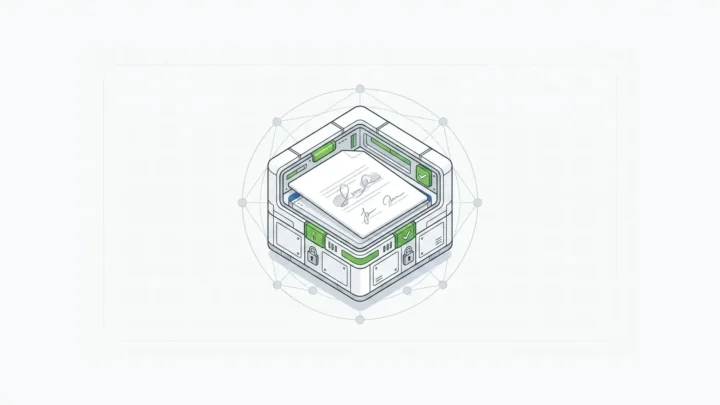
Form.io's audit trail, form revision, submission revision, action log, and PDF capabilities are relevant because workflow forms often become operational evidence. NIST SP 800-53 frames audit and accountability controls as part of protecting organizational systems and assets, not as optional reporting polish (NIST SP 800-53 Rev. 5).
That is why Form.io's complete audit trail and PDF Template Designer matter in workflow form architecture. Budibase can remain the workflow dashboard. Form.io can preserve the form evidence.
FAQ
Can you use Form.io with Budibase?
Yes. Teams can use Form.io with Budibase by embedding Form.io forms into a Budibase app and connecting submissions through REST APIs, webhooks, shared services, or database handoffs. The exact implementation depends on deployment and authentication design.
What is better than Budibase for enterprise workflow forms?
For enterprise workflow forms specifically, Form.io is often the better fit because it is built around JSON form schemas, generated APIs, conditional logic, submission records, permissions, revisions, workflow actions, PDF output, and self-hosted control. Budibase may still be the better internal-tool builder. The stronger architecture can use both.
Should I replace Budibase forms with an enterprise form builder?
Replace or extend Budibase forms when the form needs multi-step logic, conditional routing, PDF output, audit trails, API-accessible submissions, role-based permissions, or self-hosted data control. Keep native Budibase forms when the workflow is simple and the form only needs to create or edit internal records.
Build Workflow Forms With Form.io
If your Budibase app needs workflow forms with conditional routing, generated APIs, PDF output, audit trails, and self-hosted control, try Form.io for workflow form infrastructure.