On May 19, 2026, Verizon’s Data Breach Investigations Report found that breaches involving a third party now account for 48% of all breaches, up 60%. That puts a sharp question on every Adobe Sign audit trail: who holds your audit evidence, and what does it cover?
Adobe’s audit report documents each agreement well. Enterprise audits ask about the data after signing, too. Here’s where that report stops and what an alternative has to cover.
What the Adobe Sign Audit Trail Records
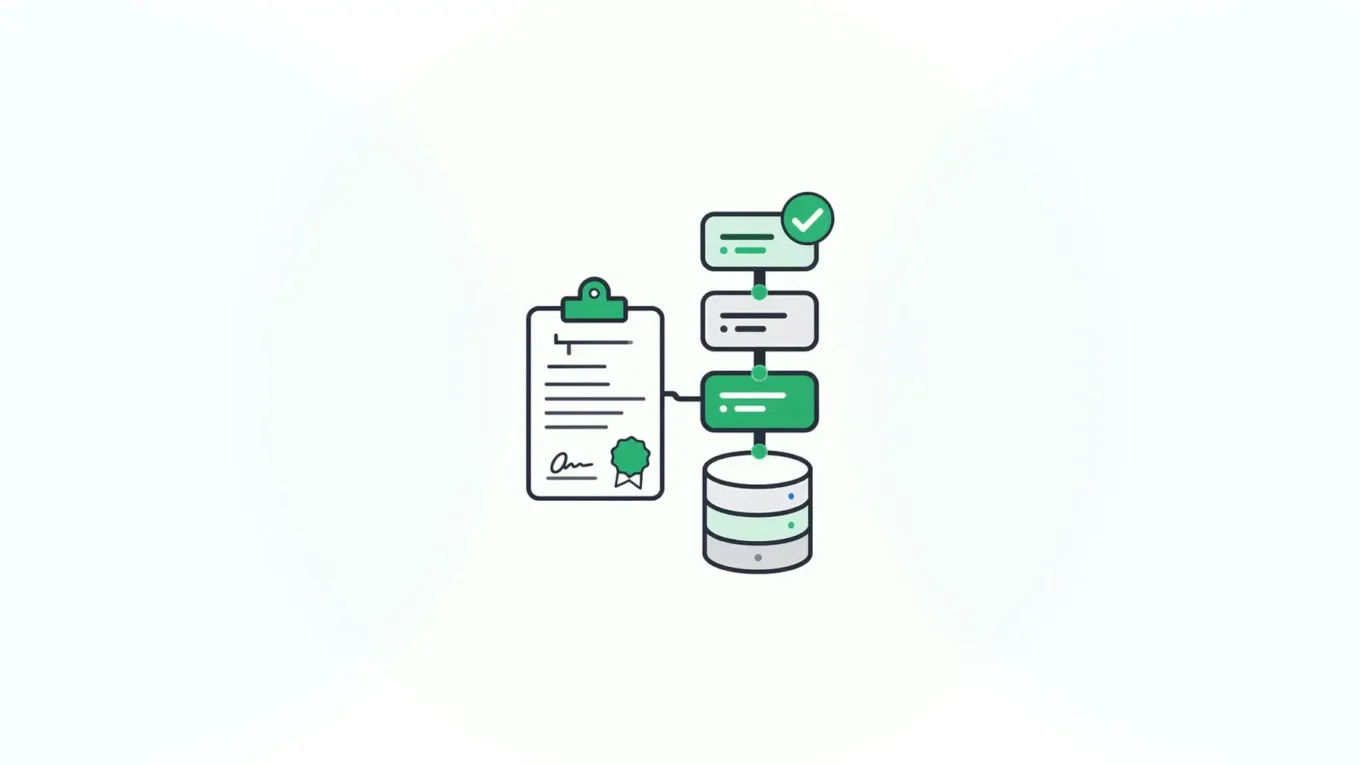
Adobe Sign, now Adobe Acrobat Sign, attaches an audit report to every agreement. Adobe says all agreements at every service tier include one. It reads as a timeline of the agreement’s life.
The report captures:
- When the agreement was created and modified
- Emails sent and viewed, and when participants viewed the agreement
- Delegation, signatures, and approvals, including the signature type
- The final state: completed, declined, recalled, or canceled
While signing is in progress, you can download an Interim Agreement Report. Once the agreement reaches a final state, it becomes the Final Audit Report. Both come out as a PDF from the Manage page. Enterprise accounts can add more detail, and Adobe also offers customer-managed encryption, retention rules, a 21 CFR Part 11 validation package, and a government edition.
For a sales contract or an offer letter, that’s a strong record. The Adobe Sign audit report shows who signed what, and when.
Audit Report or Audit Trail?
The two terms get used as if they meant the same thing. They don’t cover the same ground.
NIST defines an audit trail as “a chronological record that reconstructs and examines the sequence of activities surrounding or leading to a specific operation, procedure, or event in a security relevant transaction from inception to final result.” Note the scope: from inception to final result.
An Adobe Sign audit report is a summary of one agreement’s events, issued by the e-signature service. A platform audit trail is the system’s own record of every change to the data, every user action, and every signature, kept where the data lives. For chain of custody, the second one matters more, because custody has to hold after the signing ceremony ends.
What Enterprise Auditors Ask For
Regulators describe audit trails in terms of records and changes. FDA’s rule for electronic records, 21 CFR 11.10(e), calls for “secure, computer-generated, time-stamped audit trails to independently record the date and time of operator entries and actions that create, modify, or delete electronic records.” It adds that “record changes shall not obscure previously recorded information.”
The ESIGN Act sets the retention bar for signed records. Under 15 U.S.C. 7001(d), a retained electronic record has to accurately reflect the information in the contract and remain accessible “in a form that is capable of being accurately reproduced for later reference.”
In practice, an internal or external auditor will ask:
- Who changed this record, when, and what did it say before?
- Is the signed data the same data in your system today?
- Who can read, change, or delete the logs?
- Where are the signing keys, and who controls them?
- Can you produce the full history for the whole retention period?
The first two questions are about the data. The last three are about custody.
Where an Adobe Sign Audit Report Runs Out
The report covers the agreement inside Adobe’s service. Most enterprise workflows don’t end there. Field values get pulled into a case system, an ERP, or a claims database. Someone corrects an address. A downstream process updates a status. None of that shows up in the Adobe Sign audit trail, because it happened after the data left the agreement.
That leaves three gaps an auditor may probe:
- Data after signing. The report proves what was signed in the agreement. It can’t tell you whether the copy in your system of record still matches.
- Custody. The record and its report sit with a hosted vendor. Your retention policy now depends on a contract and an export routine.
- Keys. Key custody is a weak spot across the industry. IBM’s 2026 breach study found that only 37% of breached organizations encrypt sensitive data both at rest and in transit, and just 34% have visibility into cryptographic assets.
None of this makes Adobe’s report wrong. It’s built to document an agreement. If the audit is about the data, you need an audit trail that sits under the data.
How Form.io Builds the Audit Trail Into the Platform
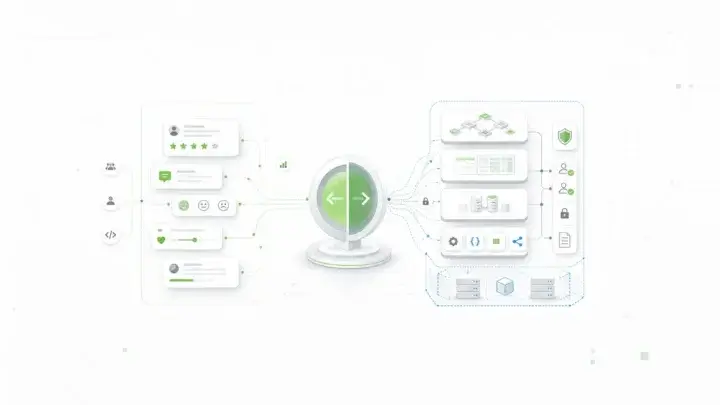
Form.io is a form and data platform that you can run in your own environment. The audit trail comes from the platform itself, so it covers form definitions, submissions, users, and signatures in one place. The Form.io audit trail features combine two logging systems.
Submission Revisions
Turn on Submission Revisions in a form’s settings. Every update to a submission creates a revision record with the complete submission state, the user who made the change, a timestamp, and optional notes. Reverting doesn’t erase anything. It creates a new revision that copies the earlier state.
Server Audit Logs
Server audit logging records system activity, such as authentication, form access, and submission events. Each entry carries the timestamp, event type, request ID, project, session, user, submission, and form IDs. Logs go to standard output, so your log platform stores and retains them under your rules.
E-Sign+ Signs the Submission Data
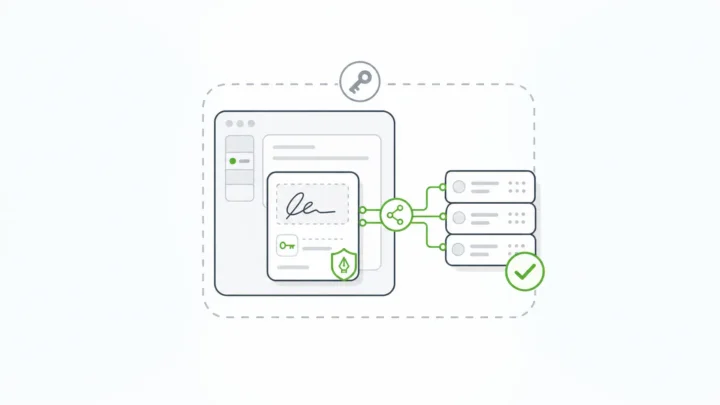
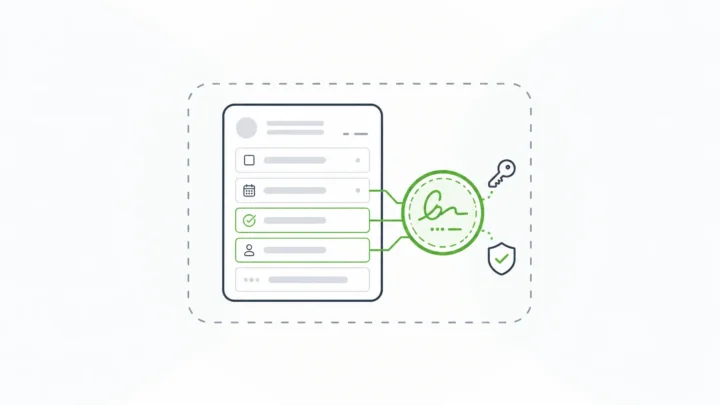
Form.io E-Sign+ creates a cryptographic signature for the selected submission data, form context, and submission properties. The signature attaches to the submission data itself. Change the data, and the signature breaks. E-Sign+ verifies that the signed data and its context have not changed since signing. That gives you a check for non-repudiation that runs against your live records, through the native submission ID and APIs.
E-Sign+ is available now. It needs Submission Revisions and original form revisions turned on, so every signature points to an exact version of the form and the data. You can still export a PDF when a workflow needs one. The PDF becomes an output, and the source of truth stays in your database.
Your Keys, Your Boundary
E-Sign+ runs on self-hosted Form.io deployments. You sign with your own private keys or through AWS KMS. A self-hosted Form.io deployment has no connection back to Form.io servers except license validation, which sends the license key and no form data. Signatures, revisions, and logs all stay inside your security boundary.
E-Sign+ provides electronic signature mechanisms that support ESIGN and UETA workflows. Whether a workflow meets a specific regulation depends on your process, controls, and validation. E-Sign+ doesn’t do identity proofing, so pair it with your identity provider when you need it.
Adobe Sign Audit Trail vs. Form.io at a Glance
| Question | Adobe Acrobat Sign | Form.io with E-Sign+ |
|---|---|---|
| What is signed | A document in an agreement | Selected submission data, form context, and properties |
| Audit evidence | Audit report per agreement, downloaded as a PDF | Submission Revisions plus server audit logs across the platform |
| Changes after signing | Outside the agreement once data leaves | Change the data, and the signature breaks |
| Where records live | Adobe’s hosted service | Your database and log platform |
| Key control | Customer-managed encryption is available | Your own private keys or AWS KMS for signing |
| Best fit | Document agreements with outside signers | Signed data inside your own applications |
Form.io uses configuration-based pricing. There is no per-envelope or per-document meter.
When Adobe Acrobat Sign Is the Better Fit
Adobe Acrobat Sign is the stronger choice when the work is document-first. Contracts, NDAs, and offer letters that go to outside parties, run through Acrobat, and don’t need self-hosting fit Adobe’s model. Its audit report is mature, and business users can send agreements without a developer.
Form.io isn’t the right fit if you want a ready-made sending app with templates and signer reminders and no development work. It’s a platform your team builds on. For a wider look at hosted and self-hosted options, see these DocuSign alternatives for self-hosted e-signature.
Form.io fits when the signature belongs to a data workflow: a regulated application, an inspection, a consent captured inside your own portal, or an approval that feeds other systems. In those cases, the audit trail has to follow the data.
Moving Off Adobe Sign Without Losing Audit History
You don’t have to choose all at once. Most teams run both for a while.
- Keep the old evidence. Export Final Audit Reports and signed PDFs for closed agreements and store them under your retention policy.
- Map the workflows. Split document agreements from data workflows. Move the data workflows first.
- Model the data. Build the forms in Form.io, with revisions on, so every submission carries its own history.
- Decide what gets signed. Pick the fields and context E-Sign+ should protect.
- Wire the logs. Route server audit logs to your SIEM and set retention to match your records schedule.
If you’re comparing tools more broadly, this guide to audit trail software for enterprise form builders covers the developer side.
One government customer put it this way. The Department of Justice in Ireland said: “Of all the systems we use to deliver our end products, Form.io has been probably the most straightforward and issue free to use, with excellent support.”
Key Takeaways
- The Adobe Sign audit trail is a per-agreement audit report, exported as a PDF. It’s a solid record of one agreement’s events.
- Enterprise audits also ask about data changes after signing, log custody, and key control.
- A platform audit trail records every change to the data where the data lives.
- Form.io E-Sign+ signs the submission data. Change the data, and the signature breaks.
- Self-hosted Form.io keeps revisions, logs, and keys inside your boundary.
- Use Adobe Acrobat Sign for document agreements with outside signers. Use Form.io when the signature belongs to your application data.
FAQ
What is the Adobe Sign audit trail?
It’s the audit report Adobe Acrobat Sign attaches to each agreement. It lists events such as creation, emails sent and viewed, delegation, signatures, approvals, and the final status. You can download it as a PDF from the Manage page.
How do I download an Adobe Sign audit report?
Open the agreement on the Manage page and download the audit report. While signing is in progress, it’s an Interim Agreement Report. After the agreement reaches a final state, it’s the Final Audit Report.
Is an audit report the same as an audit trail?
No. An audit report summarizes one agreement’s events. An audit trail is a system’s ongoing record of activity and changes, from creation to the final result. Enterprise audits usually need the second.
Does the Adobe Sign audit report track changes after signing?
It tracks events inside the agreement. Once field data moves into another system, later edits there aren’t part of the Adobe Sign audit report. Your system of record needs its own audit trail.
What is a good Adobe Acrobat Sign alternative for audit requirements?
It depends on the workflow. For document agreements with outside signers, a hosted e-signature service fits. For signed data inside your own applications, Form.io with E-Sign+ signs the submission data and keeps revisions, logs, and keys in your environment.
Can Form.io replace Adobe Sign?
For data-driven signing inside your applications, yes. For document-centric agreements that business users send without developers, Adobe Acrobat Sign or a similar service is often the better fit. Many teams use both.
Does Form.io E-Sign+ work on Form.io SaaS?
No. E-Sign+ runs on self-hosted Form.io deployments, where you sign with your own private keys or AWS KMS.
Schedule a Call