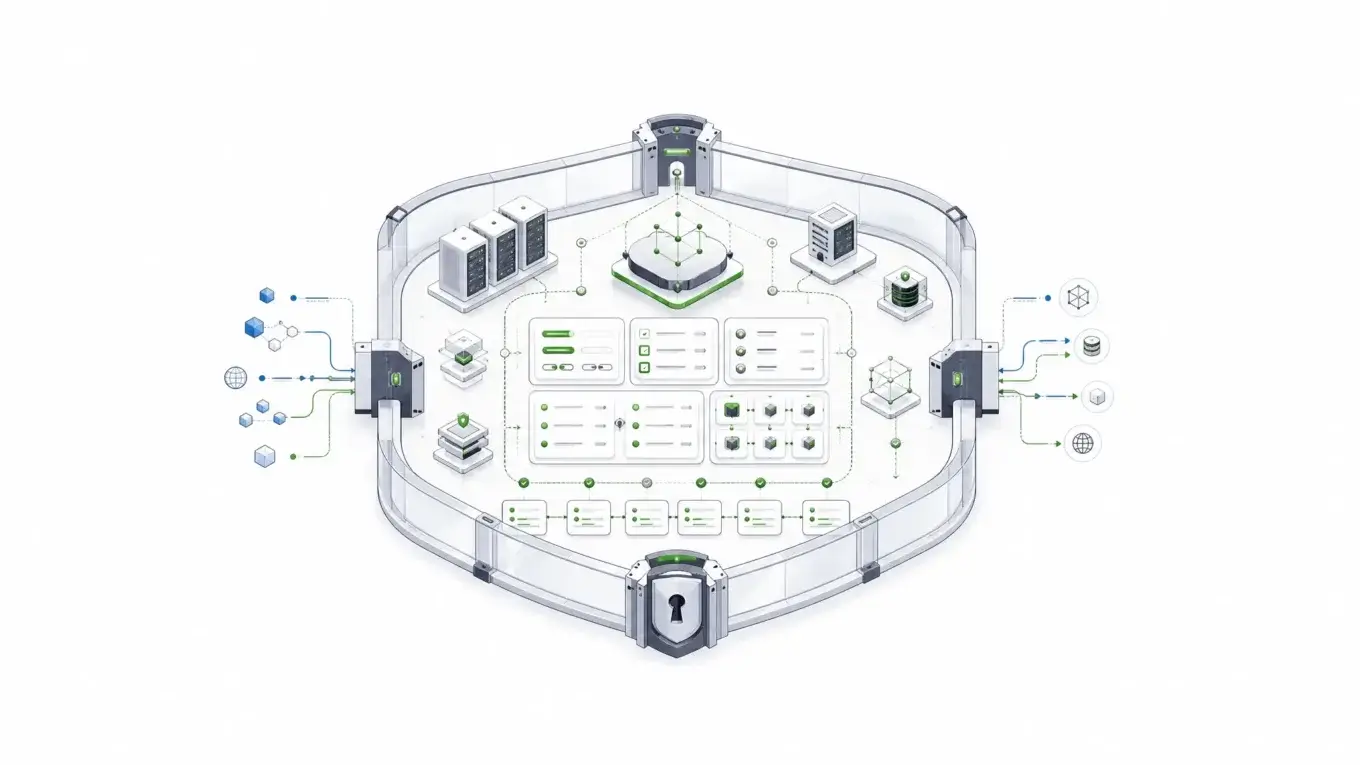
Compliance forms look simple until the submitted data becomes evidence, PHI, financial records, government data, or part of a regulated workflow. Then the real question is not “Can we build the form?” It is “Can we control, audit, secure, route, and defend everything that happens after submission?” This guide explains when compliance forms need self-hosted infrastructure instead of another hosted form tool.
What “compliance forms” really means
Compliance forms are forms that collect, process, or preserve data subject to regulatory, contractual, or audit requirements.
That can include healthcare intake forms, consent forms, insurance claims, KYC onboarding, government benefit applications, financial disclosures, incident reports, procurement approvals, and any workflow where the record must stand up to review later.
The form design is only the visible surface. The compliance burden usually sits underneath it.
A compliant form workflow may need encryption in transit and at rest, role-based access, audit logs, secure storage, retention policies, backups, and clear responsibility boundaries. For HIPAA workflows, HHS explains that business associate contracts must establish permitted uses and disclosures of protected health information, require appropriate safeguards, require breach reporting, and address return or destruction of protected health information at contract termination.
That is why a form can look polished and still be the wrong fit. If the platform cannot answer who accessed the data, where it was stored, what changed, when it changed, and which system now owns the record, the compliance risk has only been hidden.
IBM’s 2025 Cost of a Data Breach report puts the global average breach cost at $4.4 million. That is not a form-specific number, but it gives the right scale for the decision: regulated data collection is not a minor website feature when the data is sensitive. IBM also reported that 63% of organizations lacked AI governance policies, which matters when AI-assisted development starts touching regulated data workflows.
Form.io’s public AI launch announcement also includes a useful customer-market proof point for this article: Form.io says its self-hosted platform serves regulated industries and government agencies, including central banking groups across the U.S., EU, and Australia; global government agencies; and organizations in healthcare, financial services, and insurance.
The three categories of compliance form platforms
Most teams shopping for compliance forms are really choosing between three different models.
1. Hosted compliant form builders
Hosted form builders are usually the fastest path to a secure intake form. They can work well for small teams that need a HIPAA-ready contact form, a simple consent workflow, or a basic intake process without custom application logic.
The tradeoff is control.
A hosted tool may sign a BAA, offer encryption, and provide templates, but the platform usually owns the hosting layer, storage model, release schedule, and much of the operational boundary. That can be acceptable when the workflow is simple. It becomes harder when the form is part of a larger regulated application.
2. Industry-specific form platforms
Industry-specific tools go deeper on the needs of a particular regulated environment, such as healthcare intake, financial-services onboarding, government applications, insurance workflows, education records, or legal and compliance documentation. They often understand a specific operational vocabulary better than generic form tools.
For a department, practice, agency, or business unit with a narrow workflow, that focus can be useful. These tools may reduce setup decisions, provide relevant templates, and clarify what the vendor is responsible for in that category.
The limitation is scope. Industry-specific tools are usually built around one regulated context, not every form workflow an enterprise might run across departments, business units, jurisdictions, and internal systems.
3. Self-hosted form infrastructure
Self-hosted form infrastructure is for teams that need the form system to live inside their own environment.
That might mean a private cloud, an on-premise data center, a government-controlled network, a segregated production environment, or an architecture where the form platform must connect directly to internal identity, database, logging, and workflow systems.
This is where Form.io fits best.
Form.io’s own case-study library shows why this category matters. publicplan GmbH supported more than 400 public-sector services and 1,000+ forms with strict standards and a short timeline, while an international banking deployment served 5,000 banking groups and recovered 50% of the team’s capacity. Those are not ordinary contact-form problems.
Form.io is not the lightest option for a one-page intake form. It is built for teams whose forms are part of application infrastructure: JSON schemas, generated APIs, submissions, permissions, workflow actions, revisions, and audit trails running inside environments the customer controls.
The evaluation criteria regulated teams should use
A buyer’s guide for compliance forms should not start with templates. It should start with risk boundaries.
Deployment boundary and data residency
The first question is where the platform runs.
If your policy allows regulated data to sit in a third-party SaaS platform, a hosted compliant form builder may be enough. If your policy requires data to remain in your own cloud, on-premise environment, or approved hosting boundary, self-hosting becomes a primary requirement.
Form.io’s self-hosted forms for enterprise model is designed for that second case. The platform can run in AWS, Azure, Google Cloud, private data centers, or local Docker-based environments. The key point is not the hosting provider. The key point is that the customer controls the deployment boundary.
For regulated teams, that boundary affects data residency, network access, incident response, security monitoring, and procurement review. NIST SP 800-53 Rev. 5 groups security and privacy controls across areas such as access control, audit and accountability, identification and authentication, incident response, media protection, risk assessment, and system and communications protection, which is a useful reminder that regulated form workflows sit inside a broader control system. Source: NIST SP 800-53 Rev. 5
Access control and identity
Compliance forms need more than a password-protected admin screen.
You need to know who can view submissions, who can edit forms, who can export data, who can change permissions, and how those rights map to internal roles.
In simple workflows, vendor-managed users may be enough. In enterprise workflows, access control often needs to connect to existing identity systems, role-based permissions, and application-level authorization.
Form.io’s value here is architectural. Forms, resources, submissions, APIs, and permissions are part of the same application infrastructure rather than isolated form widgets. In the Form.io forms documentation, a form is described as a structured request for data where the same structure automatically defines a backend API to manage and access submitted data.
Auditability after submission
The highest-risk part of a compliance form often starts after the user clicks submit.
What happens if a submitted value changes later? What happens if the form schema changes after the original record was captured? What happens if a webhook fails? What happens if an auditor asks who viewed the record and when?
Form.io’s secure forms compliance readiness features are built around those questions. The Security Module includes advanced audit logging, action logs, form revisions, submission revision logs, submission collections, and container security scanning.
Form.io’s complete audit trail capabilities separate two important kinds of history:
- Form revisions track changes to the form schema.
- Submission revisions track changes to submitted data.
That distinction matters. A regulated record is not only the answers a user submitted. It is also the version of the form, validation rules, fields, and workflow context that existed when the submission happened.
Data model and API control
Many compliance form tools can collect data. Fewer can become a governed data layer for an application.
Regulated teams often need submissions to move into case management systems, eligibility engines, claims systems, patient systems, document workflows, reporting pipelines, or custom applications. That requires APIs, not just CSV exports.
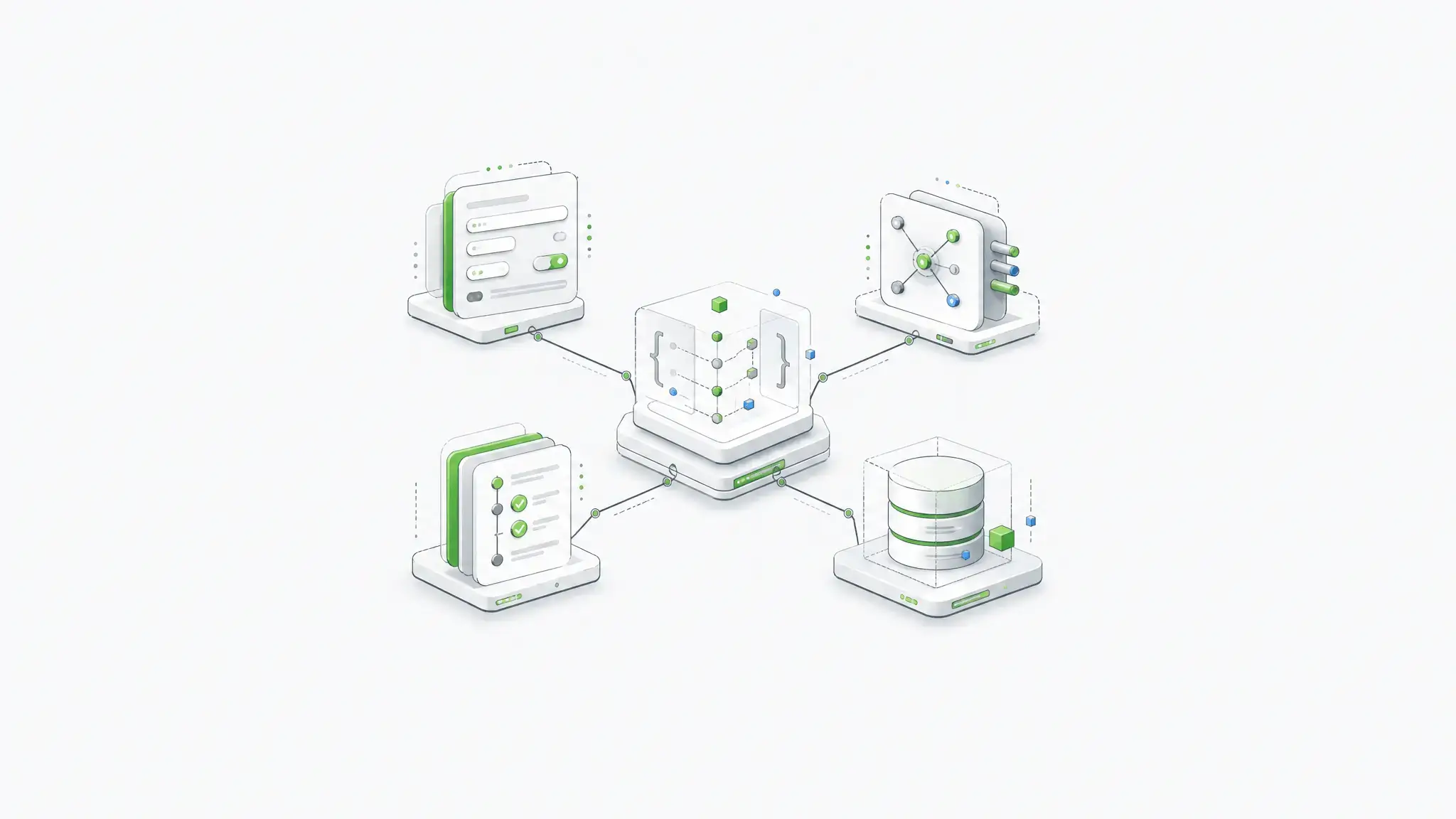
Form.io’s model is schema-driven. Forms and resources are defined as JSON, and the platform generates APIs around those definitions. That makes it a stronger fit when forms are not just pages but interfaces into an application data model.
This is also why Form.io requires the MongoDB document model. The platform stores form schemas, submissions, users, and project data as JSON documents, which maps naturally to dynamic forms, nested fields, and schema-driven workflows.
Retention, backups, and lifecycle
Compliance questions do not stop at capture.
How long should data be retained? Where are backups stored? Are backups encrypted? Who can restore them? Can one class of submissions be isolated from another? Can different workflows map to different storage or reporting needs?
Form.io’s self-hosted model gives regulated teams more control over the surrounding infrastructure. Database configuration, backup strategy, cloud region, network access, secrets, file storage, and logging pipelines can align with the organization’s existing controls instead of being limited to a vendor’s shared SaaS model.
That control creates responsibility. It also creates room for the exact controls regulated organizations already need.
Comparison table: which platform type fits which regulated workload?
| Platform type | Best fit | Strengths | Weaknesses | When to avoid |
|---|---|---|---|---|
| Basic compliant form builder | Simple intake, consent, contact, or request forms | Fast setup, lower technical burden, vendor-managed hosting | Limited architecture control, limited post-submission governance | When forms must live inside your own environment or connect deeply to internal systems |
| Healthcare-specific form platform | Clinics, practices, healthcare intake, patient-facing workflows | PHI-aware workflows, BAA availability, healthcare templates | Usually narrow to healthcare use cases | When the organization needs cross-industry regulated workflows or custom application infrastructure |
| Self-hosted form builder | Teams that need data residency and more deployment control | Better data boundary, custom auth, internal hosting options | May still behave like a form tool rather than application infrastructure | When the platform cannot generate APIs or preserve deep audit context |
| Self-hosted form infrastructure | Regulated enterprises building forms into real applications | Forms, APIs, submissions, permissions, workflows, audit trails, and schemas in one controlled system | Requires technical ownership | When the team only needs a simple hosted form |
| Custom build | Highly unique workflows with no acceptable platform fit | Maximum control | Expensive to build, test, secure, document, and maintain | When a platform already provides the needed controls |
The important point is fit.
A small clinic does not need enterprise application infrastructure for a single contact form. A government agency, healthcare SaaS platform, insurer, bank, or regulated enterprise probably should not treat mission-critical intake as a standalone web form.
Where Form.io fits
Form.io is strongest when compliance forms are part of a larger application system.
That usually means a team needs some combination of self-hosting, embedded forms, generated APIs, custom authentication, workflow actions, form revisions, submission revisions, audit logs, PDF output, and data model control.
A hosted form builder can collect a submission. Form.io can turn the form definition into an application contract.
That contract matters because regulated workflows change. Forms gain fields. Eligibility logic changes. Evidence requirements shift. Roles change. Agencies add new review steps. Healthcare and financial workflows adapt to new operating rules. A platform that only stores the latest form and latest submission state is not enough for every regulated environment.
Form.io’s form revisions help preserve the schema history behind those changes. Submission revisions preserve changes to submitted data. Action logs show what happened when configured actions ran. Audit logging supports system-level accountability.
For document-heavy workflows, Form.io’s fillable PDF forms can support PDF generation and submission documentation without making the PDF the only source of truth.
Form.io also fits teams that want forms embedded directly into their own applications. That matters for B2B SaaS platforms, healthcare portals, government service portals, internal operations systems, and multi-tenant products where forms must match the surrounding product and security model.
The honest tradeoff: Form.io expects technical ownership. It is the better fit when your team wants control, not when your team wants the fastest possible form with the fewest architectural decisions. That is echoed in public customer-facing review snippets: G2’s indexed Form.io review page describes the platform as deployable directly into customer on-premise or private cloud environments, giving customers 100% control of form submission data.
That is not a weakness. For the right buyer, it is the point.
When a simple HIPAA form builder is enough
A simple HIPAA form builder may be enough when the workflow is narrow, the vendor signs the required agreements, the data does not need deep integration, and the organization is comfortable with vendor-managed hosting.
Examples include a small practice intake form, a basic appointment request, a simple consent form, or a short patient survey.
In those cases, the buying criteria should be practical: BAA availability, encryption, staff access, audit logs, secure storage, export options, pricing, and ease of use.
Do not overbuild if the form is not infrastructure.
The danger is staying with that model after the workflow outgrows it. Once the form becomes part of a governed application, the platform has to carry more weight.
When compliance forms become infrastructure
Compliance forms become infrastructure when the form is no longer a page. It becomes a system boundary.
That shift usually happens when:
- Submitted data drives downstream decisions.
- Multiple departments or roles touch the same record.
- Historical form versions must remain explainable.
- Field-level changes need an audit trail.
- Data cannot leave a controlled environment.
- Submissions must connect to internal APIs or databases.
- The form must be embedded into a product or portal.
- The workflow spans healthcare, government, finance, insurance, or other regulated operations.
- AI-assisted development or agentic workflows need a governed schema instead of improvised data handling.
That last point is becoming more important. Form.io COO Heather Hornor put the enterprise risk plainly in Form.io’s governed AI development announcement: “Five teams solving the same problem, five different ways, without any standardization, because each AI agent made a different decision, is a problem.” Form.io’s governed AI development work is built around the same underlying issue: when software generation speeds up, inconsistency also speeds up. Form.io’s public AI announcement frames the problem as enterprise teams needing architectural consistency, compliance posture, and data governance while using AI coding agents. The same principle applies to compliance forms: speed is useful only if the resulting system remains governable.
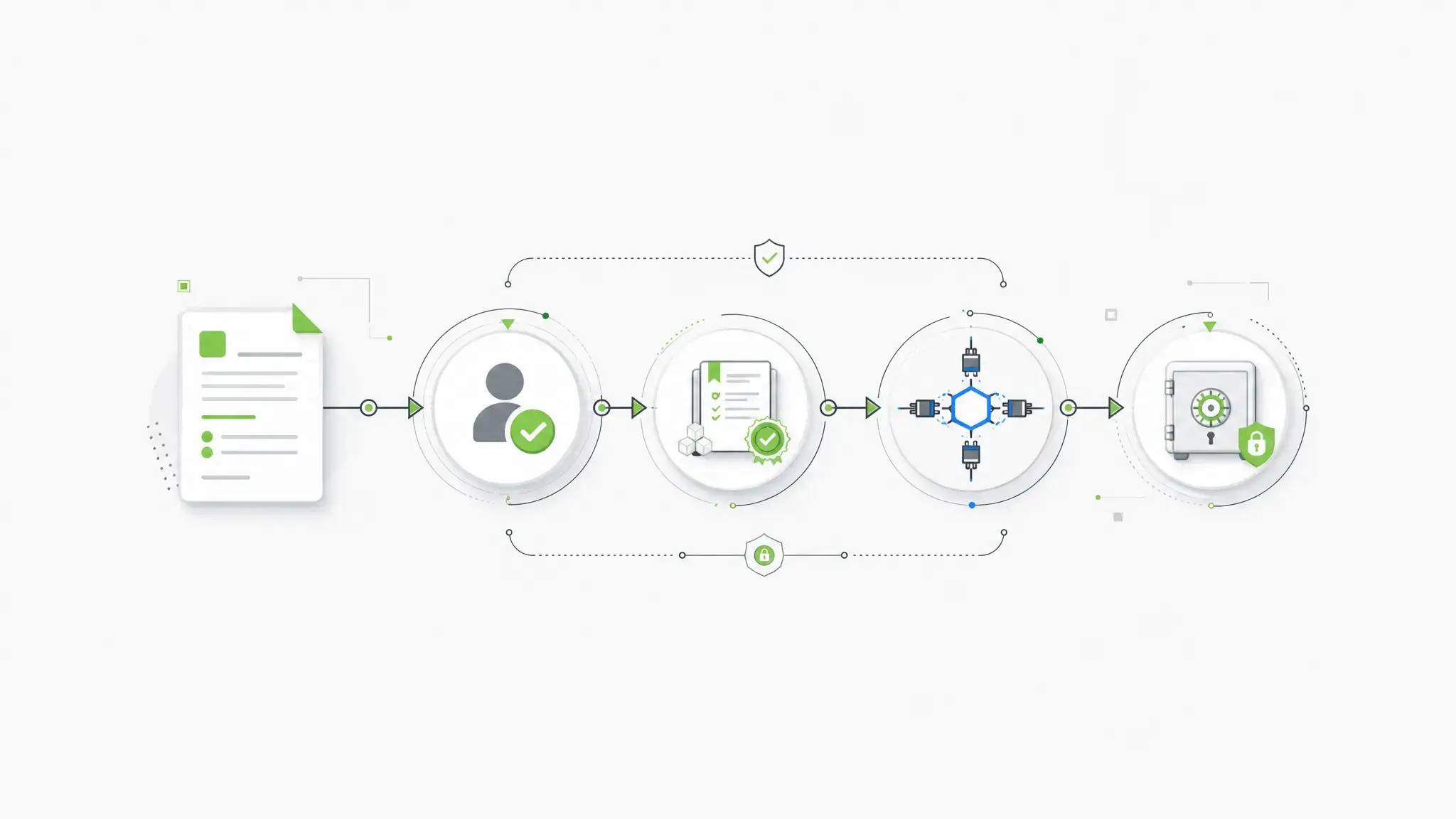
For regulated teams, the best compliance forms platform is not always the easiest form builder. It is the platform that fits the real control surface: deployment, identity, schema, APIs, data storage, workflows, revisions, and audit evidence.
Key takeaways
- Compliance forms are governed data workflows, not just form designs.
- HIPAA support is only one compliance case; regulated teams also need auditability, access control, retention, and deployment control.
- Hosted form tools can work for simple intake workflows.
- Self-hosted form infrastructure matters when data residency, APIs, audit trails, and internal systems are part of the requirement.
- Form.io is the stronger fit when forms become application infrastructure inside a controlled enterprise environment.
FAQ
What are compliance forms?
Compliance forms are forms that collect or process information subject to regulatory, contractual, security, or audit requirements. Examples include PHI, financial records, government applications, insurance claims, consent records, and identity verification data.
The form itself is only part of the system. The platform also needs to control storage, access, changes, integrations, and evidence after submission.
Are HIPAA-compliant forms the same as compliance forms?
No. HIPAA-compliant forms are one type of compliance form for healthcare workflows involving protected health information.
Compliance forms can also involve financial services, insurance, government, education, defense, privacy, accessibility, procurement, and internal audit requirements. HIPAA is important, but it is not the whole category.
Is encryption enough for compliance forms?
No. Encryption is necessary, but it is not enough by itself.
Regulated workflows also need access control, audit logs, secure storage, retention policies, backup controls, change history, and clear responsibility boundaries. A form can be encrypted and still fail operational or audit requirements.
When do regulated teams need self-hosted forms?
Regulated teams should consider self-hosted forms when data cannot leave their environment, when security teams require direct infrastructure control, or when the form platform must integrate with internal identity, logging, database, and workflow systems.
Self-hosting is also important when deployment region, network boundary, backup strategy, or incident response process must match existing enterprise controls.
What should audit logs show for compliance forms?
Audit logs should help answer who did what, when they did it, what changed, and which record or system was affected.
For form workflows, that can include authentication events, form access, submission creation, submission reads, field-level changes, form schema revisions, role changes, and action or webhook results.
What is the difference between a form builder and form infrastructure?
A form builder helps users create forms. Form infrastructure supports the larger system around the form: schemas, generated APIs, submissions, permissions, integrations, revisions, audit logs, deployment, and data control.
The distinction matters when forms become part of regulated applications rather than isolated web pages.
Can WordPress forms be compliant?
They can be part of a compliant setup only if the hosting, database, plugins, backups, access controls, logging, and vendor agreements meet the relevant requirements.
The risk is that WordPress form compliance often depends on several systems working correctly together. For regulated teams, that responsibility boundary needs to be explicit.
Should regulated teams build their own form system?
Sometimes, but it should not be the default answer.
A custom build gives maximum control, but it also creates long-term responsibility for form rendering, validation, permissions, APIs, audit logging, revisions, security testing, documentation, and maintenance. If a platform already supplies those controls, custom building may add risk instead of reducing it.
How does Form.io support compliance-ready form infrastructure?
Form.io supports compliance-ready form infrastructure through self-hosted deployment, JSON schema-driven forms, generated APIs, role-based access patterns, form revisions, submission revisions, audit logging, action logs, submission collections, PDF output, and customer-controlled deployment architecture.
The important nuance is that Form.io provides technical mechanisms. The customer’s policies, environment, certifications, and operating procedures still determine the full compliance posture.
What is the best compliance forms platform?
The best platform depends on the workload.
For a simple healthcare intake form, a hosted HIPAA-focused tool may be enough. For regulated applications that require self-hosting, APIs, audit trails, schema control, and integration with internal systems, Form.io is a stronger fit.
Try Form.io Free