If you searched for government forms online because you need to file something, start with the official agency website. USCIS, GSA, state portals, and local agencies are the right path for citizens and applicants.
This article is for a different reader: the team responsible for building those online government form workflows.
Once a government form collects sensitive data, it is no longer just a page. It becomes intake, validation, routing, permissions, storage, reporting, audit history, and integration work. That is where the Form.io vs FormAssembly decision matters.
Quick Comparison: Form.io vs FormAssembly For Government Forms
| Decision point | Form.io | FormAssembly |
|---|---|---|
| Strongest fit | Self-hosted, API-connected form infrastructure inside a controlled application environment | Packaged government data collection and workflow automation, especially for Salesforce-centered teams |
| Deployment model | Customer-controlled deployment in cloud, private cloud, on-premise, or local environments through self-hosted deployment | Vendor-managed Gov Cloud / public-sector cloud path |
| Government compliance posture | Provides technical controls such as encryption, audit logs, roles, permissions, revisions, and customer-environment hosting; customer environment and authorization process matter | Publicly frames Gov Cloud around FedRAMP through FedHIVE; buyers should verify the exact current FedRAMP Marketplace package and authorization boundary |
| APIs and submissions | Forms, APIs, JSON submissions, permissions, and integrations are part of the platform model | Strong form/workflow collection model, especially when routing into Salesforce and related systems |
| Best buyer | Agencies, contractors, and product teams building governed form workflows into larger applications | Teams that want a more packaged public-sector form workflow product |
| Main caution | Do not treat self-hosting as automatic compliance | Do not treat vendor compliance language as a substitute for Marketplace and agency-boundary review |
FormAssembly has the more packaged government-cloud story. Form.io has the stronger control story when forms must live inside a larger system that the agency, contractor, or application team owns, operates, and governs. That is not a weaker version of the same model. It is a different model: instead of trusting a third-party form cloud as the system of record, the customer can keep the form platform inside its own architecture.
First: Are You Filing A Government Form Or Building One?
The phrase “government forms online” usually means one of two things.
For citizens, applicants, employees, or businesses, it often means “Where do I file the official form?” USCIS lists forms that can be filed online and explains that some forms use guided online workflows while others use PDF uploads. GSA maintains a large federal forms library with form numbers, titles, categories, and revision dates.
That is not a software comparison problem.
For agencies, software vendors, systems integrators, and public-sector IT teams, the question is different. They are not looking for a form to fill out. They are deciding what should power online intake, eligibility screening, permit applications, service requests, document collection, internal approvals, and reporting.
That decision needs more than a drag-and-drop builder. It needs a clear answer to who owns the data, APIs, hosting boundary, access controls, revisions, and downstream integrations.
Where FormAssembly Is The Stronger Fit
FormAssembly deserves credit for having a direct government story.
Its public-sector pages frame the problem around secure data collection, citizen intake, internal workflows, permitting, surveys, emergency response, HR, secure document collection, multilingual forms, and accessibility. That is the right buyer language for agencies trying to replace paper, email, disconnected PDFs, and manual routing.
FormAssembly also has a strong Salesforce angle. For government teams already centered on Salesforce Government Cloud or related public-sector CRM workflows, that matters. Many agencies do not want a blank architecture canvas. They want a secure form and workflow layer that fits their existing Salesforce operating model.
Its public claims also include concrete proof points: a government customer revamping 3,500 forms, saving 55 employee hours per week, and cutting annual costs by $76,076. Those are the kinds of operational numbers public-sector buyers understand.
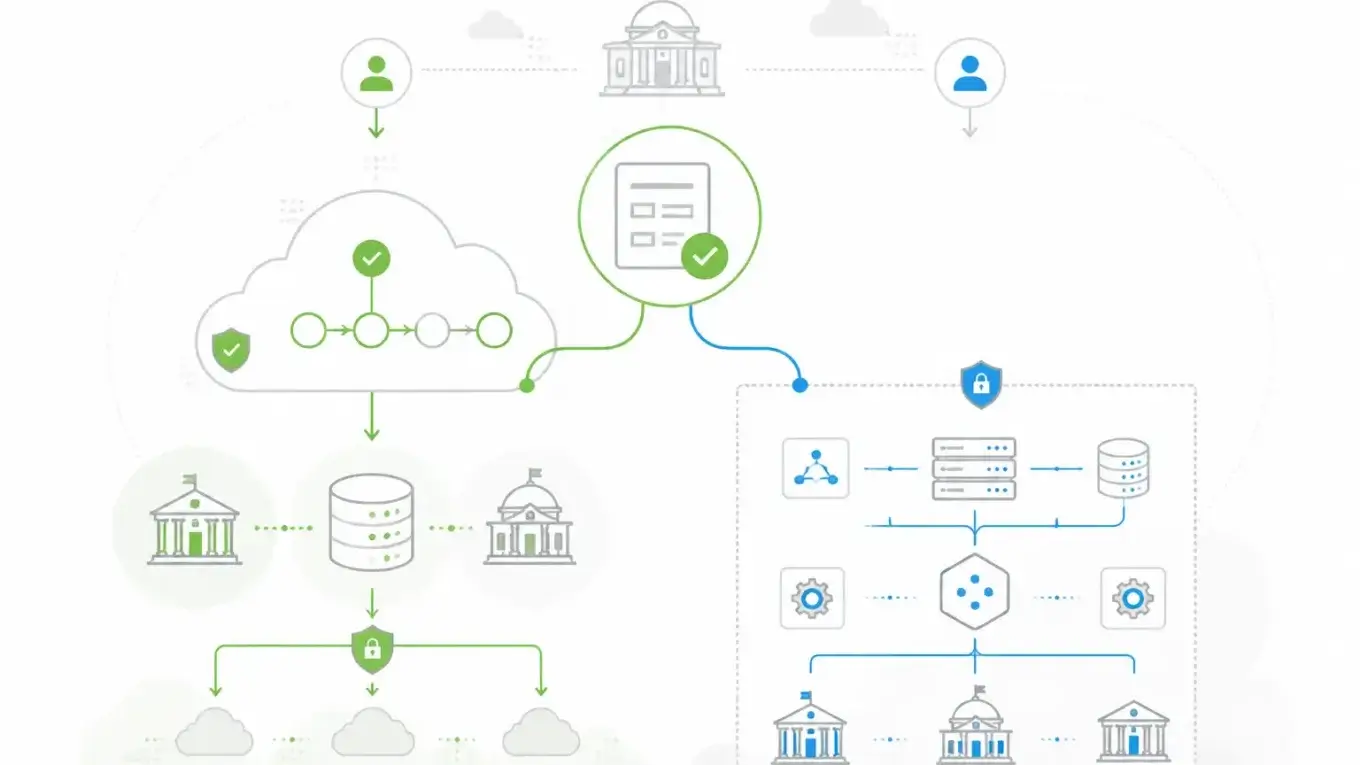
The main compliance story is Gov Cloud and FedRAMP through FedHIVE. This is also where the wording needs care. FormAssembly publicly markets Gov Cloud around FedRAMP High Impact authorization through FedHIVE. A current FedRAMP Marketplace fetch for FedHIVE package FR1802451335 lists it as FedRAMP Certified, Class D (High), with 3 authorizations and 2 reuses. Separate source review also found the FormAssembly Gov Cloud package FR2031156016 listed as FedRAMP Ready at Moderate impact with 0 authorizations and 0 reuses.
That does not make FormAssembly’s government positioning weak. It means buyers should verify the exact package, authorization boundary, partner-hosted environment, and reuse path before treating any vendor page as the final compliance answer.
Choose FormAssembly when the practical need is a packaged government form/workflow product with a clear public-sector story, Salesforce-friendly adoption, and a Gov Cloud path that procurement can evaluate. Choose Form.io when the bigger risk is handing intake, data, APIs, and workflow boundaries to a third-party SaaS layer instead of keeping them inside the environment the agency or contractor already controls.
How To Read FedRAMP Claims Without Getting Misled
FedRAMP claims need exact language.
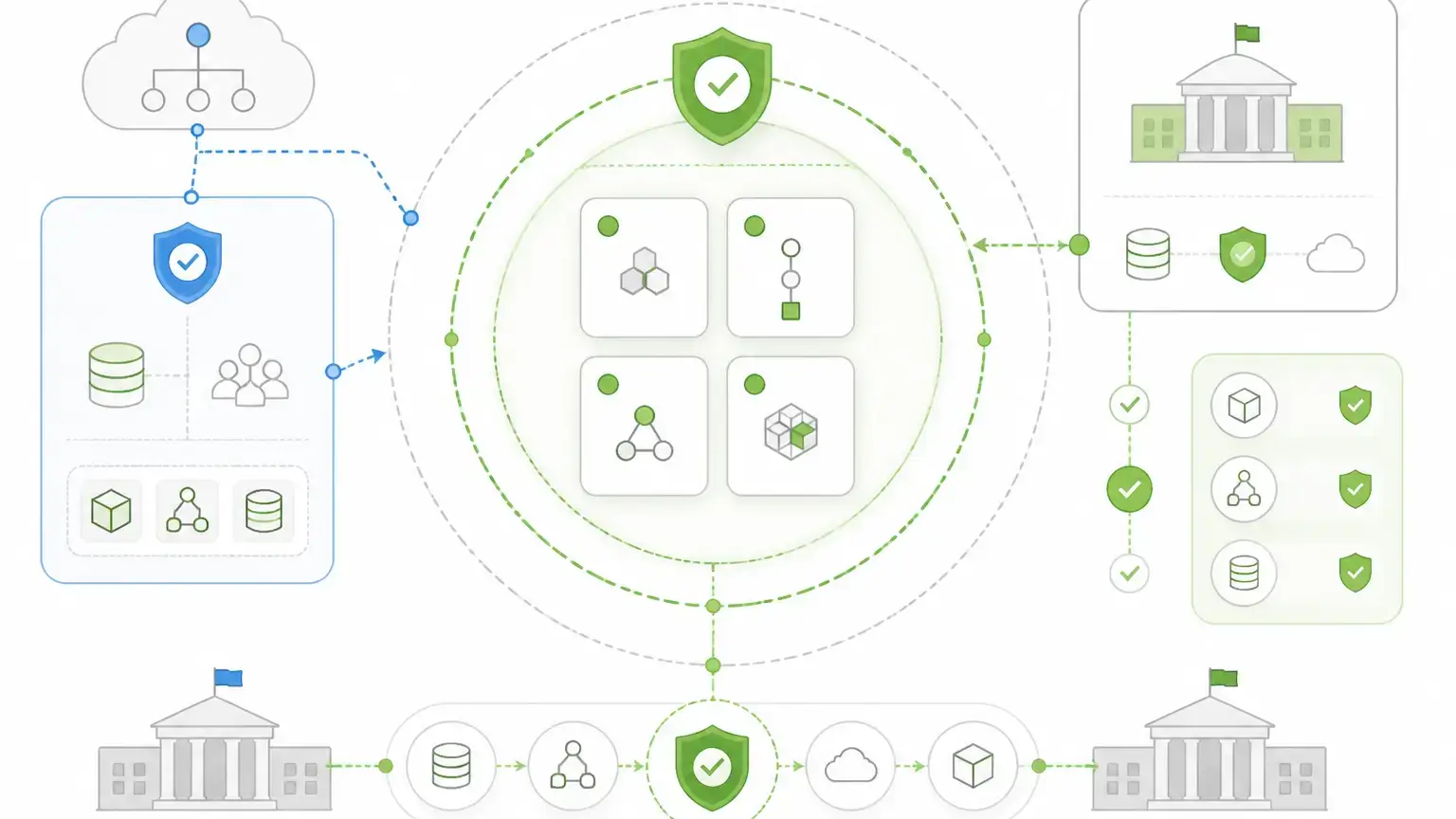
A product page, partner page, marketplace listing, authorization package, and agency reuse decision are not always the same thing. A vendor may describe a solution as delivered through a FedRAMP-authorized partner environment, while the product’s own Marketplace package has a different status or impact level.
That does not automatically mean the vendor is wrong. It means the buyer needs to understand the boundary.
Before a government form platform is treated as acceptable for a federal workflow, the team should verify:
- The exact FedRAMP package ID.
- Whether the package belongs to the vendor, a partner environment, or an underlying hosting layer.
- The current Marketplace status.
- The impact level.
- Whether the agency can reuse an existing authorization.
- Whether the workflow still needs its own ATO or security review.
- Which parts of the stack are inside the authorized boundary.
This distinction matters for both products.
For FormAssembly, the key question is how its Gov Cloud offering maps to FedHIVE and to the current Marketplace package the agency will evaluate. For Form.io, the key question is different: whether the agency or contractor wants the form platform deployed inside an environment it already controls, where trust, security review, data boundaries, and operations stay with the customer rather than a separate form vendor.
FedRAMP is not a slogan. It is a boundary, a package, a status, and a procurement path.
Where Form.io Is The Stronger Fit
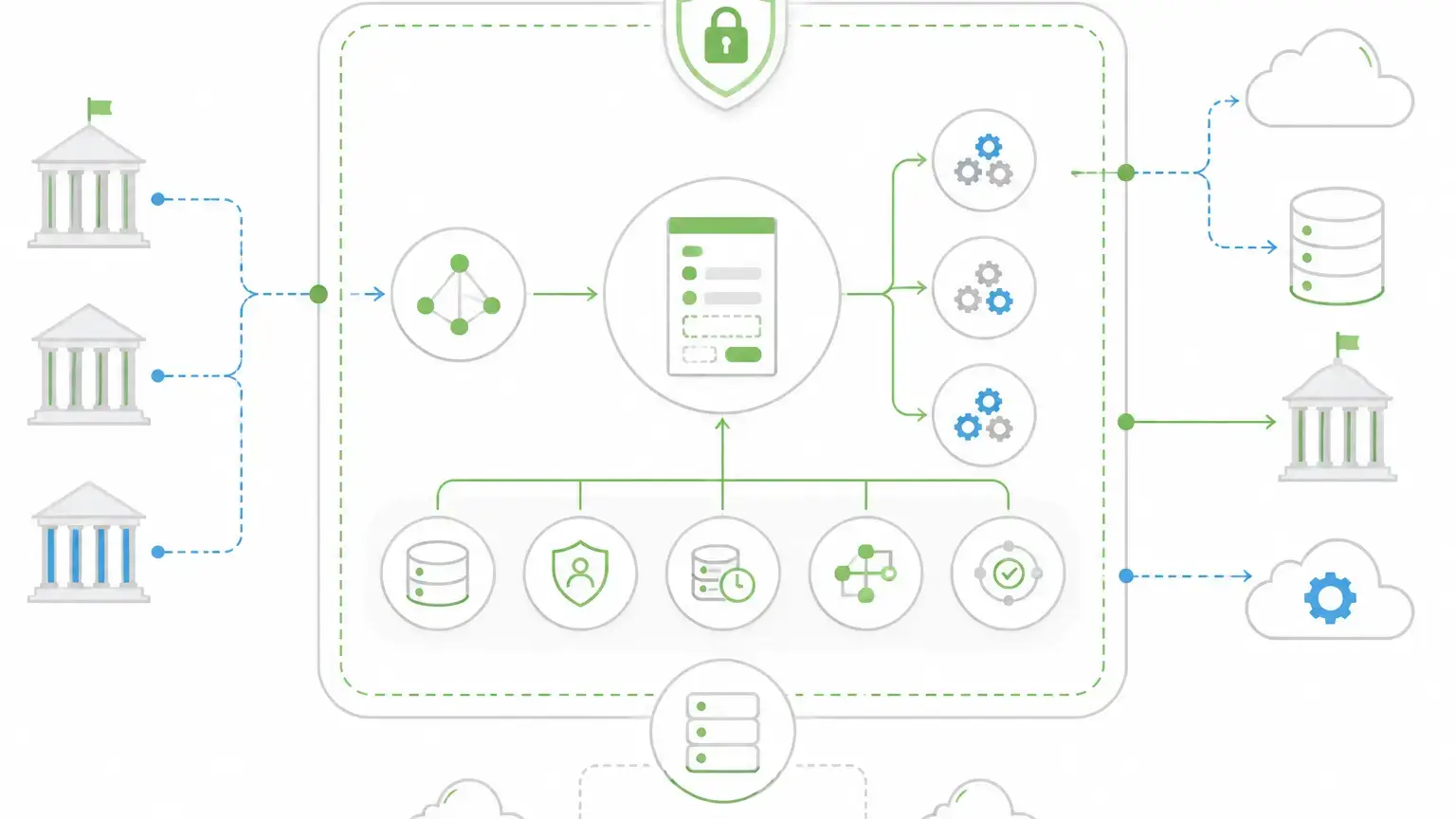
Form.io is the stronger fit when online government forms are part of application infrastructure.
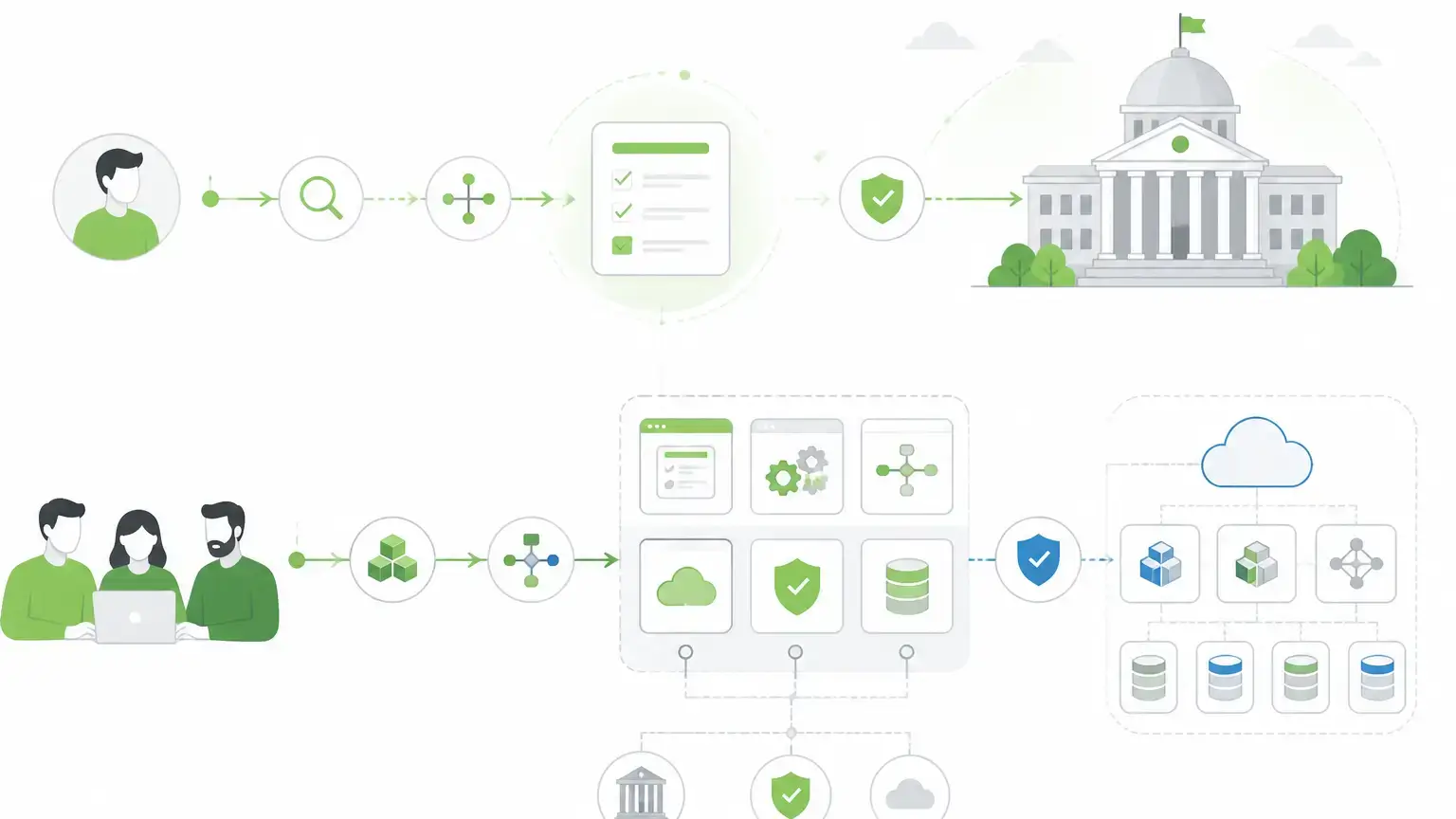
That means the form is not an isolated page. It is the front end of a governed data process. It needs to create a structured submission, enforce validation, trigger workflow, connect to internal systems, support API access, preserve revision history, and operate inside a hosting model the team can defend.
Form.io’s core advantage is that forms and APIs are built together. A form definition is not just a screen layout. It is tied to JSON data, submission records, permissions, and API access. That matters when a permit application, benefits intake, inspection workflow, or agency service request needs to connect to case management, identity, records, reporting, payment, document, or legacy systems.
The deployment model is also different. Form.io’s docs state that the platform can be installed in a cloud environment, an on-premise data center, or locally, using Docker-based deployable products for the main API platform, portal, PDF server, and USWDS viewer. For agencies and contractors with strict hosting boundaries, that control can be the deciding factor.
The security and governance story is mechanism-based. Form.io’s Security Module docs name capabilities such as advanced audit logging, action logs, form revisions, submission revision logs, submission collections, field-level encryption, and container security scanning. The roles and permissions docs explain project, form, and submission scopes, with permission types for create, read, update, and delete access. Submission docs explain that data can be accessed through the UI or through APIs and exported as JSON or CSV.
The public-sector proof point is not theoretical either. Form.io’s homepage quotes the Dept. of Justice, Ireland saying: “Form.io has been probably the most straightforward and issue free to use.”
That is the practical Form.io argument: not “we make compliance automatic,” but “you do not have to make a third-party form cloud the trust center for your workflow.” You can put forms, APIs, submissions, permissions, revisions, and deployment inside the architecture you control, then evaluate that architecture through the security and authorization process that applies to your environment.
Choose Form.io when the agency or vendor needs self-hosted form infrastructure, embedded workflows, API ownership, and system-level control more than a packaged hosted form-workflow product. The point is not that Form.io avoids government review. The point is that the review can be centered on the customer-controlled system rather than on trust in a separate vendor-hosted form platform.
What The Architecture Difference Looks Like In Practice
Consider a permit workflow.
In a simple hosted-form setup, the form collects information, sends an email, and stores a submission in the form platform. That may work for a low-risk intake form.
In a government application, the same permit workflow may need to do more:
- Validate applicant fields before submission.
- Attach supporting documents.
- Route the request to a department queue.
- Create or update a case record.
- Apply role-based access for clerks, reviewers, supervisors, and auditors.
- Preserve the form version that governed the submission.
- Export records for reporting.
- Trigger payment, notification, or inspection steps.
- Keep the workflow inside an approved hosting and logging environment.
This is where Form.io’s infrastructure model becomes more relevant. The form definition, submission data, API access, permissions, and deployment boundary can be treated as connected pieces of the same customer-controlled system.
FormAssembly can still be the better choice if the buyer wants a packaged public-sector workflow product. But if the form is one component inside a larger portal or agency platform, the architecture question starts to outweigh the convenience question. In that scenario, Form.io is not “less valid” because it takes a self-hosted path. Its value is that the agency does not have to outsource the core trust boundary for form data, APIs, and workflow behavior.
The Real Decision: Compliance Package Or Architecture Control?
The government forms decision often gets flattened into a compliance checklist. That is risky.
Compliance posture matters. FedRAMP status can be decisive for federal cloud procurement. HIPAA, CUI, records retention, auditability, accessibility, identity, encryption, and data residency can all matter depending on the agency and workflow.
But compliance language is not enough by itself.
The buyer still has to answer architecture questions:
- Where will submission data live?
- Which system owns the API?
- How are form revisions preserved?
- Who can read, edit, export, or delete submissions?
- How does the form connect to the agency’s identity provider?
- What happens when the public-facing form needs to change without breaking downstream systems?
- Does the agency need a packaged cloud workflow or a controlled application component?
FormAssembly is easier to understand as a government form and workflow cloud. Form.io is better understood as forms-and-APIs infrastructure for teams building public-sector applications they control.
That is the distinction the article should preserve.
Government Form Requirements Checklist
Use this checklist before choosing a platform.
Official Filing Path
If users are filing official benefits, immigration, tax, procurement, license, or agency-specific forms, make sure the workflow directs them to the correct official source. USCIS explicitly distinguishes available online filing options by form type and filing category.
Sensitive Data
Government forms often collect PII, financial information, health-related data, eligibility details, documents, signatures, and case facts. The platform should support appropriate encryption, access controls, data separation, retention rules, and audit trails.
API And Integration Needs
A form that only stores submissions in a vendor dashboard may be enough for a small survey. It is not enough for many government workflows. Permits, benefits, inspections, grants, licensing, and internal approvals often need APIs, webhooks, records systems, payments, email, document storage, CRM, or case-management connections. Form.io’s submission docs explain that submission data can be accessed through APIs and used elsewhere in the customer environment.
Roles And Permissions
Public-sector workflows rarely have one user type. Applicants, clerks, reviewers, supervisors, contractors, auditors, and administrators may need different permissions. Form.io’s role model is useful here because permissions can apply to project, form, and submission scopes.
Revisions And Auditability
Government forms change. Eligibility questions, required documents, fee schedules, consent text, and routing rules may all evolve. The platform should preserve enough revision history to explain what form version governed a submission when it was collected.
Accessibility And Multilingual Support
Citizen services need to be usable. Accessibility, mobile responsiveness, language support, and clear user experience are not nice-to-have features for public-facing workflows.
Hosting Boundary
Some teams want a managed government cloud. Others need the form platform inside their own environment. The right answer depends on procurement, agency security review, application architecture, and who is responsible for operations.
Which Platform Should You Choose?
Choose FormAssembly if your priority is a packaged public-sector form workflow product with a strong Gov Cloud story, Salesforce fit, AI-assisted setup, and public-sector use-case library. It is especially relevant when the agency already lives in Salesforce and wants a government-oriented form collection layer.
Choose Form.io if your priority is application infrastructure: self-hosted deployment, embedded forms, generated APIs, JSON submissions, permissions, revisions, workflow actions, webhooks, and integration control. It is the stronger fit when the team is building a portal, product, case workflow, or regulated application where forms must be part of the system instead of a separate intake tool. The self-hosted approach means the customer does not have to rely on a third-party form platform as the trusted boundary for the workflow.
Choose the official agency website if you are simply trying to file a form.
Those are three different jobs. Treating them as one problem is how government form projects end up with the wrong tool.
Key Takeaways
- “Government forms online” often means official form filing, not software buying.
- FormAssembly has the more packaged government form workflow and Gov Cloud story.
- Form.io is stronger when forms need to be embedded into customer-controlled, API-connected public-sector applications.
- FedRAMP wording needs exact package and boundary review before procurement decisions.
- The real platform question is where trust lives: in a third-party form workflow cloud, or in the customer’s own application architecture.
FAQ
What Are Government Forms Online?
Government forms online are digital forms used to request services, submit applications, collect records, process permits, report information, or manage internal agency workflows. For citizens, the phrase often means official forms hosted by an agency. For agencies and vendors, it means the software infrastructure behind those forms.
Is FormAssembly FedRAMP Authorized?
FormAssembly publicly markets Gov Cloud around FedRAMP High Impact authorization through FedHIVE. Current source review found that FedHIVE package FR1802451335 is listed as FedRAMP Certified, Class D (High), while the FormAssembly Gov Cloud package FR2031156016 is listed as FedRAMP Ready at Moderate impact. Buyers should verify the exact Marketplace listing, package boundary, authorization status, and agency reuse path before procurement.
Is Form.io FedRAMP Authorized?
Not by itself, and that is partly the wrong way to frame Form.io. Form.io is middleware for building form-driven applications, not an all-in-one government cloud that makes a whole solution authorized on its own. A solution built with Form.io can be designed for an agency’s authorization path when the customer controls the hosting environment, surrounding application, security controls, integrations, monitoring, documentation, and review process. The important question is not whether Form.io alone carries the authorization for the whole system. It is whether the customer wants form infrastructure that can live inside the authorized solution they are building.
When Is FormAssembly Better For Government Forms?
FormAssembly is a better fit when the team wants a packaged government form and workflow product, especially in a Salesforce-centered environment. Its public-sector positioning is direct and easy to evaluate. It also has named government workflow use cases and public-sector customer proof. That is a packaged-cloud advantage, not the only valid government-form architecture.
When Is Form.io Better For Government Forms?
Form.io is better when forms are part of a larger public-sector application. If the team needs self-hosting, embedded forms, generated APIs, submission records, permissions, revisions, webhooks, and integration with agency systems, Form.io fits the architecture problem more directly.
Can Form.io Be Self-Hosted?
Yes. Form.io’s deployment docs state that the platform can be installed in cloud environments, on-premise data centers, or local machines. That matters for organizations that need control over hosting, database architecture, network boundaries, and operational review.
Why Do APIs Matter For Government Forms?
Government forms often start a process. The submission may need to create a case, update a record, trigger a review, route documents, notify staff, or feed a dashboard. APIs make the form part of the system instead of an isolated collection page.
Does Self-Hosting Make A Form Platform Compliant?
No. Self-hosting gives the organization more control over deployment, data, network, and operational boundaries. Compliance still depends on configuration, policies, controls, monitoring, documentation, and the agency’s authorization process. The reason self-hosting matters is not that it skips those obligations. It lets the customer evaluate the form platform as part of the environment it already owns and governs.
Should Citizens Use Form.io Or FormAssembly To File Government Forms?
No. Citizens and applicants should use the official government source for the form they need. This comparison is for agencies, contractors, and product teams choosing software to build and manage online government form workflows.
What Is The Biggest Difference Between Form.io And FormAssembly?
FormAssembly is easier to understand as a packaged public-sector form workflow product. Form.io is better understood as form infrastructure for controlled applications. The biggest difference is where trust lives: in a vendor-hosted workflow product, or inside the customer-controlled application environment. The right choice depends on whether the buyer needs a government cloud workflow product or a self-hosted, API-connected form platform.
Build Government Form Infrastructure With Form.io
If your team needs forms that live inside your application, connect to your APIs, and stay under your deployment control, try Form.io for government form infrastructure.