

Updated October 27, 2026
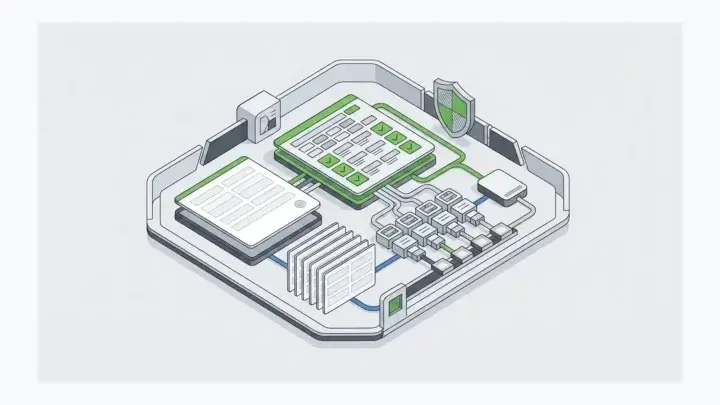
Decoupled software takes a repetitive part of application development, like building forms, their APIs, and the place their data gets stored, out of your application code and runs it as its own layer. That moves a big share of every project from Hard Mode to Easy Mode, so more of your time goes to the last 20% that is actually hard. Here is how that plays out.
You glance at the Slack message that just came in.
Approval for the launch on Monday is go.
Out of habit, your eyes dart to the corner of the screen. 1:30pm. The day’s already more than half over.
This morning everything in Staging was golden. Everything worked, was tested, and the launch was green-lit.
BUT, one of your last minute tests revealed that the data failed to pull from one of the CRMs. You tested it manually, worked just fine. Again. Again. But then every so often it just times out.
You spend the next few hours troubleshooting, checking your code, and testing different approaches. Fed up, you load up the web portal of the CRM and hit F5 like 23 times and eventually see ISE 500. That system is under too much load for whatever reason that has nothing to do with your app.
“Monday launch might have to be delayed until IT resolves that,” you think to yourself. You send a Slack reply to let everyone know.
And that’s kind of how this project has been lately. One thing after another kept popping up that had to be fixed. Numerous functions had to be reworked. One 3rd party service had to be switched out due to limitations. The list goes on.
But in reality though, that’s how every project is, am I right?
Not just development, not just technology—but everything.
There’s a difference between “It works,” vs “We’ve stress-tested everything for 2 weeks, it’s good to go.”
“I finished editing the promo video,” vs “It’s been recorded, edited, color corrected, bumpers added, audio has been remixed, rendered, exported to 4k, 1080p, mobile vertical, uploaded to the video platform with SEO taken into account, given a title, descriptions added, tagged, and embedded on the landing page.”
Why the Last 20% of a Project Feels Like Hard Mode
You’ve heard of the Pareto Principle, if not by name, then by its other name, “The 80/20 rule.”
- 80% of output is done by 20% of the people.
- 80% of your revenue comes from 20% of your customers
- Etc.
In a way, the principle applies to the above scenario too. The first 80% of a project takes X amount of time. The last 20% of a project is much more difficult and therefore also takes the same X amount of time. At least that’s how it feels.
“Everything costs twice as much money and takes twice as much time than you anticipate,” said someone’s wise mom.
It’s always the last 20% that’s the hardest. The last 20% to get the thing out the door. That’s when the bugs pop up, the issues arise, the delays, the ISE 500s.
It’s like this:

Easy Mode With Decoupled Software
Eliminating Hard Mode is not possible.
Well, it is and it isn’t, depending on your perspective. Let me explain.
How hard is it to stand up a form on a web page? Easy. There are 100 drag and drop tools that will do this for you—decoupled from whatever else you’re trying to build. In the OLDEN days of the internet, it was hard—real hard, but now that’s been relegated to Easy Mode.
So, has hard mode been eliminated? Yes, if we are merely talking about standing up a form on a web page.
But…
- What if you need complex forms?
- What if that form is connected to an app, 3rd-party service, or legacy system?
- What if you need a LOT of forms that need to be managed?
- What if you want to reuse forms you’ve already built, but for different contexts?
- Where does the data get stored and how do you access it with other software?
When one problem is solved and made easier, new problems present themselves as considerations to be made easier. We start increasing scope, in an ever expanding drive to solve the next problem in the sequence. That’s innovation.
The more functionality that is decoupled from traditional application development, the faster you can build and innovate for your users and customers.
That’s what we do for developers.
So your next development project can look like this:

“Just like that you can blaze through the building of your infrastructure with just a few clicks. Front-end, back-end and database all found in one solution.”
How Form.io Answers Those 5 Questions Today
Remember the list of “What if” questions that show up once standing up a form gets easy? Here is how Form.io handles each one now, decoupled from the rest of your application.
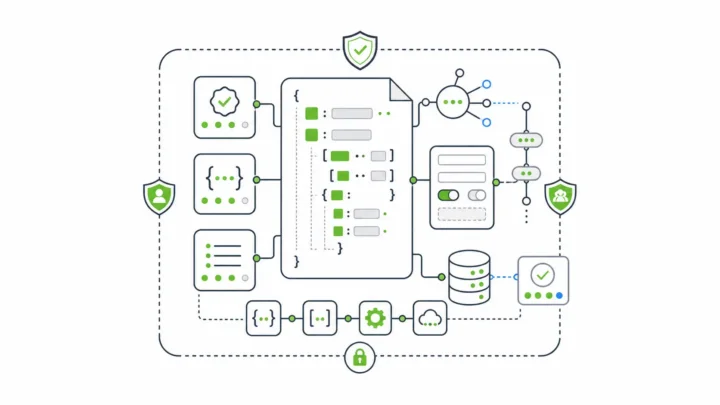
- Complex forms: Validation rules, conditional logic, and calculated values live in the form’s JSON schema, not in your application code. Client-side and server-side validation both come from that same schema.
- Forms connected to apps, 3rd-party services, and legacy systems: Actions run on the server when submissions are created, read, updated, or deleted. The Webhook action sends submission data to your endpoint, can transform the payload to fit what the other system expects, and supports retries with constant, linear, or exponential backoff, so an intermittent failure on the receiving system (like that CRM throwing ISE 500s) doesn’t lose the data.
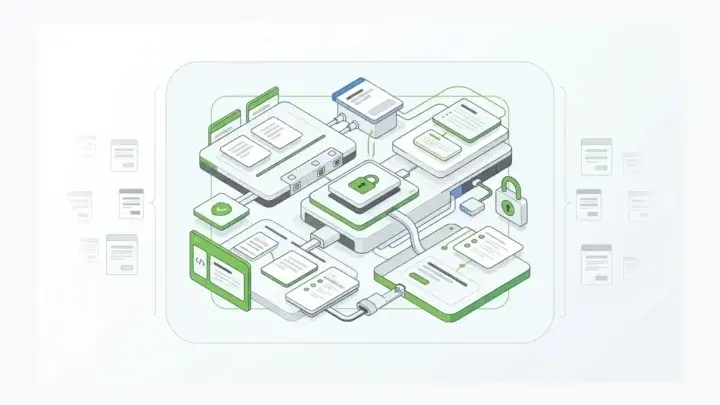
- A LOT of forms to manage: Your application embeds a reference to a form, not the form itself. Change the form and every place it is embedded renders the new version on the next load, with no code changes or deployments. The Developer Portal manages your bank of forms, APIs, user access, integrations, and submit actions in one place, and Form Revisions (part of the Security Module) track who changed a form and when, and let you revert.
- Reusing forms in different contexts: The Nested Form premium component lets you build a set of fields once, like a Contact Info form, and reuse it inside other forms, with the submission data still collected in one primary source.
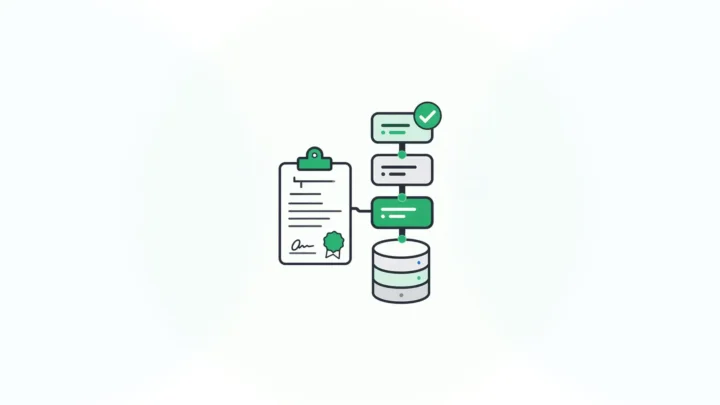
- Where the data is stored and how other software gets it: Submission data is collected and stored automatically, with tools to view, manage, and export it. Every form you build also gets its own REST API, and Form.io can be deployed in your own environment, so other applications can read and write that data through the API.
Sources: Form Management Without Code Deployments, Data Integration Tools for Enterprise Forms, How Form.io Works, Drag and Drop Form Builder APIs, Nested Forms documentation, and Form Revisions documentation. Keep reading: Build Data Integrations To Multiple, Disparate Data Sources, The Long-Term Strategy of Composable Software, and The One Thing Most Drag And Drop Form Builders Leave Out. Or tell us what is stuck in Hard Mode on your project.