

See how Form.io connects PDF documents, digital web forms, submissions, APIs, and workflow actions without treating PDF management as a separate island.
Enterprise teams rarely get to abandon PDFs just because they modernize intake. Agencies, insurers, healthcare teams, financial services groups, and internal operations teams still need applications, confirmations, reports, signed packets, legacy document formats, and pixel-aligned outputs.
The hard part is not only generating a PDF. It is keeping the PDF tied to the form schema, submitted data, validation rules, API access, permissions, and workflow logic that make the record trustworthy.
PDFs are usually where modern digital workflow benefits begin to fall down. The front-end form may be online, but the document step can still force teams back into re-entry, email routing, manual export, and reconciliation when the form changes.
That creates friction for users and risk for the business. A PDF that cannot trace back to governed submission data becomes another document to manage instead of part of the application workflow.
PDF forms need to be connected to the same controlled intake, data, and workflow layer as every other enterprise form.


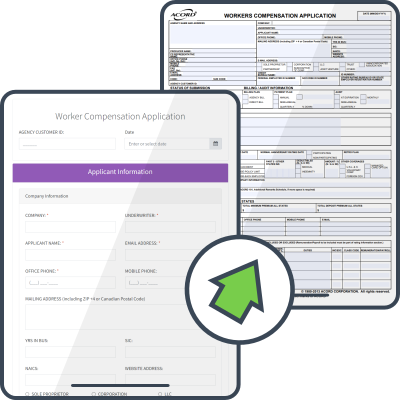
Form.io web forms capture submissions as structured digital records that can move through APIs, actions, exports, and downstream systems. The PDF can remain connected to the submitted data instead of becoming the only record of the workflow.

Teams can start from an existing PDF and convert it into a digital web form path instead of manually rebuilding the workflow from scratch. The legacy document remains useful, while the collection layer becomes structured, governed, and easier to connect.
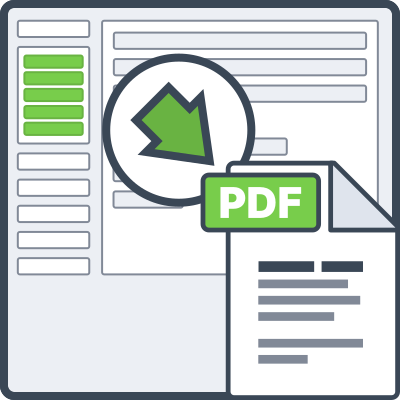
The PDF Template Designer helps teams decide what submitted data appears in the generated document and how it should be formatted. That matters when the output is a report, application, confirmation, packet, or compliance record.
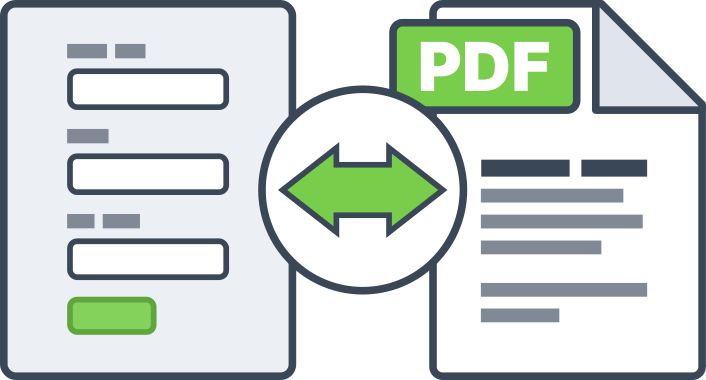
No. Some workflows should start as responsive webforms and generate PDF outputs later. Others need PDF-first forms where a legacy PDF remains the visual background. The right implementation depends on who fills the form, what downstream system needs the data, and whether the final document must match an existing format.
The PDF should not become the only source of truth. Form.io submissions remain structured records that can be accessed through the platform, APIs, exports, actions, and integrations according to the permissions and deployment model your team defines.
Form.io is often a fit when document workflows need customer-controlled deployment, structured records, API routing, revision-aware forms, and permission boundaries. The compliance answer still depends on your environment, modules, controls, and implementation requirements.
Bring one PDF-heavy workflow. Form.io will walk through intake, validation, submission storage, document output, API access, role boundaries, and downstream routing. The goal is to understand the architecture before your team commits to another document workaround.
If Form.io is not the right layer for the workflow, you will know before implementation planning begins.
PDFs are not disappearing from enterprise operations. The question is whether they stay disconnected from the application layer or become part of governed form infrastructure.
Form.io helps teams collect structured data, render PDF outputs, overlay existing documents, and route submissions through APIs and actions without losing control of the workflow behind the document.